
High-stakes exams have moved online, yet cheats still exploit weak browsers. Robust online test monitoring therefore depends on hardened browser security controls. This article explains the features every assessment leader must demand.
We draw on recent vendor policies, court rulings, and enterprise best practices. Our focus stays practical for universities, ed-tech, certification bodies, and corporate learning teams. Read on to defend integrity without sacrificing privacy or accessibility.
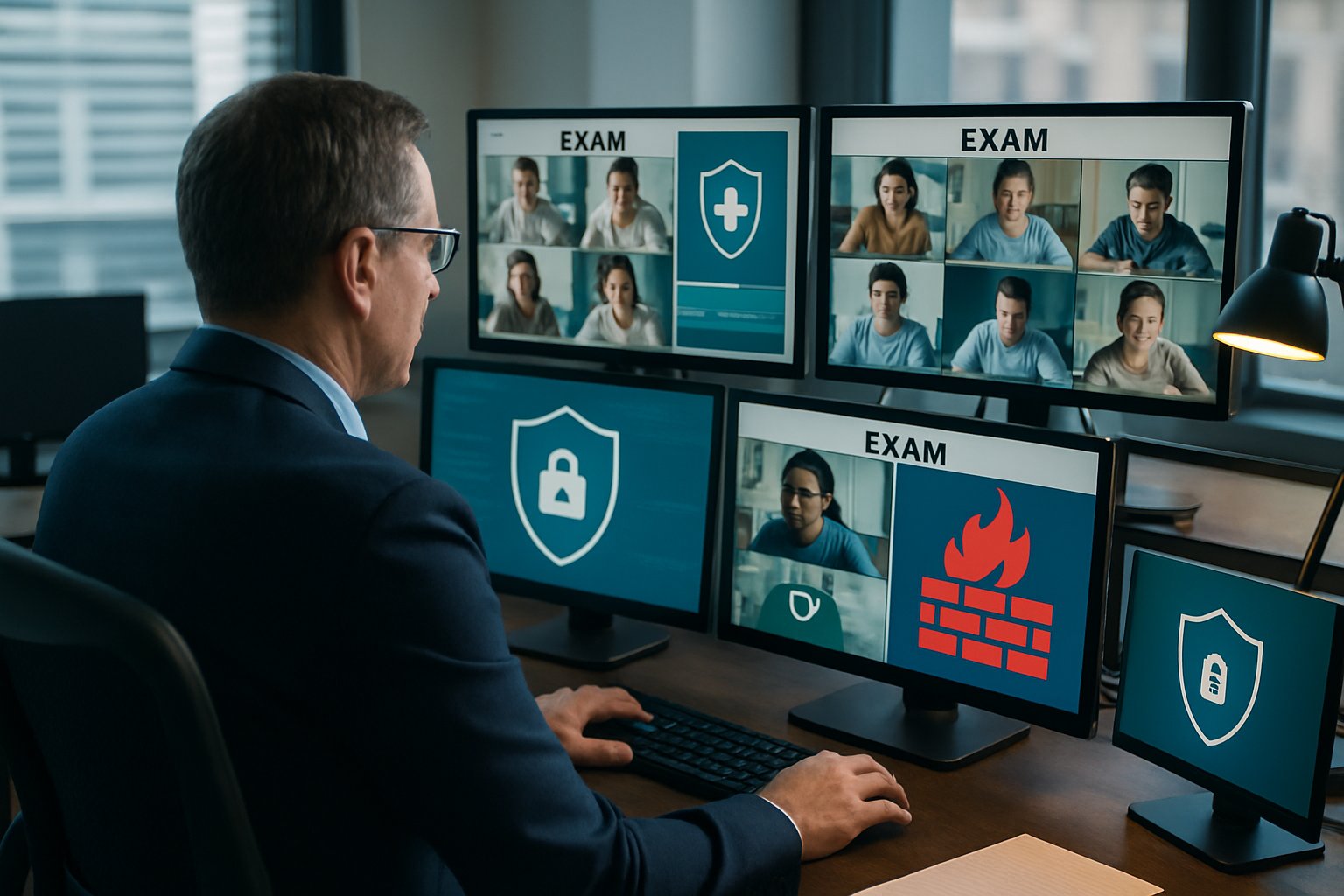
First, we map the market and its shift toward managed device strategies. Next, we dissect browser lockdown, identity assurance, and compliance implications. Finally, a checklist helps teams prepare for any remotely proctored exam scenario.
Along the way, we spotlight real risks such as room scans ruled unconstitutional. Concrete recommendations follow each section for quick adoption.
Because speed matters, each sentence remains concise and actionable. Let us begin by analyzing shifting market dynamics. Understanding those shifts sets the stage for stronger browser defenses.
Secure Online Test Monitoring
Effective monitoring begins with a clear threat model. Students can switch tabs, capture screens, or impersonate peers if controls lag. Therefore, security must lock down the browser, the device, and the network path.
Institutions also face legal scrutiny when policies overreach. Balancing integrity, privacy, and accessibility sets the foundation for every subsequent control.
Strong fundamentals guide every later decision. Next, we examine market trends shaping those fundamentals.
Shifting Market Landscape Trends
The proctoring market continues double-digit growth despite privacy headwinds. Analysts estimate 2024 revenues between USD 0.8 and 2.4 billion. Moreover, compound annual growth rates hover in the mid-teens through 2035.
- Respondus serves over 2,000 institutions.
- Room-scan litigation increases procurement scrutiny.
- Managed device strategies gain traction in K-12.
Such figures prove that secure online test monitoring remains mission-critical during each remotely proctored exam cycle. Nevertheless, institutions now favor enterprise browser policies over heavy client installs.
Market data underscores rising demand and rising risk. With context set, we dive into browser lockdown specifics.
Browser Lockdown Basics Explained
Lockdown browsers restrict navigation, shortcuts, developer tools, and printing. Safe Exam Browser and Respondus are leading online test monitoring examples. They disable screen grabs, enforce full-screen, and detect virtual machines.
However, device-level kiosk modes in ChromeOS or Edge often yield similar protection without extra installs. When paired with online test monitoring policies, kiosk mode blocks tab switching during any remotely proctored exam.
Choose lockdown clients only when device policies fall short. Next, we explore those policies in depth.
Why Device Policies Matter
Enterprise browsers expose hundreds of granular controls. Admins can disable screenshots, extensions, devtools, and downloads with JSON policy files. Additionally, Edge kiosk can auto-launch the exam URL in single-app mode.
Such policies travel with managed devices, making support predictable during a remotely proctored exam. Consequently, fewer downloads mean fewer urgent help-desk tickets.
Device policies eliminate many classroom headaches. Now, attention shifts to verifying the test taker.
Key Identity Assurance Tactics
Identity checks must be strong yet respectful. WebAuthn passkeys bind the exam account to hardware, blocking credential sharing. Moreover, multifactor prompts reduce reliance on facial algorithms that can misfire.
Institutions should layer these steps into their online test monitoring workflow for every high-stakes attempt. During a remotely proctored exam, hardware keys prove cheaper and less biased than biometrics.
Strong identity boosts deterrence and audit confidence. Next, we balance these controls with privacy obligations.
Balancing Privacy And Compliance
Legal risk grows when surveillance feels excessive. Courts now reject blanket room scans, citing constitutional limits. Therefore, collect only necessary data and publish clear retention periods.
Privacy-by-design still allows effective online test monitoring without continuous audio or invasive video sweeps. Meanwhile, audit logs must stay tamper-resistant yet purge automatically after policy deadlines.
Transparent policies build student trust and regulator goodwill. Finally, we condense recommendations into a simple checklist.
Practical Implementation Checklist Guide
Use this quick list to verify readiness before each remotely proctored exam.
- Enforce kiosk or lockdown mode on managed devices.
- Disable screenshots and unapproved extensions via policy.
- Integrate WebAuthn passkeys for identity confirmation.
- Publish short, clear data retention schedules.
- Document accessibility exceptions and manual review steps.
Together, these tasks strengthen the entire assessment lifecycle. Now, let us wrap with key insights and next steps.
Browser security, device management, identity checks, and privacy safeguards work best as one system. Follow the checklist to deploy reliable defences in every remotely proctored exam. When done right, online test monitoring deters cheating while respecting student rights.
Why Proctor365? Our AI-powered engine flags anomalies in real time and scales effortlessly from class quizzes to global certifications. Advanced identity verification with passkeys, face match, and document checks stops imposters cold. Moreover, granular privacy controls and short retention windows satisfy stringent compliance regimes. Trusted by universities and exam bodies worldwide, Proctor365 delivers secure, scalable oversight you can prove. Book a demo at Proctor365.ai and protect your next session.
Frequently Asked Questions
- How do lockdown browsers enhance online exam security?
Lockdown browsers disable navigation, screenshots, and other unauthorized functions, ensuring exam integrity. They create a secure testing environment, which complements Proctor365’s robust monitoring features for reliable proctoring. - How does Proctor365 utilize AI proctoring and identity verification for fraud prevention?
Proctor365 combines AI-driven real-time monitoring with robust identity verification methods, including WebAuthn passkeys and face match, to detect anomalies and prevent cheating, ensuring secure and compliant remote exam environments. - Why are device policies critical for remote proctoring?
Enterprise-level device policies allow granular controls such as disabling screenshots and unapproved extensions. They enable consistent enforcement during exams, and when paired with Proctor365’s secure integrations, reduce support issues and enhance security. - What privacy safeguards ensure exam integrity with Proctor365?
Proctor365 emphasizes privacy by implementing short retention windows and transparent data policies. This compliance-focused approach balances effective exam monitoring with strict privacy controls, preventing unauthorized data collection while maintaining exam security.






