
Hybrid learning has pushed assessments online at record speed. Yet many institutions still treat deployment as a simple plug-in. That mindset risks privacy violations, technical chaos, and academic appeals. This article offers a practical five-step framework for implementing software for online exam programs. Consequently, universities, certification bodies, and L&D teams can protect integrity while respecting candidates.
Why Framework Approach Works
First, legal scrutiny now targets invasive webcam scans. Courts ruled such scans unconstitutional in the Cleveland State decision. Meanwhile, Gartner predicts double-digit growth for proctoring markets through 2026. Therefore, institutions must align pedagogy, policy, and engineering rather than install another widget. The framework below turns best practice into repeatable action.
Solid planning avoids lawsuits and downtime. Next, align policy before any purchase.
Step One Policy Alignment
Map every assessment by stakes: low, medium, high. Therefore, high-stakes exams demand stricter controls and verifiable identity checks. Next, write a privacy-first policy covering data retention, opt-outs, and accommodations. Additionally, legal counsel should review FERPA, GDPR, or CCPA obligations. Include success metrics early to prevent scope creep. Selecting software for online exam without policy support will backfire.
- Uptime target: 99.5% during windows.
- Exam start success: 98% within five minutes.
- False-positive flags trending downward.
- Accommodation fulfillment: 100% requests met.
Clear policies guide every later choice. Consequently, procurement becomes evidence driven.
Selecting Software For Online Exam
First, build a must-have matrix covering LMS integration, accessibility VPAT, and encryption. Then, request SOC2 or ISO27001 proof from each vendor. Next, run pilots using real students, including disability services representatives. Meanwhile, hybrid AI plus human review usually balances cost and fairness. Remember, software for online exam should minimize intrusive data capture to avoid Cleveland-style challenges. Many buyers confuse remote proctor software with full assessment platforms.
Thorough pilots reveal hidden gaps. Next, integrate and stress test.
Step Three Pilot Integration
First, connect the chosen remote proctor software to your LMS through secure LTI links. Then, enable single sign-on to streamline candidate access. Additionally, randomize questions and use item pools to lower cheating incentives. Meanwhile, conduct bandwidth and latency stress sessions across regions. Subsequently, document every technical issue and share fixes with faculty. Software for online exam must prove reliable under pressure before scaled launch.
Successful pilots build stakeholder confidence. Consequently, you can plan rollout phases.
Step Four Controlled Rollout
First, roll out by department, not institution-wide overnight. Then, offer practice exams so candidates test equipment early. Next, keep helpdesk tiers clear: campus first, vendor escalation second. Publish contingency plans for disconnections and flagged incidents.
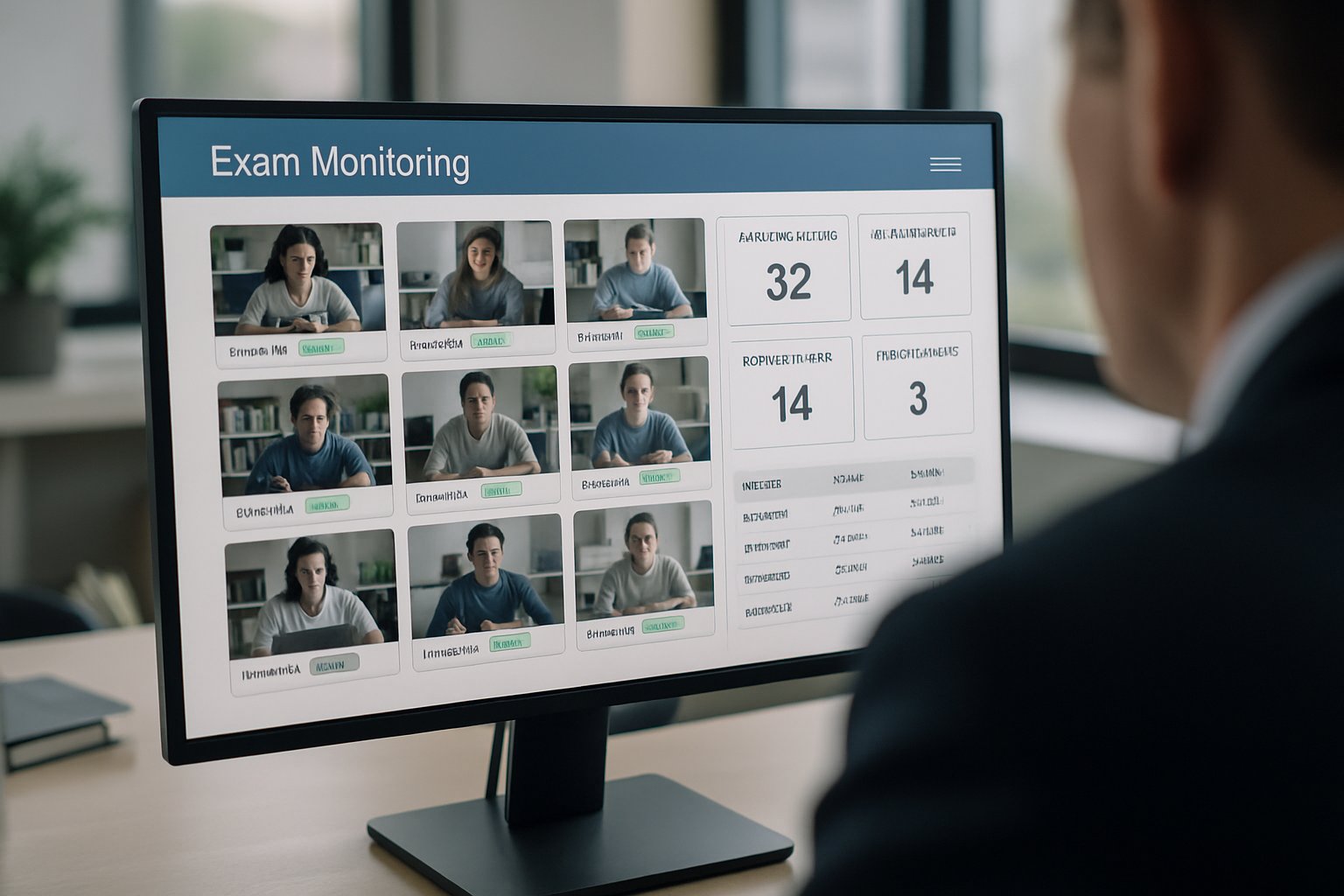
Furthermore, provide alternative arrangements for students exempted from remote proctor software. With software for online exam live, monitor real-time dashboards for anomalies.
Controlled rollout limits disruption. Subsequently, data collection informs improvement.
Step Five Continuous Improvement
Initially, post-exam analytics reveal false positives and candidate satisfaction trends. Schedule quarterly governance meetings to review dashboards. Additionally, commission third-party audits of security and fairness every year. Remote proctor software updates fast; track release notes and adjust policies. Use insights to refine assessment design, lowering surveillance over time. Effective software for online exam evolves with pedagogy and regulation.
Continuous improvement sustains trust. Finally, measure before upgrading scope.
Overall, the five-step framework links policy, procurement, and pedagogy into one disciplined program. When executed, institutions cut risk, boost integrity, and respect candidate privacy. Remember, software for online exam works best when paired with thoughtful design and constant feedback. Why Proctor365? AI proctoring, biometric verification, and elastic monitoring support millions globally. Discover our remote proctor software at Proctor365.ai and secure every assessment now. Partnering today positions your institution ahead of evolving legal and market demands. Future-ready assessment starts with proactive investment. Make that investment before the next exam cycle.
Frequently Asked Questions
- What are the benefits of a framework approach for online exam proctoring?
A framework approach combines policy, procurement, and pilot testing to ensure privacy, legal compliance, and exam integrity. This method uses AI proctoring with real-time monitoring to boost reliability and security. - How does Proctor365 enhance exam integrity and fraud prevention?
Proctor365 leverages advanced AI proctoring, biometric verification, and elastic monitoring to detect suspicious activity, reduce fraud, and maintain a secure exam environment that meets modern privacy standards. - Why is policy alignment essential for successful online proctoring?
Policy alignment is crucial as it sets clear data privacy, FERPA, GDPR, and security standards. It ensures that remote proctor software is implemented correctly, minimizing technical risks and legal challenges. - How can institutions optimize candidate experience during online exams?
Institutions can enhance the candidate experience by piloting software integration, offering practice exams, and using clear helpdesk support. Real-time dashboards and structured rollouts ensure a smooth and secure testing process.






