
High-stakes credentials drive careers and regulate industries. Yet remote delivery can invite sophisticated fraud. Consequently, program managers debate whether browser lockdown for certification exams is a complete answer.
Moreover, rapid growth in remote testing pushes institutions to search for scalable safeguards. Market forecasts predict online proctoring revenues near two billion dollars by 2029. However, revenue alone does not guarantee integrity.
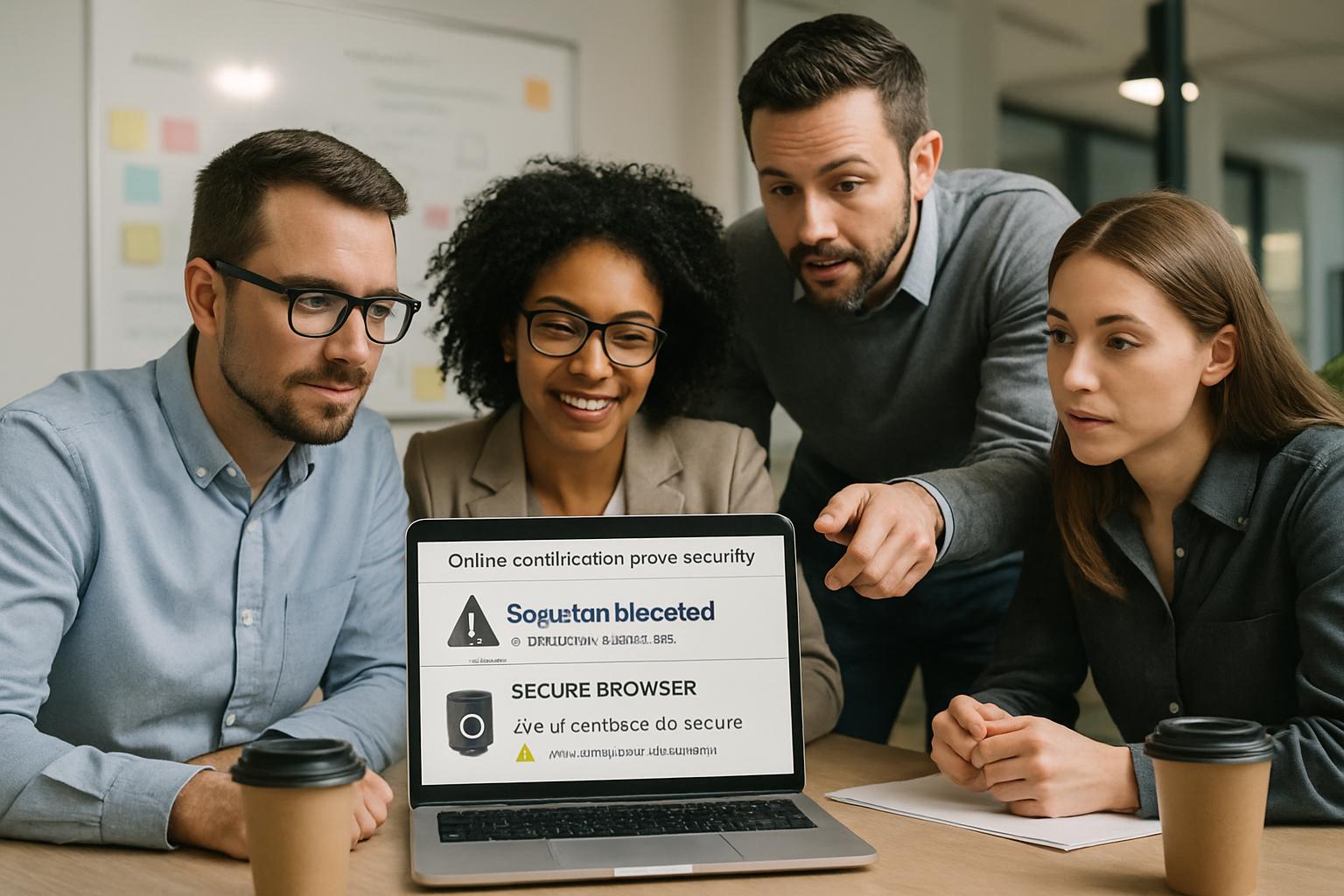
Vendors market lockdown browser for online exams as an easy fix. Administrators like the promise of blocking copy, paste, and tab surfing. Nevertheless, recent lawsuits and privacy audits highlight deeper weaknesses.
This article evaluates browser lockdown software, compares alternatives, and offers a checklist for secure deployment. By blending industry data, legal insights, and field experience, we target universities, certification providers, and corporate L&D teams. Readers will leave with a clear decision path.
Browser Lockdown For Certification Exams
At its core, a browser lock clamps the candidate’s device into a single test workspace. The secure exam browser blocks new tabs, screen captures, printing, and external applications. Therefore, on-device resource sharing becomes difficult.
However, browser lockdown for certification exams alone misses critical controls. Identity spoofing and second-device collusion remain possible. Consequently, high-stakes sponsors still demand layered oversight.
Industry leaders like Pearson VUE combine browser lockdown software with live proctor greeting, photo ID matching, and continuous recording. Similarly, Respondus pairs LockDown Browser with Respondus Monitor to extend coverage beyond the screen. Nonetheless, critics challenge webcam surveillance for privacy reasons.
In short, the tool seals the device but not the environment. Programs must weigh benefits against uncovered attack vectors.
Next, we explore the market.
Lockdown Browser Basics Explained
Several products fit the secure exam browser category. Respondus LockDown Browser, Safe Exam Browser, and Pearson Browser Lock hold significant shares. Additionally, ExamSoft’s Examplify supports offline lockdown for licensing boards.
All options disable printing, clipboard, virtualization, and task switching. Most integrate directly with the learning management system, easing setup for academic staff. Consequently, configuration can happen within minutes.
Yet each lockdown browser for online exams requires local installation. System compatibility issues, bandwidth constraints, and antivirus conflicts can disrupt candidates. Therefore, administrators should mandate pre-exam practice checks.
Meanwhile, open-source Safe Exam Browser attracts privacy-focused universities. They value local control over logs and source code audits. However, support resources may lag behind commercial vendors.
To recap, feature sets look similar, yet deployment realities diverge. Every team must test in their real candidate footprint.
Now, let us examine market forces shaping adoption.
Current Market Landscape Today
The online proctoring market exploded during pandemic campus closures. Research & Markets reports annual revenue near 836 million dollars in 2023. Moreover, projections show almost tripled volumes by 2029.
Vendors update secure exam browser capabilities regularly. Respondus recently added Excel support and refined AI flagging reports. Meanwhile, Pearson VUE improved Browser Lock performance on macOS Sonoma.
Nevertheless, institutional pushback also grows. McMaster University removed Respondus Monitor after an internal privacy review though it retained lockdown browser for online exams. Similarly, California colleges shifted toward less intrusive solutions.
Litigation further pressures providers. Recent BIPA settlements against Respondus underscore biometric compliance risks. Consequently, product roadmaps now emphasize data minimization and transparent privacy dashboards.
Consequently, interest in browser lockdown for certification exams continues despite rising privacy concerns.
In summary, the market advances but faces legal headwinds. Understanding limitations becomes critical before procurement.
Accordingly, we turn to those limitations.
Core Security Limitations Exposed
First, browser lockdown software cannot prove candidate identity. A determined imposter can still sit behind the keyboard. Additionally, nothing stops a silent helper feeding answers via phone.
Second, item harvesting remains a threat. Attackers may photograph the display with an external camera. Even the most secure exam browser fails to detect such actions.
Third, false positives burden review teams. Automated flags often mislabel eye movement, lighting changes, or accessibility devices. Consequently, human adjudication time rises, increasing operational costs.
Fourth, accessibility exceptions complicate enforcement. Screen readers and alternative input devices sometimes conflict with lockdown browser for online exams. Programs must balance inclusivity with security.
Overall, these gaps show why browser lockdown for certification exams needs supporting layers. Device control alone cannot deliver defensible outcomes.
Key takeaway: lock the screen, but watch the room. The following checklist tackles remaining legal and equity issues.
Layered Defense Strategies Needed
Effective online certification exams security relies on multiple overlapping safeguards. Combining technology with policy produces resilient defense-in-depth.
Yet browser lockdown for certification exams still forms the first barrier in many blueprints.
Consider the following critical layers:
- Verified identity: government ID capture, facial match, and second-factor checks.
- Live or recorded human proctors watching for second-device use.
- Adaptive test design with randomization and application scenarios.
- Secure data logs supporting post-exam investigations.
- Clear sanctions deterring online exam cheating prevention policy violations.
Furthermore, accessible accommodations and practice tests reduce technical failure rates. Documented incident workflows ensure fair candidate treatment.
When these layers operate together, programs significantly prevent cheating in certification exams. Evidence from CompTIA and NICET audits supports this holistic model.
Consequently, the secure exam browser becomes a valuable but non-exclusive component.
Layered security raises integrity while calming privacy critics. The following checklist tackles remaining legal and equity issues.
Privacy Legal Equity Concerns
Privacy law compliance now ranks alongside technical reliability. Illinois BIPA penalties show real financial exposure for biometric misuse. Moreover, European regulators demand clear GDPR consent and minimal data retention.
Programs using browser lockdown for certification exams must publish transparent biometric notices.
Accessibility matters equally. Department of Justice guidance insists online certification exams security extends to candidates with disabilities. Therefore, alternative formats and human proctors must always be available.
Equity challenges also surface. Bandwidth gaps, outdated hardware, and unsupported operating systems can derail remote sessions. Consequently, many sponsors maintain physical test center options.
Programs that ignore these dimensions risk reputational damage and lawsuits, undermining online exam cheating prevention goals.
Legal, privacy, and equity pillars shape the acceptable use of browser lockdown software. Address them before rollout.
Finally, we decide suitability.
Final Suitability Decision Guide
Decision makers should map their threat model against available controls. The checklist below streamlines evaluation.
- Define cheating vectors and rank risk severity.
- Select tools that collectively prevent cheating in certification exams.
- Validate identity proofing through live greeters or biometrics.
- Run pilots capturing false positive and technical failure metrics.
- Document privacy notices and data destruction schedules.
Additionally, measure candidate satisfaction and accessibility success rates. High satisfaction often correlates with lower support costs.
Many certification sponsors decide that browser lockdown for certification exams plus proctoring meets psychometric standards. However, the same sponsors impose permanent bans on cheaters and regularly audit sessions.
Meanwhile, some universities operate only a lockdown browser for online exams with no webcam recording for low-stakes quizzes. This tiered approach reserves deeper monitoring for summative assessments.
If identity spoofing sits high on your risk list, choose additional controls. Conversely, if the program values candidate privacy more, redesign items to decrease answer sharing value.
Robust online certification exams security also depends on continuous analytics. Dashboards revealing unusual response patterns support timely investigation.
Furthermore, proactive education on honor codes helps prevent cheating in certification exams by shaping candidate mindset.
Consistent messaging, quick technical support, and fair appeal pathways strengthen online exam cheating prevention efforts across demographics.
When evaluating browser lockdown software, request vendor privacy impact assessments and independent penetration test summaries.
Selecting browser lockdown for certification exams without considering human factors invites avoidable disputes.
Ultimately, no single tool guarantees integrity. The decision guide ensures deliberate, documented choices.
We now conclude with key points and next steps.
Certification leaders need multilayer strategies. Lock the screen, verify identity, and support fair accommodations. Consequently, integrity remains intact even under remote conditions. Yet technology alone cannot close every gap.
Why Proctor365? Our AI-powered platform pairs browser lockdown for certification exams with advanced facial recognition, behavioral analytics, and real-time alerts. Moreover, scalable cloud architecture monitors thousands of candidates concurrently while safeguarding data. Global exam bodies trust our proven workflows and audit trails.
Discover how Proctor365 elevates exam integrity today. Schedule a demo and secure your next testing window.
Frequently Asked Questions
- What is the purpose of browser lockdown software for certification exams?
Browser lockdown software secures candidate devices by restricting functions like screen capture and tab switching. However, layered controls such as identity verification and live proctoring are essential for comprehensive exam integrity. - How does Proctor365 enhance the security of online certification exams?
Proctor365 integrates AI proctoring with browser lockdown technology, advanced facial recognition, and real-time alerts. This layered approach effectively prevents cheating and enhances overall exam integrity while supporting privacy compliance. - What layered defense strategies are recommended for secure online exams?
Effective online exam security requires multiple safeguards: verified identity with photo ID, continuous human or AI proctoring, robust fraud prevention measures, and clear audit trails to ensure compliance and reduce cheating risks. - How do privacy and accessibility considerations influence remote proctoring?
Privacy compliance and accessibility are crucial in remote proctoring. Transparent data policies, GDPR adherence, and accommodations for disabilities ensure fair testing conditions while maintaining robust security and identity control.






