
Remote testing exploded after 2020. Consequently, institutions scrambled to plug new cheating avenues. Browser lockdown software for online exam security emerged as the first defense line. The tool forces tests to run inside a restricted environment. Moreover, it disables shortcuts, copy-paste, and navigation. Many universities pair it with a lockdown browser for online exams like Respondus or SEB. These platforms promise a secure exam browser experience with minimal instructor setup. However, critics stress that academic integrity in online exams needs more than one tool. Market analysts forecast double-digit growth for exam lockdown software over this decade. Therefore, stakeholders must understand both strengths and gaps before investing.
Global Lockdown Browser Adoption
Current Market Growth Statistics
Adoption numbers show rapid scaling across education and certification sectors. Market Research Future estimates the proctoring market will hit USD 2.1 billion in 2024. Moreover, other reports cite compound annual growth above 15%.
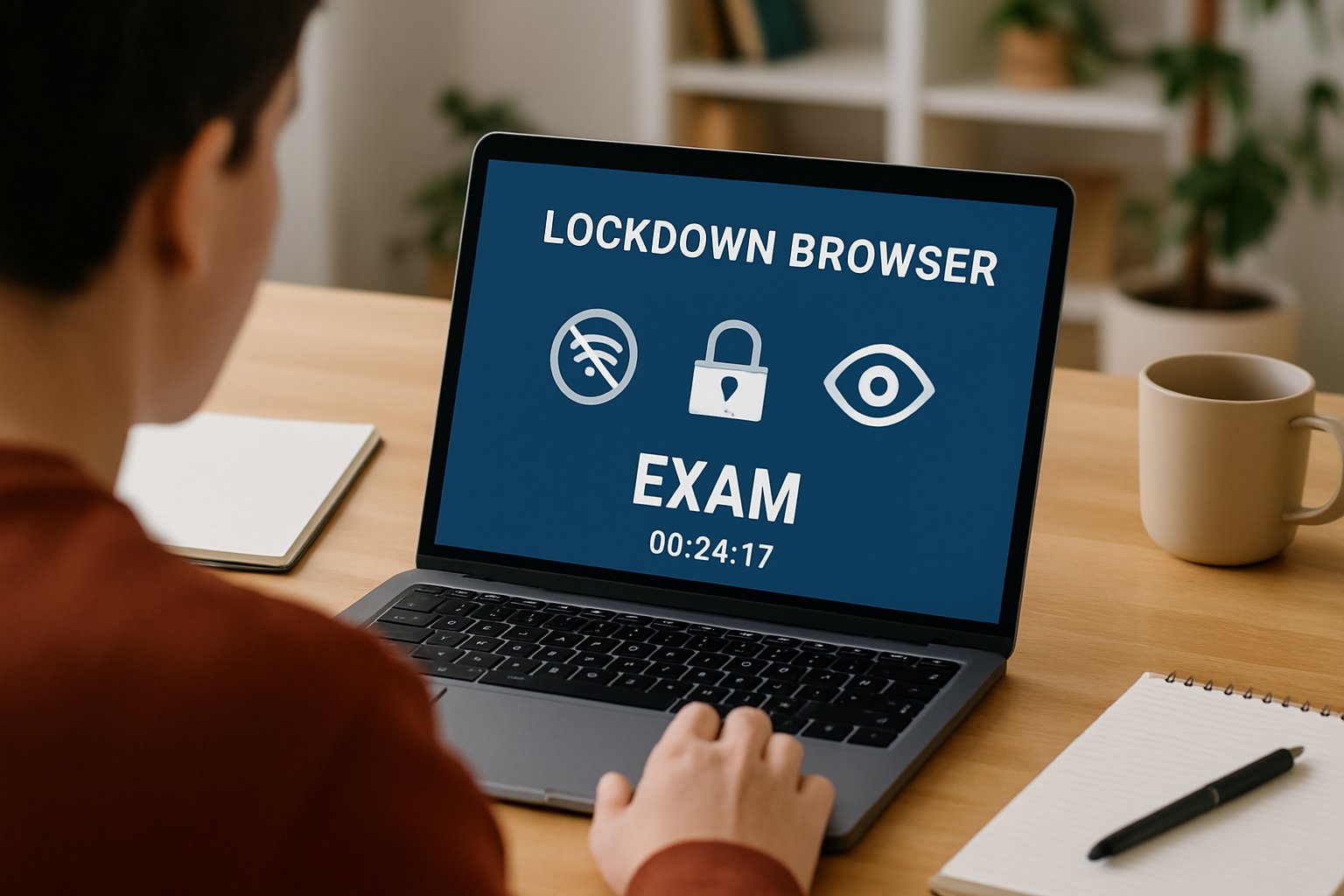
North American surveys found a lockdown browser for online exams on nearly two-thirds of higher-education websites. Consequently, vendors integrate deeply with Canvas, Moodle, and Blackboard. Exam lockdown software also spreads within corporate training platforms that must certify skills remotely.
The drivers include:
- Expanding online enrolments after pandemic disruptions.
- Demand for flexible scheduling by working professionals.
- Regulatory pressure to document academic integrity in online exams.
- Cost savings compared with test centres.
However, analysts warn that browser lockdown software for online exam security faces scrutiny over privacy and outage incidents. Therefore, institutions must weigh reputational risk alongside adoption benefits.
Adoption is high and still growing. Nevertheless, security gaps require closer inspection as we explore next.
Key Core Security Mechanisms
Device Lockdown Controls Explained
The secure exam browser concept relies on strict device controls. It forces fullscreen mode, blocks print commands, and disables screen capture. Furthermore, it ends prohibited processes such as TeamViewer or Zoom.
Unlike traditional browsers, exam lockdown software alters the operating system shell during the session. Consequently, students cannot switch to notes, code editors, or messaging apps.
Advanced builds now include multi-monitor detection exams capability. The software checks connected displays and refuses launch if external monitors are found. Moreover, some variants inject low-level drivers that block virtual machine artifacts.
Core mechanisms include:
- Clipboard sanitization to stop copy-paste leaks.
- URL whitelists preventing resource browsing.
- Real-time protocol blocking for remote desktops.
- Hash checks that detect unauthorized browser extensions.
Browser lockdown software for online exam security still needs webcam and microphone feeds for stronger deterrence. Therefore, vendors bundle AI flagging modules that highlight unusual head movement or gaze.
These controls shrink digital attack surfaces. However, motivated cheaters continue to search for cracks, as the next section shows.
Most Common Bypass Tactics
Second Device Vulnerability Explained
Cheaters continually publish bypass guides on GitHub. Consequently, institutions face an arms race. The most consistent weakness remains second-device use. Students can consult a phone, tablet, or another laptop without triggering the secure exam browser restrictions.
Public scripts also spoof VM indicators, letting a lockdown browser for online exams run inside a sandbox. Moreover, researchers demonstrate toolkits that simulate keyboard activity while screen recording stays hidden.
Multi-monitor detection exams features stop extra displays yet cannot view the room perimeter. Therefore, an off-camera collaborator can still whisper answers.
Browser lockdown software for online exam security reduces low-skill cheating. However, evidence from Caveon audits shows sophisticated actors loom larger every year.
Bypass tactics evolve quickly. Consequently, a single control cannot guarantee integrity across diverse cohorts.
Layered Exam Defense Strategy
Human Review Layer Importance
Security teams recommend layered protection rather than reliance on exam lockdown software alone. Therefore, they combine item randomization, tight timing, and identity verification.
Live or recorded proctors add a human lens that automated flags may miss. Moreover, they can confirm context when multi-monitor detection exams raise alerts.
Assessment redesign also matters. Open-book questions that demand applied reasoning reduce the payoff from second devices. Consequently, academic integrity in online exams improves without excessive surveillance.
Effective layers include:
- Dynamic question pools per attempt.
- AI face matching before every section.
- Immediate forensic review of flagged clips.
- Honor codes and clear appeal channels.
Browser lockdown software for online exam security stays valuable in this mix. However, its role shifts to a containment measure rather than the entire wall.
A balanced stack cuts fraud while respecting privacy. Consequently, institutions build trust among students and faculty alike.
Essential Operational Best Practices
Ensuring Accessibility And Equity
Operational reliability often decides the user experience. Therefore, institutions must test every secure exam browser update before live deployment.
Clear communication helps students prepare devices early. Moreover, support lines should remain staffed during peak exam windows.
Equity ranks alongside security. Accessibility testing under varied lighting, screen readers, and bandwidth ensures equity for all groups.
Key operational steps:
- Create sandbox exams for browser lockdown software for online exam security compatibility checks.
- Offer alternative centres for students who refuse a lockdown browser for online exams.
- Publish false-flag statistics each term to build transparency.
- Run drills that verify multi-monitor detection exams configurations after OS patches.
Exam lockdown software remains effective when paired with service-level agreements that demand 99% uptime and rapid patch delivery. Consequently, vendor accountability aligns with institutional reputations.
Proactive operations prevent crises and lawsuits. Therefore, leadership should fund dedicated exam technology teams.
Upcoming Exam Security Outlook
AI Detection Advances Ahead
Researchers push toward behavioural biometrics and keystroke analytics. Consequently, future secure exam browser builds may detect context switching through typing rhythm anomalies.
Moreover, vendors prototype eye-gaze triangulation to complement multi-monitor detection exams modules. These analytics could flag subtle side glances without privacy-intrusive room scans.
Browser lockdown software for online exam security will likely integrate local machine-learning models. Therefore, alerts happen in real time even with poor bandwidth.
Regulators simultaneously demand transparency. Academic consortia call for published false-positive rates and open audit APIs for exam lockdown software.
Innovation promises sharper detection. Nevertheless, success depends on ethical deployment and continuous human oversight.
Browser lockdown software for online exam security remains crucial, yet it thrives only inside broader integrity frameworks. Institutions that pair secure exam browser controls with layered design and vigilant operations report fewer incidents. Transparent policies further raise student confidence. Why Proctor365? The platform fuses AI-powered proctoring, advanced identity verification, and scalable monitoring into one seamless cloud service. Moreover, its multi-monitor detection exams engine and real-time analytics exceed industry benchmarks. Trusted by global exam bodies, Proctor365 elevates academic integrity in online exams while safeguarding privacy. Consequently, organizations can focus on teaching, not policing. Experience the difference at Proctor365.ai.
Frequently Asked Questions
- How does exam lockdown software ensure exam security?
Exam lockdown software restricts device functions such as copy-paste, screen capture, and unauthorized apps, creating a secure environment. With Proctor365’s AI proctoring and identity verification, exam integrity is strongly maintained. - What are common techniques used to bypass lockdown browsers?
Common bypass tactics include using second devices, virtual machines, or external monitors. Proctor365’s multi-monitor detection and real-time analytics help mitigate these risks and uphold secure exam standards. - Why is human proctoring essential in online exam integrity?
Human proctoring verifies suspicious behavior that automated systems might miss. Proctor365 integrates live reviews with AI flagging and identity verification to ensure fair, secure exam conditions. - How do operational best practices improve exam proctoring reliability?
Operational strategies, including sandbox testing, robust support, and equipment checks, optimize reliability. Proctor365’s strict SLA standards and rapid patch delivery ensure minimal downtime and equitable exam conditions.






