
Cheating moved online as exams left the classroom. Consequently, institutions now race to secure online exams with browser lockdown. The stakes are huge: a market worth up to $2 billion and reputations on the line. Moreover, students, regulators, and faculty demand privacy, accessibility, and fairness. This ultimate guide offers clear, step-by-step advice for universities, ed-tech firms, and corporate L&D teams.
Why Browser Lockdown Matters
Cheating rates during remote exams reached 44.7% in one 2023 review. However, lockdown browsers curb quick window switching, copy-paste, and unauthorized web access. EDUCAUSE polls show roughly 60% of campuses rely on lockdown technology. Meanwhile, states like California now limit data collection, forcing policy updates.
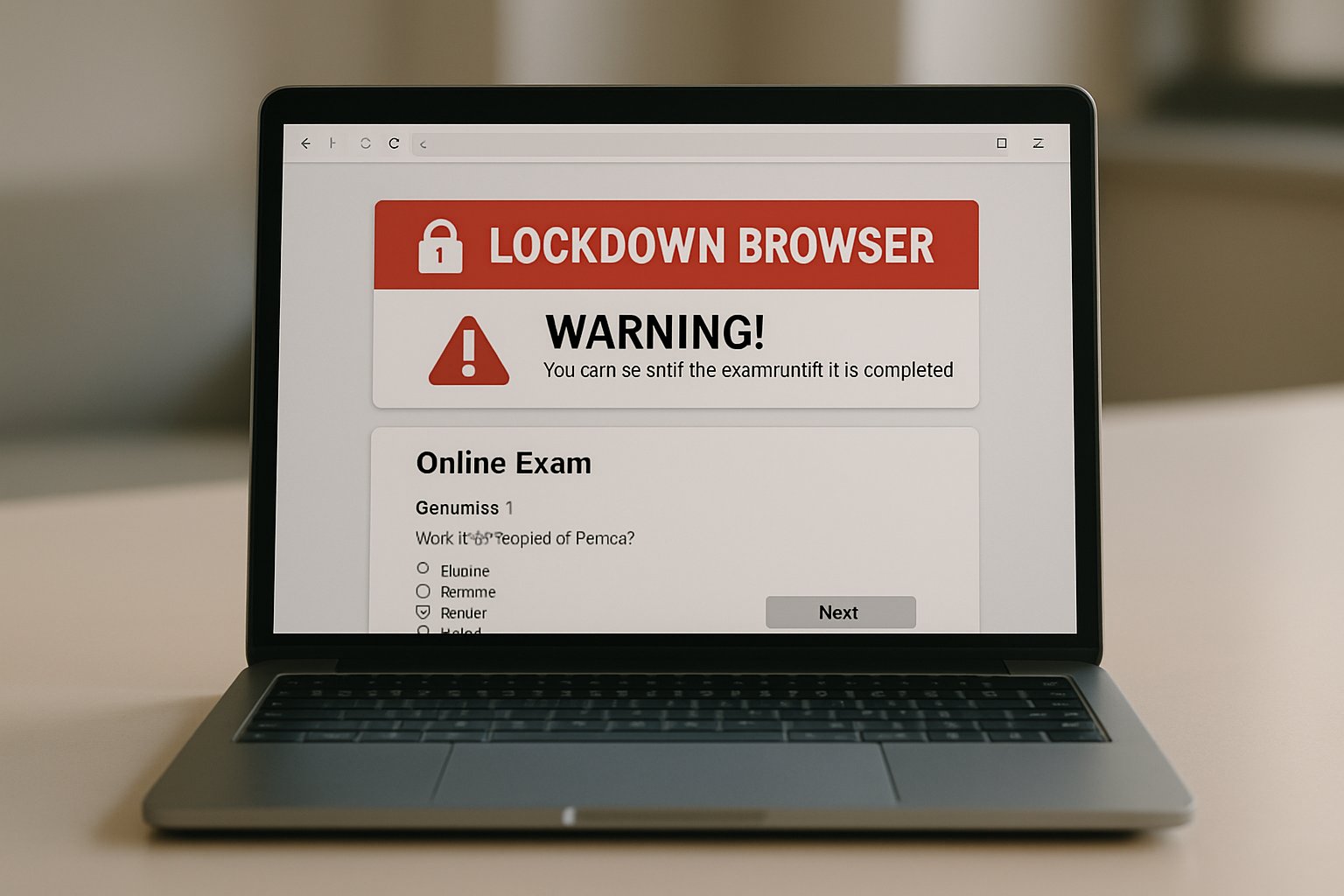
Respondus, Honorlock, and Safe Exam Browser lead adoption. Each promises hardened clients and live or AI review. Yet, security researchers found clipboard and path-traversal exploits in 2024. Therefore, staying patched remains essential.
Key takeaway: Browser lockdown blocks low-effort cheats, but only if the client stays current. Next, we explore the core technology.
Core Lockdown Technology Explained
A secure exam browser launches the test site in kiosk mode. It disables shortcuts, printing, screen sharing, and unauthorized URLs. Additionally, vendors integrate room video and multi-monitor detection exams features that flag secondary screens.
Commercial suites bundle AI proctoring, while Safe Exam Browser offers open-source control. Institutions can embed configuration files or rely on LMS plug-ins. Furthermore, modern clients verify checksums to block tampered builds. Respondus now publishes a privacy supplement clarifying minimal data collection.
Secondary keywords appear naturally here: browser lockdown software, lockdown browser for online exams, and online exam security. Each technology layer prevents, then detects suspicious activity.
Key takeaway: Understanding how each layer restricts devices guides better configuration. The next section reviews benefits and market data.
Benefits And Market Data
Lockdown solutions deliver three primary wins:
- Prevention: Blocks switching, copying, and printing.
- Integration: Links directly with LMS gradebooks and analytics.
- Scalability: From free SEB to enterprise AI suites.
Market forecasts project high-teens CAGR through 2030. Moreover, vendors tout millions of exam sessions monthly. Consequently, IT leaders see lockdown as a quick integrity boost. Pairing it with online exam security analytics further deters misconduct.
Key takeaway: Adoption grows because lockdown raises barriers quickly. Yet, risks remain, as the next section shows.
Risks And Privacy Concerns
No tool stops every cheat. Clever students still exploit virtual machines or outdated clients. In 2024, CVE-2024-37742 let users share clipboards in SEB until a patch landed. Additionally, false AI flags can stress students and overload faculty review queues.
Privacy advocates, including EFF, warn that webcams and biometric checks may be intrusive. Laws now demand clear opt-outs and limited retention. Accessibility complaints also grow when proctoring fails to support assistive tech.
Therefore, institutions must balance online exam security with rights. Implement robust policies and transparency to win trust.
Key takeaway: Risks underscore the need for policy, patching, and communication. Implementation steps follow next.
Implementation Checklist Steps Guide
The following seven steps create a defensible program:
- Draft policy first—define allowed tools and student alternatives.
- Run privacy, security, and accessibility reviews before purchase.
- Enforce updates for every secure exam browser version.
- Choose least-intrusive settings to honor privacy laws.
- Require human review of AI flags with clear appeals.
- Train faculty and students using sandbox tests.
- Design assessments that limit answer sharing.
Best Practice Lockdown Settings
For every exam, lock the URL, disable clipboard, and enable multi-monitor detection exams. Additionally, force version checks to stop tampered clients. Combine lockdown with screen recording when stakes justify.
Key takeaway: A structured checklist converts theory into routine practice. We now look ahead.
Future Trends And Research
Vendors now add keystroke analysis, real-time threat feeds, and adaptive analytics. Moreover, open standards like LTI Advantage simplify cross-platform lockdown. Researchers also push for stronger evidence on effectiveness beyond self-reports.
Meanwhile, regulators tighten privacy controls. Consequently, expect shorter retention periods and on-device processing. Institutions will demand transparent AI to reduce bias.
Key takeaway: The landscape evolves fast, so governance and continuous review stay critical. We close with a summary and solution.
Conclusion
Lockdown browsers raise the bar against opportunistic cheating. However, lasting success blends current software, thoughtful policy, human oversight, and resilient assessment design. Institutions that consistently update, communicate, and review settings achieve measurable gains.
Why Proctor365? Our platform helps secure online exams with browser lockdown while adding AI-powered proctoring, advanced identity verification, and scalable monitoring trusted by global exam bodies. Explore Proctor365 today and protect academic integrity with confidence.
Frequently Asked Questions
- How does browser lockdown improve online exam security?
Browser lockdown prevents cheating by disabling copy-paste, window switching, and unauthorized web access. With AI proctoring and advanced identity verification, Proctor365 ensures secure exam sessions and real-time fraud prevention. - What should institutions consider when implementing browser lockdown solutions?
Institutions should enforce update protocols, integrate LMS seamlessly, and enable human review of AI alerts. These measures, paired with robust identity verification, enhance exam integrity while maintaining privacy. - How does Proctor365 balance exam integrity with privacy concerns?
Proctor365 minimizes data collection, offers clear opt-out options, and leverages secure AI monitoring alongside advanced identity checks to balance exam integrity with stringent privacy requirements. - What future trends could impact browser lockdown for online exams?
Emerging trends like AI-driven threat analysis, adaptive proctoring, and transparent biometric processing, combined with continuous software updates, enhance browser lockdown effectiveness and exam security.






