
Phones now outnumber laptops in many classrooms globally. However, exam security teams still trust desktops by default. That habit hides a widening security gap. This article dissects mobile versus desktop realities in remote test proctoring. We anchor the analysis in recent market data, independent red-team findings, and regulatory pressure. Moreover, we map practical steps universities, certification bodies, and corporate L&D teams can adopt immediately.
Remote Test Proctoring Landscape
Market reports place online proctoring revenue between USD 648 million and 1.2 billion for 2025. Forecasts suggest double-digit compound growth through 2030, driven by global digital assessment demand. Mobile proctoring adoption surged, yet desktop remains the reference implementation for most vendors. Consequently, capability gaps appear whenever exams move to phones or tablets.
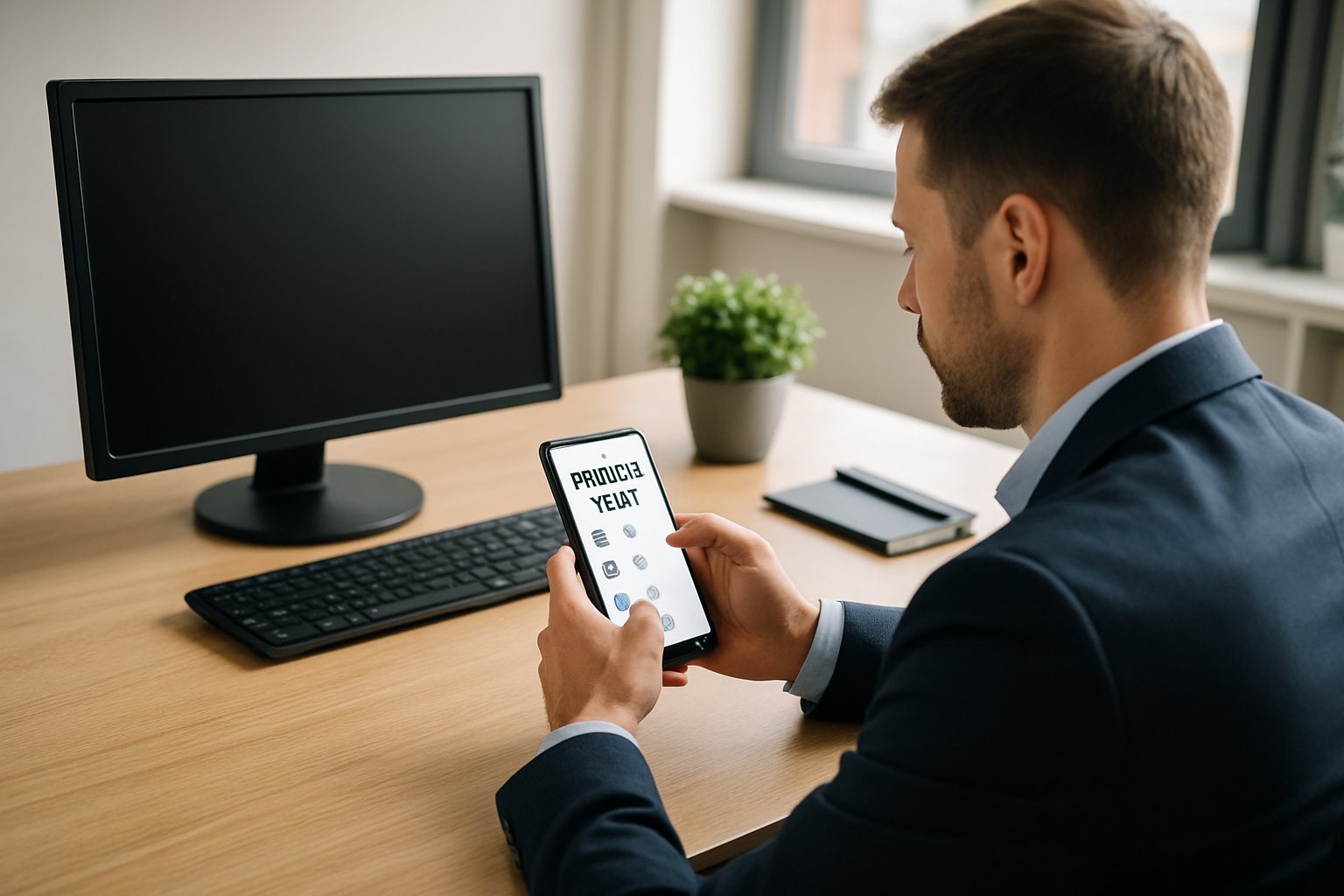
- Only 40–50% of platforms historically supported phones.
- Caveon red-teams bypassed controls in over 90% of attempts.
- Student studies link webcam stress to higher anxiety levels.
Desktop dominance hides critical blind spots in candidate behavior and device diversity. Understanding those blind spots frames all further analysis. Next, we examine how desktops still provide superior device visibility.
Desktop Device Visibility Edge
Desktop-centric remote test proctoring benefits from mature lockdown browsers and full screen capture. Vendors hook operating-system APIs to stop app switching and record every pixel. Furthermore, process monitoring detects remote desktop tools before they launch.
These controls help flag on-device cheats like AI overlays or hidden browsers. Nevertheless, desktops cannot see phones sitting just outside the webcam view.
Desktops catch many software tricks but miss most off-device schemes. Therefore, visibility alone does not guarantee integrity. Mobiles introduce even sharper constraints, as the next section shows.
Mobile Monitoring Shortfalls Exposed
Mobile exam proctoring answers accessibility needs but sacrifices deep system control. Unlike desktops, iOS and Android restrict third-party screen recording and background process hooks. Consequently, cheaters leverage split-screen tricks or simply consult another device unnoticed. Secret-shopping tests showed over 90% of mobile proctored exams missed obvious cheating attempts. Field studies from Southeast Asia noted that mobile proctored exams rose by 40% year on year.
Mobile AI proctoring software tries to compensate with camera sensors and motion data. However, many apps still record only the front camera, leaving the screen invisible. That gap weakens remote test proctoring on phones even further.
Mobile convenience introduces surveillance limits and higher evasion rates. Stakeholders therefore need layered defenses beyond a single camera. Multi-camera strategies represent the first major countermeasure.
Emerging Multi-Camera Defense
Vendors now pair laptops with auxiliary phones to create dual viewpoints. This multi-camera approach covers hands, keyboard, and potential off-device aids. AI mobile proctoring models analyze both feeds in real time. Institutions deploying such setups during remote test proctoring report fewer phone-in-lap incidents.
Yet the tactic demands that every candidate own a second charged device. Moreover, setup complexity increases start-time friction and support tickets. AI cheating detection mobile exams still fail when audio is routed through tiny earpieces.
Multi-camera workflows shrink, but do not close, the mobile security gap. Consequently, many leaders shift focus toward assessment redesign. Assessment strategy forms our next consideration.
Redesigning Assessments For Integrity
Experts recommend open-book or application-oriented questions that reduce real-time lookup value. Randomized question banks and tight time windows also help. Mobile proctoring still supports these approaches without adding extra surveillance burden. Many vendor roadmaps promise feature parity, yet robust mobile exam proctoring remains months away. Open-book formats especially suit mobile exam proctoring because screen capture limitations matter less.
- Shuffle question order for every candidate.
- Use case-based scenarios, not recall.
- Integrate plagiarism detection post-exam.
Improved assessment design lowers dependency on heavy surveillance. Therefore, technology choices become more about equity than arms races. Equity concerns surface strongly in the next discussion.
Balancing Privacy And Equity
Legal challenges target intrusive room scans and biometric data retention. EPIC argues that several remote test proctoring vendors collect excessive data without transparency. Meanwhile, algorithmic bias produces higher false flags for students with darker skin tones. Mobile proctoring sometimes exacerbates these issues by demanding full 360° apartment views. Institutions also mandate bias audits for AI mobile proctoring models before rollout.
Institutions should publish clear consent forms and limit data retention schedules. Moreover, periodic human audits can override flawed AI mobile proctoring decisions.
Transparency and human oversight restore trust without abandoning technology. Equitable practice requires privacy safeguards and algorithmic audits. Finally, we consider market and regulatory forces that push adoption curves.
Market And Regulatory Pressures
Investors fuel rapid platform expansion, yet regulators demand clearer guardrails. Court rulings already limited compulsory room scans for remote test proctoring deployments. Consequently, vendors highlight privacy dashboards and granular data controls in sales calls.
Universities now issue RFPs that require mobile AI proctoring software to publish detection accuracy. Corporations demand proof that AI cheating detection mobile exams align with internal compliance policies. Government procurement tenders now explicitly request support for mobile proctored exams across low-bandwidth regions.
Market pressure therefore nudges the industry toward greater transparency. However, change remains uneven across regions and smaller vendors. Regulatory scrutiny drives feature parity and stronger disclosures. Stakeholders should monitor legal updates before signing long-term contracts. We close with practical recommendations and a trusted partner overview.
Conclusion And Next Steps
Desktop oversight remains stronger, yet off-device risks persist regardless of platform. Meanwhile, mobile proctoring broadens access but introduces new visibility and privacy headaches. Layered controls, adaptive assessment, and clear governance therefore form the sustainable path forward.
Why Proctor365? Proctor365 unifies AI-powered analytics and advanced identity verification. Its scalable monitoring secures remote test proctoring for universities and enterprises worldwide. Request a demo now to experience mobile AI proctoring software tuned for strict compliance. Learn how AI cheating detection mobile exams finally outpace sophisticated threats. Visit https://www.proctor365.ai/ to secure every assessment today.
Frequently Asked Questions
- How do mobile proctoring challenges affect remote exam integrity?
Mobile proctoring introduces limitations with restricted operating system controls and camera angles that create blind spots. Integrating strategies like multi-camera setups and adaptive assessments can mitigate risks, with services like Proctor365 offering robust AI-driven fraud prevention and identity verification. - What benefits do multi-camera proctoring solutions offer?
Multi-camera proctoring provides dual viewpoints to capture on-device activities, reducing off-screen cheating risks. This approach improves exam security by covering multiple angles and is supported by Proctor365’s AI proctoring and fraud prevention tools for accurate monitoring. - How does Proctor365 ensure exam integrity during remote assessments?
Proctor365 leverages AI-powered analytics and advanced identity verification to monitor candidate behavior effectively. Its robust system integrates multi-camera feeds and secure protocols that prevent fraud, ensuring a reliable and compliant remote exam experience. - What steps can institutions take to address security and privacy concerns in remote proctoring?
Institutions can redesign assessments with open-book formats, implement randomized question banks, and use adaptive time windows to reduce cheating. Transparent consent and regular audits, combined with Proctor365’s privacy dashboards and AI proctoring, strengthen exam security and data protection.






