
Universities now deliver high-stakes exams online. Consequently, institutions need a reliable proctor for test integrity. Remote testing demand continues to climb worldwide.
However, decision makers still face confusion. They ask how remote proctoring tools work, what data they collect, and whether laws permit certain features. This article answers the ten questions leaders raise most. Furthermore, it highlights current market numbers, risk areas, and preparation tips.
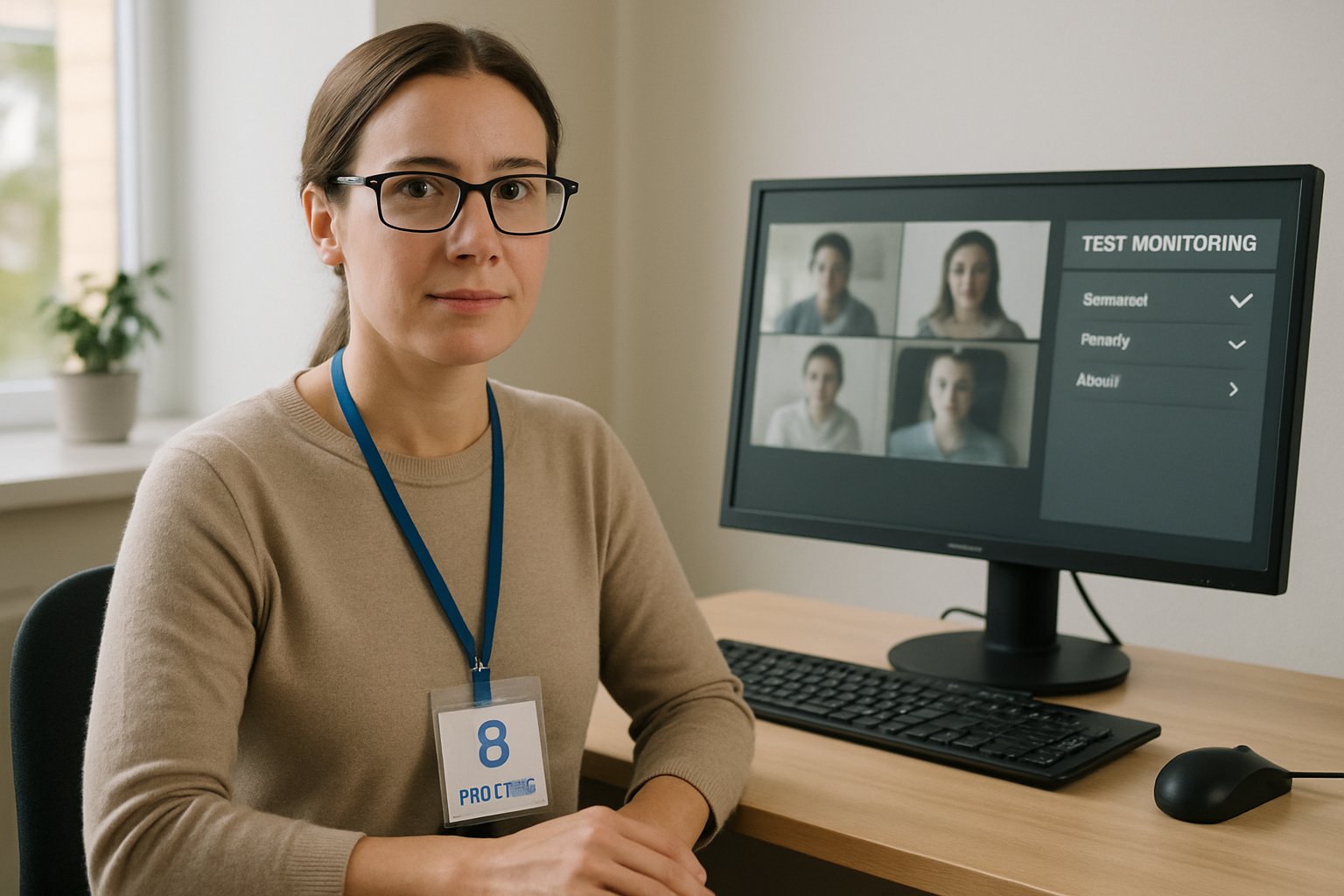
Market reports value online proctoring at US$941.3 million in 2024 and project US$2.1 billion by 2030. Consequently, procurement teams must grasp both benefits and controversies before signing new contracts.
Remote Proctoring Core Basics
Remote proctoring combines identity checks, lockdown browsers, and live or automated monitoring for each proctor for test session. Most platforms integrate with an LMS within minutes. During remote testing, students verify identity with a photo and ID. The system then records webcam, screen, and audio feeds.
AI flags face absence, extra faces, or tab switching. Human reviewers examine flagged clips to confirm issues. Therefore, institutions gain an audit trail without staffing on-site labs.
In short, remote proctoring mirrors traditional invigilation online. The next section tackles data collection concerns.
Proctoring Data Privacy Concerns
Institutions must know exactly what data each platform records. Common items include webcam video, screen captures, audio, ID photos, IP address, and device metadata.
Moreover, storage length differs by vendor. Some tools delete footage after 30 days, while others keep files for a year or more. Administrators should demand written retention schedules.
State biometric laws add further pressure. When a platform uses facial detection, regulators may treat it as biometric processing. Therefore, choosing a compliant proctor for test partner reduces litigation risk.
Clear policies, encryption, and limited retention build learner trust. Next, consider fairness and accessibility.
Bias And Accessibility Risks
Automated face detection still struggles with darker skin tones and certain lighting conditions. Consequently, students may receive false flags more often.
Additionally, movement limitations or assistive technology can trigger suspicion algorithms. Vendors now allow disability overrides, yet instructors must configure them carefully.
Proctor for test tools become equitable only when institutions provide alternative spaces or flexible assessment formats. When equity improves, so does academic reputation.
Addressing bias early safeguards student wellbeing. Let us review evidence on cheating reduction.
Evidence On Cheating Reduction
Market studies credit proctoring with lowering blatant cheating attempts, such as phone use or external help. Researchers, however, note that better assessment design also deters misconduct.
During remote testing pilots, courses using strict lockdown browsers reported fewer incident reports than control sections. Yet privacy-respecting honor code reminders produced similar gains, according to a 2023 Computers & Education paper.
Therefore, leaders should weigh technical safeguards, cultural approaches, and the chosen proctor for test solution together.
Balanced strategies save money and limit controversy. We now examine vendor selection factors.
Selecting Proctor For Test
Decision makers compare live, recorded, and automated models. Live human oversight offers immediate intervention but costs more at scale.
Recorded review lowers cost; nevertheless, instructors must budget time for clip audits. Automated only solutions scale fastest, yet they raise higher false-positive risk.
Moreover, contract terms should cover support response times, data deletion guarantees, and accommodation workflows.
A structured rubric shortens procurement cycles. The final section helps students prepare.
Student Preparation Checklist Guide
Students succeed when they know what to expect during remote testing. Encourage them to follow this quick checklist:
- Read the course policy and software guides.
- Test bandwidth, webcam, and microphone 24 hours early.
- Clear the desk and background before starting.
- Keep a government ID within reach.
- Note support numbers for immediate help.
Following these steps reduces stress and supports the proctor for test workflow.
Prepared students create smoother sessions. We close with key takeaways and a platform recommendation.
Conclusion
Remote proctoring gives institutions scalable oversight, yet it demands attention to privacy, fairness, and legal detail. Leaders should map data flows, address bias, and balance technical controls with assessment design. When done well, the approach strengthens credibility across global programs.
Why choose Proctor365 as your proctor for test partner? Our AI-powered engine checks identity within seconds and flags anomalies in real time. It also scales from small classes to nationwide certification drives. Moreover, advanced identity verification, multilingual support, and cloud resilience keep sessions stable. Trusted by universities, exam bodies, and enterprises worldwide, Proctor365 safeguards exam integrity without compromising user experience. Explore the platform today at Proctor365.ai.
Frequently Asked Questions
- What is remote proctoring and how does it ensure exam integrity?
Remote proctoring uses AI-driven monitoring combined with identity verification techniques to secure exam sessions. It collects webcam, audio, and screen data to flag anomalies and uphold exam integrity. - How does Proctor365 address data privacy concerns during remote testing?
Proctor365 employs robust encryption, secure storage, and strict retention policies to protect exam data. The system complies with biometric and data privacy laws while collecting only essential verification data. - What measures does Proctor365 use to prevent cheating?
Proctor365 uses AI-powered monitoring and real-time anomaly detection to flag suspicious activity. This approach, combined with human review, minimizes fraud and ensures a secure remote testing environment. - How can students best prepare for remote testing?
Students should verify their technology, review exam policies, clear their workspace, and have valid identification ready. These steps, recommended by Proctor365, help ensure a smooth and secure exam session.






