
Online exams keep expanding. Consequently, every university or certification body must choose a reliable proctor for test sessions. Lockdown browsers now sit at the center of that decision. These clients restrict the device, bolster browser security, and combine with AI monitoring to reduce cheating. However, myths and legal worries still cloud adoption decisions. This guide explains how the technology works, its limits, and practical steps for safer assessments.
Why Lockdown Browsers Matter
Remote delivery fuels growth in global assessments. Moreover, research shows proctored exams record far fewer suspicious events than unproctored ones. Lockdown browsers deter quick web searches, screen grabs, or app switching. Therefore, they restore a baseline of fairness equal to classroom conditions. Vendors like Respondus and open projects such as Safe Exam Browser now support millions of candidates worldwide.
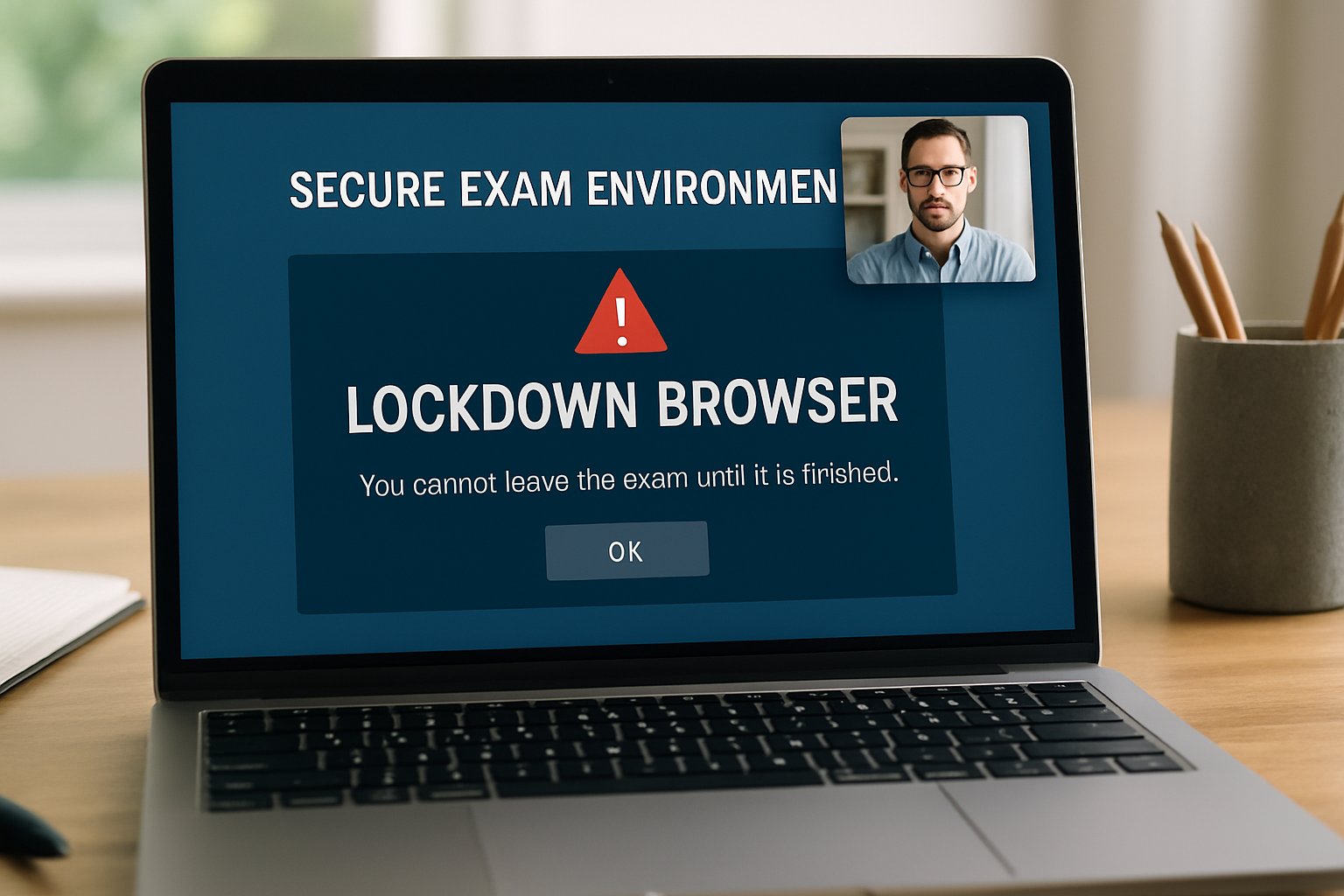
Key takeaway: restricting the local environment creates powerful first-line defense. Next, we explore the wider security stack.
Proctor For Test Advantages
Institutions choose a proctor for test solution primarily for scale and audit trails. Additionally, automation frees staff from manual invigilation. Many platforms integrate directly with Canvas, Moodle, or Blackboard, allowing one-click setup. Furthermore, identity checks, recording, and time-stamped flags simplify post-exam investigations.
- Global online proctoring market expected to top US $2 billion by 2030.
- Studies report single-digit cheating rates when lockdown and AI combine.
- Support logs show 10-20% of tickets relate to compatibility issues.
Summary: advantages extend beyond mere deterrence; they also provide defensible evidence. We now turn to technical foundations.
Core Browser Security Mechanics
Once launched, the client forces full-screen mode and disables task switching. Moreover, it blocks copy-paste, printing, and screen capture. Proprietary checks detect virtual machines, remote-desktop tools, or extra displays. In contrast, ordinary browsers expose many escape routes.
The open-source Safe Exam Browser uses signed configuration files to set similar rules. Meanwhile, vendors continually update detection modules to patch known bypasses. That agile cycle keeps browser security ahead of popular cheat forums.
Takeaway: strong OS hooks plus frequent updates sustain the lock. Still, surveillance layers add another shield.
AI Flagging Workflow Explained
Many providers pair lockdown software with automated webcam analysis. The system records video, audio, and sometimes the screen. Algorithms subsequently tag events such as lost face, suspicious gaze, or extra voices. Therefore, instructors can review concise highlight reels rather than full sessions.
However, false positives remain a concern. Consequently, human review and appeal channels are essential. Recent Ontario privacy findings also stress explicit consent for biometric processing.
Key lesson: AI triage accelerates reviews, yet human judgment must confirm outcomes. Legal frameworks reinforce that balance.
Regulatory And Legal Landscape
Privacy regulators increasingly examine proctoring contracts. For example, the Ontario IPC criticized one university for inadequate notice about biometric uses. Additionally, Illinois’ BIPA prompted a settlement against Respondus regarding data retention.
Institutions should run data-protection impact assessments, define retention limits, and ensure vendor access aligns with purpose. Moreover, they must support students needing accommodations because some assistive tools conflict with lockdown modes.
Summary: compliance work must accompany technical deployment. Let’s assess real-world effectiveness.
Effectiveness And Key Limitations
Evidence shows lockdown browsers plus AI monitoring cut obvious digital cheating. Nevertheless, contract cheating rings offering proxy takers still bypass controls. Likewise, a second phone placed off-camera evades detection. Furthermore, network dropouts can freeze the session, creating stress.
Therefore, combine design tactics—randomized questions, shorter windows, and plagiarism checks—with proctoring. Meanwhile, honest communication reduces student anxiety and boosts acceptance.
Takeaway: layered security outperforms single measures. Implementation details decide final success.
Operational Best Practices
1. Pilot with low-stakes quizzes before high-stakes launches.
2. Provide clear privacy disclosures and support channels.
3. Maintain backup login paths for connectivity failures.
4. Train staff to audit AI flags rapidly.
Now, we look ahead to future needs.
Future Proofing Exam Security
Threat landscapes evolve quickly. Consequently, vendors now test selective app-share modes for spreadsheets or coding IDEs. Additionally, lightweight screen-only recording offers privacy-sensitive alternatives. Open standards may soon enable third-party audits of detection algorithms, boosting trust.
Furthermore, rising hybrid classrooms demand flexible licensing models. A robust proctor for test system must integrate mobile identity verification, adaptive analytics, and resilient cloud scaling. Meanwhile, IT teams should monitor emerging guidelines around browser security and biometric data.
Key insight: future-proofing requires continual vendor evaluation and governance reviews. Strategic partnerships deliver that agility.
Conclusion
Lockdown browsers restrict local environments, while AI flagging adds audit depth. Moreover, strong policies guard privacy and accessibility. Institutions that layer multiple controls achieve the best defense. Still, vigilant updates and responsive support remain mandatory.
Why Proctor365? Proctor365 delivers an AI-powered proctor for test platform with industry-leading identity verification, scalable monitoring, and certified browser security. Trusted by global exam bodies, our cloud engine adapts to diverse assessment formats. Therefore, you secure integrity without sacrificing candidate experience. Explore Proctor365 today at Proctor365.ai and elevate your next exam session.
Frequently Asked Questions
- How do lockdown browsers enhance exam security?
Lockdown browsers secure exam environments by enforcing full-screen mode, disabling task switching, and blocking copy-paste functions. This controlled setting minimizes cheating and upholds exam integrity and fairness. - What role does AI proctoring play in online exam monitoring?
AI proctoring automates exam surveillance by analyzing webcam feeds and audio in real-time. It flags suspicious activities, such as missing faces or extra voices, enabling swift review and enhanced test integrity. - How does Proctor365 ensure exam integrity?
Proctor365 combines AI-powered monitoring with robust identity verification and secure browser security. Its scalable, cloud-based system deters fraud, streamlines exam processes, and provides reliable audit trails for comprehensive security. - How can institutions address legal and privacy concerns in online exam proctoring?
Institutions can meet legal requirements using Proctor365’s transparent data handling and clear consent for biometric processing. Regular audits, privacy disclosures, and adaptive policies ensure compliance and protect student rights.






