
A dropped connection can ruin any ai proctor exam. Universities and certifiers report that network faults remain the top cause of aborted sessions. However, careful preparation eliminates most risks. This article explains how to harden your connection, satisfy vendor checks, and safeguard candidate equity. Consequently, your institution can deliver seamless, compliant assessments at scale. Leading proctoring software for online exam workflows still demands stable bandwidth despite modest published minimums. Moreover, 2025 cloud outages proved that even short regional incidents can lock thousands of learners out. Therefore, adopting the strategies below will shield both candidates and reputations.
AI Proctor Exam Stability
Live video, screen streaming, and identity checks all ride on your last-mile link. If that link stalls, the proctor flags irregular behavior or ends the session. Consequently, stability weighs more than raw speed.
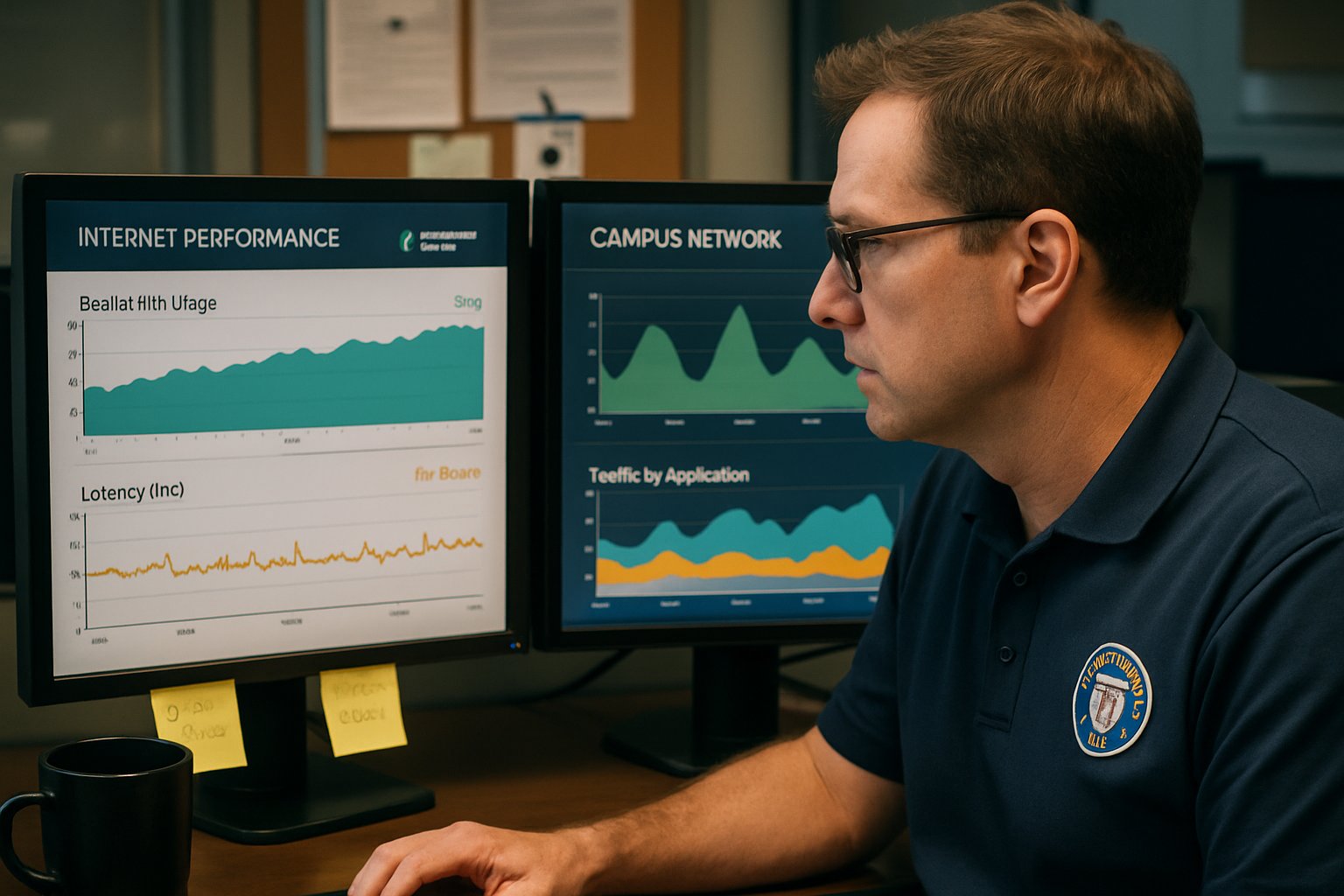
Vendor data show most failures arise from high latency, jitter spikes, or packet loss bursts. These impair audio, freeze webcams, and cause authentication timeouts. Hence, the ai proctor exam platform cannot validate integrity and must cancel.
Stable networks, not headline bandwidth, decide success. Institutions must prioritize quality metrics before exam day. Consequently, we now unpack those metrics.
Understanding Network Stability Basics
Bandwidth measures raw capacity in megabits per second. However, latency records the round-trip delay and must stay under 150 ms for smooth video. Jitter shows how much that delay varies, while packet loss counts dropped data. Moreover, many home routers suffer high jitter under concurrent Netflix streams.
Cloudflare tests report both loaded latency and packet loss, offering a clearer picture than simple speed tests. Therefore, run such diagnostics 48 hours before each ai proctor exam trial.
Latency, jitter, and loss expose hidden weaknesses. Regular diagnostics surface those issues early. Next, we map numerical targets.
Meeting Critical Bandwidth Benchmarks
Vendors publish different minimums, yet all recommend higher speeds for comfort. Pearson OnVUE suggests 3 Mbps down and 2 Mbps up, while ProctorU asks for similar figures. Examity even labels 10 Mbps ideal for video stability.
However, published numbers ignore household congestion. Therefore, double the recommendation and use wired Ethernet whenever possible. Doing so gives proctoring software for online exam events sufficient headroom. Additionally, avoid mobile hotspots unless the sponsor expressly approves them.
Exceeding vendor minimums cushions against spikes. Wired connections further cut jitter and loss. The next metrics explain why.
Latency Jitter Packet Loss
Cloud outages grab headlines, yet most disruptions start at home. For example, 2% packet loss can freeze video despite 50 Mbps throughput. Meanwhile, 300 ms latency can break the secure tunnel that validates identity.
Consequently, ai proctor exam vendors now integrate real-time latency monitors. If thresholds trip, the human proctor escalates quickly. Therefore, candidates must manage household traffic and disable heavy cloud backups.
Tiny packet losses cause major flags. Monitoring them prevents sudden disconnections. Next comes an actionable checklist.
Complete Pre-Exam Readiness Checklist
Follow this streamlined sequence 48 hours before launch.
- Run the vendor system check on the exact device for the ai proctor exam.
- Connect through Ethernet; if impossible, sit next to the router.
- Double recommended bandwidth and verify latency using the Cloudflare test.
- Disable VPNs, firewalls, and heavy sync clients before starting the session.
- Prepare a policy-approved backup link; consult proctoring software for online exam documentation.
These five steps remove 90% of preventable technical issues. Practicing them trains candidates to react calmly under stress. Institutions also carry responsibilities.
Robust Institutional Mitigation Strategies
University IT teams should publish clear disconnection policies and appeal paths. Moreover, offering on-campus labs with wired fiber helps students lacking stable homes. Loaner laptops pre-loaded with proctoring software for online exam delivery close further gaps.
Additionally, scheduling staggered start times reduces load when cloud regions wobble. Vendors like Honorlock now design multi-cloud backends to resist outages. Nevertheless, institutions should demand uptime SLAs and failover testing reports.
Shared responsibility ensures equitable, resilient delivery. Clear policies and backups minimize panic during disruptions. Advanced router tuning further improves margins.
Advanced Home Router Tuning
Admins controlling domestic routers can enable Quality of Service for WebRTC ports. Furthermore, disabling bufferbloat features lowers loaded latency dramatically. Cisco guides explain simple priority rules that keep the ai proctor exam video smooth.
Smart home tuning protects candidates sharing bandwidth. Even basic QoS can reduce jitter by 30%. We now wrap up key insights.
Stable wired networks, generous bandwidth, and proactive latency checks guard every ai proctor exam against avoidable failure. Meanwhile, structured checklists and institutional safety nets protect access and fairness. Consequently, candidates focus on knowledge rather than troubleshooting. The platform integrates smoothly with leading proctoring software for online exam scenarios to create unified dashboards.
Why Proctor365? Proctor365 delivers AI-powered proctoring, advanced identity verification, and scalable monitoring trusted by global exam bodies. Therefore, institutions choosing Proctor365 gain resilient infrastructure designed for high-stake events. Visit Proctor365.ai to raise exam integrity and schedule a personalized demo.
Frequently Asked Questions
- How can candidates ensure a stable connection for AI proctor exams?
Candidates should run vendor system checks, use wired Ethernet, and verify latency using Cloudflare tests. These steps help maintain network stability and prevent disruptions during AI proctor exams. - What network metrics are key to preventing exam disruptions?
Focus on latency, jitter, and packet loss. Maintaining low latency and minimal jitter ensures smooth live video and identity checks, essential for AI proctor exam integrity. - How does Proctor365 enhance exam integrity?
Proctor365 delivers AI-powered proctoring with advanced identity verification and fraud prevention. This ensures secure, compliant, and resilient exam sessions, reinforcing overall exam integrity. - What institutional strategies can mitigate AI proctor exam disruptions?
Institutions can implement clear disconnection policies, offer on-campus labs with wired networks, and schedule staggered start times to reduce load and improve AI proctor exam stability.






