
High-stakes exams now launch worldwide at the same minute. Consequently, technical teams must guarantee flawless experience for every candidate. The challenge intensifies once simultaneous users exceed five figures. However, modern software for online exam platforms is proving the goal is achievable. Engineering blogs, case studies, and real outages all highlight similar lessons. First, horizontal cloud design beats monolithic servers. Second, real-time media pipelines demand separate tuning. Third, unrelenting load rehearsal remains mandatory. This article distills the most recent evidence, rules of thumb, and practical checklists. Universities, certification bodies, and corporate L&D leaders can therefore plan confidently. Along the way, we spotlight remote proctor software advances that shrink labor cost while protecting integrity.
Global Exam Surge Context
Survey data shows that half of higher-ed institutions now rely on remote proctor software for major tests. Moreover, large universities routinely schedule windows with 10,000 or more concurrent candidates. QuestionPro and Examity engineering teams published postmortems describing memory leaks, network spikes, and permanent lessons learned. Meanwhile, rising privacy debate forces teams to balance surveillance with fairness. In summary, demand keeps growing while tolerance for failure shrinks.
Consequently, architecture choices made today determine next semester’s headlines.
Software For Online Exam Scale
Successful software for online exam scale follows three unbreakable principles. First, keep application servers stateless and auto-scaled. Second, detach real-time media to SFU clusters positioned near users. Third, route heavy uploads to object storage, not transactional databases. Providers such as Examity moved fully to AWS to unlock quick regional expansion. Furthermore, SFU clustering with LiveKit or Ant Media easily multiplies capacity without code changes. Overall, these patterns create predictable elasticity.
Therefore, teams can focus on pedagogy instead of firefighting infrastructure.
Core Exam Scaling Patterns
Engineers first model expected bandwidth, CPU, and database writes. Then they map each load driver to a loosely coupled service. For real-time video, SFU nodes handle forwarding for about 800 candidates each. Moreover, session data streams into Kafka queues for downstream scoring workers. Redis caches hot exam questions while read replicas satisfy analytics dashboards. Remote proctor software layers AI flagging atop the same streams, which scales cheaply compared with hiring more staff. Without scalable software for online exam infrastructure, even perfect content will fail.
In short, modular design limits blast radius during sudden spikes.
Consequently, even record enrollments remain manageable.
Critical Bandwidth Math Essentials
Media traffic often surprises finance teams more than compute cost. A single 720p webcam stream uses around 3 Mbps. Multiply that by 10,000 and inbound bandwidth jumps to 30 Gbps. Therefore, planners add a safety margin of 50% and distribute ingest across regions. TURN relays also demand attention because many firewalls block peer connections. Remote proctor software vendors publish calculators yet institutions should validate numbers inside their own pilots.
- Webcam stream: 2–5 Mbps per user
- 10,000 users: 20–50 Gbps aggregate
- Safety margin: plan 25–75 Gbps
- SFU node: ~800 users maximum
These simple figures anchor every capacity model. Moreover, they reveal where costs will explode first.
Testing Steps Before Launch
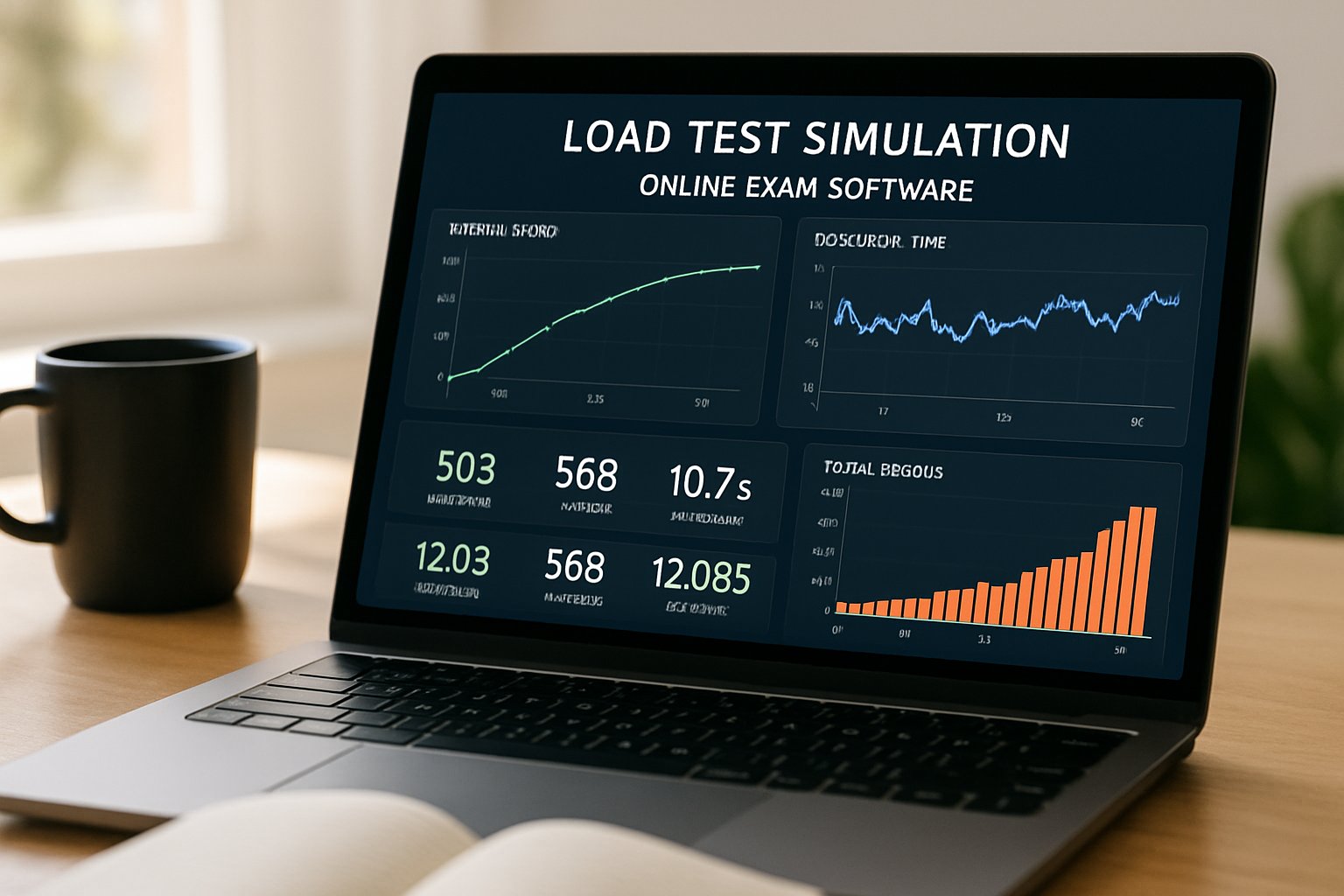
Architects never trust spreadsheets alone. Instead, they unleash distributed k6 runners that simulate authentication, media handshake, question fetch, and submission flows. Load scripts must mirror real behavior inside the chosen software for online exam stack. Subsequently, chaos tests disable databases or drop a region to confirm graceful degradation. Teams also stage dress rehearsals with low-stakes quizzes to exercise support channels. Importantly, each run measures p95 latency, session-start success, and video frame loss. The results feed dashboards that decide the final go or no-go.
Therefore, surprises occur in rehearsal rather than during graded exams.
Cost And Risk Tradeoffs
Scaling is never free. TURN bandwidth, recording storage, and live human proctors dominate invoices. Conversely, automated AI review in remote proctor software scales almost linearly with compute, not payroll. However, false positives and privacy concerns require clear appeal workflows. When evaluating software for online exam providers, ask for detailed egress and storage cost tables. Financially, over-provisioning reduces risk yet inflates idle spend. Scheduled autoscaling plus capacity reservations strike a balance in most exam calendars.
Institutions should model worst-case cost per candidate. Subsequently, they can negotiate transparent SLAs with vendors.
Vendor Proof Checklist Guide
Before signing, request a dated stress report, regional TURN map, and retention cost quote. Moreover, insist on published incident logs and clear SLO targets. A trustworthy software for online exam vendor backs claims with third-party audits.
These documents separate marketing hype from demonstrable readiness.
Consequently, your reputation stays intact during high-stakes sessions.
Operational Readiness Summary Points
Teams must align monitoring, alerting, and on-call playbooks long before exam day. Moreover, pre-warming autoscalers and regional failover drills close the final gaps. In contrast, skipping dress rehearsals leaves blind spots that surface under pressure.
Consequently, steady operations transform technical risk into competitive advantage.
Scaling assessments to 10,000 candidates demands disciplined architecture, ruthless testing, and constant cost vigilance. The best software for online exam delivery embraces stateless services, clustered SFUs, and clear SLAs. Moreover, teams must pair solid engineering with ethical proctoring and student support.
Why Proctor365? Our AI-powered proctoring, advanced identity verification, and infinitely scalable exam monitoring ensure integrity from day one. Global exam bodies trust Proctor365 because we deliver consistent uptime, instant analytics, and privacy-first design. Experience enterprise-grade confidence by adopting our platform.
Ready to future-proof your next high-stakes session? Visit Proctor365 and discover how we turn remote proctor software challenges into competitive advantage.
Frequently Asked Questions
- How does Proctor365 ensure exam security and integrity?
Proctor365 uses AI-powered proctoring, robust fraud prevention, and advanced identity verification to maintain exam integrity. These features enhance security and offer real-time analytics for a trustworthy remote testing experience. - What architectural strategies help manage high numbers of concurrent exam takers?
Modern exam platforms use horizontal cloud design, stateless services, and auto-scaled SFU clusters to manage load. These strategies ensure smooth performance even during high-stakes sessions with thousands of users. - Why are load tests and dress rehearsals critical before exam day?
Load tests and dress rehearsals simulate real exam conditions, validate system performance, and uncover potential issues. This proactive approach ensures the platform scales reliably with minimal downtime or degraded performance. - What cost and risk tradeoffs should institutions consider for online exams?
Institutions must balance TURN bandwidth, storage expenses, and auto-scaling costs against risk. Transparent SLAs and detailed stress reports help manage over-provisioning, ensuring an optimum blend of cost efficiency and system reliability.






