
High-stakes testing has moved online at lightning speed. Consequently, many institutions now rely on an ai proctored exam to guard integrity. Students, faculty, and certification managers often feel uneasy about webcams, algorithms, and privacy rules. Yet, with the right preparation, you can sail through a remotely proctored exam without stress. This guide distills recent policy updates, vendor practices, and expert checklists into practical steps. Moreover, it addresses common technical pitfalls and appeals procedures, ensuring you know what to expect before clicking “Begin”. Whether you oversee thousands of candidates or just need to pass one test, these sections will help. They guide you to protect data, avoid false flags, and show honest performance from any home office.
AI Proctored Exam Basics
At its core, an ai proctored exam pairs webcam feeds, screen data, and real-time analytics to detect anomalies. Vendors link these signals to identity checks and secure browsers, producing a digital audit trail. However, policies, features, and human oversight differ widely across providers.
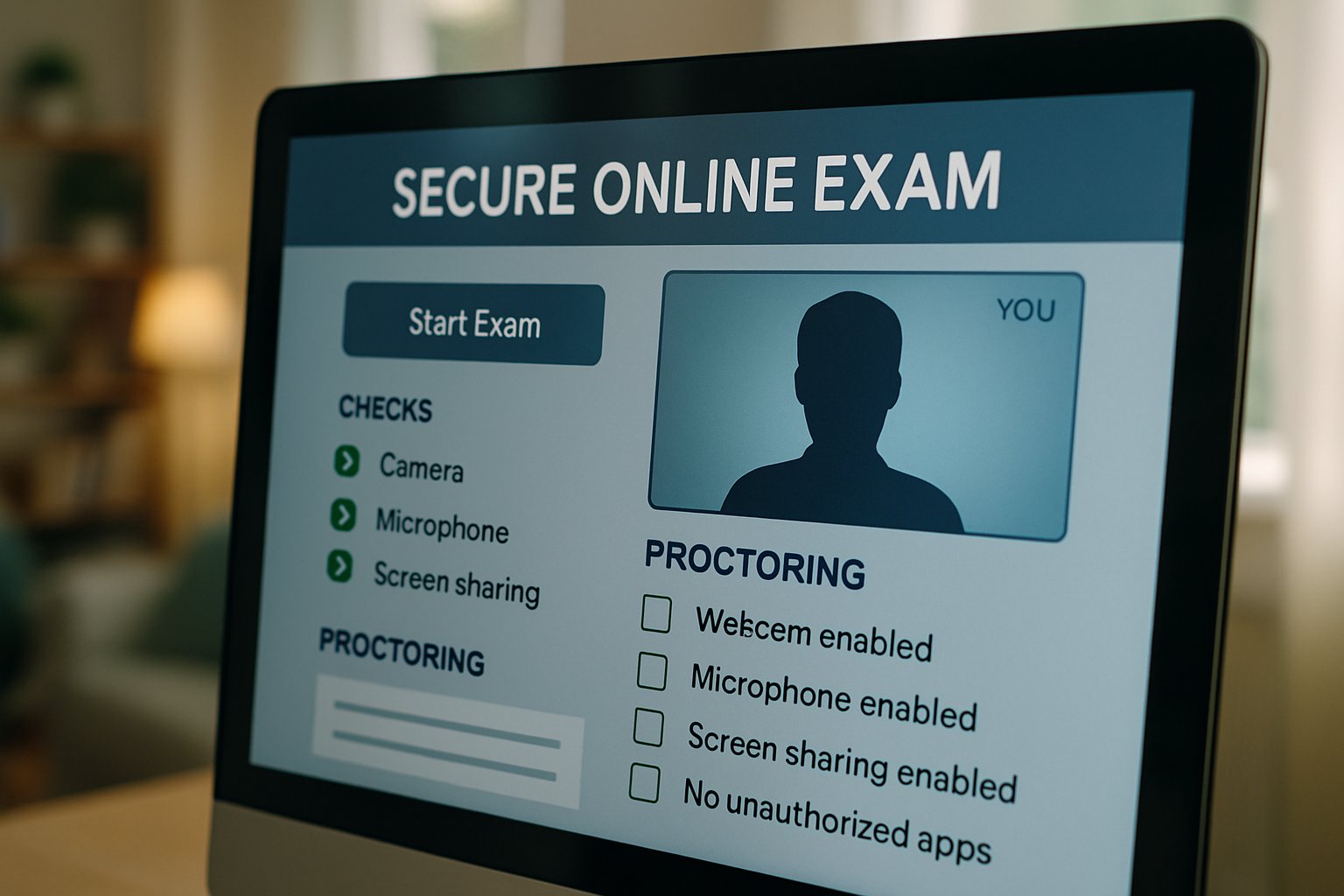
Understanding core terms helps every stakeholder. Live human proctoring, automated monitoring, and record-and-review models sit on a sliding scale of cost, privacy, and reliability. Each path demands different preparation, which we explore below.
Key takeaway: know the monitoring method and its data footprint. Clear knowledge reduces surprises later. Next, we examine how to choose the right model.
Choose Proctoring Model
Decision makers must balance risk, budget, and candidate experience. Furthermore, regulations like California SB1172 restrict unnecessary data collection, pushing institutions toward transparent options.
Below are the two dominant approaches.
Live Human Oversight
A trained proctor watches candidates via video and can intervene instantly. Consequently, false positives fall because humans judge context rather than algorithms alone. Yet, scheduling and cost rise, especially for global cohorts.
Automated AI Monitoring
This route relies on algorithms that flag gaze shifts, extra faces, or unusual audio. Additionally, many platforms later route flags to human reviewers for confirmation. When designing an ai proctored exam, combine automation with human audits to maximize fairness.
Key takeaway: select the blend that meets policy, budget, and candidate volume. Our next section covers technical readiness.
Prepare Technology Setup
Preparation starts 72 hours before the ai proctored exam. Therefore, run the vendor’s system check on the exact machine you will use. Confirm OS version, browser updates, webcam resolution, microphone input, and internet speed.
Moreover, install the secure browser early to avoid admin-rights surprises. Students taking a remotely proctored exam should capture screenshots of every successful check for later evidence.
- Minimum upload speed: 2-3 Mbps steady.
- Supported browsers: current Chrome, Edge, or vendor app.
- Hardware: 4GB RAM, 1024×768 camera, working microphone.
Keep a backup hotspot or ethernet cable ready. If you oversee hundreds of test centers, publish these specs in advance to cut support calls.
Key takeaway: technical readiness prevents last-minute panic. Next, we walk through exam-day actions.
Exam Day Checklist
Arrive online 45 minutes early. Subsequently, clear the desk, silence phones, and remove unauthorized materials. Many institutions require a fresh room scan before the timer starts.
The following quick list reduces errors:
- Launch secure browser and retest equipment.
- Hold government ID steady for verification.
- Pan camera slowly across room edges.
- Review permitted scratch paper or calculators.
- Ask support to log any technical anomaly.
During an ai proctored exam, stay visible and avoid screen switching. If a remotely proctored exam freezes, stay calm and reconnect. However, if interruptions occur, communicate instantly through chat.
Key takeaway: structured routines prevent flags and save appeal time. The next part explains recovery when issues still arise.
Handle Issues Fast
Glitches hit any remotely proctored exam. Even with perfect prep, glitches happen. Therefore, keep vendor support chat open in another device if allowed.
Common failures include webcam errors, secure browser crashes, and dropped connections. Immediately note the timestamp and capture screenshots. Subsequently, request a ticket ID from support.
If the system flags you after submission, ask for the recording, flagged clips, and policy timeline. Meanwhile, escalate through the academic integrity office within stated deadlines.
Remember, an ai proctored exam generates logs that can validate your account of events. Preservation of evidence speeds appeals and reduces stress.
Key takeaway: fast documentation and communication turn crises into routine service calls.
In summary, mastering an ai proctored exam demands early technical checks, clear workspace habits, and quick issue escalation. Institutions, meanwhile, must choose balanced proctoring models and publish transparent policies. Proctor365 streamlines every step. Our AI-powered proctoring engine pairs advanced identity verification with human oversight, delivering scalable exam monitoring trusted by universities, certification boards, and corporate academies worldwide. Consequently, integrity improves while support tickets drop. Ready to raise confidence across your remote assessments? Discover how Proctor365 can secure your next session by visiting Proctor365.ai today.
Frequently Asked Questions
- What is an AI proctored exam?
An AI proctored exam uses advanced algorithms and webcam monitoring to verify a candidate’s identity and behavior. It combines fraud prevention with human oversight to ensure secure exam integrity. - How should I prepare my technology setup for remote exams?
Before the exam, verify your device specifications, run the system check, update your secure browser, and confirm a stable internet connection. This reduces technical issues and supports reliable AI proctoring. - What steps should I take if I face technical issues during the exam?
If you experience technical issues, report them immediately through support. Capture screenshots, note timestamps, and share error details to prevent false flags and maintain exam integrity. - How does Proctor365 enhance exam security?
Proctor365 utilizes an AI-powered proctoring engine that blends automated monitoring with live human oversight. It features advanced identity verification and fraud prevention, ensuring a secure and scalable exam process.






