
Online exams exploded after 2020, yet cheating tactics evolved just as fast. Consequently, universities now demand stronger safeguards. Many rely on software for online exam integrity because physical invigilation no longer scales. However, critics warn about privacy, bias, and technical stress. Navigating these tensions requires clear knowledge about what lockdown browsers do, and what they miss. This article dissects the architecture, market momentum, and practical deployment of browser lockdown tools. We draw on recent university policy shifts, vendor updates, and peer-reviewed studies. Meanwhile, students continue exploring second-device loopholes that evade single-device controls. Therefore, administrators must weigh deterrence benefits against documented accessibility harms. Understanding the latest lockdown browser features will inform that delicate balance. Consequently, we start with the digital threats educators face today. Every insight comes from verifiable, dated sources linked throughout. Proceed to discover reliable approaches that strengthen academic honesty without sacrificing learner trust.
Threats In Digital Exams
Cheating now blends classic crib notes with sophisticated digital maneuvers. Students switch tabs, run virtual machines, or message friends mid-exam. Additionally, AI-based answer tools can overlay solutions without leaving the browser. Consequently, traditional honor codes alone cannot stop this escalating threat. This section frames the problem before outlining solutions. In short, digital exams invite multichannel cheating unless countermeasures adapt. Next, we examine choosing software for online exam protections that target those channels.
Choosing Software For Online Exam
Institutions now face dozens of lockdown choices. Selecting the right software for online exam scenarios begins with scope. Will the exam be high stakes, timed, or open book? Moreover, existing LMS integrations and network policies influence deployment ease. Below are four core selection criteria:
- Device Control Depth – full kiosk mode versus browser extension.
- Identity Assurance – built-in ID checks or external remote proctor software integration.
- Privacy Compliance – data retention limits and transparent AI thresholds.
- Accessibility Support – VPAT documentation and disabled student accommodations.
Evaluate each factor against institutional risk appetite and student demographics. Consequently, committees avoid over-buying features that frustrate learners. The right balance keeps integrity high while respecting rights. Ultimately, software for online exam success aligns technology capabilities with clear assessment design. Effective selection reduces administrative load and lowers student anxiety. Next, we unpack the technology enforcing those choices.
Key Technical Safeguards Explained
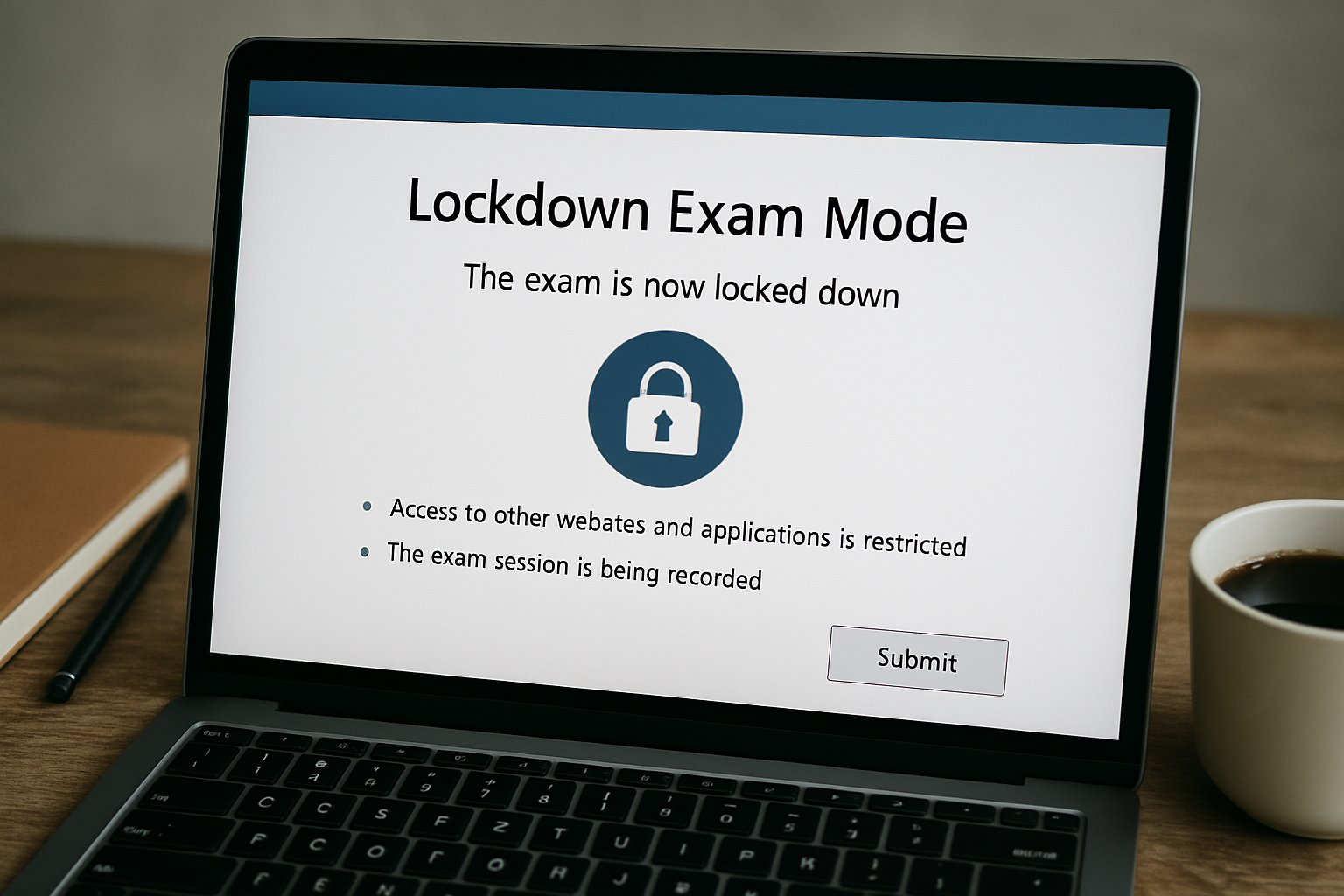
Lockdown browsers operate like restricted kiosks. They remove navigation bars, disable copy-paste, and block screen captures. Furthermore, they detect virtual machines and suspicious background processes. When paired with remote proctor software, webcams and microphones capture anomalies for human review. Therefore, robust software for online exam sessions must combine these safeguards seamlessly.
Advanced Device Control Methods
Vendors harden exam devices in several ways:
- Process scanning blocks screen-sharing and messaging apps instantly.
- Certificate pinning ensures encrypted traffic to exam servers.
- OS shortcut interception prevents task switching or printing.
These tactics stop most on-device exploits. However, they do not address second-device collaboration. Educators must layer controls accordingly.
AI Flagging Mechanics Overview
Automated analysis reviews facial focus, gaze pattern, audio spikes, and screen context. Moreover, configurable thresholds reduce unnecessary flags. Nevertheless, human auditors verify any suspicious clip before escalation. Together, lockdown and remote proctor software create a deterrent without overwhelming instructors.
Technical safeguards reduce common cheating routes and centralize evidence trails. Next, we explore evidence on effectiveness and persisting gaps.
Effectiveness And Known Gaps
Research confirms lockdown browsers deter tab-switching and copy-paste abuse. A 2023 Caveon study measured a 60% drop in such incidents. However, second-device cheating remained unchanged. Privacy advocates, including EPIC, highlight disproportionate false flags against darker skin tones. Consequently, institutions like McMaster University kept the browser yet removed webcam monitoring. Clearly, software for online exam integrity must coexist with thoughtful policy and accessible assessment design.
Lockdown tools help but cannot guarantee full honesty. Next, we look at who is buying and why.
Market And Adoption Trends
Market analysts value the online proctoring segment between USD 648 M and 1.4 B, depending on scope. Moreover, forecasts project double-digit growth through 2030. Universities, K-12 districts, and certification boards continue signing multi-year contracts. Meanwhile, some migrate vendors to balance features, price, and privacy expectations.
- Respondus claims hundreds of millions of annual assessments.
- CUNY shifted to YuJa after student feedback in 2025.
- Infinite Campus integrated lockdown support for 12,000 schools.
These signals show a maturing yet dynamic field. Consequently, procurement now mirrors any critical enterprise system. Adoption remains strong despite controversy. Subsequently, proper deployment practices decide student experience.
Best Practice Deployment Tips
Successful rollouts blend technology with human process. Start with pilot exams and gather student feedback early. Additionally, publish clear data-use notices and appeal channels. Provide practice quizzes so devices and networks get tested beforehand. Importantly, keep accessible alternatives for students needing accommodations.
Committees should document:
- Security audits and penetration test results.
- Subprocessor lists and retention timelines.
- Accessibility conformance reports.
- Policy for flagged-video reviews.
Adhering to these steps builds trust and reduces failure rates. Therefore, any software for online exam deployment becomes predictable rather than disruptive. Good governance maximizes technology benefits. Finally, we consider future innovations shaping exam security.
Future Of Exam Security
Vendors now experiment with multi-camera angles, keyboard biometrics, and local AI detection. Moreover, open-source projects like Safe Exam Browser expand transparency. Nevertheless, privacy regulations tighten, forcing accountable algorithm audits. Consequently, expect lighter client lockdowns combined with authenticated question banks and continuous identity verification.
Institutions that invest in flexible architectures will adapt fastest. In that scenario, remote proctor software evolves from intrusive surveillance to contextual risk scoring. Equally, software for online exam delivery will integrate adaptive assessment models and zero-knowledge encryption.
The next wave blends security, privacy, and pedagogy. We close with actionable recommendations and why Proctor365 leads.
Conclusion
Browser lockdown tools deter many on-device cheats, yet gaps persist around second-device collusion and algorithmic fairness. Therefore, institutions need a balanced strategy that combines clear policy, inclusive design, and trustworthy technology. Proctor365 delivers that balance through AI-powered proctoring, advanced identity verification, and scalable monitoring trusted by global exam bodies. Deploy our software for online exam integrity to gain analytics, adaptive risk scoring, and seamless LMS integration. Visit Proctor365 today to safeguard every assessment.
Frequently Asked Questions
- How do browser lockdown tools help prevent digital exam cheating?
Browser lockdown tools restrict exam device functions by disabling copy-paste, task switching, and screen capture. They also detect unauthorized apps or second-device cheating, ensuring exam integrity when integrated with AI proctoring solutions like Proctor365. - What role does AI proctoring play in enhancing exam security?
AI proctoring leverages facial recognition, gaze tracking, and audio analysis to identify irregular behaviors during exams. Proctor365’s AI solutions combine automated alerts with human review to maintain academic integrity and prevent fraud. - How can institutions balance fraud prevention with student privacy during online exams?
Institutions can balance security and privacy by adopting platforms with transparent data usage, configurable AI thresholds, and accessible design. Proctor365 ensures robust fraud prevention with identity verification while safeguarding student privacy and meeting compliance requirements. - What are the technical safeguards employed to secure online exams?
Technical safeguards include process scanning, certificate pinning, and OS shortcut interception to block unauthorized activities. When paired with real-time AI proctoring and human review, these measures create a comprehensive system for exam security.






