
Internet glitches, outdated webcams, and blocked microphones derail thousands of online tests every semester.
However, a concise hardware plan prevents most disasters and keeps every remotely proctored exam on track.
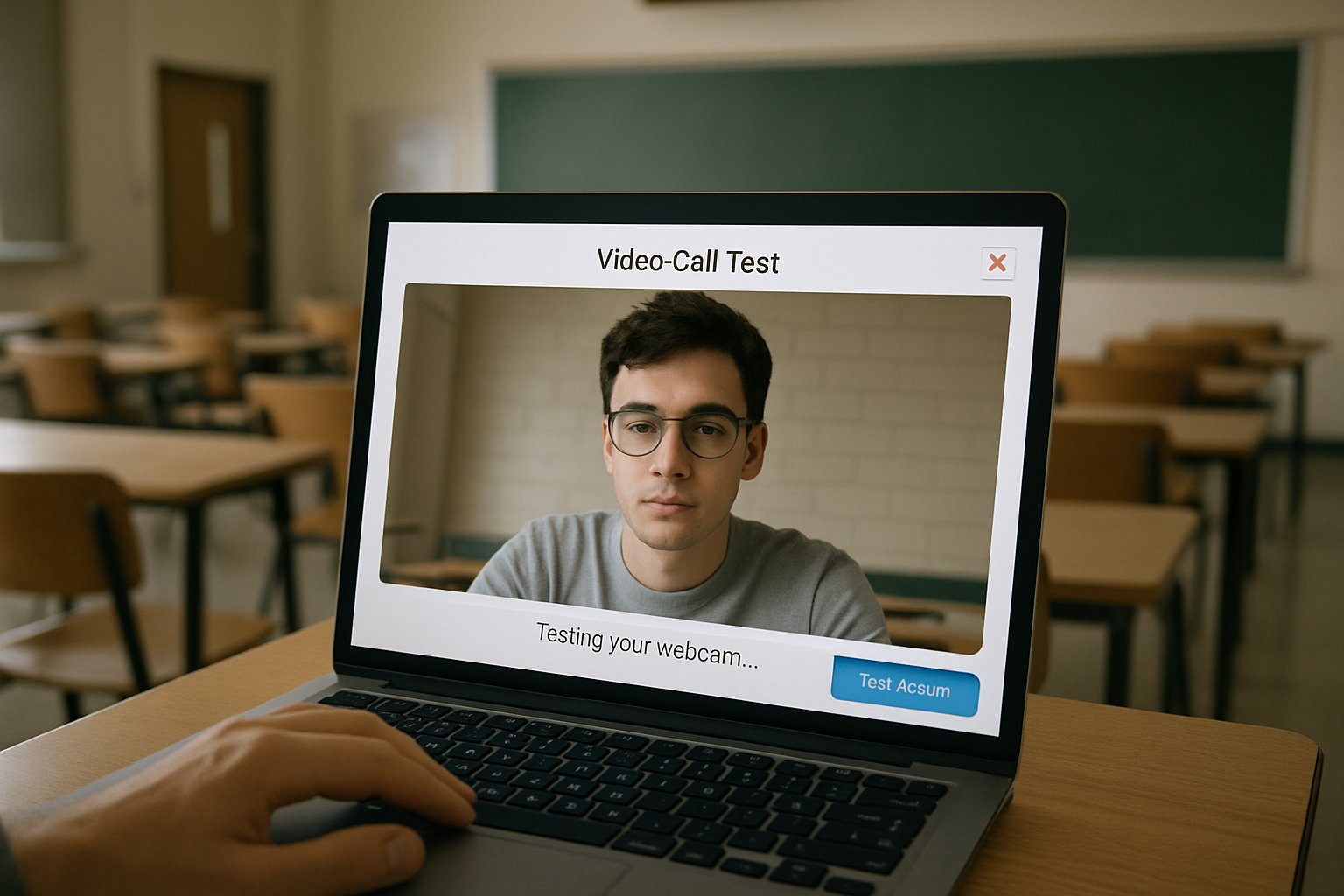
This article distills vendor guidance, campus IT checklists, and market data into a single, step-by-step playbook.
Universities, ed-tech platforms, and corporate L&D teams can share it directly with candidates.
Follow the timeline, verify each device, and start your test with confidence.
Furthermore, we highlight bandwidth numbers, common support mistakes, and emerging AI features now shaping the ai proctored exam landscape.
Consequently, stakeholders will anticipate issues, allocate resources, and protect both integrity and privacy.
Let us begin with the market context before diving into cables, cameras, and contingency steps.
Market Growth Drivers
Global spending on online supervision tools reached an estimated $1 billion in 2024 and continues to climb.
Moreover, analysts project the market to exceed $2 billion by 2030, fueled by university expansion and corporate reskilling.
This wave presses vendors to streamline system checks and refine AI analytics inside every ai proctored exam platform.
Therefore, institutions now publish detailed hardware requirements early in each remotely proctored exam syllabus.
Market momentum demands solid preparation. Next, we unpack the specific device essentials.
Core Hardware Essentials
A stable computer beats flashy specs for any remotely proctored exam.
Most vendors accept Windows, macOS, or ChromeOS, yet block tablets unless used as secondary cameras.
Respondus advises 640×480 webcams at 15 fps minimum, while HD improves identity clarity.
Additionally, microphones must record clearly; background hum triggers false flags within an ai proctored exam.
Internet speed earns top priority.
ProctorU lists 3 Mbps download, whereas Inspera recommends 5 Mbps; experts urge wired ethernet whenever possible.
Consequently, candidates should test bandwidth during peak household usage to catch fluctuations.
Meeting these baselines prevents 80% of support tickets. Now, align them with a practical timeline.
Comprehensive Pre-Exam Timeline Steps
Seven days out, confirm your platform, read institution rules, and install required extensions.
Then, run the vendor system check and a low-stakes practice assessment.
Moreover, request accommodations early if lighting or mobility differs from standard expectations.
- Day-1: Update OS and browser; restart the machine.
- 2-4 hours: Plug into power; connect ethernet; retest webcam.
- 15 minutes: Join early, show ID, complete room scan.
Following this countdown keeps every remotely proctored exam session smooth and stress-free.
Subsequently, focus shifts to network and environment tuning.
Timeline discipline reduces last-minute chaos. Next, secure your connection and space.
Connectivity And Environment Prep
Noise and packet loss sabotage concentration and recording quality alike.
Therefore, select a private room, disable streaming, and position the router within clear line-of-sight.
Bright, even lighting prevents silhouette effects that confuse both live proctors and ai proctored exam algorithms.
Moreover, angle the webcam to show head, shoulders, and desk without exposing private walls.
To protect bandwidth, pause cloud backups and gaming consoles before logging in.
A controlled setting reassures proctors and candidates alike. Yet, technical gaps still appear.
Without preparation, a remotely proctored exam can freeze mid-upload.
Common Pitfalls To Avoid
First, outdated browser versions block proctoring extensions.
Second, corporate VPNs throttle video streams and violate security policies.
Nevertheless, test drives uncover these problems well ahead of a remotely proctored exam.
Another trap is low laptop battery; always plug into AC power.
Finally, forgetting to close Slack or Teams produces distracting pop-ups and potential integrity flags.
- Stale OS patches
- Blocked microphone permissions
- Slow upload speeds under 1 Mbps
Avoiding these errors saves support calls. The final concern involves ethics and privacy.
Balancing Integrity And Privacy
Students increasingly worry about surveillance creep and algorithmic bias.
Meanwhile, institutions must uphold fairness and accessibility under disability law.
Consequently, campuses publish data retention policies and offer alternatives such as oral exams or on-site rooms.
Running an ai proctored exam does not remove this duty; transparency remains essential.
Institutions should publish how long footage from each remotely proctored exam is stored.
Offer practice rooms, disclose flagging criteria, and store footage only for approved periods.
Integrity thrives when privacy is respected. With this balance, technology serves learning.
Finally, combine the checklist and cultural safeguards for sustainable success.
Conclusion And Next Steps
A flawless remotely proctored exam begins long before the timer starts.
Confirm devices, test speeds, secure lighting, and rehearse the process to eliminate surprises.
Moreover, respect student privacy by communicating policies, offering practice runs, and archiving data responsibly.
Why Proctor365?
Our AI-powered platform unites live and automated monitoring with advanced identity verification.
Consequently, elastic cloud scaling supports universities, certification boards, and corporate programs worldwide.
Additionally, real-time analytics surface anomalies immediately, allowing swift, fair interventions.
Therefore, stakeholders save time, preserve trust, and scale assessments effortlessly.
Start elevating exam integrity today at Proctor365.ai.
Frequently Asked Questions
- What hardware requirements should be met for remotely proctored exams?
Candidates must use a stable computer, an HD webcam (640×480 minimum), a clear microphone, and reliable internet (3-5 Mbps) to prevent interruptions during AI proctoring with Proctor365. - How can I best prepare for my remotely proctored exam?
Follow a pre-exam timeline by updating your software, installing extensions, testing bandwidth, and setting up a quiet, well-lit space to ensure smooth AI monitoring. - What common pitfalls should be avoided during online exams?
Avoid outdated browsers, blocked microphone permissions, and slow internet. Addressing these issues minimizes support calls and enhances fraud prevention and AI proctoring effectiveness. - How does Proctor365 balance exam integrity with privacy?
Proctor365 employs AI proctoring, real-time analytics, and strict identity verification while transparently managing data retention to protect both exam integrity and candidate privacy.






