
Demand for flexible assessment remains high. Consequently, many institutions now rely on a remotely proctored exam to protect academic integrity inside Canvas. However, headline-grabbing privacy cases and algorithm bias studies keep stakeholders cautious. This guide blends legal, technical, and pedagogical insights so universities, Ed-tech firms, and corporate L&D teams can deploy proctoring that works and respects learners.
Canvas has simplified external-tool management and New Quizzes proctoring. Moreover, market analysts forecast the online proctoring sector surpassing USD 8 billion by 2035. Yet student surveys still reveal around 45 percent discomfort with webcam monitoring. Therefore, leaders must balance security, transparency, and accessibility while meeting tight compliance rules.
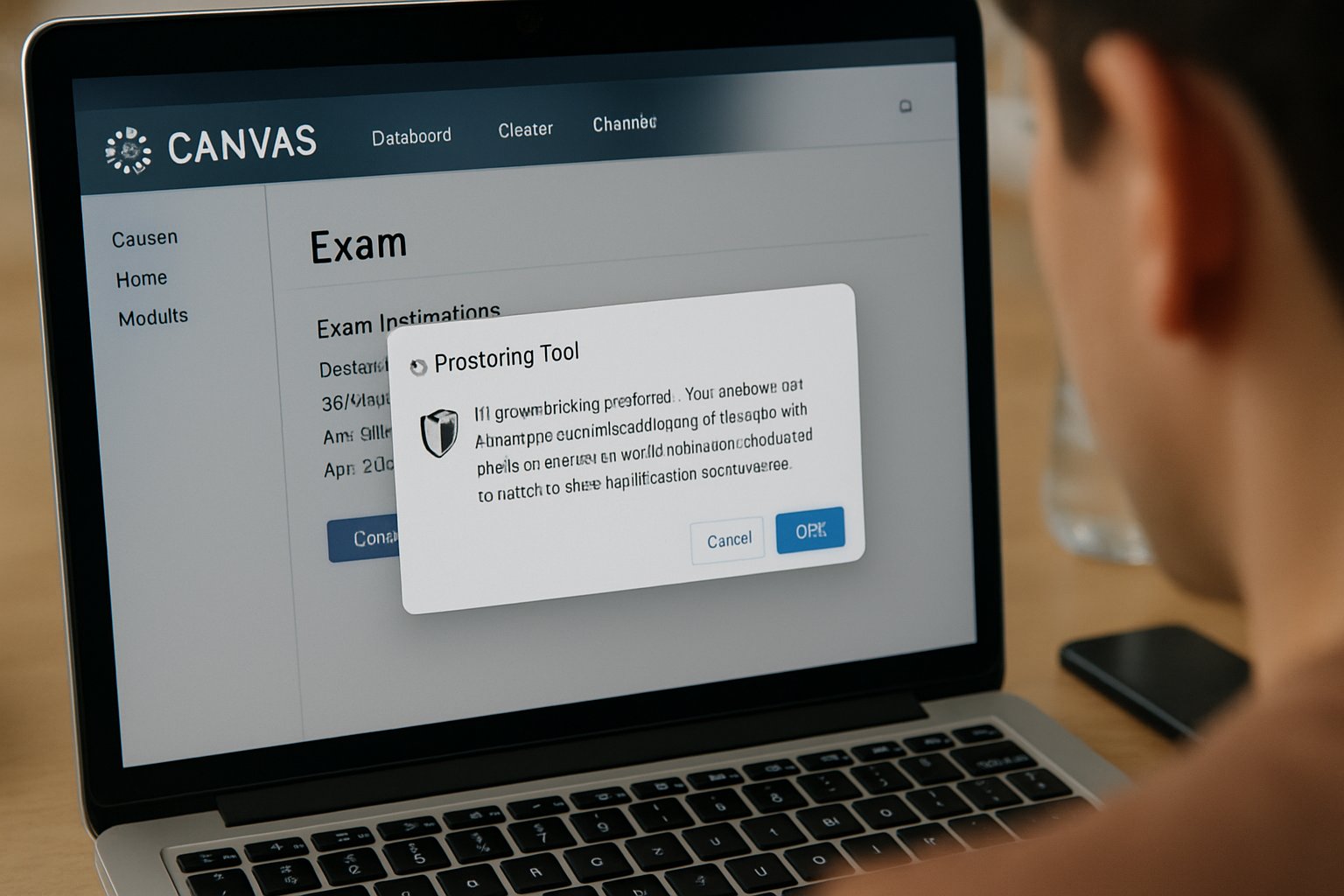
Remotely Proctored Exam Landscape
Recent Canvas updates enable smoother LTI connections and WCAG 2.2 AA alignment. Furthermore, EDUCAUSE advises cross-functional procurement that includes IT, legal, and disability services. Market reports suggest 30-60 percent of campuses already run at least one remotely proctored exam each term.
Key delivery modes include lockdown browsers, AI recording with post-exam review, and live human oversight. Additionally, the ai proctored exam model now supports “live pop-ins” when algorithms flag risk. Institutions must pick the right mix for stakes and budgets.
Notable figures to watch:
- Global revenue estimate: USD 2.1 billion in 2024.
- Projected CAGR: 16-25 percent through 2030.
- Student webcam concern: roughly 40-50 percent in multiple surveys.
These numbers signal opportunity and scrutiny. In summary, understanding trends helps teams justify investment and set realistic expectations. Next, tighten procurement guardrails.
Procurement And Privacy Steps
A solid contract prevents future crises. Therefore, require a Data Privacy Agreement that limits collection, sets deletion timelines, and bans marketing use. FERPA guidance also forbids forcing students to waive rights. Moreover, ask vendors for SOC 2 reports and a detailed subprocessors list.
Accessibility remains non-negotiable. Consequently, insist on a current VPAT plus remediation deadlines. Meanwhile, verify that vendor terms classify them as a school official or contractor, not a data owner.
During negotiation, security teams should demand 24-hour breach notifications and indemnity on privacy claims. Collect disability-office feedback before signing to avoid later revisions.
Effective procurement gives legal clarity and student trust. Subsequently, move to technical integration.
Technical Setup Essentials Guide
First, confirm the LTI version matches Canvas New Quizzes. Then, request a vendor sandbox for administrators. This space allows single sign-on, grade sync, and attempt-matching tests.
Run a pilot with diverse courses. Include large lecture, STEM, and certification prep sections. Track metrics such as setup failures, false flags, and ai proctored exam support tickets. Additionally, publish a permanent ungraded practice quiz so students can install software, test webcams, and resolve permissions early.
Configuration tips:
- Low-stakes quizzes: lockdown browser only.
- Mid-stakes: browser plus AI recording.
- High-stakes: add live proctor or on-demand pop-in.
Document these recipes for instructors. In brief, rigorous testing minimizes exam-day chaos. The next task is preparing students.
Student Support Strategies Plan
Clear communication calms nerves. Place proctoring expectations in the syllabus, welcome module, and exam instructions. Moreover, remind learners one week and one day before each remotely proctored exam.
Offer alternative pathways such as on-site testing or oral assessments for those lacking hardware. Meanwhile, partner with disability services to streamline accommodation requests.
During exam windows, keep live chat and phone lines staffed by both vendor and campus IT. Publish a flowchart for interrupted sessions outlining reconnection steps and escalation rules. Careful support reduces complaints and builds confidence. Consequently, equity issues receive less resistance.
Accessibility And Bias Safeguards
Research shows facial-recognition accuracy varies across skin tones and lighting. Therefore, request vendor algorithmic-impact data, including false positives by demographic. Additionally, ask for evidence of screen-reader compatibility because an ai proctored exam should never block assistive tools.
Set a default time-extension buffer for students using screen readers. Furthermore, allow room-lighting checks during practice attempts. If the system struggles, offer alternative proctoring or local test centers.
Finally, train faculty to review AI flags manually before alleging misconduct. These controls foster fairness. With safeguards defined, focus on assessment design.
Designing Cheating Resistant Assessments
Better questions lower cheating incentives. Use open-book prompts, randomized banks, and application tasks instead of simple recall. Meanwhile, limit each question’s display time and prohibit backtracking when pedagogically appropriate.
Combine Canvas quiz analytics with plagiarism detection to cross-verify performance. Moreover, avoid relying on any single remotely proctored exam flag. Always gather multiple evidence points before disciplinary action.
Pedagogical strength complements technical barriers. In conclusion, layered strategies protect integrity without excessive surveillance. The article now summarizes key actions and introduces a proactive solution.
Conclusion
A robust Canvas rollout follows six pillars: landscape awareness, privacy-focused contracts, rigorous sandbox testing, proactive support, bias mitigation, and thoughtful assessment design. Each pillar ensures a secure yet respectful remotely proctored exam environment.
Why Proctor365? Our platform delivers AI-powered proctoring, advanced identity verification, and scalable monitoring trusted by global exam bodies. Consequently, institutions can launch every remotely proctored exam with confidence. Explore how Proctor365 elevates integrity while respecting learners at Proctor365.ai.
Frequently Asked Questions
- How does remote proctoring enhance exam security?
Remote proctoring leverages AI-powered monitoring, fraud prevention, and identity verification to secure exam environments while maintaining compliance with privacy standards and ensuring academic integrity. - What makes Proctor365’s solution unique for online examinations?
Proctor365 stands out by combining AI proctoring, live monitoring, and advanced identity checks to deliver a scalable, fraud-preventive platform that meets privacy and accessibility standards for remote exams. - How can institutions balance exam security and student privacy?
Institutions can achieve balance by adopting privacy-focused contracts and robust technical measures. Proctor365 supports this with bias safeguards, seamless integration, and clear data policies to build trust and compliance. - How does proctoring technology support various exam formats?
Modern proctoring adapts to different exam stakes using tools like lockdown browsers, AI recording, and live proctoring. Proctor365’s flexible approach ensures secure setup, seamless integration, and dependable fraud prevention.






