
Online assessments keep growing, yet failure rates still frustrate candidates. A solid plan turns an at home proctored exam from stress trigger into smooth success.
Institutions deploy live and AI tools because cheating reached 44.7% in some studies. Meanwhile, market analysts value remote proctoring near USD 1 billion with double-digit growth.
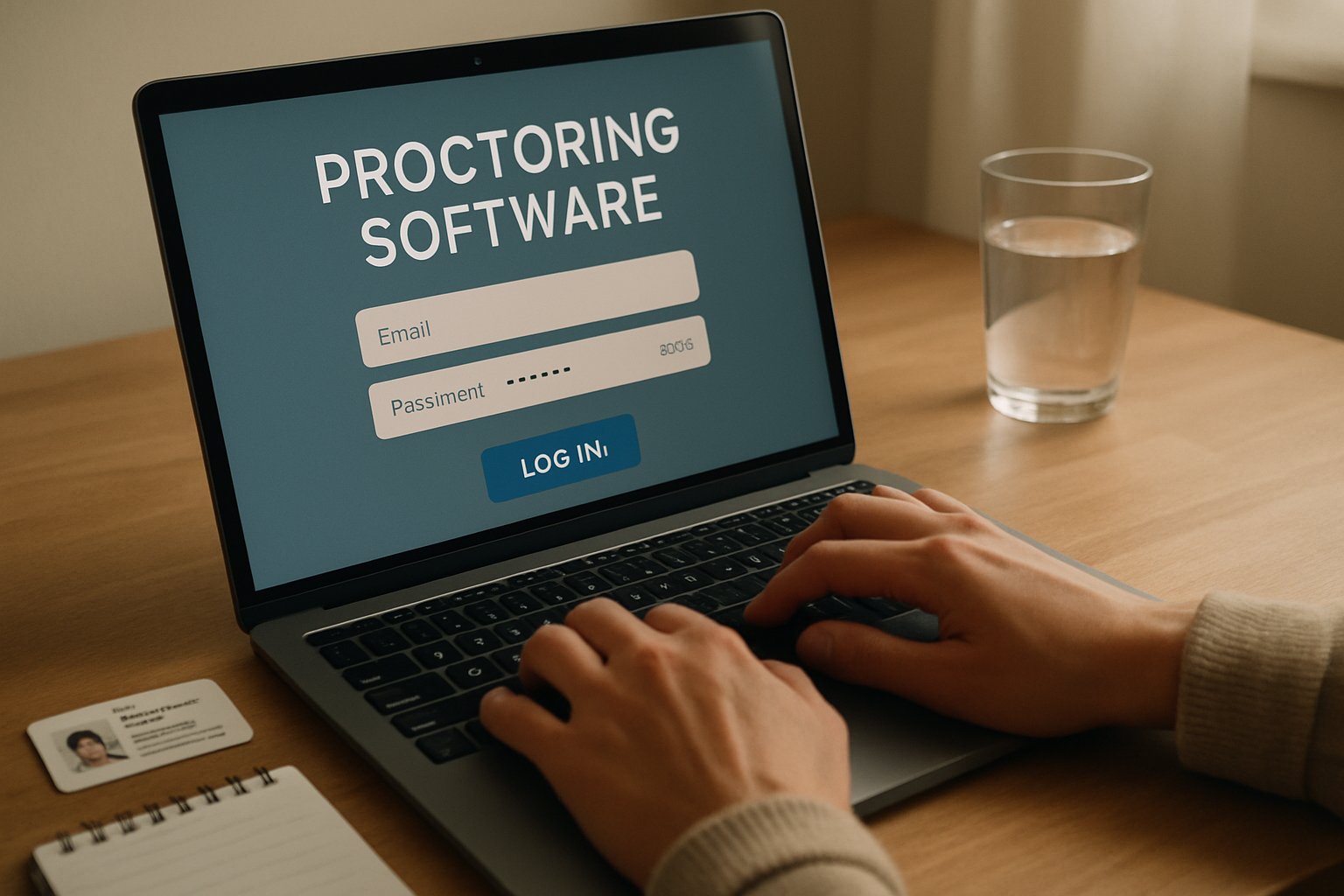
The guide below distills vendor manuals, legal updates, and expert advice into ten actionable steps. Follow them, and your next credential will launch without technical tears or privacy hiccups.
Crucially, emerging court decisions and student petitions keep privacy safeguards in the spotlight. Vendors answer with clearer data policies and refined AI flagging rules.
This article walks corporate L&D leaders, ed-tech teams, and faculty through proven preparation tactics. Implement them and spare your help-desk frantic midnight calls.
Along the way, we spotlight ai proctoring and student privacy pressures each step must respect. Balanced guidance keeps institutions compliant and learners confident.
Review Core Exam Requirements
First, read every rule that governs materials, breaks, and ID. Different courses allow calculators, scrap paper, or open books; never assume parity.
Moreover, confirm disability accommodations early, because approvals sometimes take a week. List what you may legally keep on your desk, noting ai proctoring and student privacy concerns.
Clear rules reduce panic and arguments later. Next, secure your timing logistics.
Confirm Exam Schedule Details
Scheduling misfires still top proctor help-desk logs. Therefore, double-check date, time zone, and launch window inside the platform and your calendar.
Arrive 15 minutes early; the check-in sometimes includes photo ID verification and a short room scan. Additionally, note support phone numbers in case the session stalls.
Accurate timing prevents last-minute reschedules. After booking, turn to technology preflight.
Complete Pre Exam Checks
Run the vendor system test for your at home proctored exam at least 48 hours before the slot. Install the secure or lockdown browser, then reboot to lock in permissions.
Many failures stem from antivirus pop-ups or outdated webcams, so fix flagged items immediately. Furthermore, perform the same test on the exact computer you will use.
Early diagnostics stop launch disasters. Now, create a distraction-free environment.
Prepare Secure Testing Space
Choose a private, well-lit room with a plain wall behind you. Clear every surface except approved materials; remove smart watches, books, and second screens.
Consequently, the proctor sees a tidy workspace and flags fewer anomalies. Practice a slow 360-degree camera sweep so the process feels natural.
A clean space limits proctor alerts. Your hardware also needs attention.
Optimize Device And Network
Wired ethernet and a plugged-in laptop slash disconnect probability. Moreover, close cloud drives, social apps, and update blockers to free bandwidth.
- Average dropout rate falls below 2% on wired connections.
- Charge level under 20% triples crash risk.
- Lockdown browsers block 90% of background apps during an at home proctored exam.
Such facts show why tech readiness matters. Additionally, the ai based proctoring exam engines run smoother when CPU load stays low.
Consequently, privacy alerts also reduce because fewer apps access your camera. Strong hardware and network secure exam continuity.
Next, rehearse the complete workflow.
Practice In Real Conditions
Universities recommend a timed practice quiz inside the same platform. During rehearsal, follow every rule, including silence and webcam focus.
Moreover, record any glitches and contact support, keeping screenshots for evidence. This dry run also reveals ai proctoring and student privacy prompts you may face.
Practice converts surprises into routine. Finally, prepare for launch day itself.
Secure At Home Proctored Exam
On exam morning, restart the device and open only the testing browser. Have your government ID and permitted notes within reach, yet outside camera blind spots.
Furthermore, family members should know the room is off-limits until you finish. If an error appears, capture the code and continue communicating through the platform chat.
Remember, the ai based proctoring exam logic flags suspicious silence gaps, so speak when asked. Nevertheless, raise a hand digitally before adjusting headsets or materials.
Completion screens usually appear; screenshot them before closing the session. These habits ensure your at home proctored exam ends without dispute.
Flawless execution protects scores and reputation. Let us recap and show next steps.
Conclusion
You now hold a clear, ten-step roadmap. Follow each point and your at home proctored exam will start, run, and finish smoothly.
Why Proctor365? Because our AI-powered platform merges live oversight with adaptive algorithms for unrivaled integrity. Universities, certifiers, and global employers trust our instant analytics.
We deliver advanced identity verification, scalable monitoring, and instant analytics. Discover how Proctor365 strengthens every ai based proctoring exam while respecting ai proctoring and student privacy.
Visit proctor365.ai to book a demo today.
Frequently Asked Questions
- What is the significance of completing pre-exam device and network checks?
Ensuring solid tech readiness minimizes connection issues during AI-based proctoring exams. This practice boosts exam integrity through proper hardware, secure networks, and proactive troubleshooting consistent with Proctor365 standards. - How can I create a distraction-free testing environment for my remote exam?
Prepare a quiet, well-lit area with a plain backdrop, remove unauthorized devices, and reposition permitted materials. This setup supports Proctor365’s fraud prevention and identity verification protocols, helping ensure exam fairness. - Why is practicing an exam simulation important before the real test?
Simulated exams familiarize you with AI proctoring rules, camera checks, and system tests, reducing anxiety while ensuring immediate support. Practice sessions improve readiness and uphold exam integrity with guided real-world scenarios. - What makes Proctor365 the preferred platform for remote proctoring?
Proctor365 combines AI proctoring, advanced identity verification, and live oversight for secure testing environments. Its scalable solutions ensure fraud prevention and seamless exam administration, making it trusted by universities and certifiers.






