Navigating GDPR: 2026 Proctor Exam Software Privacy Guide

Data protection demands continue to reshape digital assessment. Consequently, universities now scrutinise every proctor exam software purchase. Meanwhile, GDPR proctoring guidance tightened again in 2025. Institutions must balance integrity, fairness, and legal risk.

Moreover, biometric identity verification promises convenience yet raises serious concerns. Surveys show nearly half of candidates dislike facial recognition for online exams. However, best AI proctoring software can cut costs and deter cheating. Market analysts value online proctoring software at almost one billion dollars already.
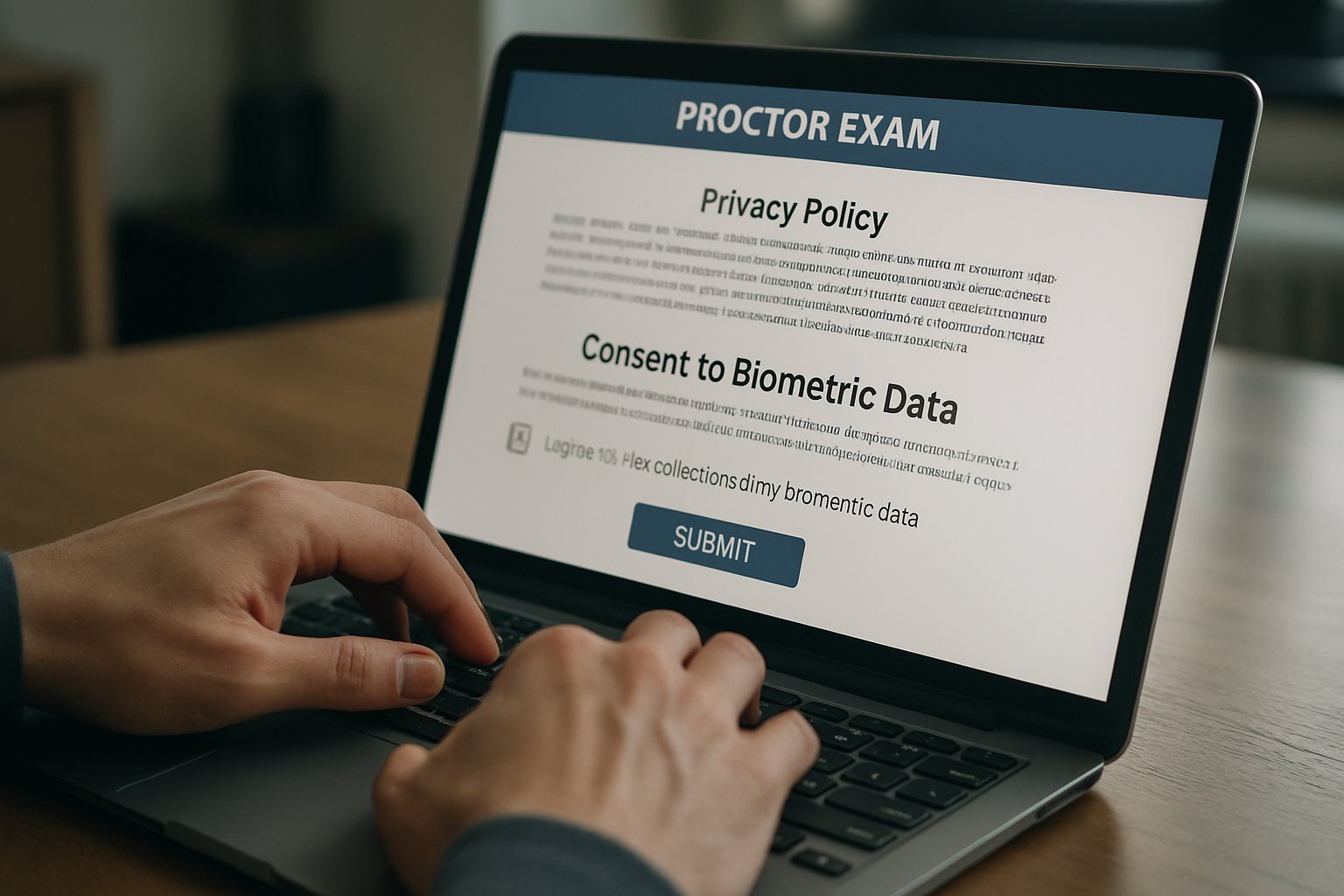
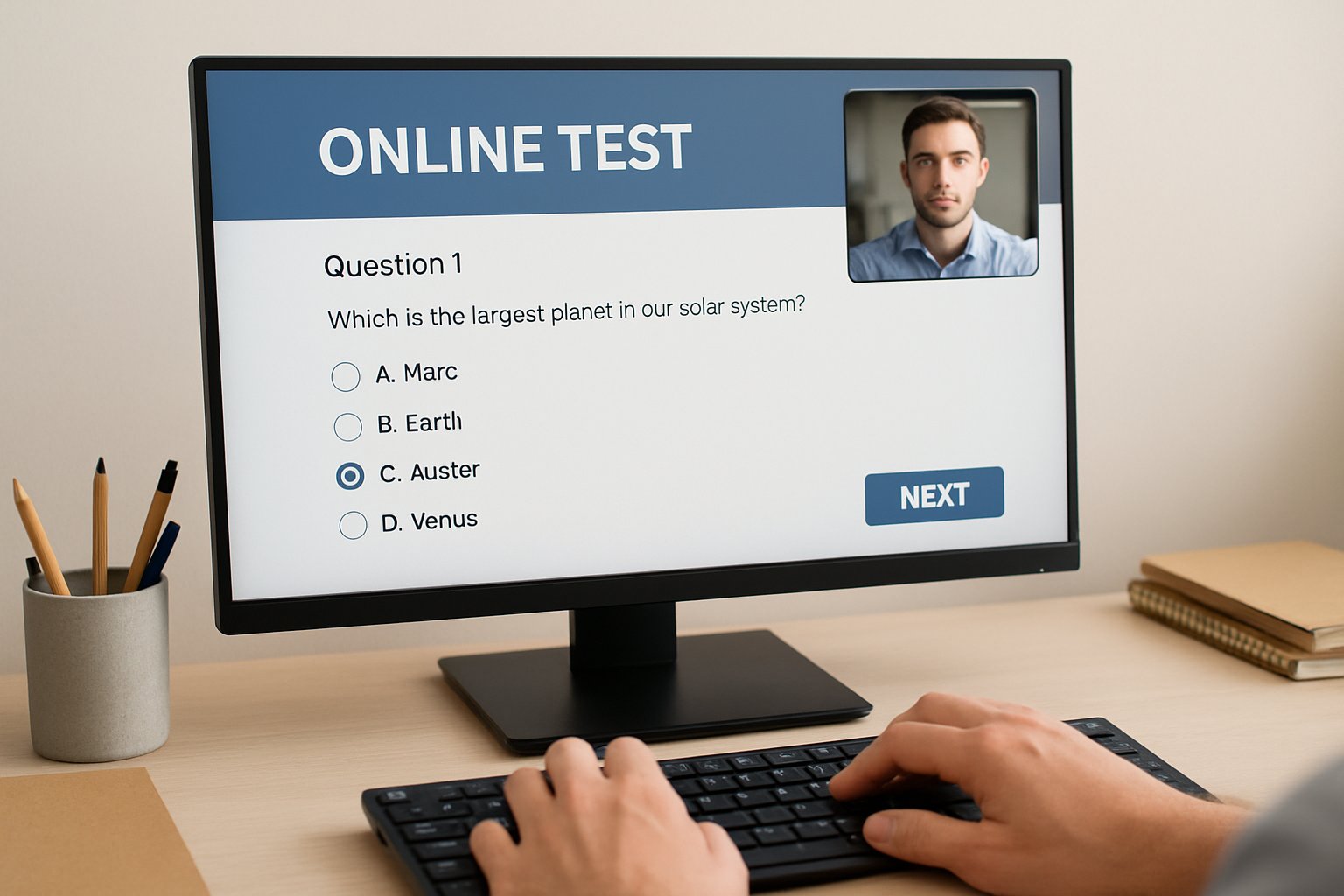
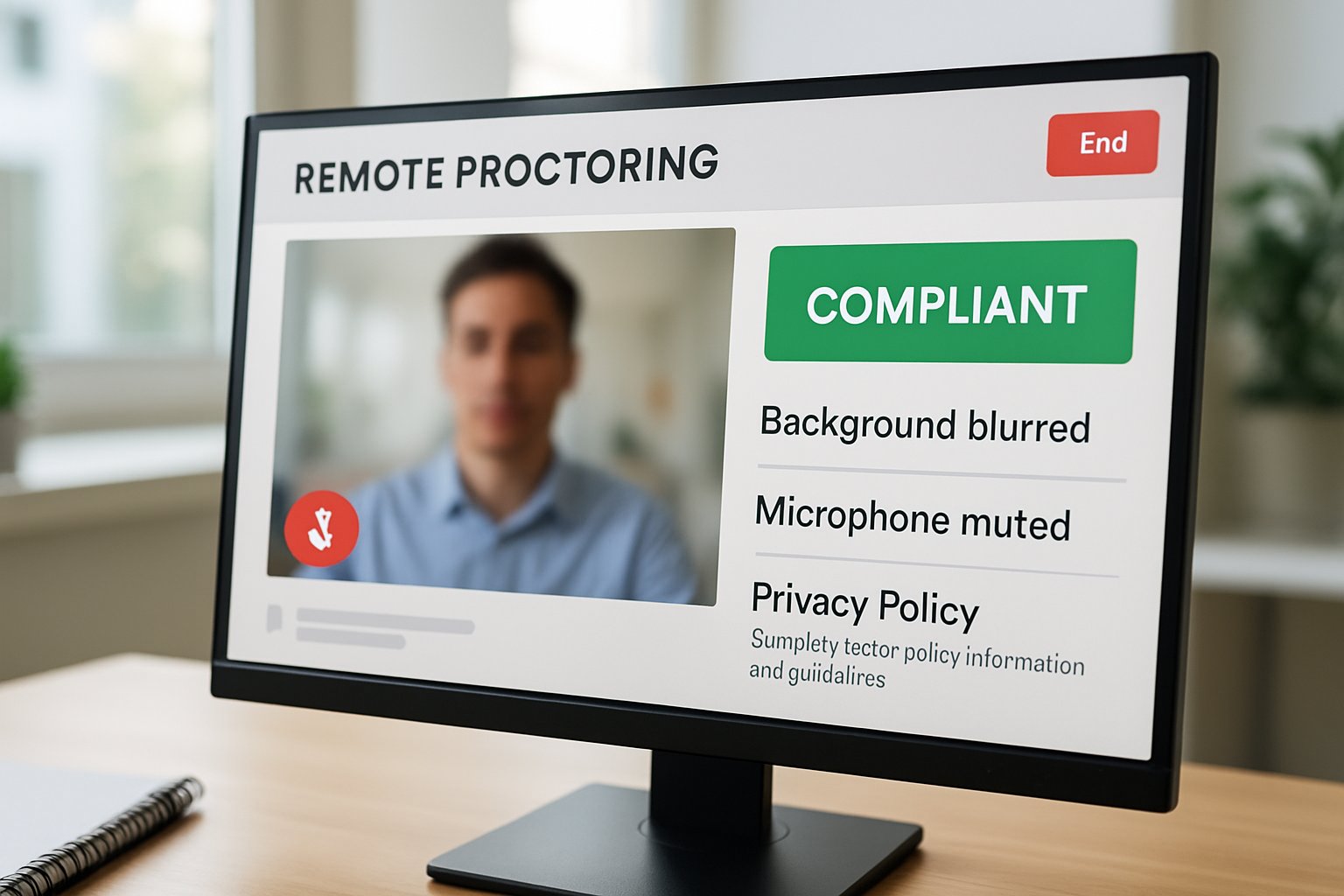
Proctor exam software interface displaying privacy policy and biometric data consent prompt.
Proctor exam software requests user consent for biometric data, ensuring 2026 GDPR compliance.

Additionally, AI proctoring software adoption grows across corporate certification programmes. Therefore, 2026 becomes a pivotal year for privacy-aware deployment. This guide explains rules, risks, and smart procurement steps. Expect actionable advice grounded in recent enforcement realities.

GDPR Landscape 2026

GDPR sets strict principles for personal data in education. Article 9 almost bans biometric processing without explicit legal grounds. In 2025, the Spanish AEPD fined a university. Reason: mandatory facial recognition for online exams without lawful basis.

Moreover, the EDPB created an AI task force focused on GDPR proctoring enforcement. Institutions now face potential fines of four percent of turnover for missteps.

GDPR enforcement momentum will not slow. Controllers need documented necessity and alternatives. Consequently, biometric data deserves isolated analysis.

Biometric Data Risks

Facial templates qualify as sensitive biometric identity verification data under Article 9. Therefore, even short webcam snapshots can trigger strict GDPR obligations. Furthermore, facial recognition for online exams often leaves students feeling coerced. The AEPD noted consent fails when no genuine alternative exists.

Algorithmic errors pose parallel reputational threats. Studies reveal higher false-positive rates for darker skin during AI proctoring software checks. Consequently, institutions must test bias and maintain human review.

Sensitive data amplifies legal and ethical stakes. Poor accuracy quickly erodes trust and adoption. Now, let’s choose compliant proctor exam software.

Choosing Proctor Exam Software

Procurement teams should map assessment goals against risk appetite first. Additionally, compare best AI proctoring software features to less intrusive workflows. Some vendors offer optional biometric identity verification while others rely on ID photo plus keystroke analysis.

Request recent DPIA summaries, SOC 2 reports, and ISO 42001 statements. Moreover, verify data-transfer safeguards like the EU-U.S. Data Privacy Framework. Institutions selecting proctor exam software with strong certifications reduce approval cycles.

Clear criteria protect budgets and reputations. Transparent vendors speed legal reviews. Next, align operations with legal duties.

DPIA And Legal Bases

Article 35 mandates a Data Protection Impact Assessment for high-risk monitoring. Furthermore, GDPR proctoring DPIAs must involve students and the Data Protection Officer. Controllers should record why no less intrusive method meets exam objectives. When biometric identity verification remains essential, rely on specific national law, not consent.

Additionally, avoid fully automated cheating decisions. AI proctoring software flags must receive human confirmation before sanctions.

Solid DPIAs prove accountability. Wrong legal bases invite fines. Let’s view adoption numbers next.

Market Adoption Trends

Market reports place online proctoring software revenue near one billion dollars today. Moreover, analysts predict double-digit compound growth until 2030. North America leads rollouts, yet EU privacy rules influence global roadmaps.

Consequently, best AI proctoring software vendors pursue ISO and SOC certifications. They also enrich proctor exam software with adaptive analytics and multilingual support.

  • Driver: Remote learners expect flexible scheduling.
  • Driver: Employers demand verified credentials.
  • Constraint: Facial recognition for online exams faces legal hurdles.
  • Constraint: Students mistrust opaque algorithms.

Growth continues but hinges on trust. Certification signals reduce buyer worry. Accordingly, implement the following steps.

Practical Compliance Steps

Institutions can follow a concise checklist.

  1. Run a DPIA before deployment.
  2. Offer an on-campus exam alternative.
  3. Minimise retention to 30 days.
  4. Verify biometric identity verification accuracy often.
  5. Ensure human review of AI flags.
  6. Use SCCs or DPF for transfers.

Furthermore, communicate privacy choices during onboarding. Transparent online proctoring software policies calm user fears. Consequently, compliant proctor exam software strengthens institutional credibility.

Checklists translate law into action. Stakeholder dialogue keeps controls aligned. Finally, consider future developments.

Future Outlook Insights

Legislators may draft education-specific biometric rules by 2027. Meanwhile, best AI proctoring software will likely add edge processing to limit transfers. Additionally, facial recognition for online exams could shift to voluntary opt-in models.

Vendors that embed privacy engineering will outpace rivals. Therefore, choosing adaptable proctor exam software today protects future investments.

Regulation, technology, and sentiment will evolve. Adaptive strategies safeguard assessment programmes. Consequently, summarising key lessons matters now.

Conclusion

GDPR enforcement, biometric sensitivities, and market pressure demand informed action. You now know why transparent DPIAs, alternatives, and human oversight are critical. Moreover, selecting proctor exam software with rigorous security and flexible features ensures long-term success.

Proctor365 answers that challenge with AI-powered proctoring, advanced identity verification, and scalable monitoring. Trusted by global exam bodies, our platform embeds privacy by design and continuous human review. Therefore, institutions can uphold integrity without compromising compliance or student trust.

Experience the future of secure assessment today by visiting Proctor365.ai. Start protecting every exam with confidence.

Frequently Asked Questions

  1. What are the challenges associated with biometric identity verification in online exams?
    Biometric identity verification, such as facial recognition, poses privacy risks under GDPR, raises ethical concerns, and may trigger legal issues. Proctor365 mitigates these challenges by ensuring compliance and offering less intrusive verification alternatives.
  2. How does AI proctoring software maintain exam integrity?
    AI proctoring software maintains exam integrity by detecting suspicious behaviors, flagging potential cheating, and incorporating human review. Proctor365’s advanced algorithms and continuous identity verification ensure secure, fair, and compliant exam environments.
  3. What compliance steps should institutions take for GDPR proctoring?
    Institutions must conduct thorough DPIAs, document legal grounds, offer secure exam alternatives, and minimize data retention. Proctor365 supports compliant proctoring with clear guidelines, robust identity verification, and transparent data protection measures.
  4. How does Proctor365 enhance exam security and prevent fraud?
    Proctor365 enhances exam security through AI-powered proctoring, advanced biometric verification, and continuous human oversight. The platform integrates fraud prevention measures and adaptive analytics to deliver secure, fair, and compliant examinations.
Remote Online Proctoring: Browser Lockdown vs Desktop Monitoring

Universities, ed-tech firms, and corporate L&D teams now rely on Remote Online Proctoring to protect high-stakes assessments. Attackers, however, still chase exam data, credentials, and devices. Choosing a secure posture means deciding between Browser Lockdown Tools and full desktop monitoring. This guide offers clear, evidence-based answers.

Evolving Web Threat Landscape

Verizon’s DBIR shows browsers remain prime entry points. Consequently, CISA urges isolation of risky sessions. Attackers exploit malvertising, phishing, and zero-days faster than teams can patch. Therefore, prevention must sit alongside rapid detection.

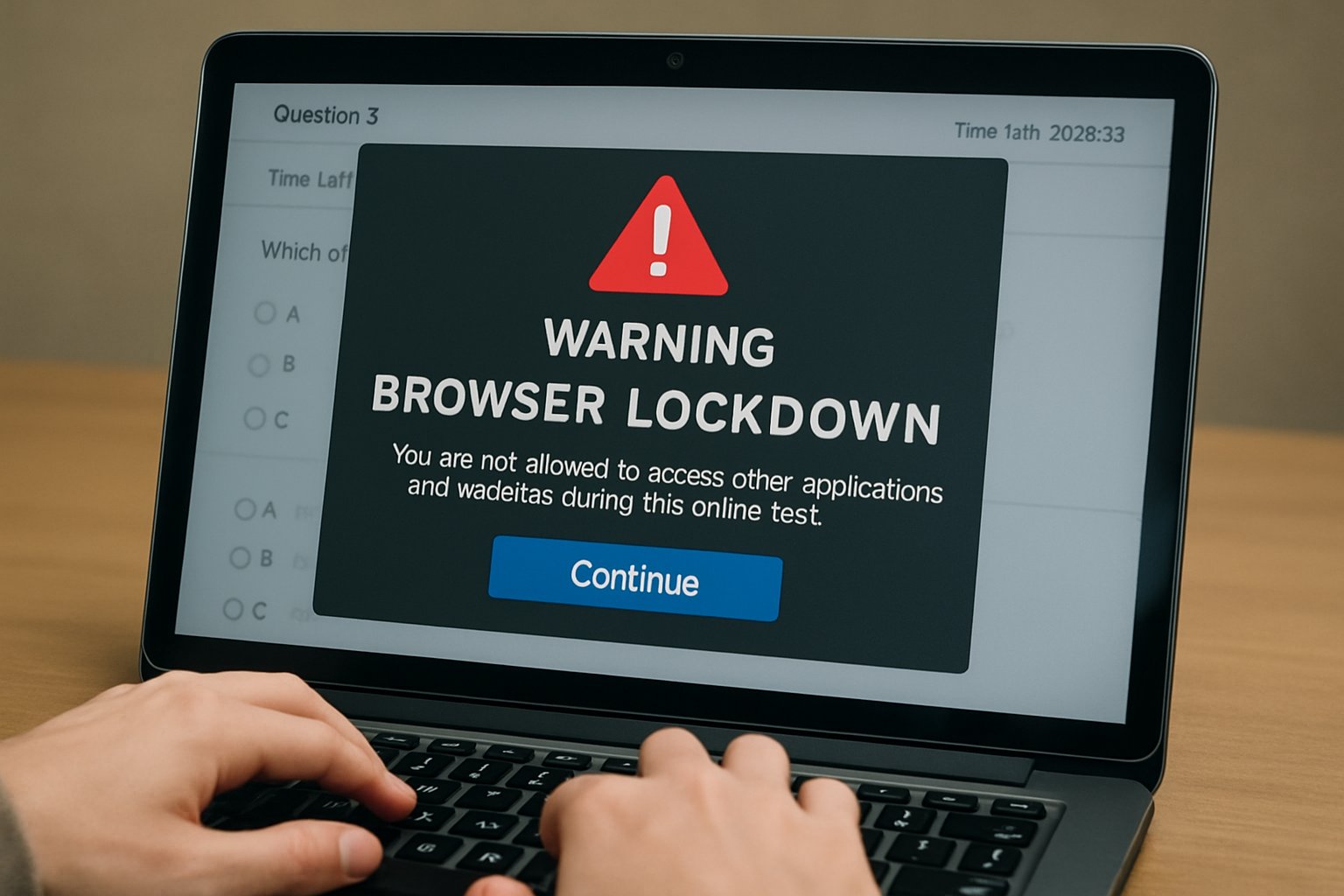
Remote Online Proctoring browser lockdown feature in action during exam
Browser lockdown tools help secure online exams with Remote Online Proctoring.

Isolation vendors gained momentum. Menlo Security, Cloudflare, and Palo Alto expanded services, while funding surpassed $100 million. Moreover, the browser isolation market may hit $5.3 billion by 2030. Yet researchers exposed QR-code bypass tricks, warning that no single layer suffices.

Key takeaway: Web channels still dominate breach paths. Security leaders should blend preventive and detective layers before moving on.

Remote Online Proctoring Impact

Exam workflows depend on stable browsers and clean endpoints. Remote Online Proctoring fails if malware siphons screens or keystrokes. Thus, architects weigh device lockdown vs browser lockdown to stop cheats and data theft.

Regulators also watch. Several U.S. states tightened rules on invasive monitoring, stressing notice and consent. Consequently, exam bodies seek balanced controls that satisfy privacy teams and auditors.

Key takeaway: Proctoring success needs security that respects legal boundaries. Next, explore the lockdown options.

Browser Lockdown Fundamentals

A browser lockdown solution restricts navigation to whitelisted pages, disabling prints, downloads, and tabs. Many platforms couple this with remote isolation, pushing active code to secure clouds. Implementers often deploy Browser Lockdown Tools through MDM or SASE gateways.

Because exams may run on unmanaged tablets, Android device lockdown becomes vital. Administrators convert the tablet into single-app mode, ensuring focus. Meanwhile, device lockdown software enforces passcodes and blocks USB sharing.

Pros include off-endpoint execution and consistent policy across BYOD users. However, UX latency appears when rich apps break. Additionally, device lockdown vs browser lockdown debates surface when native calculators or IDEs are required.

Key takeaway: Browser controls shine for web-only tests. Yet complexity grows when native apps enter scope. Let’s examine host monitoring.

Full Desktop Monitoring Explained

Full desktop monitoring installs an agent that records processes, network calls, and sometimes screenshots. Modern EDR engines add rollback and automated containment. Consequently, they detect attacks that skirt browser isolation.

Analyst reports expect EDR markets to grow steadily, reflecting need for deep forensics. Nevertheless, privacy groups challenge overly broad capture. Employers juggling device lockdown software and surveillance face EEOC and NLRB scrutiny.

Remember: Monitoring exposes misuse after execution, while browser lockdown solution aims to block the initial exploit. Combining both often wins.

Critical Risk Comparison Factors

  • Prevention strength: Browser isolation blocks drive-by exploits early.
  • Detection depth: EDR spots lateral movement and insider threats.
  • User privacy: Browser Lockdown Tools record minimal data; desktop agents may collect sensitive screens.
  • Compatibility: device lockdown vs browser lockdown must consider required local apps.
  • Cost: RBI licenses add bandwidth; EDR adds SOC overhead.

Additionally, Android device lockdown demands rugged MDM profiles, while browser lockdown needs robust network paths. Meanwhile, choosing a device lockdown solution for Mac or Windows calls for integration with identity systems.

Summary: Each method covers different gaps. Security managers should layer both where budgets allow before advancing to decisions.

Practical Decision Checklist Steps

First, map scenarios. High-risk browsing by contractors? Deploy Browser Lockdown Tools plus remote isolation. Need deep forensics? Roll out EDR and device lockdown software.

Second, align with CISA guidance. Evaluate architecture, patch cadence, and DLP needs. Third, publish transparent policies to satisfy regulators when using device lockdown vs browser lockdown monitoring.

Finally, pilot Android device lockdown in labs, then scale. Measure latency, user feedback, and analyst workload. Adjust the browser lockdown solution based on findings.

Key takeaway: A phased checklist reduces surprises. The next section addresses long-term strategy.

Building Future Proof Strategy

Market signals favor layered defences. Vendors invest in both isolation and EDR, while standards bodies push Zero Trust adoption. Therefore, combine browser lockdown, device lockdown solution agents, and cloud SWG filters.

Moreover, budget holders can justify spend by citing reduced incident response hours. Menlo notes customers cut ransomware exposure even while QR-code bypass research continues.

Meanwhile, Android device lockdown ensures exam tablets remain single-purpose. Pair that with Browser Lockdown Tools for SaaS tests and you gain coverage across platforms.

Takeaway: Future-proofing demands adaptable layers that scale with exam volume and threat change.

Summary: Flexible layers adapt to new exploits and privacy mandates, ensuring secure assessments.

Therefore, choose balanced controls now.

Conclusion

Browser isolation prevents many web attacks, while EDR uncovers host abuse. Layering both techniques limits blind spots, satisfies auditors, and supports Remote Online Proctoring scalability. Remember to combine Browser Lockdown Tools, an approved device lockdown solution, and Android device lockdown for cross-platform coverage.

Why Proctor365? Our AI-powered platform delivers Remote Online Proctoring with advanced identity verification, scalable exam monitoring, and analytics trusted by global exam bodies. Consequently, you gain proven integrity without intrusive surveillance. Learn more at Proctor365.ai.

Frequently Asked Questions

  1. What is remote online proctoring and why is it important?
    Remote online proctoring employs advanced technology like AI proctoring and browser lockdown to secure exams, deter fraud, and maintain assessment integrity. It ensures reliable monitoring while protecting student privacy.
  2. How do Browser Lockdown Tools enhance exam security?
    Browser lockdown tools restrict navigation to approved pages, disable printing and downloading, and isolate exam sessions. These features, combined with AI proctoring and identity verification, create a secure, fraud-resistant exam environment.
  3. What role does full desktop monitoring play in fraud prevention?
    Full desktop monitoring installs agents to track processes and network activity, offering deep forensic capabilities. This method complements AI proctoring by detecting suspicious behavior and preventing exam misconduct.
  4. How does Proctor365 support secure and scalable remote exams?
    Proctor365 leverages AI-powered proctoring, advanced identity verification, and robust analytics to provide secure, scalable monitoring. This integrated approach prevents fraud while ensuring privacy for universities, ed-tech firms, and corporate L&D teams.

The 60-Second Remote Exam Proctoring Software Readiness Test

One minute can rescue an entire exam session. That minute is the 60-second readiness test used by modern remote exam proctoring software. Universities, ed-tech platforms, and certification bodies insist candidates run it before every high-stakes assessment. The micro checklist confirms System Requirements, camera, microphone, bandwidth, identity capture, and a quick room scan. However, recent platform meltdowns show that a short test alone cannot guarantee flawless delivery. Consequently, stakeholders now examine workflow, privacy impact, and support promises surrounding the lightning-fast diagnostic. This article dissects the 60-second readiness flow, highlights market lessons, and offers actionable implementation steps. Along the way, we reference the California bar exam outage, privacy advocacy, and industry growth statistics. Finally, we outline how to choose a resilient online proctoring solution that protects integrity without alienating students.

Importance Of Readiness Tests

System failures on exam day damage reputations and delay careers. Therefore, institutions crave early warnings. A rapid readiness check reduces help-desk load and supports secure online examinations at scale. Moreover, it exposes missing System Requirements while there is still time to fix them. Effective remote exam proctoring software relies on that lightning-fast gatekeeper.

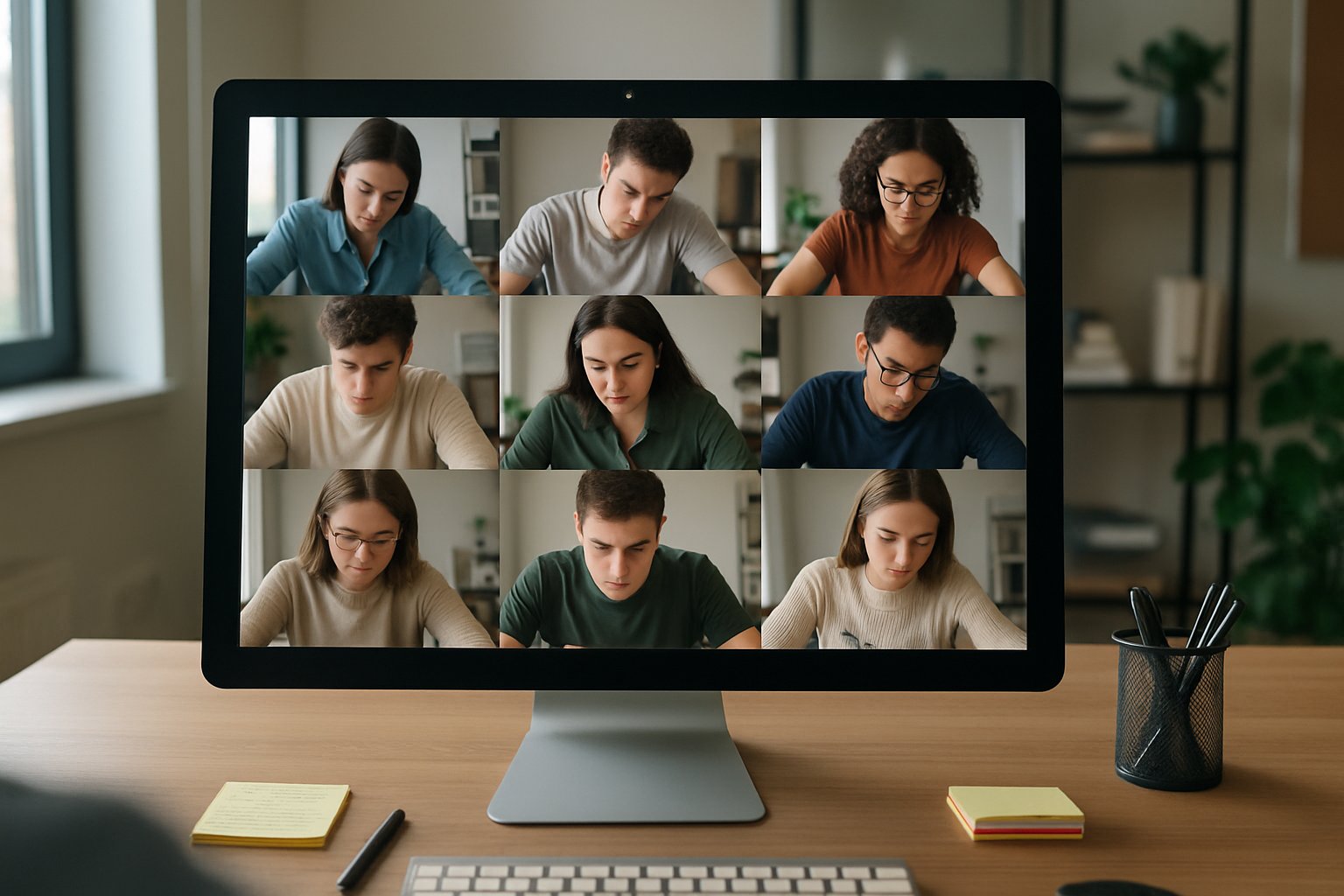
Proctor monitoring online students with remote exam proctoring software interface.
A remote proctor oversees exam takers using advanced monitoring software.

In short, readiness protects schedules, budgets, and candidate confidence. It signals that System Requirements are satisfied. Next, let’s explore the exact steps inside the 60-second checklist.

Core Sixty Second Steps

Most vendors design nearly identical flows. Candidates follow onscreen prompts that visibly tick green as each test passes.

  • Webcam and microphone check
  • Bandwidth and browser compatibility
  • Identity snapshot for student authentication system
  • Room scan for cheating prevention in online exams
  • Confirmation of permitted materials

Cutting-edge remote exam proctoring software automates these checks with AI guidance. These steps take under a minute when devices meet baseline specifications. However, overlooked plugins or bandwidth drops can still derail online exam proctoring sessions. A clear pass screen reassures both student and support staff. It signals that System Requirements are satisfied. Still, the market has learned painful lessons when downstream systems collapse.

Recent Industry Wake Ups

February 2025 delivered a harsh reminder. Meazure Learning’s platform crashed during the California bar exam, despite earlier readiness passes. Consequently, litigation now questions vendor uptime promises, support tempos, and overall fraud detection in online exams. Advocates such as the EFF simultaneously push for privacy limits on invasive room scans and biometric retention.

Market failures show that a fast checklist cannot replace robust architecture. They also highlight the need for transparent Service Level Agreements. Therefore, privacy and trust concerns deserve equal attention.

Balancing Privacy And Trust

Room scans and facial analytics raise legitimate fears. Students worry about bias, surveillance creep, and data misuse. Meanwhile, institutions still need a student authentication system strong enough to block impersonation. Moreover, equity issues arise when low-income candidates lack private spaces or stable bandwidth.

Best practice pairs minimal data collection with clear consent notices. That approach sustains secure online examinations without excessive intrusion. Next, we examine concrete deployment tactics.

Implementation Success Action Plan

Stakeholders should schedule two separate checks. Run a full compatibility test 48 hours ahead, then complete the 60-second confirmation on exam day. Additionally, publish plain-language System Requirements on every registration page. Offer fallback sites or on-campus rooms for candidates with inadequate setups.

  1. Tie readiness logs to the student authentication system.
  2. Integrate fraud detection in online exams analytics dashboards.
  3. Escalate live chat within 30 seconds when the online proctoring solution flags issues.

Remote exam proctoring software must surface clear remediation steps when a test fails. When these steps align, cheating prevention in online exams becomes proactive rather than reactive. Institutions then deliver reliable, scalable, and secure online examinations. Yet vendor choice still determines long-term stability.

Choosing Reliable Proctoring Partners

Begin by verifying independent security audits such as SOC 2 or ISO 27001. Compare advertised uptime to documented incident logs from previous clients. Furthermore, demand clarity on data deletion timelines and AI flag review procedures.

Universities also evaluate how each online proctoring solution supports accessibility tools and diverse learning needs. Consequently, proposals blending AI efficiency with human oversight often win. Procurement teams score remote exam proctoring software with weighted rubrics covering uptime, privacy, and support.

Diligent vetting narrows risk, cost, and compliance gaps. It paves the way for sustainable online exam proctoring strategies.

Avoid Exam Day Chaos

Seamless online exam proctoring depends on stable connectivity. Therefore, continuous monitoring of readiness metrics remains critical.

Future Proof Strategies

Moreover, vendors should publish transparency reports to build trust and strengthen secure online examinations.

A 60-second readiness test sets the stage for smooth, secure online examinations. Yet it succeeds only when governance, privacy, and support frameworks reinforce the front-end ritual. Institutions uphold fairness by tracking System Requirements and using a resilient student authentication system. They also strengthen fraud detection in online exams through real-time analytics. Reliable remote exam proctoring software completes the puzzle by uniting these layers.

Why Proctor365? Our AI-powered platform delivers live and automated monitoring, advanced identity verification, and enterprise-level scalability. Trusted by global exam bodies, Proctor365 cuts support load and safeguards integrity. Visit Proctor365.ai to schedule a demo.

Frequently Asked Questions

  1. What is the purpose of the 60-second readiness test?
    The 60-second readiness test swiftly verifies system requirements, including webcam, microphone, bandwidth, and room security, ensuring candidates are prepared while minimizing technical glitches and support load for secure, scalable online examinations.
  2. How does AI proctoring enhance exam integrity?
    AI-powered monitoring detects irregularities in candidates’ behavior and environment, enhancing exam integrity by flagging potential cheating and supporting real-time analytics for efficient, secure proctoring.
  3. How does Proctor365 ensure fraud prevention and identity verification?
    Proctor365 employs advanced identity verification and fraud prevention measures, utilizing AI-driven live monitoring and automated analytics to confirm candidate authenticity and system readiness, thereby safeguarding exam integrity.
  4. What steps can institutions take to avoid exam day chaos?
    Institutions can prevent exam day disruptions by conducting early compatibility tests, outlining clear system requirements, providing fallback options, and using live support escalation to quickly address any technical issues.

Online proctoring software for remote exams: white-label success

Generative AI now challenges every certification exam. Consequently, leaders demand stronger deterrents against impersonation and content theft. Online proctoring software for remote exams has become their fastest route to scalable integrity. However, many boards dislike sending candidates to unknown portals.

Therefore, forward-thinking providers now license white-label testing stacks. These platforms hide vendor logos while offering AI-powered proctoring, flexible proctoring API hooks, and granular data residency. Moreover, the approach preserves brand trust and boosts candidate experience.

Computer displaying online proctoring software for remote exams on a desk.
Online proctoring software creates a secure testing environment for remote exams.

Certification directors see the difference. When online proctoring software for remote exams runs inside their domain, complaints drop and completion rates rise.

Online Proctoring Software For Remote Exams

Market analysts project the online exam security market to hit USD 2.35 billion by 2031. Furthermore, high-stakes certification drives the steepest growth curve. The Insight Partners cites a 15.5% CAGR, while other reports still show double-digit expansion.

This surge aligns with product shifts toward API-based proctoring. Vendors now expose robust online proctoring API endpoints that launch tests, retrieve incident flags, and trigger forensic exports. An open proctoring API layer shortens launch timelines.

  • USD 0.869 billion market size in 2024 (Insight Partners).
  • 99.5-99.9% uptime demanded in SLAs.
  • Thousands of concurrent sessions expected during peak windows.

In short, demand is climbing and integrations matter most. Next, we examine benefits unique to white-label deployments.

Key White-Label Benefits Explained

White-label testing keeps candidates inside the issuing body’s trusted environment. Consequently, online proctoring software for remote exams reduces login confusion and improves completion rates.

Second, single sign-on plus exam proctoring API callbacks streamline registration, scoring, and certificate issuance. Moreover, API-based proctoring keeps logic modular. Staff also gain unified dashboards and faster incident review.

Third, privacy control strengthens. The contract can limit biometric storage, retention, and cross-border transfers. Many providers even offer regional data centers.

Overall, white-labeling merges security with experience. However, proper risk controls remain essential.

Risk And Compliance Essentials

Regulators now scrutinize facial recognition for online exams. California’s SB-1172, for example, restricts unnecessary biometric retention. Therefore, contracts must mirror local statutes.

Additionally, auditors request SOC 2, ISO 27001, and the newer ISO 42001 for AI governance. Vendors like Proctorio highlight such seals, yet certification councils should verify evidence independently.

Bias is another concern. Automated flagging may misidentify darker skin tones. Consequently, programs need human review layers and documented appeal paths.

Clear governance minimizes legal headaches. Nevertheless, white-label testing also inherits every regulatory duty. Meanwhile, the exam proctoring API must still log every biometric usage. Subsequently, teams should follow a structured implementation plan.

Practical Implementation Checklist Steps

Begin with a pilot of 50-100 candidates using AI-powered proctoring. Include accommodated users and varied bandwidth profiles.

Next, map data flows between the online proctoring API, your LMS, and the credential database. Moreover, online proctoring software for remote exams should post real-time webhooks for smoother result publishing. API-based proctoring also simplifies future migration.

Then, set measurable SLAs: 99.9% uptime, under two-minute chat response, and 24-hour incident review. Meanwhile, demand raw video exports for psychometric audits.

  • Request SOC 2, ISO, and AI bias reports.
  • Test facial recognition for online exams across diverse demographics.
  • Validate proctoring API error handling in low bandwidth scenarios.

With these steps, technical gaps surface early. Consequently, selecting the right vendor becomes easier.

Choosing The Right Partner

Certification boards should shortlist platforms offering hybrid human plus AI-powered proctoring. Furthermore, ensure the exam proctoring API supports live, automated, and recorded modes. Ensure the online proctoring API delivers real-time status callbacks.

Compare pricing across per-seat, per-attempt, and enterprise tiers. Additionally, evaluate white-label setup fees and support coverage.

The best fit will deliver online proctoring software for remote exams under your banner, not theirs. Therefore, brand trust remains intact.

Ultimately, due diligence secures fairness and uptime. Finally, let’s recap the major insights.

Conclusion And Next Steps

Certification leaders now understand the stakes. Robust policies, thorough pilots, and vendor scrutiny turn online proctoring software for remote exams into a defensible advantage. Moreover, integrating white-label testing, an agile proctoring API stack, and facial recognition for online exams builds scalable trust.

Why Proctor365? Our platform pairs state-of-the-art AI-powered proctoring with multi-factor identity checks and unmatched scale. Consequently, global exam bodies rely on us to monitor thousands of concurrent sessions. Choose online proctoring software for remote exams that keeps your brand front-and-center. Visit Proctor365 to secure every assessment today.

Frequently Asked Questions

  1. How does white-label online proctoring improve exam integrity?
    White-label proctoring keeps candidates within a trusted domain, reducing login issues and enhancing identity verification. This approach improves exam integrity and maintains your brand trust.
  2. What benefits does API-based proctoring offer?
    API-based proctoring enables seamless integration with LMS and credentialing systems. It streamlines registration, incident review, and real-time callbacks, ensuring efficient exam monitoring and high uptime.
  3. How does AI-powered proctoring enhance exam security?
    AI-powered proctoring uses advanced facial recognition and live monitoring to detect fraud and impersonation. It supports multi-factor identity verification, securing high-volume remote exam sessions.
  4. What compliance measures are essential for online exam proctoring?
    Compliance requires adherence to local data privacy laws and rigorous audits like SOC 2 and ISO 27001. These measures ensure ethical facial recognition practices and safeguard candidate biometric data.

Remote Online Proctoring Compliance Guide: Data Privacy 2026

Exam security faces intense scrutiny. Universities rely on Remote Online Proctoring to keep assessments credible. However, privacy regulators, courts, and students demand stronger safeguards. Data Privacy Laws now evolve monthly. Ed-tech teams must track global updates while maintaining smooth delivery. Consequently, compliance missteps can lead to fines, litigation, and brand damage. This 2026 guide distills complex rules into actionable steps. It maps key jurisdictions, highlights litigation trends, and recommends technical controls. Moreover, readers learn how online proctoring software can support secure remote exams without eroding trust. Throughout, we reference market growth data and expert opinions. Institutions, certification providers, and corporate L&D leaders gain a clear roadmap to balance innovation and dignity. Cheating prevention in online exams stays front and center. We also benchmark vendor consolidation, revealing new procurement risks. Finally, we explain why Proctor365 remains a trusted partner for Remote Online Proctoring in this shifting landscape.

Compliance Landscape For 2026

Global Data Privacy Laws tighten around assessment data. The UK ICO will launch updated DPIA and ADM guidance before exams start next autumn. Meanwhile, the EDPB stresses impact assessments when biometric profiling drives decisions. Across the Atlantic, California’s STTPPA limits collection to what is strictly necessary for remote exam proctoring.

Remote Online Proctoring dashboard interface highlighting privacy controls.
Remote Online Proctoring dashboards now have visible privacy controls.

Other states propose bills on student surveillance, producing a fragmented patchwork. Therefore, institutions must map each jurisdiction before deploying online proctoring solutions. Proactive tracking reduces sudden exam disruptions and costly contract renegotiations.

The legal horizon demands constant monitoring. Failing that, compliance gaps will multiply rapidly.

Next, we examine the most active legal flashpoints.

Key Global Legal Hotspots

Room scans attract the fiercest courtroom attention. Ogletree v. Cleveland State ruled certain scans unconstitutional at public universities. Consequently, many institutions now disable forced home scans or offer on-site alternatives. Illinois BIPA lawsuits also target biometric collection by online proctoring software. Remote Online Proctoring policies must therefore exclude unnecessary face scans or risk BIPA penalties.

In Europe, Article 22 restrictions loom where AI scoring leads to academic sanctions. Therefore, controllers must guarantee human review and clear appeal channels. The UK Data Act adds fresh transparency duties for secure remote exams.

Litigation centers on biometrics, automated decisions, and intrusive scans. Address these hazards early to avoid headline risks.

Now, let’s turn to concrete mitigation tactics.

Risk Mitigation Checklist Essentials

A structured checklist simplifies compliance across regions. Use the following priorities when configuring remote exam proctoring.

  • Perform a DPIA covering AI scoring, biometric capture, and retention schedules.
  • Draft a robust Data Processing Agreement limiting storage to 30 days or less.
  • Publish plain-language privacy notices before launching online exam proctoring pilots.
  • Enable human review for every automated flag that might trigger sanctions.
  • Document deletion proofs after each exam cycle to satisfy Data Privacy Laws.
  • Set retention timers inside your Remote Online Proctoring dashboard to auto-delete footage.

Moreover, maintain SOC 2 evidence and vulnerability scans to reassure auditors. These actions address most regulator expectations and student concerns.

Checklists drive consistent, repeatable privacy practices. They also reduce expensive firefighting after complaints surface.

Next, we review technical configurations that matter most.

Remote Online Proctoring Practices

Modern Remote Online Proctoring relies on layered controls, not blanket surveillance. Firstly, video resolution should default to standard definition unless higher clarity proves essential for cheating detection. Secondly, continuous audio recording rarely survives necessity tests within Data Privacy Laws. Instead, trigger-based clips satisfy secure remote exams while protecting ambience privacy.

For biometrics, limit templates to liveness verification; avoid permanent storage. Many online proctoring software vendors now support Bring-Your-Own-Key encryption to enhance control. Furthermore, dashboards should expose false positive rates so faculty trust automated decisions.

Thoughtful configurations uphold fairness without chilling student privacy. Automation remains valuable when bounded by clear, minimal scopes.

Procurement choices can reinforce these safeguards or undermine them.

Procurement Red Flag Signals

Vendor documentation often reveals early warning signs. Consequently, procurement teams should scrutinize proposals line by line. Reject providers refusing audits, deletion proofs, or explicit limits on data reuse. Transparent pricing also shows true cost of online exam proctoring over contract life.

Additionally, insist on transparency around AI model updates and bias testing. Lack of metrics undermines cheating prevention in online exams because false alarms erode trust. Remember, contract clauses lose power without enforceable service-level remedies.

Diligent procurement hardens long-term compliance posture. Cutting corners today invites regulatory pain tomorrow.

Finally, let’s chart forward-looking action steps.

Strategic Future Action Steps

Regulators plan multiple guidance drops through 2026. Therefore, create an internal watchlist covering EDPB consultations, ICO releases, and US state hearings. Schedule quarterly policy reviews to update online exam proctoring settings accordingly.

Furthermore, survey students annually about perceived fairness and usability of remote exam proctoring. Combine feedback with incident metrics to guide continuous improvement.

Iterative governance prevents surprises and builds community trust. Ongoing monitoring converts regulation from threat to advantage.

We close with key insights and a proven partner recommendation.

Conclusion

Remote Online Proctoring will remain central to flexible assessment strategies. Yet, only organisations that embed privacy, transparency, and strong analytics will sustain credibility. Our guide showed how evolving Data Privacy Laws, litigation, and technology choices intersect. We reviewed actionable controls, procurement checks, and student engagement tactics for secure remote exams. So, why Proctor365 for your exams? Proctor365 delivers AI-powered Remote Online Proctoring with advanced identity verification, scalable monitoring, and proven global trust. Its real-time analytics, human review, and encryption help cheating prevention in online exams without invading privacy. Visit https://www.proctor365.ai/ to see how our platform protects integrity and simplifies compliance today.

Frequently Asked Questions

  1. What makes Proctor365’s remote online proctoring solution secure?
    Proctor365 secures exams with AI-powered proctoring that incorporates advanced identity verification, scalable monitoring, and real-time insights. Its built-in human review and strict compliance with data privacy laws help prevent fraud while ensuring student privacy.
  2. How does remote online proctoring ensure exam integrity amid evolving data privacy regulations?
    Remote online proctoring utilizes layered controls such as DPIAs, encryption, and trigger-based recordings to balance rigorous fraud prevention with strict adherence to global data privacy laws, ensuring transparent and compliant exam practices.
  3. What are key compliance considerations for remote exam proctoring in 2026?
    In 2026, institutions must address evolving data privacy laws by conducting comprehensive DPIAs, enforcing strict data retention policies, activating regular human reviews, and ensuring vendor transparency to prevent litigation and maintain exam legitimacy.
  4. How does Proctor365 protect student privacy during online exams?
    Proctor365 protects student privacy by using encrypted, trigger-based recordings and limiting biometric data collection to liveness verification, ensuring compliance with data privacy laws while still detecting potential cheating.

Remote test proctoring for secure coding hires

Technical hiring has changed fast. Many teams now rely on remote test proctoring to screen coders worldwide. Candidates enjoy flexibility. Recruiters gain scale. However, stakes remain high. Privacy, bias, and AI-assisted cheating complicate every click. Consequently, leaders must blend policy, technology, and communication.

This guide explains current threats, proven controls, and practical procurement steps. It targets universities, certification bodies, ed-tech platforms, training institutes, and corporate L&D teams that run HR recruitment tests at scale.

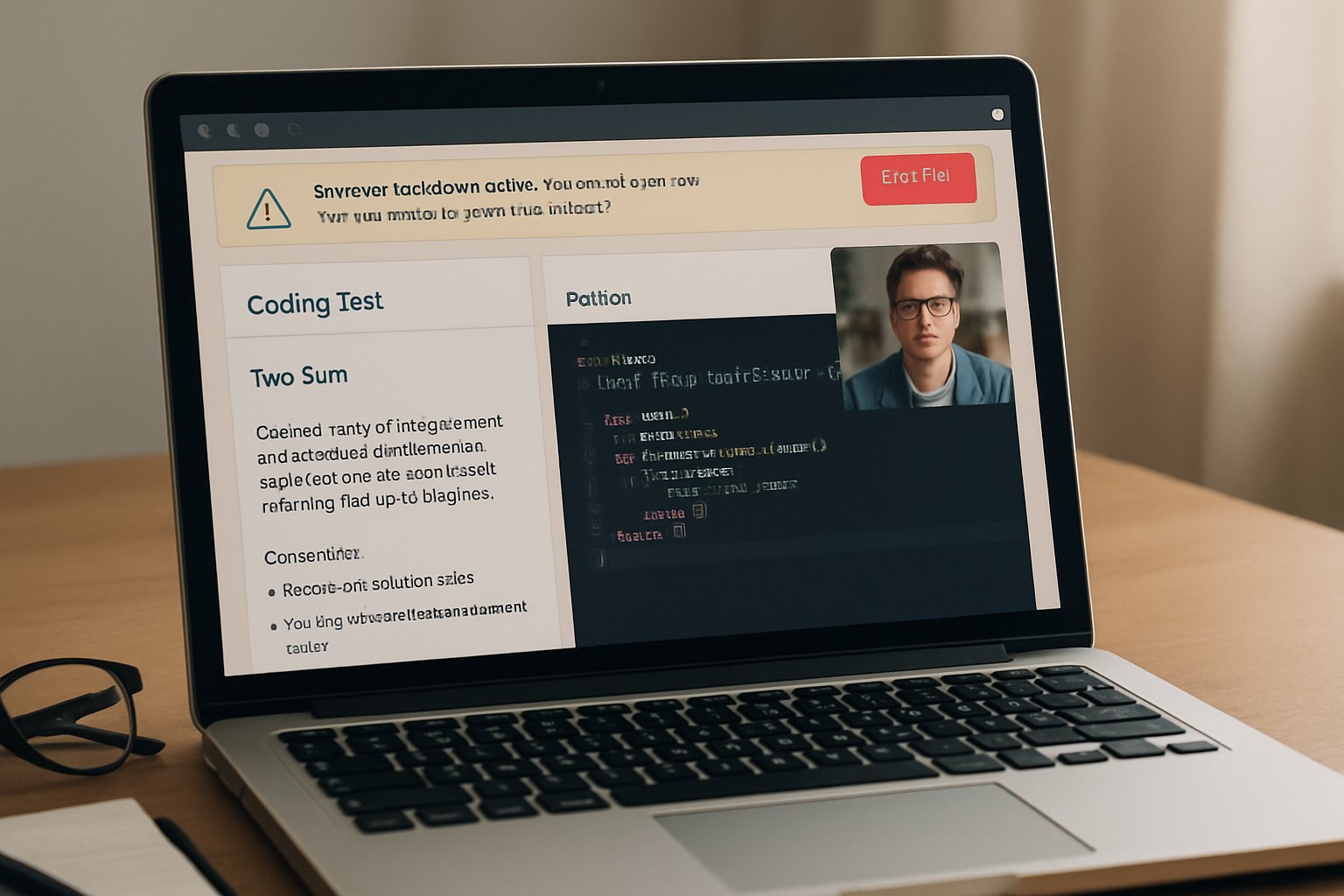
Laptop displaying remote test proctoring with coding assessment interface
Browser lockdown and webcam monitoring are crucial to remote test proctoring.

Remote Test Proctoring Essentials

Modern platforms unite ID proofing, webcam and screen capture, and AI-based proctoring. Furthermore, they integrate browser lockdown software that stops tab switching and copy-paste actions. Session replay then lets reviewers watch the coding journey, not just the final answer.

There are three common service levels:

  • Live monitoring with a human proctor.
  • Record-and-review using automated flags.
  • Fully automated AI analysis for large HR recruitment tests.

Choose the tier that fits risk, budget, and candidate comfort. Each mode should sync with your remote proctoring software stack and talent systems.

Key takeaway: Remote exam proctoring succeeds when security layers match assessment stakes. Next, examine the evolving market forces.

Market Shifts In 2025

Market analysts expect online exam proctoring software revenue to nearly triple by 2029. Moreover, HackerRank and CodeSignal added dedicated proctor modules in 2024-2025. Both vendors process millions of coding sessions yearly, proving massive demand.

Simultaneously, privacy groups pushed universities to restrict intrusive proctoring software for universities. Several campuses banned room scans after recent court rulings. Therefore, vendors now emphasise transparent data retention and fairness testing.

Key takeaway: Growth remains strong, yet scrutiny rises. Accordingly, recruiters must balance scale with compliance before adopting new remote proctoring software.

Emerging Cheating Threats Today

LLM tools like ChatGPT boost candidate productivity. Nevertheless, they also enable covert plagiarism during HR recruitment tests. Research from 2025 shows rising incidents of AI-generated code.

Hackers market overlays that bypass browser lockdown software. Meanwhile, paid “ghost coders” sell undetectable support. In response, AI-based proctoring now analyses typing cadence, code similarity, and behavioural anomalies.

Key takeaway: Threat actors evolve quickly. Thus, enterprises need layered remote exam proctoring that detects AI assistance without harming honest talent.

Essential Security Control Layers

Effective defences combine technology and process:

  1. Identity proofing aligned with NIST IAL2.
  2. Desktop lockdown plus single-monitor checks.
  3. Code similarity and AI-detection engines.
  4. Hybrid AI+human review to avoid false positives.

Additionally, proctoring software for universities often adds accommodations for disabilities and low-bandwidth modes. Corporate teams should copy that inclusive mindset.

Key takeaway: No single tool solves integrity. Therefore, integrate layered controls into your online exam proctoring software blueprint.

Designing Fair Trusted Assessments

Technology alone cannot ensure fairness. Consequently, design assessments that value process. Multi-step prompts, follow-up explanations, and live debriefs reduce dependence on harsh surveillance.

Use lighter remote test proctoring for first-round screens, then escalate only for finalists. Moreover, publish clear consent forms and give candidates a channel to challenge flags.

Key takeaway: Fair design boosts brand reputation while meeting compliance. Next, verify vendors against a structured checklist.

Vendor Evaluation Checklist Steps

When selecting remote proctoring software, demand evidence:

  • Whitepapers on AI accuracy and demographic performance.
  • Data retention timelines and deletion workflows.
  • Browser lockdown software capabilities and audit logs.
  • SLAs for human review turnaround.
  • Integrations with ATS and LMS for seamless HR recruitment tests.

Also ask for pilot access. Subsequently measure false-positive rates and candidate satisfaction.

Key takeaway: Rigor protects budgets and reputation. Finally, monitor future trends to stay ahead.

Future-Proof Hiring Strategy Guide

Forward-looking teams consider allowing controlled AI usage during assessments. They score how applicants prompt, verify, and optimise code, not whether AI appears.

Meanwhile, regulations will tighten biometric and privacy requirements. Therefore, keep legal counsel involved and update policies yearly. Proctoring software for universities already follows such cycles; corporate L&D should mirror that cadence.

Key takeaway: Flexibility and compliance will define success. Organisations must refine remote exam proctoring continuously.

Conclusion

Secure hiring demands vigilance. Recent market growth, smarter threats, and stricter laws shape every decision. Layered controls, transparent processes, and fair design keep coding assessments credible.

Why Proctor365? Our platform delivers industry-leading remote test proctoring with AI-powered proctoring, advanced identity verification, and infinitely scalable monitoring. Universities, certification bodies, and global employers already trust us to protect exam integrity. Experience the difference at Proctor365.ai today.

Frequently Asked Questions

  1. How does Proctor365 ensure secure and fair remote exam proctoring?
    Proctor365 delivers secure and fair remote proctoring by integrating AI-powered monitoring, robust identity verification, and layered fraud prevention measures. This approach minimizes cheating risks while safeguarding privacy and compliance.
  2. What are the key security control layers in remote test proctoring?
    Key security controls include strong identity proofing, browser lockdown, code similarity checks, and AI detection with human review. These layers work together to maintain exam integrity and deter fraudulent behavior.
  3. How does Proctor365 balance candidate privacy with effective fraud prevention?
    Proctor365 balances privacy and fraud prevention by using transparent data practices and minimal intrusion techniques alongside advanced AI proctoring. This combo maintains fairness and compliance while preventing cheating.
  4. How does remote proctoring aid technical hiring and global assessments?
    Remote proctoring streamlines technical hiring by screening candidates globally with flexible, scalable solutions. Proctor365’s AI analysis and secure monitoring ensure reliable, fair assessments for both universities and corporate teams.

Enterprise Deals For Remote Exam Proctoring Software

Universities, ed-tech platforms, and corporate L&D teams now run millions of assessments online. Remote exam proctoring software lets them scale securely without test centers. However, budgets remain tight, and leaders demand measurable value.

Consequently, buyers scrutinize every line item. They ask whether each online proctoring solution feature truly lowers risk or simply adds cost. Understanding real enterprise pricing is therefore critical.

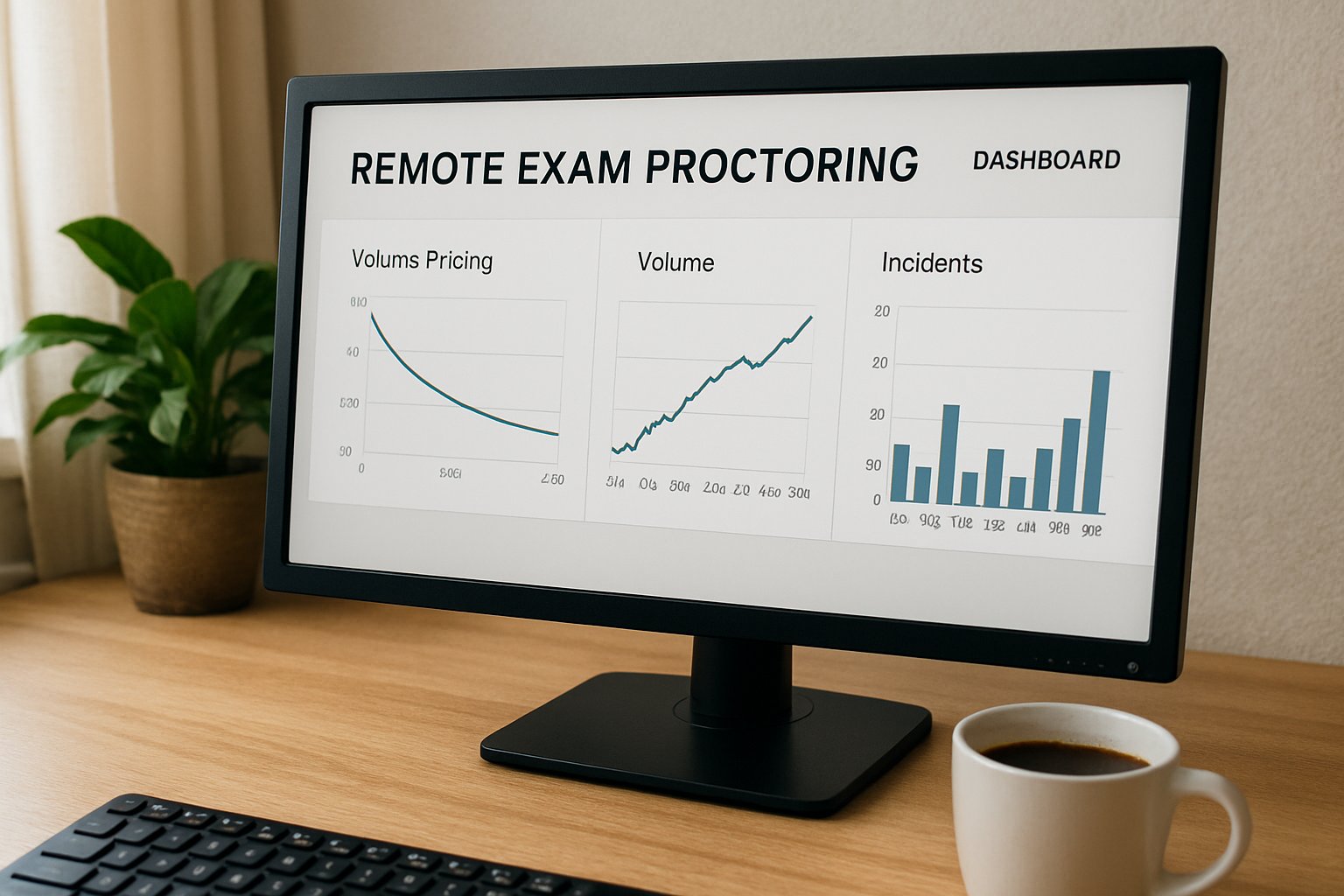
Remote exam proctoring software dashboard displaying enterprise pricing insights.
Remote exam proctoring software dashboard visualizes volume pricing options.

Additionally, market shocks such as the February 2025 California bar exam failure highlight the stakes. Procurement officers now benchmark vendors on uptime, data handling, and cheating prevention in online exams before signing.

Remote Exam Proctoring Software

Analysts estimate the global market at USD 0.6-2.4 billion in 2024. Divergent scopes—live versus automated, platform versus service—explain that spread. Growth remains double-digit as hybrid work and flexible learning endure.

Most institutions start with an online examination platform bundled inside their LMS. They later layer an AI-based exam monitoring module for higher stakes. Finally, they upgrade to human-in-the-loop sessions when regulators insist.

Key takeaway: demand grows fast, but requirements vary widely. Next, we examine the forces behind that surge.

Meanwhile, market drivers shape pricing trends.

Remote Proctoring Market Surge

Pandemic disruption triggered explosive adoption of every online proctoring solution. Moreover, corporate credentialing now mirrors higher education in scale. Several research firms cite 11-22% CAGR through 2030.

Institutions also favor facial verification technology because it deters impersonation while keeping onboarding quick. However, regulators watch biometric retention rules closely.

Key takeaway: volume keeps rising across verticals. Therefore, buyers gain new leverage when negotiating contracts.

This leverage shows up most clearly in pricing structures.

Key Pricing Models Compared

Enterprise quotes typically blend four components:

  • Automated session fee: USD 4-7 per exam.
  • Live proctor fee: USD 10-30+ per hour.
  • Platform license: annual flat rate for unlimited seats.
  • Add-ons: identity checks, storage, and facial verification technology.

Vendors tout flexible mixes. Yet hidden costs emerge when archival video or enhanced cheating prevention in online exams needs longer retention.

Key takeaway: line-item clarity prevents budget overruns. Consequently, savvy teams push for full cost disclosure during RFPs.

Next, we reveal how volume discounts reshape those numbers.

Enterprise Volume Discount Tactics

High-volume campuses routinely secure Discounts for 50,000+ remote proctored sessions. Effective per-exam rates can fall 60% when commitments exceed 10k tests yearly.

Multi-year terms, exclusivity, and bundling SSO integrations sweeten deals further. Maximize Bundled Savings Tactics

Institutions often combine automated monitoring with selective live reviews. This hybrid cuts cost while sustaining cheating prevention in online exams.

Key takeaway: volume plus feature discipline drives savings. Therefore, quantify realistic usage before negotiations.

Yet, low price means little without reliability.

Critical Risk Factors Impact

Buyers learned harsh lessons from the California bar outage. The state’s USD 4.1 million contract ended in lawsuits and refunds.

Therefore, contracts now embed strict SLAs, penalty credits, and data-privacy clauses. Selecting a resilient online proctoring solution protects brand reputation.

Key takeaway: failure risk inflates total cost quickly. Consequently, examine incident history before shortlisting vendors.

With risks mapped, focus turns to negotiation strategy.

Strategic Negotiation Best Practices

Experienced teams always request:

  1. Itemized quotes covering every online exam proctoring component.
  2. Escalating Discounts for 50,000+ remote proctored sessions breakpoints.
  3. Proof that AI-based exam monitoring meets accessibility standards.

Additionally, insist on encryption details and facial verification technology accuracy rates. These metrics anchor accountability.

Key takeaway: diligent RFP questions uncover soft spots. Therefore, negotiation preparation equals tangible savings.

The final step is choosing a long-term partner.

Selecting Right Proctoring Partner

Shortlist vendors that integrate smoothly with your online examination platform. Verify uptime logs, support response, and regional data centers.

Institutions seeking online exam proctoring at scale should benchmark at least three suppliers. Always document Discounts for 50,000+ remote proctored sessions in writing.

Key takeaway: fit and transparency trump headline price. Consequently, pilot projects before full rollout.

Now, let’s summarize the journey and spotlight a proven option.

Conclusion

Remote assessment demand keeps climbing, yet budgets stay flat. We explored pricing models, volume levers, and contractual safeguards. Apply these insights to secure reliable, compliant, and economical services.

Why Proctor365? Proctor365 delivers remote exam proctoring software powered by advanced AI-based exam monitoring. Our platform pairs robust identity verification with scalable exam oversight trusted by global bodies. Choose Proctor365 to boost cheating prevention in online exams without inflating costs. Visit Proctor365.ai and schedule a tailored enterprise demo today.

Frequently Asked Questions

  1. How does Proctor365’s AI-based exam monitoring improve exam integrity?
    Proctor365’s AI exam monitoring enhances exam integrity by continuously detecting suspicious behavior. Using facial verification and identity checks, it safeguards against impersonation and fraud for a secure testing environment.
  2. What pricing models are available for online exam proctoring services?
    Proctor365 offers flexible pricing, including automated session fees, live proctor fees, and bundled identity verification services. This transparent cost structure enables institutions to manage budgets and negotiate effective solutions.
  3. How does Proctor365 help prevent cheating in online exams?
    Proctor365 prevents cheating by integrating advanced AI exam monitoring with live proctor support. Its robust identity verification and facial recognition technologies deter impersonation and maintain exam security.
  4. What should institutions consider when selecting a proctoring partner?
    Institutions should review transparent pricing, secure data handling, and proven fraud prevention measures. Proctor365 stands out with seamless integration, strong encryption, and accurate facial verification for reliable exam monitoring.

Choosing the Right Live Proctoring Exam Strategy

High-stakes testing moved online faster than policy could follow. Universities, certifiers, and employers now face a crucial technology decision. Should they run a live proctoring exam or trust automated tools? Budgets, privacy law, and candidate experience all hang in the balance.

Consequently, headlines from the 2025 California Bar meltdown highlight the cost of misalignment. Meanwhile, market forecasts show remote exam proctoring revenue set to triple by 2029. Therefore, matching proctoring type to exam stakes has become best practice. This guide compares live proctoring vs automated proctoring, then maps a pragmatic hybrid path.

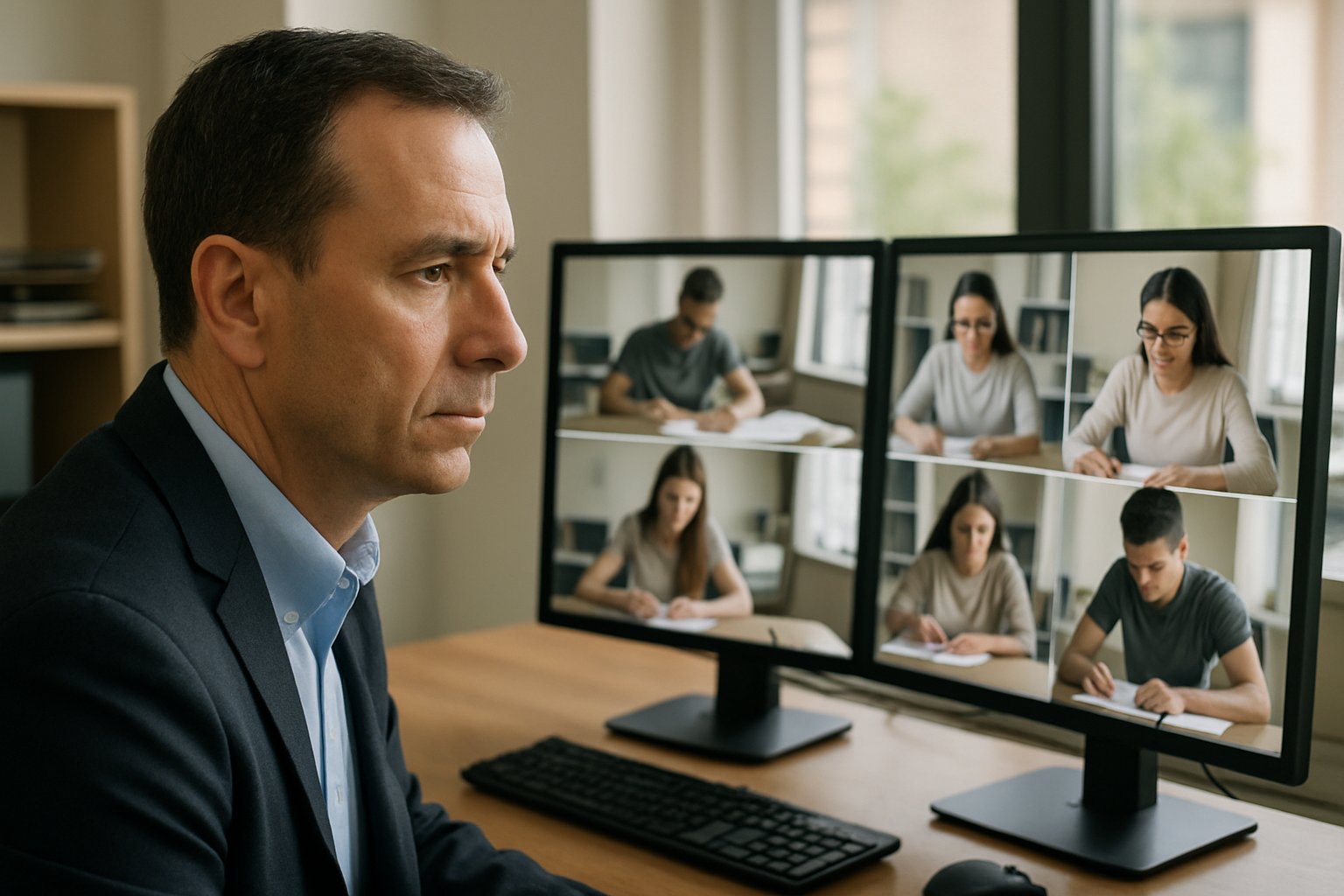
Live proctor monitors multiple students during a live proctoring exam in a modern office.
A live proctor oversees several candidates during an online exam session.

Understanding Exam Stakes Levels

Exam stakes equal the tangible consequences of a score. Licensure bars, medical boards, and corporate certifications sit at the top tier. Course grades occupy the middle, while formative quizzes rank low. Moreover, stakeholder tolerance for risk drops as stakes climb.

Analysts report that live proctoring exam formats still serve about forty-five percent of high-stakes sessions. Additionally, automated proctoring dominates mass, medium-stakes cohorts where scale outweighs nuance. Consequently, many institutions pilot a hybrid proctoring solution before final rollout.

In short, define stakes first; every later choice flows from that rating. Next, examine the unique strengths of human oversight.

Choosing Live Proctoring Exam

Live human proctors watch candidates in real time and intervene instantly. Because context matters, humans can forgive a sudden cough or adjust for disability accommodations. Furthermore, they calm nervous test takers during network blips.

However, costs grow linearly; one proctor cannot supervise hundreds. Fatigue and inconsistent judgments also appear during marathon sittings. Still, when one score decides a career, many boards keep the live proctoring exam model.

Live oversight delivers nuance yet demands money and scheduling discipline. Therefore, some shift to AI for scale.

Automated AI Proctoring Advantages

Automated proctoring relies on computer vision, audio triggers, and browser telemetry to flag anomalies. Moreover, behavior detection in online exams runs all day without fatigue. Vendors advertise 99.9% uptime and instant report generation.

Consequently, large universities cut monitoring spend by adopting online proctoring software that schedules on demand. Nevertheless, false positives and bias arise when algorithms misinterpret lighting or eye movement. The debate around live proctoring vs automated proctoring often centers on such false positives.

Automated speed and cost appeal, yet some leaders still reserve a live proctoring exam for top tiers. Thus, many blend algorithms with human eyes.

Hybrid Proctoring Model Explained

A hybrid proctoring model mixes AI flagging with targeted live intervention. For example, proctors join when behavior detection in online exams reports a high-risk pattern. Consequently, staffing needs fall, yet the option to escalate to a live proctoring exam remains.

Hybrid proctoring also supports accessibility because staff can verify adaptive technologies in real time. Additionally, it matches budgets between fully live and fully automated models. Some call this flexible mix a hybrid proctoring solution for modern campuses. Institutions label this architecture a hybrid exam proctoring model to satisfy auditors.

Hybrid designs balance integrity, cost, and student tolerance. Still, success depends on solid operational planning.

Operational Risk Checklist Guide

Contract failures, like the 2025 California Bar disruption, expose institutions to lawsuits. Therefore, every procurement team needs a clear risk checklist.

  • Uptime SLAs and load rehearsals
  • Data minimization and encryption
  • Accessibility accommodations verified
  • Human review for every automated flag

Furthermore, stress test your online proctoring software under peak load before exam day. Ask vendors for demographic accuracy data covering behavior detection in online exams. Moreover, define an appeal window so humans can override algorithmic flags. Policy teams should document the chosen hybrid exam proctoring model in vendor contracts.

Robust controls convert technology hype into dependable service. Next, convert these controls into a simple decision path.

Decision Framework Quick Summary

Begin with a zero-to-ten stakes score. Scores nine and above usually justify a live proctoring exam or hybrid oversight. Scores five to eight align with automated proctoring plus mandatory human review. Below five, redesign questions and skip surveillance.

Additionally, consider cohort size, budget, and privacy regulations when tweaking the hybrid exam proctoring model. Meanwhile, remote exam proctoring policy should always provide on-campus alternatives. Select online proctoring software that publishes transparent bias metrics. Table leaders revisit live proctoring vs automated proctoring every budget cycle.

Clear criteria speed consensus and defuse stakeholder tension. Our last section wraps recommendations and next actions.

Conclusion And Next Steps

Choosing the correct proctoring mode starts with measuring stakes, scale, and risk appetite. Automated engines supply reach, while hybrid proctoring merges scale with nuanced oversight. Whatever path you pick, the live proctoring exam remains the standard for top-stakes credentials. However, safeguards like SLAs, transparency, and accommodations must accompany every technology purchase.

Why choose Proctor365? Our AI-powered platform unites automated proctoring, advanced identity verification, and scalable remote exam proctoring in one secure cloud. Trusted by global exam bodies, we deliver consistent uptime and human review for every flag. Book a demo now and watch your next live proctoring exam run smoothly with Proctor365.

Frequently Asked Questions

  1. What is the difference between live proctoring and automated proctoring?
    Live proctoring uses real-time human oversight for nuanced decisions, while automated proctoring relies on AI to flag anomalies. Proctor365 offers a hybrid approach that combines both for optimal exam integrity.
  2. How does hybrid proctoring enhance exam security and integrity?
    Hybrid proctoring integrates AI detection with targeted live intervention, enhancing security and reducing fraud risks. Proctor365’s platform balances cost-efficiency with thorough identity verification and human review.
  3. What steps can institutions take to minimize exam fraud and technical risks?
    Institutions should implement SLAs, data encryption, and adaptive human review protocols. Proctor365’s AI-powered system supports robust fraud prevention and operational controls, ensuring a secure exam environment.
  4. How does Proctor365 ensure a smooth and reliable proctoring experience?
    Proctor365 unites automated proctoring with advanced identity verification and live review options. Their secure cloud platform guarantees consistent uptime, quick anomaly resolution, and a superior user experience.

Remote Test Proctoring Security Audit: Centers vs Home Exams

Remote test proctoring now anchors digital assessment strategies across universities, certification bodies, and global enterprises. However, decision makers still debate whether virtual invigilation can match in-person center controls without raising fresh risks. This security audit compares both models through the lenses of privacy, bias, and evolving regulation.

We draw on 2024-2025 rulings, breach data, and market numbers to guide policy and procurement teams. After reading, you will know where remote platforms excel, where test centers dominate, and how to audit both. Let’s move from hype to evidence.

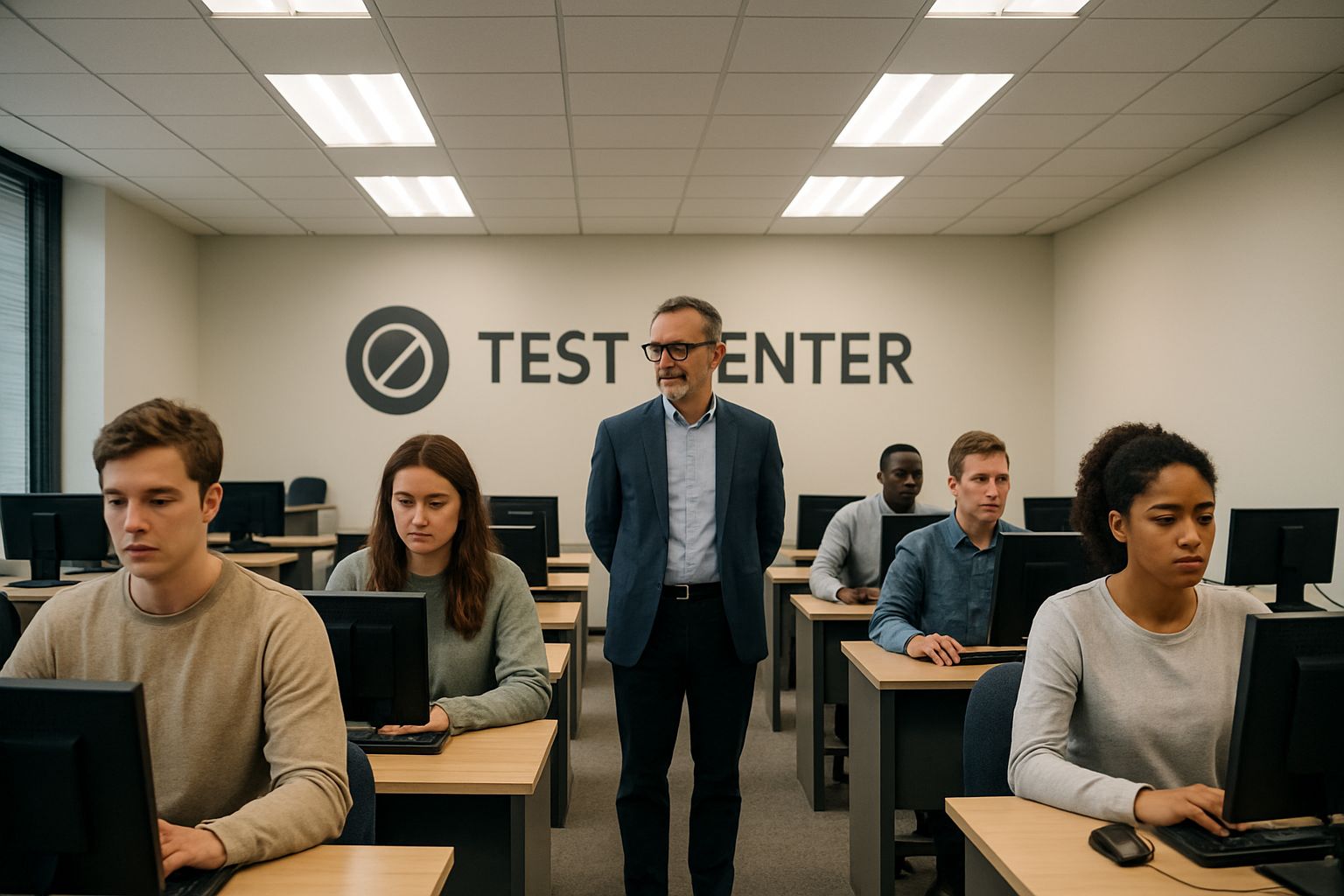
Remote test proctoring compared to traditional test center environment.
Traditional test centers offer a controlled environment, an important element in exam security.

The analysis targets ed-tech leaders, corporate L&D, and accreditation boards planning high-stakes exams at scale. Throughout, we highlight In-person vs Remote debates, AI-based proctoring security metrics, and secure remote assessments best practices. Compliance teams gain an actionable checklist grounded in current law and peer-reviewed technical research. Consequently, you can defend budget choices and protect candidate trust. Moreover, the article meets upcoming EU AI Act readiness checkpoints.

Remote Test Proctoring Landscape

Market analysts place remote proctoring revenue between USD 0.6 and 1.2 billion for 2024-2025. Growth accelerates as certification providers chase flexible delivery and lower overhead. Consequently, remote test proctoring adoption outpaces new test-center construction.

Nevertheless, investors now ask deeper questions about remote test proctoring security and regulatory resilience. Early adopters recall the 2020 ProctorU breach and demand transparent audits before signing multiyear contracts. Our next section examines shifting laws that feed this scrutiny.

Key takeaway: scale drives growth, yet security questions grow louder. Therefore, legal trends deserve close attention.

Key Regulatory Shifts

Spain’s AEPD ruled in 2025 that continuous facial recognition breaks GDPR without explicit enabling law and safeguards. Consequently, several Iberian universities paused remote deployments to avoid fines. In the United States, California’s STTPPA restricts data retention and grants students new rights against excessive collection.

Ogletree v. Cleveland State further signaled that invasive room scans can violate constitutional privacy expectations. Together, these actions force a fresh In-person vs Remote calculus for every assessment owner. Regulators now prioritize AI-based proctoring security impact assessments and bias audits before authorizing widescale use.

Main point: remote test proctoring now faces laws tightening faster than technology evolves. Subsequently, security teams must align policy with each jurisdiction.

Security Risk Matrix

Technical researchers reverse engineered leading suites and bypassed all core lockdown controls within hours. Moreover, algorithms flagged darker-skinned candidates at higher rates, exposing systemic bias. These findings challenge marketing claims of remote test proctoring security and fairness.

  • ProctorU breach leaked 444k records in 2020, stressing secure online exam proctoring basics.
  • Lockdown clients demand high privileges, opening supply-chain risks.
  • AI monitoring for exams now fights deepfake identity spoofing.
  • Data retention gaps erode secure remote assessments compliance.

Consequently, audit teams must map each threat to practical mitigations and contractual clauses. Takeaway: documented controls outrank vendor promises. Next, we compare accessibility and fairness gaps.

Bias And Accessibility

Bias extends beyond face recognition into bandwidth assumptions and neurodivergent behaviors. For example, glare or assistive technology can trigger automated flags during secure online exam proctoring sessions. Meanwhile, students who live with multiple roommates face constant noise-based interruptions.

In-person vs Remote discussions often ignore the cost of false positives on marginalized groups. Therefore, AI-based proctoring security reviews must include demographic performance metrics and human escalation paths.

Key lesson: equity is inseparable from any security audit. Consequently, the next section values physical center strengths.

Solid In-Person Center Advantages

Physical sites deliver controlled lighting, standardized hardware, and immediate staff assistance. Therefore, anomaly rates fall and session stability improves. No webcams enter private homes, so data protection impact assessments are simpler.

However, candidates must travel, book limited slots, and sometimes wait weeks during busy seasons. In-person vs Remote flexibility comparisons show higher opportunity costs for rural or disabled learners.

Summary: test centers excel at chain-of-custody but lack scale. Subsequently, many institutions adopt blended models.

Hybrid Audit Checklist

A balanced program pairs solid centers with remote test proctoring to maximize reach and compliance. Use this checklist during vendor selection.

  1. Verify lawful basis and data minimization under each jurisdiction.
  2. Request SOC-2 reports and AI-based proctoring security metrics.
  3. Demand demographics-based false flag data to assure secure online exam proctoring fairness.
  4. Set deletion deadlines aligning with secure remote assessments policy.
  5. Offer equivalent In-person vs Remote options for accommodations.
  6. Mandate live human review for AI monitoring for exams alerts.

Consequently, stakeholders can defend decisions before auditors and student councils. Takeaway: structured audits equal stronger credibility. Finally, we explore future safeguards.

Future Proof Strategies

Vendors now integrate liveness checks, edge encryption, and explainable AI monitoring for exams to deter deepfakes. Moreover, lightweight browser agents reduce privilege exposure while supporting secure remote assessments at scale. Advanced analytics feed continuous improvement dashboards, enhancing remote test proctoring security over time.

Meanwhile, EU AI Act guidelines push vendors to publish risk profiles and undergo yearly third-party audits. Institutions that track such lifecycles will maintain competitive trust.

Bottom line: remote test proctoring must stay transparent and accountable. Now, let’s conclude with actionable next steps.

Conclusion

Remote test proctoring excels at scale yet demands rigorous legal, technical, and fairness controls. In-person centers still offer low-risk chain-of-custody, but hybrid designs combine strengths when guided by our checklist. Furthermore, AI monitoring for exams, when audited, can ensure secure remote assessments without over-collecting data.

Proctor365 delivers AI-powered remote test proctoring with advanced identity verification and real-time anomaly detection. Our scalable cloud monitors thousands simultaneously, blending human oversight with AI-based proctoring security safeguards. Global universities and certification bodies trust Proctor365 for secure online exam proctoring and transparent analytics. Book a demo today and see how our platform preserves integrity across every assessment modality at Proctor365.ai.

Frequently Asked Questions

  1. What is remote test proctoring and how does it work?
    Remote test proctoring uses advanced AI for real-time monitoring, fraud prevention, and identity verification. This secure method supports large-scale online exams while maintaining integrity through continuous oversight and transparent analytics.
  2. How does Proctor365 ensure exam integrity?
    Proctor365 blends AI-powered proctoring with real-time anomaly detection and human oversight. Its advanced identity verification and secure remote assessment protocols protect exam integrity while meeting strict regulatory and data privacy standards.
  3. What security challenges are associated with remote proctoring?
    Remote proctoring can face challenges like data breaches, algorithmic bias, and regulatory hurdles. Proctor365 mitigates these risks with secure AI monitoring, comprehensive audits, and compliance with evolving laws to maintain exam fairness and security.
  4. How does a hybrid proctoring model benefit exam administration?
    A hybrid model combines remote and in-person proctoring strengths, offering flexible options and robust security. This approach leverages Proctor365’s advanced remote monitoring alongside controlled in-person checks to optimize exam integrity and accessibility.

Calculating Remote Online Proctoring’s Hidden Price

Remote Online Proctoring promises fast, scalable assessment delivery. However, many institutions now confront unexpected budget shocks once pilots evolve into full production.

Recent market data shows headline prices hide multiple iceberg expenses. Those Hidden costs of starting remote online proctoring can dwarf per-exam fees within months.

Team discussing Remote Online Proctoring challenges in office setting.
IT professionals meet to address technical and compliance issues tied to Remote Online Proctoring.

This article unpacks each hidden cost of remote proctoring and offers mitigation steps for procurement leaders. Consequently, stakeholders can forecast remote proctoring costs before signing any multi-year contract.

Remote Online Proctoring Drivers

Many teams still view Remote Online Proctoring as a cheap upgrade to campus invigilation. Enrollment surged online, and leaders needed integrity safeguards at scale.

Moreover, analyst reports value the market between USD 650 million and 1.1 billion this year. Yet procurement teams still center negotiations on simple cost of online exam proctoring numbers.

Therefore, broader impact drivers often get ignored during RFP scoring.

Growth headlines mask complexity. Next, we examine direct fees.

Direct Budget Line-Items

Vendors publish per-exam tables beginning below one dollar for automated sessions. However, live human supervision can push remote proctoring costs above twenty five dollars per sitting.

Additionally, contracts bundle annual licenses, video storage, and peak-load surcharges. Many institutions discover Remote Online Proctoring invoices fluctuate wildly during finals.

Hidden costs of starting remote online proctoring emerge during renewal discussions.

Small colleges often pay seventy thousand beyond headline quotes during busy semesters.

These numbers remain visible upfront. Hidden layers arrive later.

Overlooked Hidden Expenses

Integration projects drain internal IT budgets quickly. Moreover, accessibility retrofits balloon when lockdown browsers block assistive software.

Disability offices must schedule alternate sittings, raising the cost of online exam proctoring for each student. Meanwhile, appeals staff investigate algorithmic flags and pay legal counsel during disputes.

Support And Staffing

Helpdesks see ticket spikes of 300% during finals. Consequently, overtime payments join hidden cost of remote proctoring calculations.

  • Integration labor for ROP platforms: $50-100k per LMS project.
  • Accessibility accommodations: extra 1-3 hours per learner.
  • Appeals processing: 20 minutes staff time per flag.
  • Data audits: $15k annual compliance spend.

Each item increases financial exposure quickly. Next, we link errors to liability.

Compliance And Litigation

Biometric statutes create statutory damages up to $5,000 per violation. Therefore, facial recognition errors in proctoring threaten lawsuits and public blowback.

The California bar exam failure shows how outages force refunds and retakes. Moreover, institutions often indemnify vendors, leaving little recourse.

Compliance oversights add volatility. Next, accuracy challenges amplify risk.

Accuracy And Liability

Peer-reviewed studies show variable detection accuracy. Automated flags misfire, spiking Hidden costs of starting remote online proctoring reviews.

Furthermore, facial recognition errors in proctoring hit darker skin tones disproportionately. Nevertheless, facial recognition errors in proctoring also damage learner trust.

Institutions sometimes suspend Remote Online Proctoring mid-semester when error rates climb. Appeals and manual verification add new remote proctoring costs that few proposals estimate.

Inaccurate flags drive reputational harm. Therefore, prevention becomes critical.

Reducing Total Ownership

Start by mapping every hidden cost of remote proctoring across the assessment lifecycle. Subsequently, perform load tests that replicate peak concurrency.

Moreover, insist on clear SLAs, biometric opt-out paths, and transparent flagging explanations. Consequently, you curb facial recognition errors in proctoring before student harm occurs.

  1. Demand itemized pricing, including storage and human review.
  2. Include accessibility warranties and penalty clauses.
  3. Budget appeals staff for early semesters.
  4. Schedule annual audits with independent experts.

Finally, compare the full cost of online exam proctoring against redesigned assessment models. Open-book or authentic tasks may meet learning goals with lower surveillance overhead.

Total ownership analysis protects budgets. We now conclude with action steps.

Conclusion: Remote Online Proctoring can expand access, yet hidden layers of spending multiply without rigorous planning. Institutions that catalogue every cost driver, from integration to facial recognition errors in proctoring, avoid fiscal surprises and reputational fallout.

Why Proctor365? Remote Online Proctoring with Proctor365 pairs AI-powered monitoring, advanced identity verification, and elastic cloud scaling trusted by global exam bodies. Therefore, your program gains secure, respectful oversight without runaway expenses. Explore our platform at proctor365.ai and strengthen exam integrity today.

Frequently Asked Questions

  1. What hidden costs should institutions consider in remote online proctoring?
    Hidden costs include integration fees, accessibility retrofits, appeals processing, and increased support expenses. These unforeseen expenditures can significantly exceed base per-exam fees, making full cost transparency essential.
  2. How can institutions reduce total ownership costs in remote proctoring?
    Institutions can reduce total ownership costs by mapping every expense, performing peak load testing, and negotiating detailed SLAs covering integrations, accessibility, and appeals to minimize unexpected fiscal burdens.
  3. How does Proctor365 deliver secure online proctoring?
    Proctor365 utilizes AI-powered monitoring, advanced identity verification, and elastic cloud scaling to ensure exam integrity. Its platform minimizes fraud and facial recognition errors for secure and reliable remote proctoring.
  4. What compliance risks are associated with remote proctoring?
    Compliance risks include biometric statute violations, privacy issues, and litigation due to facial recognition errors. Robust audits, clear policies, and transparent flagging procedures are essential to mitigate these risks.