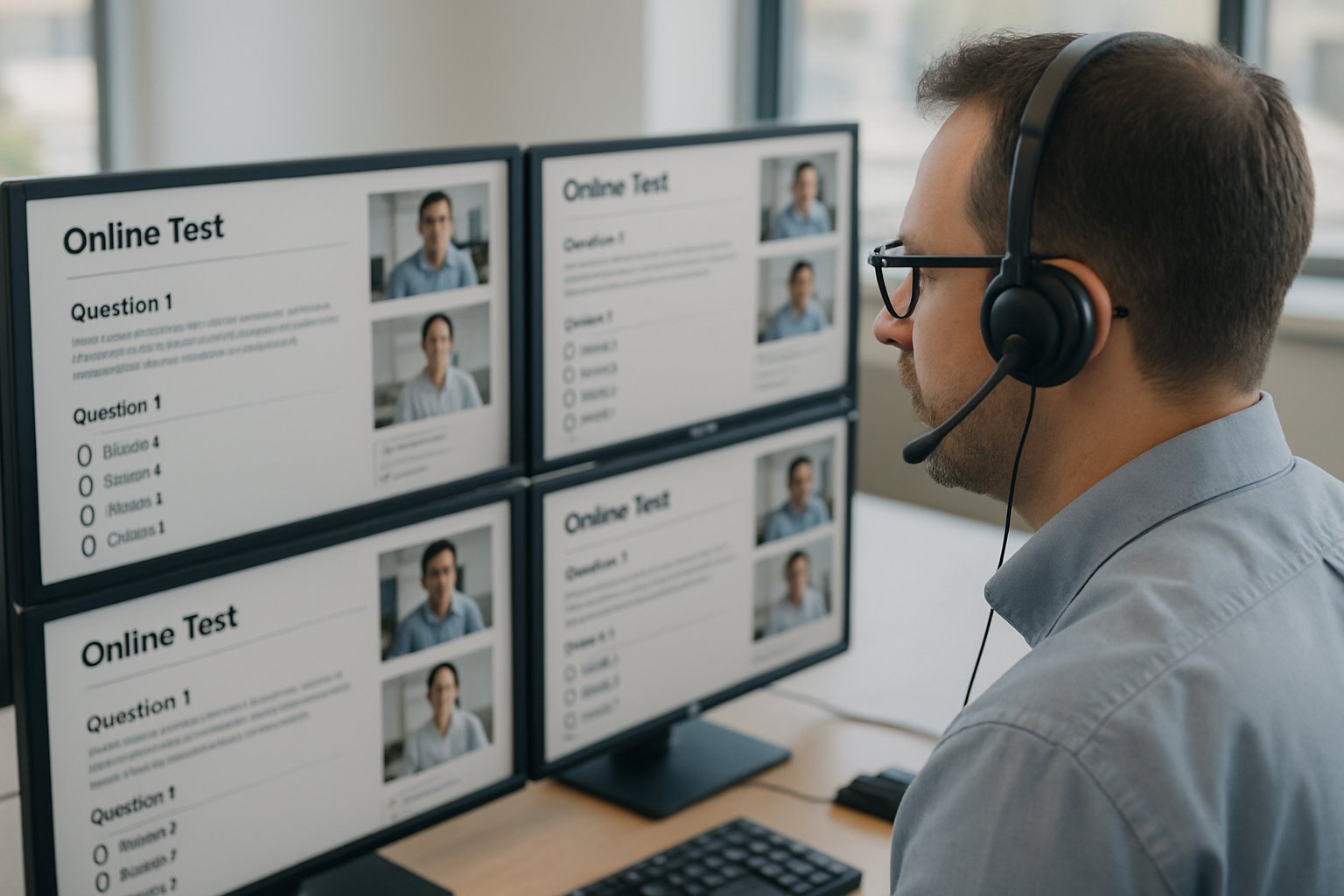
Accelerate Credentials With Remote Online Proctoring

Demand for faster credentials has never felt higher. Talent shortages push universities, cert bodies, and employers to verify skills quickly. Remote Online Proctoring answers that call while controlling risk. Consequently, credential stakeholders now explore modern, scalable exam delivery.

The global push for flexible learning fuels this surge. Moreover, candidates expect to test from any location, on any schedule. An effective online proctoring solution can remove travel costs and test-center queues. However, stakeholders must still guarantee fairness and robust cheating prevention in online exams.
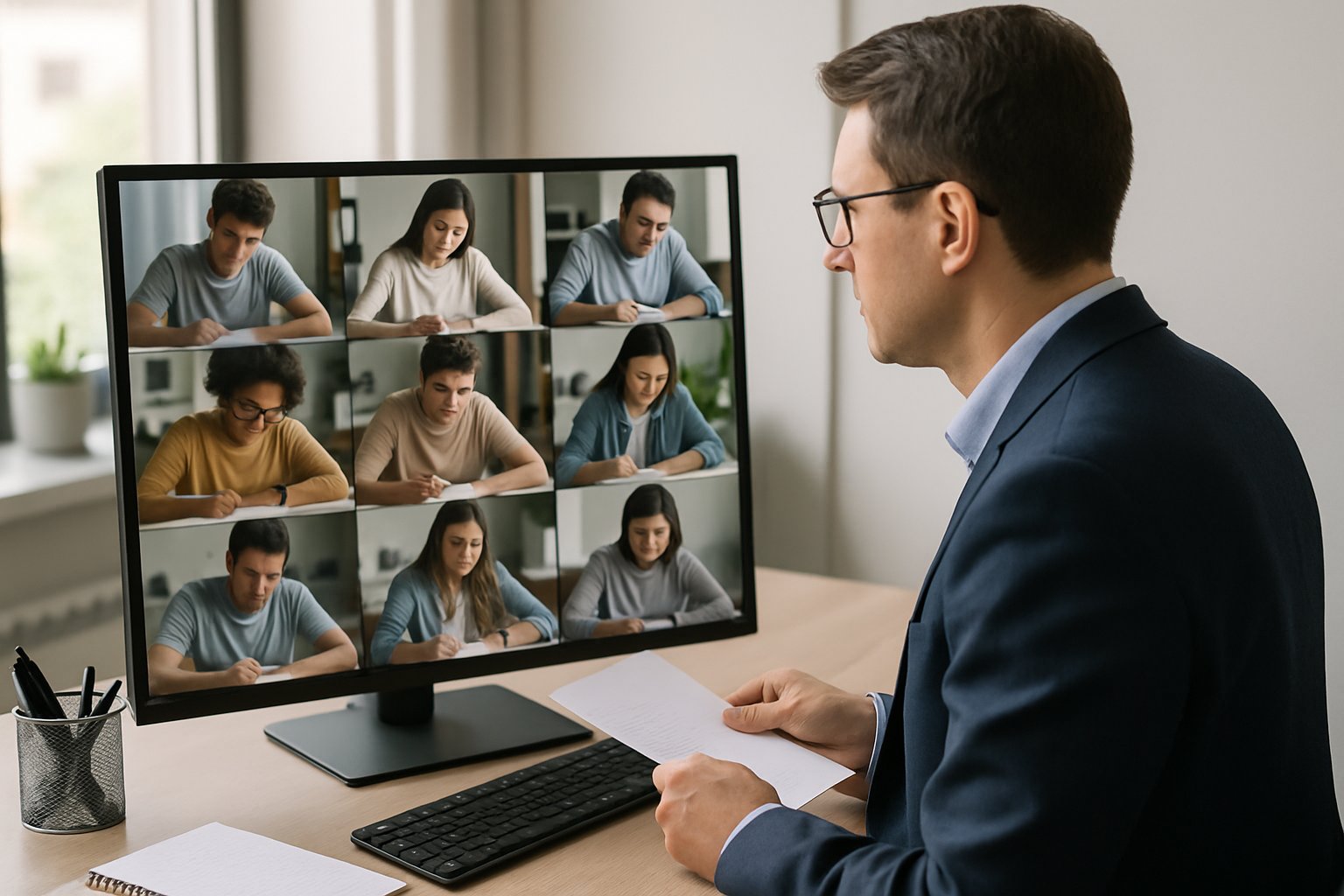
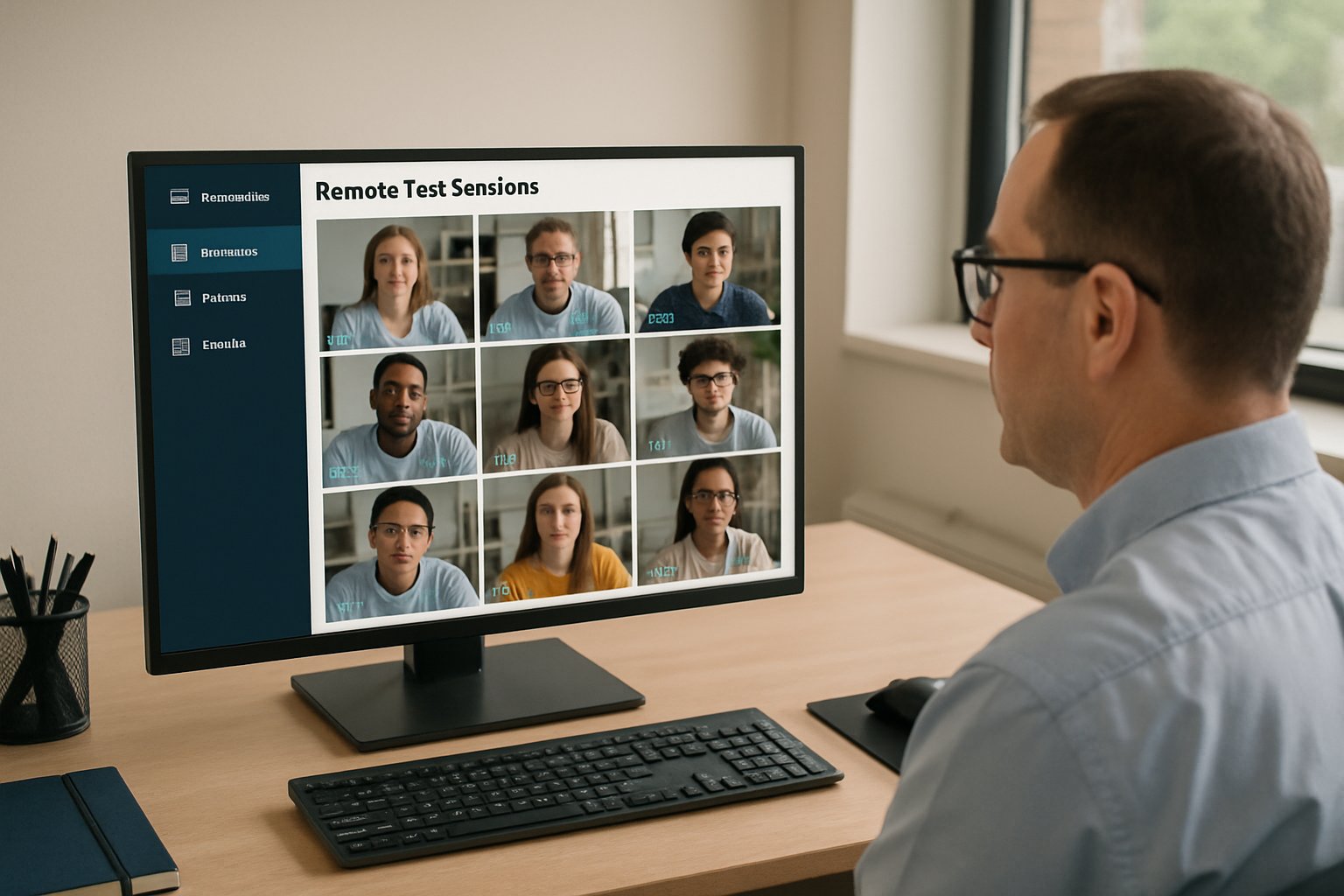
Exam proctor monitoring Remote Online Proctoring sessions on multiple screens in an office.
Proctors safeguard exam integrity through real-time online supervision.

This article unpacks recent trends, benefits, and cautions. Readers will gain a concise roadmap to evaluate remote proctoring software and keep credential timelines short.

Remote Online Proctoring Benefits

First, Remote Online Proctoring expands reach instantly. Candidates book 24/7 slots instead of waiting weeks. Secondly, institutions scale capacity without building new centers. Consequently, credential throughput rises.

  • 24/7 global scheduling eliminates geography barriers.
  • Lower candidate travel saves up to 40% overall cost.
  • Automated identity checks start exams in under two minutes.
  • Hybrid human reviews preserve high-stakes integrity.

These gains help Fast-track professional licensing with remote proctoring. Additionally, automated systems cut manual work for administrators. The section shows why many choose an online proctoring solution to speed success. Therefore, benefits set the stage for deeper market analysis.

Global Market Momentum Snapshot

Market analysts project the online proctored exams sector to hit US$2.35 billion by 2031. Growth sits near 15% CAGR, according to Insight Partners. Moreover, vendor consolidation continues; Examity joined Meazure Learning in 2023.

Professional certifiers already employ remote proctoring software at scale. Pearson VUE’s OnVUE handles millions of sessions yearly. Meanwhile, Honorlock integrates its online proctoring solution with Docebo LMS, expanding corporate reach.

Adoption rises fastest where organizations must Fast-track professional licensing with remote proctoring. North America leads, yet Asia-Pacific shows rising demand. Consequently, competition now centers on AI features and tighter privacy controls. This momentum underscores sustained investor confidence in Remote Online Proctoring.

Emerging AI Defense Tools

Generative-AI cheating rings challenge providers daily. However, vendors answer quickly. Rosalyn’s StableSight detects second-device patterns and AI-generated text. Proctor360 added keystroke correlation earlier this year.

AI Flagging Accuracy Limits

Research reveals mixed accuracy for algorithmic flags. Therefore, credible cheating prevention in online exams still relies on human review. Moreover, transparent false-positive data builds trust.

Integrations with IMS Global’s standard make audits easier. Consequently, institutions can swap tools without rewriting assessment workflows.

AI tools undoubtedly strengthen an online proctoring solution. Nevertheless, leaders must check evidence and bias testing. These steps maintain fairness while accelerating credentials.

Balancing Risks And Privacy

Litigation over biometric data remains active. The BIPA class action against Respondus shows possible exposure. Furthermore, Ogletree v. Cleveland State restricted intrusive room scans.

Students voice discomfort; surveys place concern near 50%. Equity issues surface when candidates lack quiet, private rooms. Consequently, policy flexibility matters.

Institutions should offer alternate exam formats for accessibility. Moreover, transparent notices, short data retention, and opt-out pathways reduce friction. These moves enhance trust in Remote Online Proctoring and support cheating prevention in online exams.

Privacy diligence keeps reputation intact. Subsequently, organizations stay focused on credential speed, not courtroom delays.

Implementation Best Practice Checklist

Effective deployment follows a structured checklist:

  1. Classify exam stakes and match proctoring mode.
  2. Run legal reviews for biometric and regional laws.
  3. Demand vendor transparency on algorithms and storage.
  4. Pilot, measure appeals, and publish findings.
  5. Provide accommodations and offline backup plans.

Following these steps helps Fast-track professional licensing with remote proctoring responsibly. Moreover, clear metrics show when an online proctoring solution truly improves outcomes. Consequently, stakeholders secure both speed and integrity.

Value For Credential Bodies

Remote proctoring software drives measurable ROI. Automated sessions often cost 30% less than test-center seats. Additionally, live-plus-AI hybrids capture high-stakes integrity while scaling hours.

Certification boards report shorter backlogs because online proctored exams run continuously. Corporate L&D teams, meanwhile, launch monthly skill badges rather than annual events. These advantages illustrate why organizations Fast-track professional licensing with remote proctoring.

Furthermore, improved access boosts diversity in applicant pools. Consequently, credential bodies fulfill workforce development goals rapidly. The section summarizes core value propositions before we look ahead.

Future Outlook And Action

Market signals indicate sustained innovation. Vendors race to refine bias testing and camera-free monitoring options. Moreover, lawmakers draft clearer biometric rules.

Cheating Trends Post Pandemic

Studies show cheating attempts remain high, yet smarter assessment design lowers risk. Therefore, assessment redesign pairs perfectly with robust online proctoring solution features.

Institutions preparing policy refreshes should watch emerging contactless identity tools. Additionally, independent audits will shape trust ratings. Consequently, proactive planning keeps Remote Online Proctoring credible and scalable.

Continued transparency will define winners. Subsequently, leaders can focus on rapid, reliable credential delivery.

Conclusion

Secure, flexible assessment now underpins global talent pipelines. Remote Online Proctoring offers unmatched reach, cost control, and robust cheating prevention in online exams when implemented thoughtfully. Privacy safeguards, AI transparency, and data-driven pilots ensure success.

Why Proctor365? Proctor365 delivers AI-powered proctoring capabilities, advanced identity verification, and scalable exam monitoring trusted by global exam bodies. Therefore, our remote proctoring software lets you Fast-track professional licensing with remote proctoring while preserving integrity. Explore how our online proctoring solution supports secure online proctored exams and industry-leading cheating prevention in online exams at Proctor365.ai.

Frequently Asked Questions

  1. What are the main benefits of remote online proctoring?
    Remote online proctoring offers 24/7 global scheduling, rapid automated identity checks, and lower travel costs. This scalable solution helps institutions fast-track professional licensing while ensuring exam integrity and fairness.
  2. How does Proctor365 enhance exam security and integrity?
    Proctor365 utilizes advanced AI proctoring, robust identity verification, and hybrid human reviews to secure exam processes. Its system effectively prevents cheating and fraud, ensuring a trusted and credible exam environment.
  3. How does remote proctoring improve exam accessibility and cost-efficiency?
    Remote proctoring removes geographic barriers with flexible, on-demand testing slots and cuts candidate travel expenses. This approach streamlines exam delivery while maintaining high standards in cheating prevention and overall security.
  4. What role does AI play in modern remote proctoring solutions?
    AI enhances remote proctoring by detecting suspicious behaviors and automating identity checks. While advanced algorithms flag potential issues, human oversight remains essential to ensure fairness and accurately manage false positives.

Online proctoring software for remote exams: 24/7 support wins

Exams never sleep in a global classroom. Consequently, institutions rely on online proctoring software for remote exams to guard integrity across time zones.

However, a flawless candidate experience matters as much as catching misconduct. Lost video feeds and frozen browsers can destroy scores and budgets.

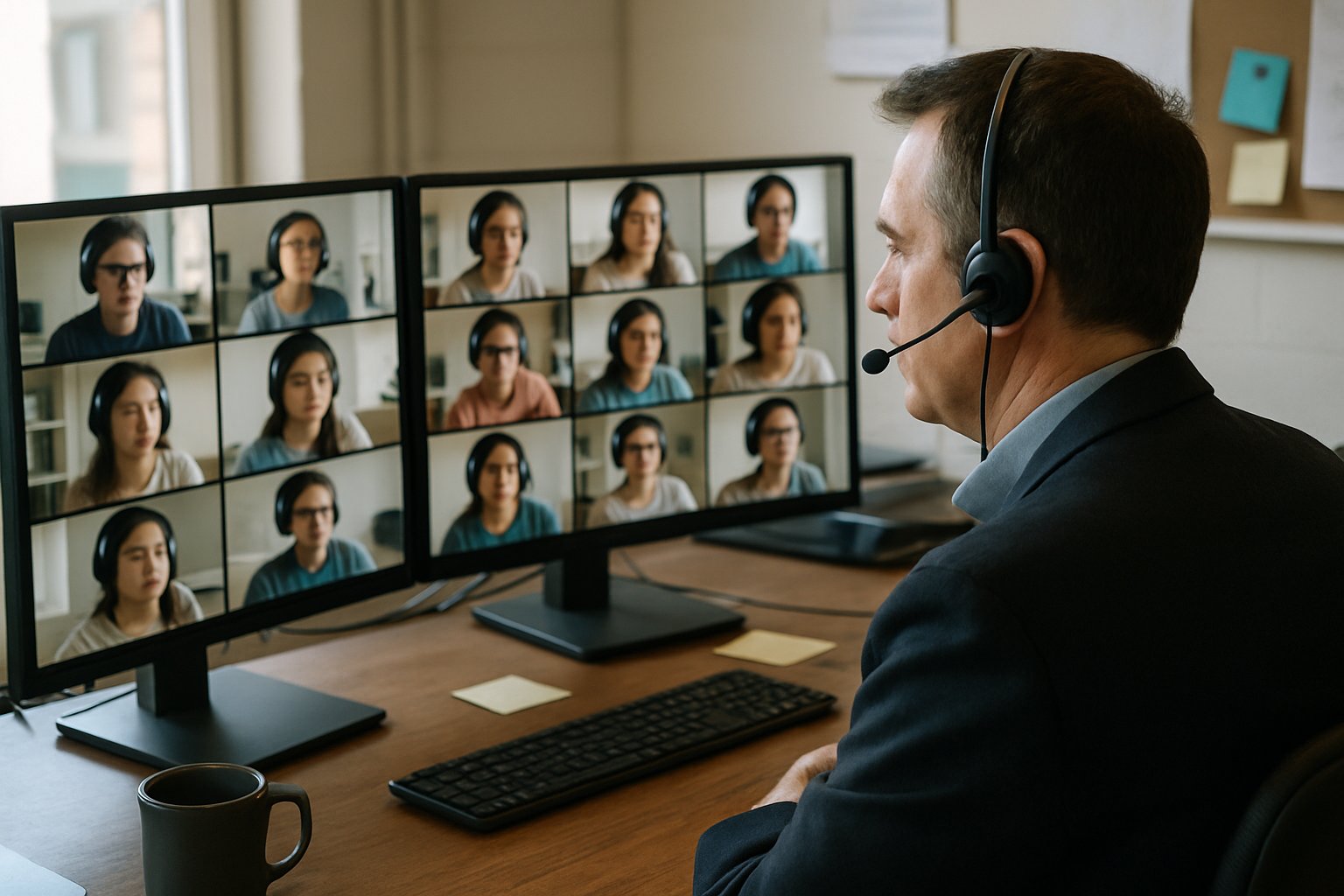
Proctor monitors online proctoring software for remote exams in authentic office.
An online proctor supervises multiple remote exams in real time.

Therefore, managed vendors now bundle 24/7 technical support for proctored exams with their monitoring stacks. This round-the-clock help desk has become the new battleground for remote proctoring services.

Universities shifting from Proctorio to Honorlock in 2025 reported faster issue resolution and calmer students. Market analysts agree: support quality fuels adoption almost as strongly as detection accuracy.

Meanwhile, privacy, bias, and legal scrutiny force buyers to inspect every promise. This article unpacks how managed support works and which metrics to demand. It also explains why scalable help benefits university online exams and enterprise remote proctoring programs.

Global Market Demand Surge

Global estimates place the market for online proctoring software for remote exams near two billion dollars in 2024.

Moreover, analysts predict double-digit growth as institutions expand online proctoring services for diverse programs.

High-stakes credentials, employer testing, and university online exams all demand reliable service. Consequently, remote proctoring services must match campus expectations.

Honorlock’s California community-college deal highlights the shift. The release led with nonstop candidate support, not new AI widgets.

In short, booming demand rewards vendors that value experience. Next, we define the managed model.

What Managed Support Means

Managed online proctoring software for remote exams blends automation with human operations. Live proctors, review teams, and multilingual agents collaborate through one dashboard.

Unlike stand-alone digital proctoring services, managed offerings include scheduling, identity checks, and incident escalation.

Furthermore, enterprise remote proctoring clients gain dedicated success managers who track usage and flag risks early.

The bundle also covers post-exam violation review, providing faculty with time-stamped clips and context.

Therefore, managed packages shift workload away from academics. The following section shows why nonstop support seals the deal.

Always-On Support Value Proposition

Technical hiccups peak seconds before submission. However, 24/7 technical support for proctored exams lets candidates using online proctoring software for remote exams recover fast.

Honorlock advertises replies within fifteen seconds and fixes within seven minutes. Moreover, Examity staffs its help desk with trained proctors.

  • Reduced retake costs for online proctoring services programs.
  • Lower anxiety during university online exams.
  • Higher completion rates for enterprise remote proctoring cohorts.
  • Faster adjudication during live online proctoring sessions.

Support Metrics Snapshot Data

Vendors cite impressive statistics, yet independent audits remain rare.

Honorlock claims 94% satisfaction and 99% issue resolution. Meanwhile, Mercer Mettl lists global toll-free lines staffed by exam experts.

Nevertheless, procurement teams should request verified logs before signing multi-year agreements.

In essence, shiny numbers need proof. Next, we examine the risk landscape.

Mitigating Proctoring Key Risks

Continuous webcams raise privacy concerns worldwide. Court rulings already restrict invasive room scans.

Bias also emerges when automated gaze analysis mislabels learners, especially during live online proctoring for diverse populations.

Privacy audits must accompany adoption of online proctoring software for remote exams to maintain trust.

Additionally, bandwidth gaps hamper fairness. Vendors should offer offline alternatives and localized testing centers.

Academic studies urge vendors of digital proctoring services to publish demographic performance data and mitigation plans.

Addressing these gaps reduces appeals and litigation. The checklist below turns theory into action.

Practical Evaluation Checklist Steps

Use this concise list to vet potential partners of online proctoring software for remote exams.

  1. Request audited SLA data for 24/7 technical support for proctored exams.
  2. Seek demographic bias reports for digital proctoring services algorithms.
  3. Validate language coverage for remote proctoring services help lines.
  4. Confirm data retention and post-exam violation review workflows.
  5. Collect references from similar university online exams programs.
  6. Stress test capacity for live online proctoring during peak weeks.

In brief, these questions expose weak spots early. Next, we explore future directions.

Future Readiness Action Steps

Market consolidation will continue as buyers demand seamless online proctoring services and integrated analytics.

AI advancements will shrink false positives and strengthen identity checks.

Yet success will still hinge on relentless human assistance. Institutions adopting online proctoring software for remote exams should negotiate outcome-based support clauses.

Furthermore, scaling enterprise remote proctoring requires multilingual agents and regional data centers.

Meanwhile, regulators may set standards for 24/7 technical support for proctored exams, mirroring cybersecurity benchmarks.

Future-proof contracts demand flexibility and transparency. Decision time arrives now.

Conclusion

Round-the-clock assistance, clear metrics, and rigorous fairness audits set successful programs apart. Institutions adopting online proctoring software for remote exams enjoy fewer dropouts and faster post-exam violation review.

Why Proctor365? Our AI-powered proctoring engine detects anomalies in real time while safeguarding privacy. Advanced identity verification confirms every candidate before launch. Scalable exam monitoring supports thousands simultaneously across continents. Consequently, leading universities and global certification bodies already trust Proctor365.

Visit the site to schedule a demo and upgrade exam integrity today. Future-ready analytics give faculty instant insights without added workload.

Frequently Asked Questions

  1. How does Proctor365 ensure exam integrity during remote examinations?
    Proctor365 utilizes an AI-powered proctoring engine and advanced identity verification, ensuring real-time anomaly detection and fraud prevention. This integration enhances exam integrity across global, remote testing environments.
  2. What benefits does 24/7 technical support offer online exam candidates?
    Round-the-clock support minimizes technical disruptions, reduces retake costs, and lowers candidate anxiety. Rapid assistance during live sessions ensures a seamless exam experience, boosting overall satisfaction and completion rates.
  3. How does managed support reduce exam misconduct and technical disruptions?
    Managed support combines live proctors, automated monitoring, and post-exam reviews, addressing incidents quickly. This approach prevents misconduct and minimizes technical issues, safeguarding exam integrity and delivering a reliable remote experience.
  4. In what ways does Proctor365 support remote exam environments for global institutions?
    Proctor365 offers scalable exam monitoring, multilingual support, and localized data centers. Its AI proctoring and comprehensive identity checks ensure secure, fair, and compliant remote examinations for institutions worldwide.
 

Remote Test Proctoring: Mobile vs Desktop Security Gap

Phones now outnumber laptops in many classrooms globally. However, exam security teams still trust desktops by default. That habit hides a widening security gap. This article dissects mobile versus desktop realities in remote test proctoring. We anchor the analysis in recent market data, independent red-team findings, and regulatory pressure. Moreover, we map practical steps universities, certification bodies, and corporate L&D teams can adopt immediately.

Remote Test Proctoring Landscape

Market reports place online proctoring revenue between USD 648 million and 1.2 billion for 2025. Forecasts suggest double-digit compound growth through 2030, driven by global digital assessment demand. Mobile proctoring adoption surged, yet desktop remains the reference implementation for most vendors. Consequently, capability gaps appear whenever exams move to phones or tablets.

Employee undergoing remote test proctoring via mobile device in an office.
Mobile-based remote proctoring introduces unique security considerations for modern workplaces.
  • Only 40–50% of platforms historically supported phones.
  • Caveon red-teams bypassed controls in over 90% of attempts.
  • Student studies link webcam stress to higher anxiety levels.

Desktop dominance hides critical blind spots in candidate behavior and device diversity. Understanding those blind spots frames all further analysis. Next, we examine how desktops still provide superior device visibility.

Desktop Device Visibility Edge

Desktop-centric remote test proctoring benefits from mature lockdown browsers and full screen capture. Vendors hook operating-system APIs to stop app switching and record every pixel. Furthermore, process monitoring detects remote desktop tools before they launch.

These controls help flag on-device cheats like AI overlays or hidden browsers. Nevertheless, desktops cannot see phones sitting just outside the webcam view.

Desktops catch many software tricks but miss most off-device schemes. Therefore, visibility alone does not guarantee integrity. Mobiles introduce even sharper constraints, as the next section shows.

Mobile Monitoring Shortfalls Exposed

Mobile exam proctoring answers accessibility needs but sacrifices deep system control. Unlike desktops, iOS and Android restrict third-party screen recording and background process hooks. Consequently, cheaters leverage split-screen tricks or simply consult another device unnoticed. Secret-shopping tests showed over 90% of mobile proctored exams missed obvious cheating attempts. Field studies from Southeast Asia noted that mobile proctored exams rose by 40% year on year.

Mobile AI proctoring software tries to compensate with camera sensors and motion data. However, many apps still record only the front camera, leaving the screen invisible. That gap weakens remote test proctoring on phones even further.

Mobile convenience introduces surveillance limits and higher evasion rates. Stakeholders therefore need layered defenses beyond a single camera. Multi-camera strategies represent the first major countermeasure.

Emerging Multi-Camera Defense

Vendors now pair laptops with auxiliary phones to create dual viewpoints. This multi-camera approach covers hands, keyboard, and potential off-device aids. AI mobile proctoring models analyze both feeds in real time. Institutions deploying such setups during remote test proctoring report fewer phone-in-lap incidents.

Yet the tactic demands that every candidate own a second charged device. Moreover, setup complexity increases start-time friction and support tickets. AI cheating detection mobile exams still fail when audio is routed through tiny earpieces.

Multi-camera workflows shrink, but do not close, the mobile security gap. Consequently, many leaders shift focus toward assessment redesign. Assessment strategy forms our next consideration.

Redesigning Assessments For Integrity

Experts recommend open-book or application-oriented questions that reduce real-time lookup value. Randomized question banks and tight time windows also help. Mobile proctoring still supports these approaches without adding extra surveillance burden. Many vendor roadmaps promise feature parity, yet robust mobile exam proctoring remains months away. Open-book formats especially suit mobile exam proctoring because screen capture limitations matter less.

  • Shuffle question order for every candidate.
  • Use case-based scenarios, not recall.
  • Integrate plagiarism detection post-exam.

Improved assessment design lowers dependency on heavy surveillance. Therefore, technology choices become more about equity than arms races. Equity concerns surface strongly in the next discussion.

Balancing Privacy And Equity

Legal challenges target intrusive room scans and biometric data retention. EPIC argues that several remote test proctoring vendors collect excessive data without transparency. Meanwhile, algorithmic bias produces higher false flags for students with darker skin tones. Mobile proctoring sometimes exacerbates these issues by demanding full 360° apartment views. Institutions also mandate bias audits for AI mobile proctoring models before rollout.

Institutions should publish clear consent forms and limit data retention schedules. Moreover, periodic human audits can override flawed AI mobile proctoring decisions.

Transparency and human oversight restore trust without abandoning technology. Equitable practice requires privacy safeguards and algorithmic audits. Finally, we consider market and regulatory forces that push adoption curves.

Market And Regulatory Pressures

Investors fuel rapid platform expansion, yet regulators demand clearer guardrails. Court rulings already limited compulsory room scans for remote test proctoring deployments. Consequently, vendors highlight privacy dashboards and granular data controls in sales calls.

Universities now issue RFPs that require mobile AI proctoring software to publish detection accuracy. Corporations demand proof that AI cheating detection mobile exams align with internal compliance policies. Government procurement tenders now explicitly request support for mobile proctored exams across low-bandwidth regions.

Market pressure therefore nudges the industry toward greater transparency. However, change remains uneven across regions and smaller vendors. Regulatory scrutiny drives feature parity and stronger disclosures. Stakeholders should monitor legal updates before signing long-term contracts. We close with practical recommendations and a trusted partner overview.

Conclusion And Next Steps

Desktop oversight remains stronger, yet off-device risks persist regardless of platform. Meanwhile, mobile proctoring broadens access but introduces new visibility and privacy headaches. Layered controls, adaptive assessment, and clear governance therefore form the sustainable path forward.

Why Proctor365? Proctor365 unifies AI-powered analytics and advanced identity verification. Its scalable monitoring secures remote test proctoring for universities and enterprises worldwide. Request a demo now to experience mobile AI proctoring software tuned for strict compliance. Learn how AI cheating detection mobile exams finally outpace sophisticated threats. Visit https://www.proctor365.ai/ to secure every assessment today.

Frequently Asked Questions

  1. How do mobile proctoring challenges affect remote exam integrity?
    Mobile proctoring introduces limitations with restricted operating system controls and camera angles that create blind spots. Integrating strategies like multi-camera setups and adaptive assessments can mitigate risks, with services like Proctor365 offering robust AI-driven fraud prevention and identity verification.
  2. What benefits do multi-camera proctoring solutions offer?
    Multi-camera proctoring provides dual viewpoints to capture on-device activities, reducing off-screen cheating risks. This approach improves exam security by covering multiple angles and is supported by Proctor365’s AI proctoring and fraud prevention tools for accurate monitoring.
  3. How does Proctor365 ensure exam integrity during remote assessments?
    Proctor365 leverages AI-powered analytics and advanced identity verification to monitor candidate behavior effectively. Its robust system integrates multi-camera feeds and secure protocols that prevent fraud, ensuring a reliable and compliant remote exam experience.
  4. What steps can institutions take to address security and privacy concerns in remote proctoring?
    Institutions can redesign assessments with open-book formats, implement randomized question banks, and use adaptive time windows to reduce cheating. Transparent consent and regular audits, combined with Proctor365’s privacy dashboards and AI proctoring, strengthen exam security and data protection.

Incident Reporting Essentials for Every Live Proctoring Exam

Remote assessment surged after 2020, yet integrity concerns never vanished. Stakeholders worldwide now scrutinize every live proctoring exam, demanding transparent evidence when suspicions arise. Consequently, universities, corporate trainers, and certification bodies insist on incident and integrity reporting. These reports transform abstract flagging into concrete, reviewable facts. Furthermore, detailed cheating reports for live proctored exams allow faculty to act quickly and fairly. Meanwhile, regulators tighten data rules, forcing every proctoring platform to document retention, privacy, and accessibility steps. As the market grows, competing vendors promise faster insights, enriched dashboards, and fully auditable trails. This article explores how incident reports form, why they matter, and which best-practice workflows succeed. Along the way, we weigh benefits against ongoing privacy and equity critiques. Finally, you will learn actionable steps to improve your next exam session.

Live Proctoring Exam Reports

Live monitoring generates vast data in real time. However, raw feeds alone overwhelm instructors. Reports summarize the session and highlight only actionable moments. A mature online proctoring platform automatically tags gaze shifts, second screens, and disconnections. Moreover, it bundles video clips, chat transcripts, and reviewer notes into one clean package. These artifacts support online exam security by enabling rapid validation of alleged misconduct. Consequently, academic decisions rely on evidence rather than memory. The next section explains why that distinction protects students and institutions alike.

Students taking live proctoring exam in authentic exam hall setting
Students participate in a live proctoring exam with visible monitoring for fairness.

Why Reports Truly Matter

Clear documentation limits disputes. When a live proctoring exam triggers a flag, emotions run high. Furthermore, detailed cheating reports for live proctored exams allow neutral reviewers to reconstruct events objectively. Therefore, students get due process while faculty protect academic standards. Institutions also meet emerging regulatory demands for transparency and data minimization. Additionally, reporting supports cheating prevention in online exams by showing deterrent footage during orientation sessions. Finally, administrators gather metrics that guide future policy revisions. Such measurable insight justifies continued investment in any proctoring platform.

In short, evidence builds trust across communities. Next, we unpack what information each report must hold.

Core Report Key Contents

Most vendors follow a consistent template. Moreover, standards simplify cross-course reviews. A robust online proctoring platform usually captures these fields:

  • Student ID, exam title, date, proctor name.
  • Incident category and urgency rating.
  • Time-stamped video, audio, and screen clips.
  • Chat dialogue and proctor interventions.
  • Reviewer notes and final disposition.

Detailed cheating reports for live proctored exams often add webhooks that send PDFs directly into the LMS. Consequently, instructors act before grading deadlines expire. The checklist below summarizes mandatory data elements for quick audits.

Comprehensive data limits ambiguity and supports fair appeals. Up next, we examine how humans and systems review those flags.

Workflow Best Practice Steps

Speed and fairness drive effective workflows. First, real-time tagging within the proctoring platform records the potential breach. Subsequently, a human analyst confirms or dismisses each flag. That analyst documents reasons, reducing disputes later. Next, automatic webhooks notify faculty within SLA deadlines. Meanwhile, disability staff verify that accommodations were respected. Such layered steps strengthen online exam security even during large cohorts. When a live proctoring exam produces confirmed misconduct, institutions follow codified sanction routes. Finally, anonymized metrics feed quality audits, reinforcing cheating prevention in online exams across semesters. Strong governance closes the loop and improves student trust.

In sum, disciplined processes convert raw footage into defensible outcomes. The coming section explores the market forces shaping those processes.

Market And Regulation Trends

Analysts predict double-digit growth through 2031. One report cites US$869 million in 2024 and US$2.35 billion expected by 2031. However, strong privacy legislation counterbalances that momentum. For example, Ohio’s 2024 student-data law restricts retention unless educational purpose persists. Consequently, each online proctoring platform advertises GDPR alignment and independent audits. Educator associations meanwhile call for limited, transparent deployment of any proctoring platform. They argue such moderation protects accessibility and cheating prevention in online exams. Institutions therefore pilot alternatives and refine policy before long-term contracts. A live proctoring exam now sits inside a wider policy debate on trust and surveillance.

Growth and regulation pull in opposite directions. Next, we weigh benefits against persistent risks.

Pros And Cons Balance

Any tool brings advantages and drawbacks. On the positive side, real-time intervention deters misconduct and supplies solid evidence. Moreover, scalability lets multinational programs run thousands of sessions each day. However, privacy advocates warn about home surveillance and algorithmic bias. Accessibility teams also highlight stress for neurodivergent candidates.

  • Pro: Instant incident capture.
  • Pro: Auditable trail for appeals.
  • Pro: Supports global scaling.
  • Con: Potential false positives.
  • Con: Home environment intrusion.
  • Con: Uneven internet access.

Therefore, governance frameworks must balance deterrence with fairness. When a live proctoring exam is required, institutions should also offer alternative assessment paths. This balanced approach protects integrity while respecting rights.

Pros will fade without ongoing risk reviews. Finally, we close with practical recommendations.

Conclusion And Next Steps

Incident reporting converts raw session data into decisions that survive scrutiny. Adopting clear workflows, human review, and transparent policies safeguards fairness and compliance.

Why Proctor365?

  • AI-powered proctoring capabilities
  • Advanced identity verification
  • Scalable exam monitoring
  • Trusted by global exam bodies

Consequently, every live proctoring exam stays secure from login to final grade. Ready to raise integrity? Visit Proctor365.ai and schedule your personal demo today.

Frequently Asked Questions

  1. What are incident reports and why are they important in online proctoring?
    Incident reports convert raw session data into concise evidence, enabling rapid review of potential misconduct. They support academic integrity by providing transparent, actionable documentation for fair, evidence-based decision-making.
  2. How does live proctoring enhance exam security?
    Live proctoring uses real-time monitoring with automated flagging for irregular behavior. Proctor365’s AI proctoring and identity verification ensure secure and compliant exam sessions while preventing fraud.
  3. What benefits does Proctor365 offer for exam monitoring?
    Proctor365 delivers AI-powered proctoring, advanced identity verification, and scalable monitoring. Its system provides detailed, auditable incident reports that reinforce exam integrity and support quick, fair decision-making.
  4. How do proctoring reports support fair academic decisions?
    Comprehensive reports compile time-stamped footage, chat transcripts, and intervention notes to provide clear evidence. This transparency allows impartial human review, ensuring fairness in upholding academic standards.

Online proctoring software for remote exams: Seamless LMS links

Universities and certification bodies face mounting pressure to secure digital assessments. Learners demand flexibility, yet regulators demand uncompromised integrity. Online proctoring software for remote exams meets both needs when it aligns tightly with campus learning systems.

However, clumsy links and manual grade transfers erode trust and productivity. Therefore, institutions now prioritise seamless LMS proctoring integration that behaves like a native feature. This article explains why LTI 1.3 rules the landscape, which pitfalls matter, and how to implement best practices.

Laptop with online proctoring software for remote exams integrating with LMS
Online proctoring software integrates smoothly with major learning management systems.

Moreover, we map vendor options across Canvas, Blackboard, or Brightspace. Finally, readers receive an actionable checklist to Integrate proctoring with Moodle, Brightspace, and other platforms without drama. Consequently, your team saves time while strengthening assessment credibility.

Remote Exam Market Growth

Global demand for secure digital testing keeps accelerating. Recent reports estimate the market at one to two billion dollars today. Moreover, analysts forecast double-digit growth as more programs shift to LMS-based online exams. Automated monitoring reduces per-seat costs, while cloud scale handles surging enrolments. Consequently, budgets increasingly favour solutions that bundle remote proctoring software integration with deep reporting.

However, decision makers cite usability and data privacy as top blockers. Seamless LMS exam management addresses both because instructors avoid manual exports and students face fewer logins. Therefore, institutions increasingly insist on Online proctoring software for remote exams that launches directly from course shells. This demand fuels vendor investment in LTI Advantage services.

In short, growth hinges on user experience and data fluency. Next, we explore how LTI delivers both.

Why LTI Really Matters

IMS Global’s LTI 1.3 standard enables secure, signed launches from any mainstream LMS. Additionally, the Advantage bundle syncs names, roles, and grades through restful services. That architecture turns Online proctoring software for remote exams into an almost native activity. Consequently, instructors create tests once and push links across Blackboard, or Brightspace, or Canvas without redo. Moreover, deep linking lets faculty Integrate proctoring with Moodle mid-semester without new credentials.

LTI also supports assignment copy workflows, a pain point when integrating remote proctoring with LMS at scale. Furthermore, roster APIs eliminate CSV uploads, reducing mismatched attempt headaches. Institutions therefore specify LMS proctoring integration compliance within every new RFP. Missing that requirement disqualifies vendors early. Institutions running LMS-based online exams appreciate the single sign-on simplicity.

To summarise, LTI 1.3 makes proctoring secure, portable, and automated. The next section shows how to configure it successfully.

Integration Steps Checklist Guide

Teams want Online proctoring software for remote exams that installs without code. Administrators crave practical guidance, not marketing slogans. Below is a concise checklist for remote proctoring software integration across leading systems.

  • Register the tool using LTI 1.3 client and deployment IDs in Blackboard.
  • Enable membership, deep linking, and grade services for LMS proctoring integration consistency.
  • Pass a stable assessment ID to guarantee LMS exam management accuracy.
  • Whitelist vendor domains to reduce network tickets during online exam proctoring with LMS usage.
  • Pilot a small cohort to record false positives before campus-wide roll-out.
  • Document support steps to Integrate proctoring with Moodle, Blackboard, or Brightspace after LMS upgrades.

Following these steps prevents missing attempts, broken links, and support escalations. Next, we examine risk controls that sit alongside the checklist.

Risk Mitigation Tactics Guide

Even perfect code fails if privacy, equity, or accessibility gaps persist. Therefore, legal teams demand detailed data-processing agreements before Online proctoring software for remote exams goes live. Moreover, administrators should request AI false-flag metrics and bias-audit summaries. Institutions also create alternate assessment routes for students lacking cameras or stable bandwidth.

Additionally, integrating remote proctoring with LMS requires accessibility conformance validation against WCAG. Consequently, pilot teams involve disability offices early. Finally, clear student notices explain data use, retention, and appeal options. Selecting Online proctoring software for remote exams with transparent AI models mitigates student pushback.

Handling these risks upfront preserves trust and reduces legal exposure. Next, we compare vendors and deployment models.

Vendor Landscape Snapshot Overview

Several vendors dominate the higher-education space. Proctorio, Honorlock, and Respondus emphasise quick remote proctoring software integration claims. However, their architectures differ. Proctorio uses a browser extension, whereas Honorlock relies on a lightweight plugin. Respondus employs LockDown Browser for online exam proctoring with LMS courses.

Meanwhile, Examity’s recent acquisition by Meazure Learning signals continued consolidation. Institutions should weight roadmap stability when deciding to Integrate proctoring with Moodle or Brightspace. Moreover, Blackboard clients must verify each vendor’s deployment guide because Ultra and Original editions differ. Online proctoring software for remote exams offerings, however, differ in technology stack and support terms.

Consequently, a side-by-side matrix covering LTI Advantage support, grade sync behaviour, and data policies proves invaluable. Evaluating architecture now prevents painful migrations later. Finally, we share proven implementation tips.

Implementation Best Practices Roadmap

Successful roll-outs depend on clear governance and disciplined testing. First, schedule regular sandbox refreshes to mirror production configuration. Next, automate nightly checks that validate Online proctoring software for remote exams launch and grade return. Moreover, document every LMS proctoring integration setting in version-controlled playbooks.

Institutions also build analytics dashboards that measure online exam proctoring with LMS adoption and incident rates. Teams integrating remote proctoring with LMS often overlook gradebook column naming. Additionally, faculty champions run monthly clinics to help peers Integrate proctoring with Moodle. Continual testing ensures Online proctoring software for remote exams remains functional after LMS patches.

That discipline keeps LMS-based online exams reliable during peak periods. In short, disciplined processes safeguard scale and reputation. We close with key takeaways and a Proctor365 solution overview.

Conclusion

Seamless integrations accelerate security, scalability, and user satisfaction. LTI 1.3 plus Advantage remains the most reliable route. Careful privacy, accessibility, and testing protocols complete the foundation. Institutions that follow the checklist enjoy fewer incidents and smoother LMS exam management.

Why Proctor365? Our AI-powered platform delivers Online proctoring software for remote exams with advanced identity verification and flexible AI settings. Moreover, scalable cloud architecture supports thousands simultaneously. Trusted by global exam bodies, Proctor365 safeguards integrity while cutting administrative time. Discover the full capability at Proctor365.ai and secure your next session today.

Frequently Asked Questions

  1. How does LTI 1.3 enhance online proctoring with LMS integration?
    LTI 1.3 enables secure, native-like integration for online proctoring, ensuring smooth grade syncing and a streamlined exam process. It supports robust identity verification and fraud prevention, aligning with Proctor365’s AI-powered solution.
  2. What measures does Proctor365 take to ensure exam integrity?
    Proctor365 employs advanced AI proctoring, real-time monitoring, and stringent fraud prevention to maintain exam integrity. Its system integrates seamlessly with LMS platforms for secure testing environments.
  3. How does Proctor365 simplify LMS proctoring integration?
    Proctor365 streamlines exam management with seamless LMS integration, native LTI 1.3 support, and automated grade syncing. This reduces manual tasks and offers a user-friendly proctoring experience.
  4. What risk mitigation tactics are recommended for remote proctoring?
    Implement strategies such as accessible design, data privacy agreements, and pilot testing to manage false flags. Proctor365’s guidelines ensure transparent AI use, reducing both legal and technical issues.

Remote Test Proctoring Trends in Finance and Insurance Exams

Finance and insurance credentials drive careers and compliance. Yet many professionals juggle work, study, and distant test centers. Remote test proctoring now fills that gap with secure, on-demand sessions.

Regulators still insist on uncompromised rigor. Proctored exams for banking and insurance licenses must block cheating and confirm identity. Consequently, vendors race to balance access, privacy, and AI-era threats.

Remote test proctoring monitoring dashboard used in finance and insurance exams
A proctor oversees exam sessions with a sophisticated monitoring dashboard.

This article maps market forces, regulatory twists, and practical safeguards for high-stakes digital testing. Moreover, it highlights lessons for universities, training firms, and corporate L&D teams. Read on to build programs that satisfy auditors and delight candidates.

Remote Test Proctoring Essentials

Remote delivery combines identity checks, secure browsers, and live or automated surveillance. Additionally, most platforms store video, audio, and logs for later audits.

There are three common models. Live supervisors watch in real time and intervene instantly. Recorded review stores sessions for post-exam analysis. Meanwhile, automated AI flags suspicious behaviour within seconds.

Online remote proctoring exams appeal to busy brokers needing weekend slots. However, every online proctored insurance exam raises questions about data retention.

Overall, these models extend reach yet introduce technical and ethical complexity. Next, we explore current market momentum.

Current Market Forces Overview

Industry researchers value the global market near US$1 billion for 2024. They forecast mid-teen compound growth through 2030.

Prometric, PSI, and Pearson VUE now promote hybrid offerings across finance programs. PSI’s 2025 Arizona insurance contract even mandates live remote sessions alongside centers.

Conversely, Texas halted OnVUE for insurance in 2024 after security concerns. This reminder shows that adoption depends on continual trust.

Proctored exams for banking and insurance licenses remain lucrative despite mixed press. Furthermore, remote proctoring for insurance licensing keeps expanding in states that emphasise convenience.

The market grows, but momentum relies on visible security results. Regulatory positions illustrate that tension.

Diverging Regulatory Landscape Trends

State insurance departments now pursue divergent paths. Arizona authorised PSI’s live online option, yet Texas withdrew Pearson’s.

Meanwhile, privacy groups file complaints about biometric collection and algorithmic bias. European authorities signal stricter AI rules that may limit certain analytics.

Online remote proctoring exams must therefore satisfy patchwork privacy mandates. Moreover, insurance course proctored exam administrators need transparent appeals for false positives.

Institutions should track jurisdictional changes monthly. Regulatory flux rewards agile delivery strategies. Threat vectors also evolve quickly.

Evolving Security Threat Vectors

Generative AI can draft answers or simulate eye contact. Consequently, vendors add second cameras, keystroke signatures, and behavioural analytics.

Academic researchers still bypass some lockdown browsers within minutes. Additionally, face detection bias remains unresolved for darker skin tones.

Effective remote test proctoring must merge automation with prompt human judgment to reduce false flags. Remote proctoring for insurance licensing also faces AI-assisted impersonation attempts using deepfakes.

Security teams should run red-team drills every quarter. New threats demand layered defenses and ongoing validation. Implementation choices determine success.

Implementation Best Practice Guide

Start with a clear threat model and candidate persona. Therefore, match delivery models with exam stakes and risk tolerance.

  • Request vendor SOC 2 or ISO 27001 reports.
  • Define data retention limits for recordings and biometrics.
  • Mandate under-15-minute review for AI flags.
  • Offer ADA-compliant accessibility workflows.
  • Maintain an in-center fallback option.

Insurance course proctored exam design should emphasize application questions and large randomized item pools. Additionally, remote exam proctoring benefits from two-device setups that reduce camera blind spots.

Online proctored insurance exam candidates appreciate clear system checks and rehearsal tests. Every online proctored insurance exam should start with an automated equipment check and live chat option.

Thoughtful design strengthens security while protecting user trust. Procurement clauses lock these gains.

Procurement Contracting Key Essentials

Contracts must embed data protection, fairness, and uptime clauses. Moreover, set liquidated damages for unreviewed false positives.

During vendor selection, ask for remote test proctoring accuracy and bias reports validated by third parties. Remote exam proctoring providers should detail escalation timelines and candidate appeal channels.

Furthermore, remote proctoring for insurance licensing must integrate with existing learning portals via secure APIs. Proctored exams for banking and insurance licenses also require retention schedules aligned with state rules.

Robust contracts translate policy into enforceable security. Finally, keep candidate welfare central.

Candidate Experience Matters Most

Positive experiences improve program reputation and pass rates. Therefore, publish clear privacy notices and real-time support channels.

Online remote proctoring exams succeed when candidates feel respected and informed. Moreover, insurance course proctored exam sessions should include optional practice rooms for anxious users.

Remote exam proctoring feedback dashboards let administrators monitor fairness metrics and adjust quickly. Satisfied candidates reinforce institutional credibility. We close with actionable conclusions.

Remote Test Proctoring Essentials

Remote test proctoring now underpins flexible access, robust audit trails, and data-driven insights for licensure. However, success depends on vigilant threat modeling, fair policies, and empathetic candidate support.

Proctor365 delivers AI-powered remote test proctoring with multi-layer identity verification, scalable monitoring, and real-time analytics. Trusted by global exam bodies, our platform detects emerging cheats while safeguarding privacy.

Therefore, finance institutions use Proctor365 to secure proctored exams for banking and insurance licenses without friction. Experience best-in-class remote test proctoring today—visit Proctor365 for a tailored demo.

Secure future cohorts with remote test proctoring that scales with regulations and innovation.

Frequently Asked Questions

  1. What is remote test proctoring and how does it ensure exam integrity?
    Remote test proctoring uses secure browsers, live or recorded monitoring, and AI-driven analysis to maintain exam integrity. Proctor365 enhances this process with multi-layer identity verification and real-time fraud detection.
  2. How does Proctor365 balance flexibility and security in online exams?
    Proctor365 offers on-demand proctoring with integrated identity checks, AI-powered fraud prevention, and scalable monitoring solutions. This balance ensures regulatory compliance and a positive candidate experience in high-stakes testing scenarios.
  3. What technologies does Proctor365 use for effective exam proctoring?
    Proctor365 leverages advanced AI analysis, behavioral analytics, multi-camera setups, and real-time monitoring to detect suspicious activity. These technologies work together to verify identities and safeguard exam integrity against cheating methods.
  4. How does remote proctoring accommodate diverse testing needs?
    Remote proctoring supports various models including live supervision, recorded review, and AI-driven analysis. Proctor365 integrates seamlessly with existing systems, ensuring accessibility, robust security, and compliance with industry standards.

2026 Privacy Rankings: Remote Exam Proctoring Software Guide

Student concerns over digital surveillance continue to shape the debate around remote exam proctoring software. Universities, ed-tech platforms, and corporate L&D teams now face rising legal pressure and market growth simultaneously. Our 2026 privacy snapshot compares leading tools and answers the question, Which proctoring software is best for student privacy?

This guide converts scattered research, lawsuits, and policy updates into a single, actionable resource. You will see how proctoring software for institutes can respect privacy while still defending exam integrity. Consequently, decision makers can balance compliance, cost, and student trust.

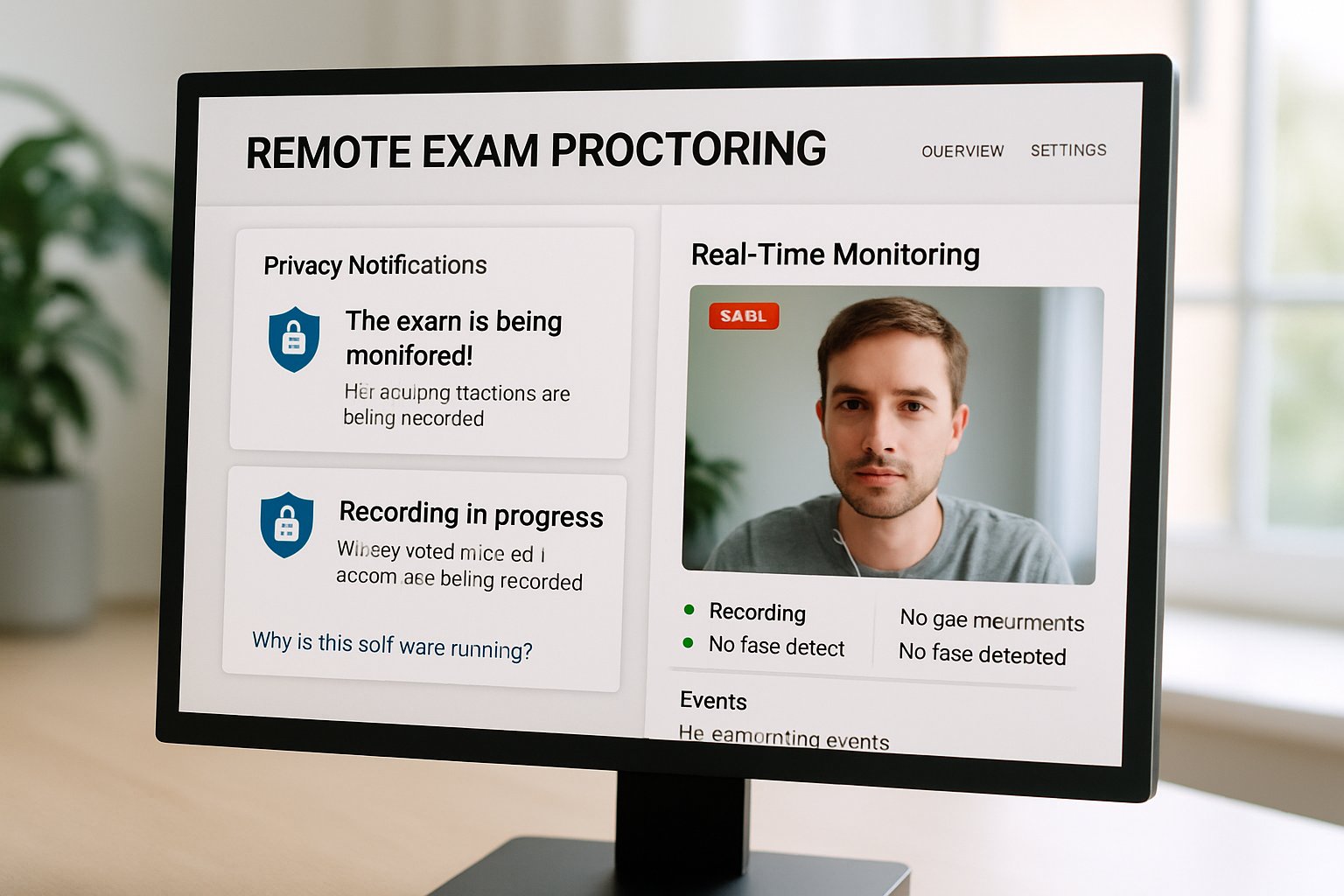
Remote exam proctoring software dashboard with privacy notifications in a bright setting.
The interface of remote exam proctoring software highlights privacy controls and live monitoring tools.

Moreover, we outline clear criteria that any online proctoring software must satisfy in 2026. Read on to discover rankings, market signals, and practical steps you can implement today. Meanwhile, our analysis spans live, recorded, and AI proctoring software models across global regions. Therefore, you can benchmark each vendor before your next procurement cycle. Finally, we highlight the primary risks regulators flagged, from biometric data storage to opaque algorithms.

Selecting Remote Exam Proctoring Software

Every procurement starts with a clear problem definition. Institutions ask, Which proctoring software is best for student privacy? before releasing any request for proposal. Firstly, map your assessment types, stakes, and existing LMS integrations.

Secondly, shortlist tools that allow feature toggles for data minimization. Remote proctoring software that lets instructors disable gaze tracking reduces biometric exposure immediately. Finally, verify vendor deletion schedules align with your regional statutes.

Proctoring software for institutes should publish an auditable data map. Use that document to compare each exam proctoring software on transparency.

In short, privacy due diligence begins before any demo call. Next, we explore why rankings matter in 2026.

Context Behind Privacy Rankings

Public rankings grew because institutions wanted a quick signal amid vendor marketing noise. However, no single body has released an official 2026 list. Instead, lawyers, journalists, and advocacy groups have pieced together scattered evidence.

Consequently, decision makers must triangulate privacy policies, litigation records, and university audits. Online proctoring software often updates policies quietly, so historical reports can mislead. Therefore, annual reviews remain essential.

The absence of an authority increases due diligence burdens. Consequently, market context helps prioritize your evaluation criteria.

2026 Market Growth Signals

Analysts project the online exam proctoring market will hit about USD 1.06 billion in 2026. Moreover, compound annual growth remains in the high teens across reports. Adoption of AI proctoring software expands beyond higher education into professional certification.

Meanwhile, 50-65 percent of universities still reference proctoring tools in official documentation. Those figures explain why investors ignore short-term controversies. Vendors marketing remote exam proctoring software cite these figures to reassure investors.

  • USD 1.06 billion projected global revenue by 2026
  • Teens-percent CAGR across 2024-2028
  • 50-65 percent institutional adoption in higher education
  • Growing demand for proctoring software for institutes in corporate L&D

Clearly, growth pressures vendors to prove trustworthy handling of student data. Next, let us compare how leading vendors respond.

Key Vendor Privacy Comparisons

Proctorio highlights zero-knowledge encryption and allows fine-grained feature toggles. However, previous disputes with critics show reputational risk persists. Respondus stresses institution-controlled data and a familiar LockDown Browser experience. Accessibility complaints, nevertheless, remain unresolved for many disabled users.

Honorlock claims face detection only; investigative journalists questioned that claim after “honeypot” revelations. ProctorU, now Meazure Learning, emphasizes contractual retention schedules and human appeal workflows. Which proctoring software is best for student privacy? still depends on regional laws and institutional tolerance for controversy. Remote proctoring software with transparent audit logs generally scores higher in university reviews.

Vendor marketing alone cannot answer every compliance question. Therefore, objective criteria offer a stronger foundation.

Core Privacy Criteria Explained

Data minimization tops the 2026 checklist. Gather only what is essential: webcam video, screen capture, and ID photo. Moreover, biometric risk rises sharply when face recognition creates persistent templates.

Consequently, many exam proctoring software vendors removed template storage from their stack. Compliance certifications like SOC 2 or ISO 27001 support auditability claims. However, Which proctoring software is best for student privacy? remains undecided without human policy review.

Remote exam proctoring software that discloses false-positive rates also improves algorithmic transparency.

Each criterion maps to a measurable contract clause. Next, we weigh benefits against the known harms.

Balancing Benefits And Harms

Institutions adopt online proctoring software because travel costs and test centers strain budgets. Furthermore, AI proctoring software promises scale for thousands of simultaneous candidates. Conversely, students cite room scans and webcam anxiety as major stressors.

False positives disproportionately flag neurodivergent candidates, raising equity concerns. Consequently, proctoring software for institutes must offer accommodations such as extra review and assistive tech compatibility. Remote proctoring software with human appeal channels mitigates algorithmic bias.

Proper policies convert remote exam proctoring software from a threat into a trust asset.

Benefits and harms coexist in every deployment. Therefore, governance frameworks should guide feature activation.

Practical Steps For Institutions

Start with a privacy impact assessment aligned to GDPR or local statutes. Next, create a rubric that scores each exam proctoring software against the criteria above. Include students and accessibility officers on the selection committee.

Moreover, insist that proctoring software for institutes supports single sign-on to reduce credential risk. Document how remote exam proctoring software integrates with your LMS during pilots.

  • Request latest SOC 2 or ISO reports
  • Negotiate deletion within 30 days
  • Run a bias audit pilot
  • Publish privacy FAQ for candidates

Which proctoring software is best for student privacy? will emerge once testing exposes real data flows. Consequently, remote proctoring software procurement becomes more evidence-driven each year.

Transparent pilots build trust among stakeholders. Next, we conclude with actionable insights and a solution recommendation.

Conclusion And Next Steps

The 2026 landscape shows fast growth, intense scrutiny, and rising expectations around student data. Institutions that evaluate data minimization, biometric risk, and transparency early choose safer online proctoring software. Meanwhile, proctoring software for institutes must balance scale with fairness and accessibility. Remote proctoring software and AI proctoring software offer benefits only when governance keeps vendors accountable.

Proctor365 delivers remote exam proctoring software that excels in privacy, identity verification, and global scalability. Its AI-powered proctoring flags anomalies in real time while human reviewers ensure due process. Advanced biometric checks confirm the right candidate without storing unnecessary data. Consequently, exam bodies worldwide trust Proctor365 for secure, high-stakes delivery. Explore how our remote exam proctoring software boosts integrity and confidence at https://www.proctor365.ai/.

Frequently Asked Questions

  1. How does remote exam proctoring ensure student privacy?
    Remote exam proctoring minimizes data collection with feature toggles like disabled gaze tracking and transparent audit logs, ensuring compliance with GDPR and local laws while protecting student privacy.
  2. What key features should institutions consider when selecting proctoring software?
    Institutions should look for data minimization, transparent audit logs, and compliance certifications such as SOC 2 or ISO 27001, along with human review channels to address algorithmic bias and biometric risks.
  3. How does Proctor365 maintain exam integrity and fairness?
    Proctor365 uses AI-powered monitoring with real-time anomaly detection and human reviewers to verify identity, ensuring exam integrity while preventing fraud and respecting data privacy through minimal biometric data storage.
  4. What role does AI play in modern exam proctoring?
    AI enhances exam proctoring by enabling scalable monitoring and rapid anomaly detection, while human oversight mitigates false positives, ensuring both fraud prevention and equitable treatment of all candidates.

Seamless Remote Test Proctoring Provider Switch

Remote test proctoring has become mission-critical for universities, certification bodies, and corporate L&D teams. However, many programs now outgrow first-generation tools. Consequently, leaders need clear guidance when changing providers.

This guide explains How to switch remote test proctoring vendors while respecting privacy laws, boosting accessibility, and avoiding downtime.

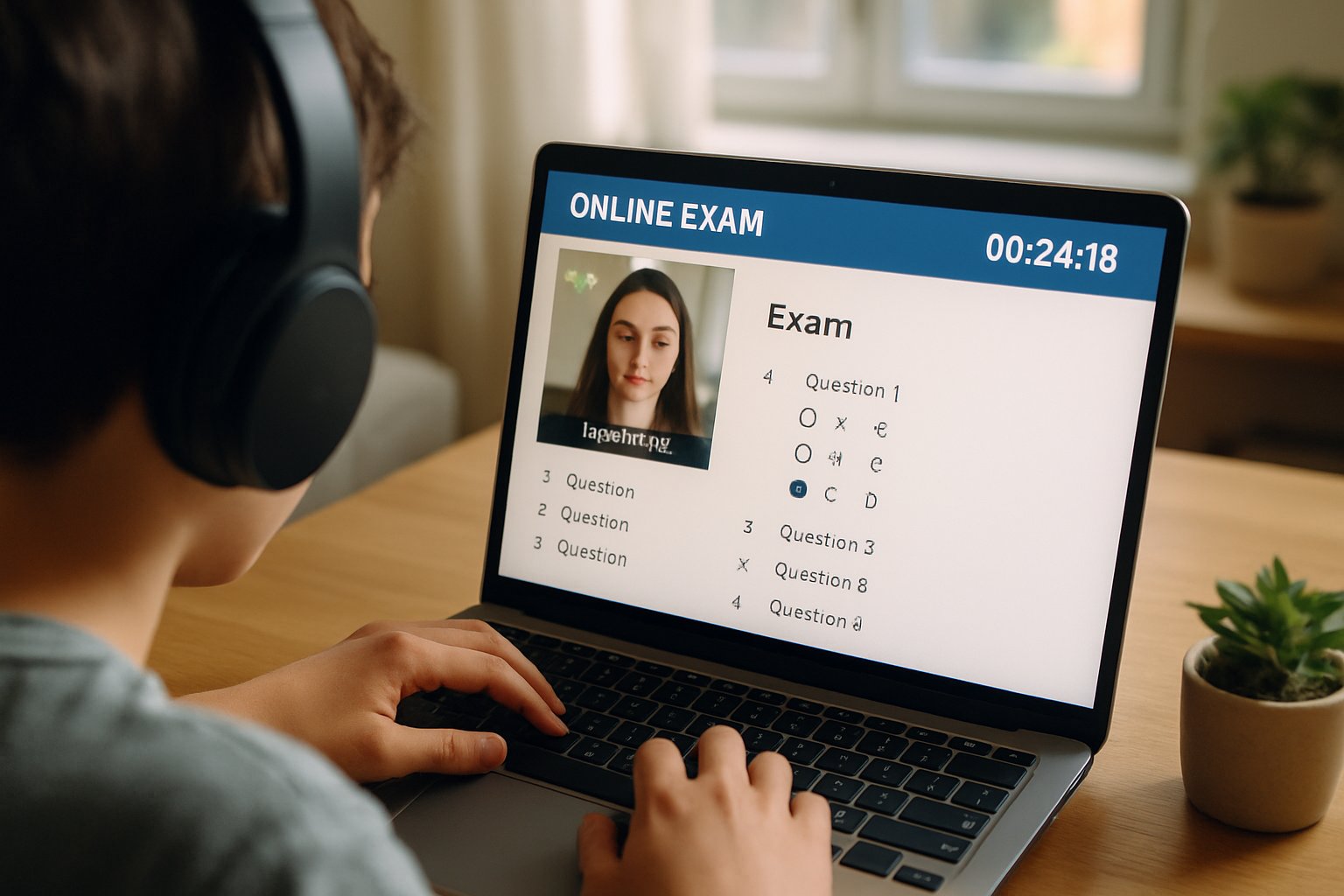
Student uses remote test proctoring service during online exam
Student participates in secure online testing with remote proctoring tools.

Why Institutions Switch Providers

Budgets tighten, student privacy laws evolve, and support tickets pile up. Therefore, teams rethink legacy online remote proctoring contracts. California SB 1172 limits data collection, while EU rules add pressure. Additionally, newer online proctoring software offers stronger encryption and shorter retention.

Institutions switch to cut false positives, integrate LTI 1.3, and reduce per-exam cost for remote proctored exams.

Key takeaway: Switching solves compliance gaps and UX pain. The next phase starts with discovery.

Next, we outline early pre-procurement tasks.

Early Pre-Procurement Steps

First, inventory every course, assessment type, and online proctored examination. Engage registrars, disability officers, legal counsel, and IT security. Moreover, confirm state privacy statutes and FERPA or ADA duties.

Create a risk matrix. Include algorithmic bias, breach exposure, and student backlash. Consequently, decision makers gain clarity before issuing RFPs.

Key takeaway: Deep discovery prevents surprises later. Now you are ready to examine provider options.

We now turn to selecting a new solution.

Choosing Remote Test Proctoring

An effective RFP demands evidence, not marketing slides. Request SOC 2 reports, VPAT documents, and DPA language. Furthermore, insist on configurable retention for remote proctored exams. Vendors should delete unflagged sessions within 60 days.

Ask each bidder exactly How to switch remote test proctoring vendors without losing historical data. Their plan should cover exports, encryption keys, and deletion certificates.

Key takeaway: Strong requirements create leverage. Next comes hands-on validation.

Let’s review essential pilot priorities.

Key Pilot Testing Priorities

Run pilots across STEM quizzes, essay finals, and publisher plug-ins. Include students using screen readers to verify online remote proctoring accessibility. Meanwhile, perform red-team checks on browser extensions.

Track metrics:

  • False-positive flag rate
  • Bandwidth consumption per session
  • Student help-desk wait times

Evaluate review UI usability for faculty handling online proctored examination appeals.

Key takeaway: Real-world testing exposes hidden costs. Contract negotiations can now begin.

Next, lock down legal protections.

Critical Contract Terms Checklist

Negotiators must protect data and budgets. Therefore, insert these clauses:

  1. “Strictly necessary” data collection per SB 1172.
  2. Deletion within 60 days for clean sessions.
  3. Institution-controlled encryption keys.
  4. 24/7 live support during remote proctored exams.
  5. Audit rights and annual SOC 2 delivery.

Additionally, confirm cross-border transfer terms and bias mitigation commitments in the online proctoring software addendum.

Key takeaway: Iron-clad contracts reduce risk. Implementation planning is the next hurdle.

Now, we outline rollout tactics.

Effective Campus Rollout Tactics

Publish syllabus language, practice tests, and opt-out paths. Moreover, launch faculty workshops on reviewing flags within the new online remote proctoring dashboard.

Schedule phased launches—low-stakes quizzes first, high-stakes exams later. Provide offline alternatives for device failures during any online proctored examination.

Key takeaway: Communication builds trust and reduces panic. Ongoing oversight keeps standards high.

Finally, maintain continuous compliance.

Continuous Compliance Review Plan

Quarterly audits verify retention, subprocessor lists, and accessibility fixes. Meanwhile, track student appeal metrics to refine AI thresholds in your remote test proctoring dashboard.

Conduct annual tabletop drills covering breach response and algorithmic bias escalation. Consequently, governance teams stay ready.

Key takeaway: Monitoring sustains integrity. The journey ends with a brief recap and solution recommendation.

Let’s conclude.

Conclusion: Switching providers demands careful discovery, tough contracts, rigorous pilots, and transparent rollout. Follow this roadmap to protect privacy, reduce costs, and improve exam fairness.

Why Proctor365? Proctor365 delivers AI-powered remote test proctoring, advanced identity verification, and scalable monitoring trusted by global exam bodies. Its zero-knowledge architecture, flexible SLAs, and real-time analytics safeguard every assessment. Ready to strengthen exam integrity? Visit Proctor365.ai and schedule your custom demo today.

Frequently Asked Questions

  1. What benefits does switching remote test proctoring providers offer?
    Switching providers addresses evolving privacy laws, lowers costs, reduces false positives, and improves user experience with enhanced AI proctoring, fraud prevention, and robust identity verification to ensure exam integrity.
  2. How does Proctor365 safeguard exam integrity and protect student data?
    Proctor365 leverages AI-powered proctoring, advanced identity verification, and fraud prevention measures while ensuring compliance with privacy laws, providing secure, reliable, and compliant exam environments.
  3. What key factors should institutions consider when evaluating remote proctoring solutions?
    Institutions should review data retention policies, accessibility standards, encryption protocols, compliance certifications, and support services. Proctor365 offers configurable retention and real-time analytics to secure exams.
  4. How do pilot testing priorities improve remote proctoring implementation?
    Pilot testing across various exam formats ensures accurate flagging, robust performance under diverse conditions, and helps refine AI thresholds, leading to improved exam fairness and overall platform reliability.

Remote Proctor Cheating Audits: Building a Robust Security Tool

Universities and certification bodies face a fast-evolving threat: remote proctor cheating now scales globally. Consequently, reputation and credential value hang in the balance. Institutions need fact-based tools, not guesswork.

Recent suspensions of the online LSAT in China showed how organized rings exploit gaps. Moreover, online proctored exam cheating tactics adapt as AI tools mature. Cheating detection alone no longer suffices; proactive vulnerability audits must guide policy. Therefore, many stakeholders demand a dedicated Remote Exam Security & Cheating Vulnerability Audit Tool.

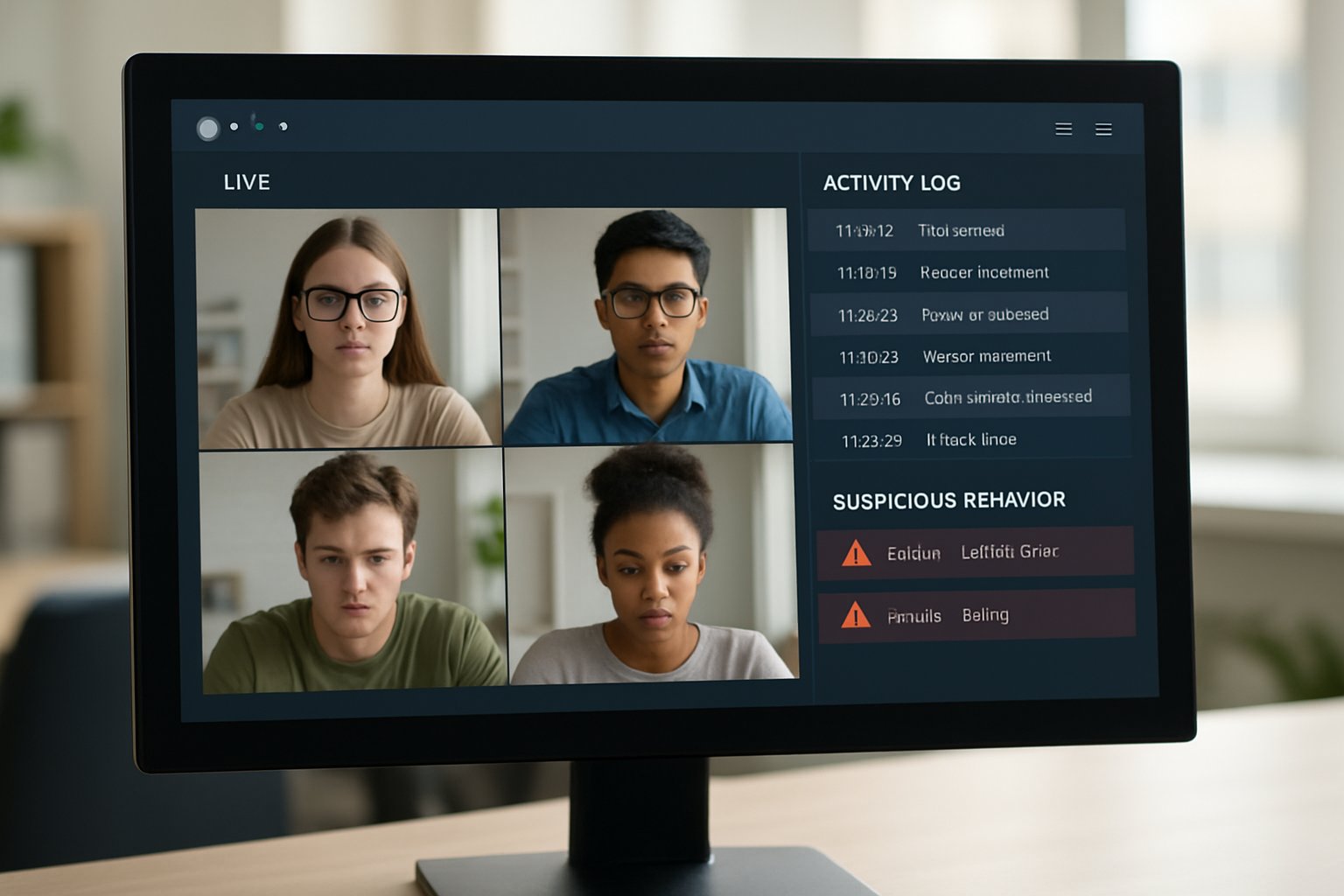
remote proctoring software dashboard used to identify remote proctor cheating
An examiner reviews activity logs using a remote proctoring dashboard to detect cheating.

This article outlines market forces, attack patterns, and a blueprint for that audit platform. We reference independent research, vendor data, and field incidents. Above all, we explain how rigorous testing drives remote exam cheating detection success. Prepare to benchmark your current defenses.

Market Forces Rapidly Shift

The online proctoring market expands at over fifteen percent CAGR, according to Insight Partners. Furthermore, analyst reports suggest adoption rates above sixty percent for at least one high-stakes program per institution. This growth intensifies remote proctor cheating incentives.

Consequently, ed-tech platforms must improve cheating detection accuracy and scalability. Meanwhile, regulators cite fairness and privacy when reviewing vendor algorithms. A proactive audit tool supplies transparent evidence for policy decisions.

Market momentum is undeniable and remote proctor cheating risk grows with scale. Institutions thus need structured visibility before problems erupt.

Common Cheating Attack Patterns

Independent researchers documented many remote proctor cheating workarounds. Moreover, organized networks advertise proxy test-taking for high fees.

  • Impersonation by skilled proxy candidates.
  • Remote access tools controlling the exam device.
  • Hidden cameras streaming questions outward.
  • LLM based answer generation.
  • Client tampering to disable monitoring.

LLM tools raise new stakes. In contrast, remote assessment cheating prevention now requires item analysis alongside environment controls.

Additionally, many developers attempt to bypass secure remote developer assessments using virtual machines and code obfuscation.

Attack creativity keeps evolving. Therefore, any audit framework must simulate remote proctor cheating routes in a controlled lab.

Audit Tool Core Modules

The audit targets remote proctor cheating vectors at every layer. Nine modules keep the scope clear.

First, threat modeling maps rules to measurable controls. Subsequently, client reverse-engineering exposes hidden services that hinder remote exam cheating detection efforts.

Automated scripts test lockdown browsers while human red-teams stage online proctored exam cheating scenarios. Moreover, LLM scoring flags vulnerable items and supports cheating detection triage.

Bias tests ensure fair outcomes, supporting remote assessment cheating prevention across diverse cohorts.

These modules deliver actionable evidence, not vague ratings. Consequently, decision makers can prioritize high-impact fixes.

Testing Workflow In Action

Let us walk through a typical audit sprint. Initially, engineers configure dummy exams for secure remote developer assessments.

Next, automated scripts attempt virtual machine escapes. Meanwhile, a second team streams the exam feed to an LLM, measuring cheating detection latency.

Observers document whether alerts fire within two minutes, a benchmark for remote exam cheating detection reliability.

  • Detection rate against scripted attacks.
  • False positive percentage on clean runs.
  • Average time-to-detect events.
  • LLM answer success ratio.
  • Audit log tamper index.

Structured metrics keep teams honest. Moreover, continuous re-testing tracks progress over product releases.

Balancing Security And Fairness

Strong controls can still backfire if bias rises. However, transparent metrics spotlight disproportionate flags on darker skin tones.

Institutions should pair flagging data with demographic audits. Likewise, privacy reviews ensure logs respect data laws.

Stakeholders fear false accusations of remote proctor cheating more than downtime. Trust suffers when accusations of online proctored exam cheating rely on opaque algorithms.

Proactive communication forms the heart of remote assessment cheating prevention policies.

Fairness and security are not opposites. Therefore, data transparency keeps both goals aligned.

Implementation Roadmap For Institutions

Begin with stakeholder alignment around risk appetite and resources. Subsequently, appoint an internal owner for the audit program.

Phase one runs baseline tests on live courses, including secure remote developer assessments for coding roles.

Phase two integrates audit findings into vendor contracts, linking payments to measurable KPIs.

Finally, quarterly red-team drills recalibrate remote exam cheating detection thresholds and expand question vulnerability scans.

A phased plan avoids disruption and builds confidence. Consequently, roadmaps turn into repeatable practice.

Conclusion

Exam fraud threats escalate alongside market growth. A structured audit tool, backed by robust cheating detection, remote exam cheating detection testing, and simulation of online proctored exam cheating, equips institutions to stay ahead. Furthermore, continuous metrics support remote assessment cheating prevention while protecting candidate trust.

Why Proctor365? Our AI-powered platform stops remote proctor cheating with advanced identity verification, scalable monitoring, and real-time analytics trusted by global exam bodies. Visit Proctor365 to see how we raise integrity standards today.

Frequently Asked Questions

  1. How does Proctor365 address remote exam fraud?
    Proctor365 uses AI proctoring and real-time analytics with advanced identity verification to stop remote exam cheating. Its integrated system supports fraud prevention by continuously monitoring exam sessions and detecting suspicious activity.
  2. What are common cheating attack patterns in online exams?
    Typical cheating methods include impersonation, use of proxy test-takers, virtual machine exploits, hidden cameras, and AI-generated answers. Institutions can use our audit tool to simulate these attack vectors and enhance detection accuracy.
  3. Why are regular vulnerability audits essential for exam integrity?
    Regular vulnerability audits provide clear insights into remote exam cheating risks. They enable institutions to benchmark defenses, update policies, and ensure fairness while supporting enhanced security measures like Proctor365’s AI-driven, real-time fraud prevention.
  4. How does Proctor365 support secure remote developer assessments?
    Proctor365 implements robust AI proctoring and secure remote assessment workflows. By integrating automated testing, red team drills, and continuous monitoring, the platform ensures identity verification, fraud prevention, and compliance across various assessment scenarios.

Top 12 Features in a Browser Lockdown Solution for Online Exams

Online testing surged after 2020 and so did digital misconduct. Consequently, universities and certifiers now demand a browser lockdown solution for online exams that balances ironclad security with student dignity. However, recent vendor failures, lawsuits, and privacy rulings prove that checklist buying no longer works. This article unpacks the 12 features every procurement team should benchmark before signing a contract.

Evolving Exam Security Risks

Cheating tactics evolve weekly. Moreover, AI writing tools, remote desktops, and secondary screens create fresh loopholes. A secure exam browser alone cannot block every vector. Institutions therefore need layered controls that work together without hampering genuine candidates.

Proctor overseeing browser lockdown solution for online exams.
An exam proctor supervises online tests with a browser lockdown solution.

Recent headlines underscore the cost of weak controls. The California bar exam meltdown forced thousands to restart and triggered lawsuits. Meanwhile, European courts curtailed intrusive room scans. These events shifted focus from flashy detection claims to reliability, privacy, and equity.

Key takeaway: Threats are dynamic; requirements must be forward-looking. Consequently, feature depth matters more than vendor brand.

Why Features Really Matter

Feature gaps cause lost scores, false accusations, and legal exposure. Additionally, a lockdown browser for online exams that omits accessibility can violate disability law. Procurement teams thus need a structured rubric.

Peer-reviewed evidence shows proctoring reduces cheating but also raises stress. Therefore, balanced design—strong security plus humane policies—delivers better outcomes.

Key takeaway: Each feature should advance integrity and fairness. Missing features invite risk. Now, let’s examine the essentials.

Browser Lockdown Solution Essentials

The following 12 capabilities define a robust browser lockdown solution for online exams. Use them as mandatory RFP criteria.

  • Strict task isolation: Blocks copy, paste, print, and other apps. This core browser lockdown software function stops quick content leaks.
  • Full-screen enforcement: Detects exits or Alt-Tab events and logs them for review.
  • Secure screen recording: Captures screen, webcam, and audio with tamper-evident storage.
  • Identity verification: Uses photo ID, face match, or MFA with opt-outs for accommodations.
  • Configurable room scans: Allows optional second-camera sweeps while respecting privacy mandates.
  • Multi-monitor detection: Flags extra displays and peripherals, supporting multi-monitor detection exams policies.
  • AI plus human review: Combines algorithms with trained staff to cut false positives.
  • Low-bandwidth resilience: Buffers video locally and resumes uploads after outages.
  • Accessibility support: Provides screen reader compatibility and extended-time settings.
  • LMS integrations: Syncs with Canvas, Blackboard, or Moodle for seamless workflow.
  • Privacy controls: Offers data minimization, residency options, and audited compliance (SOC2, ISO).
  • Forensic reporting: Supplies searchable logs and exportable evidence bundles.

Key takeaway: These twelve pillars transform a simple secure testing browser into a comprehensive defense. Next, we explore advanced countermeasures.

Advanced Cheating Counter Measures

Modern cheaters exploit screen-sharing and virtual machines. Consequently, institutions need advanced secure exam browser defenses. Multi-factor identity checks shut out impersonators. Meanwhile, real-time gaze tracking highlights suspicious focus shifts.

However, algorithms misfire. Therefore, human reviewers must verify AI flags. This hybrid design prevents wrongful discipline and aligns with emerging legal standards.

Key takeaway: Combine smart detection with human judgment. Balanced systems outperform brute automation.

Reliability And Accessibility Essentials

High-stakes tests demand uptime. Moreover, bandwidth varies globally. A resilient exam lockdown browser buffers data locally and resumes upon reconnection. Vendors should publish SLA targets and post-mortems.

Accessibility cannot be optional. Screen reader compatibility, keyboard navigation, and color-contrast settings turn a secure testing browser into an inclusive tool. Additionally, documented accommodation workflows protect institutions from legal claims.

Key takeaway: Reliability and accessibility sustain trust. Accordingly, they deserve the same scrutiny as security.

Privacy Governance Compliance Keys

Data over-collection sparks lawsuits. Therefore, browser lockdown software must respect data minimization and retention limits. Vendors should offer EU and US data centers and deliver completed GDPR assessments.

Room scans present special risks. Courts in France and some US states ruled extensive scans disproportionate. Consequently, configurable, short scans with explicit consent are now best practice.

Key takeaway: Strong privacy controls reduce regulatory exposure and boost student acceptance. Next step—choose the right partner.

Vendor Evaluation Action Plan

Selecting a secure exam browser vendor requires disciplined testing. Begin with a pilot covering varied bandwidth, devices, and accommodations. Moreover, inspect independent security audits. Ask for SOC2 Type II and ISO-27001 certificates.

Verify cheating prevention software accuracy by requesting false-positive rates across diverse groups. Additionally, review multi-monitor detection exams logs from the pilot to confirm effectiveness.

Finally, negotiate clear data-deletion clauses. Consequently, your institution retains control even after contract termination.

Key takeaway: A structured evaluation prevents costly surprises. Actionable data beats marketing slides.

Quick Red-Flag Checklist

Watch for these warning signs:

  • No human-in-the-loop review process.
  • Lack of accessibility VPAT.
  • Ambiguous biometric policies.
  • Unverified uptime claims.
  • Missing multi-monitor detection exams capability.

Address red flags early. Otherwise, hidden gaps surface during live exams.

Transitioning to our final section, let’s summarize the critical insights.

Conclusion

The right browser lockdown solution for online exams blends strict isolation, multi-monitor detection, adaptive identity verification, and audited privacy controls. Moreover, it operates reliably on low bandwidth and respects accessibility mandates. Implementing such a system deters misconduct, protects reputations, and supports honest learners.

Why Proctor365? Proctor365 delivers AI-powered proctoring, advanced identity verification, and scalable monitoring trusted by global exam bodies. Its platform embodies every feature outlined above, offering unmatched cheating prevention software and robust browser lockdown software. Elevate integrity today—visit Proctor365 and schedule a demo.

Frequently Asked Questions

  1. What are the essential features for a secure online exam browser?
    A secure exam browser should include task isolation, full-screen enforcement, secure screen recording, identity verification, multi-monitor detection, and privacy controls. These elements work together to prevent cheating and maintain exam integrity.
  2. How does Proctor365 maintain exam integrity while ensuring fairness?
    Proctor365 combines AI-powered proctoring, advanced identity verification, and human oversight. This hybrid model minimizes false positives, ensures fairness, and delivers reliable, secure testing with robust fraud prevention measures.
  3. What role does human oversight play in modern exam proctoring?
    Human oversight validates AI flags during examinations, reducing false positives. This balance between machine learning and expert review helps uphold exam integrity while providing a fair and compassionate candidate experience.
  4. How do modern exam browsers address accessibility and privacy concerns?
    Modern exam browsers integrate accessibility features like screen reader compatibility and adjustable settings, while enforcing data minimization and clear privacy controls. These measures ensure legal compliance and an inclusive testing environment.