Remote Exam Proctoring Guide: Beginner Tips & Best Practices

Remote exam proctoring exploded after 2020, yet many teams still feel unsure about the basics. This guide breaks down how remote exam proctoring works, why institutions deploy it, and how beginners can start safely.

Why Proctoring Matters Today

Academic integrity faces new threats in fully online settings. Consequently, universities, ed-tech firms, and corporate L&D teams seek reliable ways to prevent cheating in online exams. Remote exam proctoring delivers real-time or recorded oversight, helping organizations satisfy accreditation and employer demands.
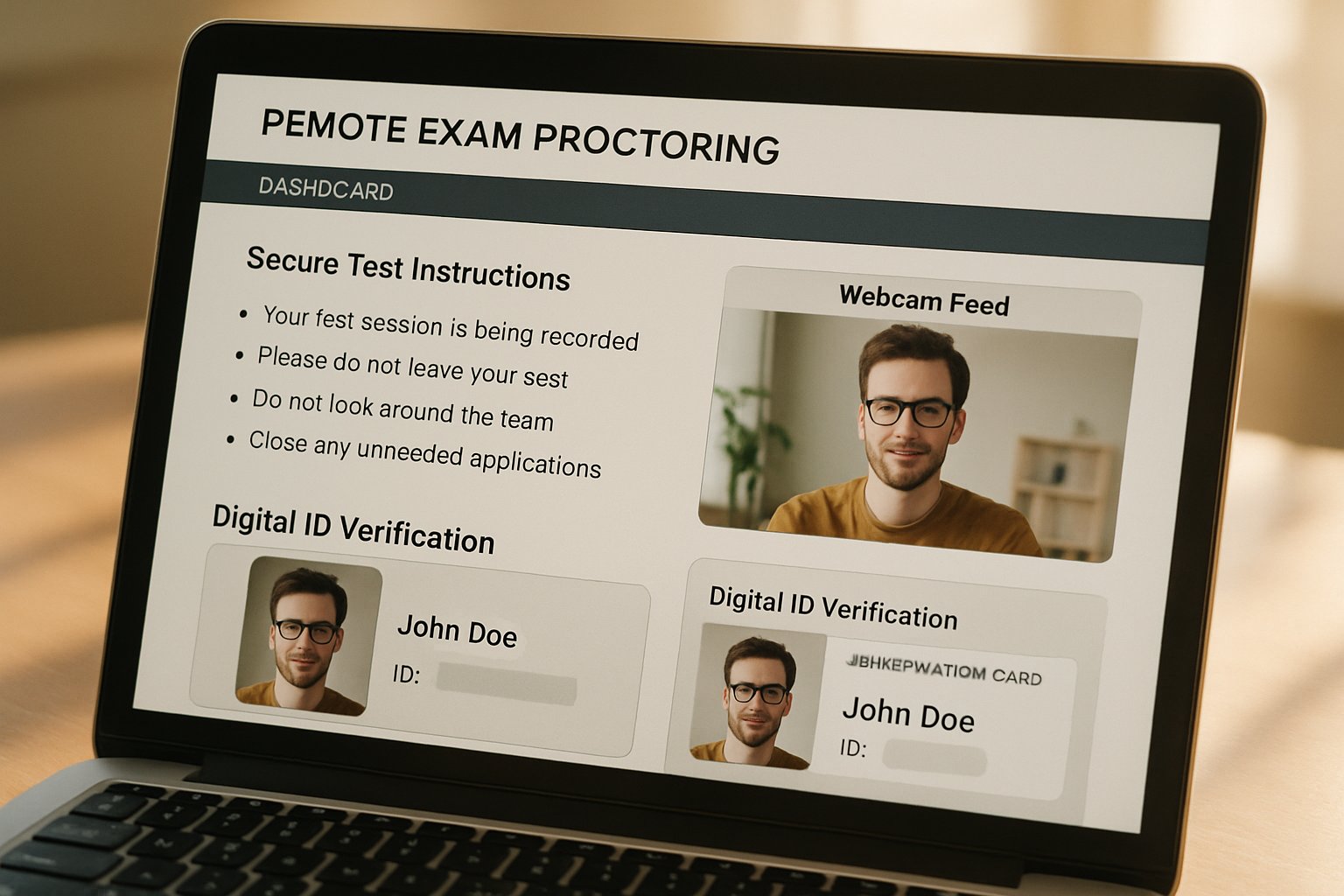
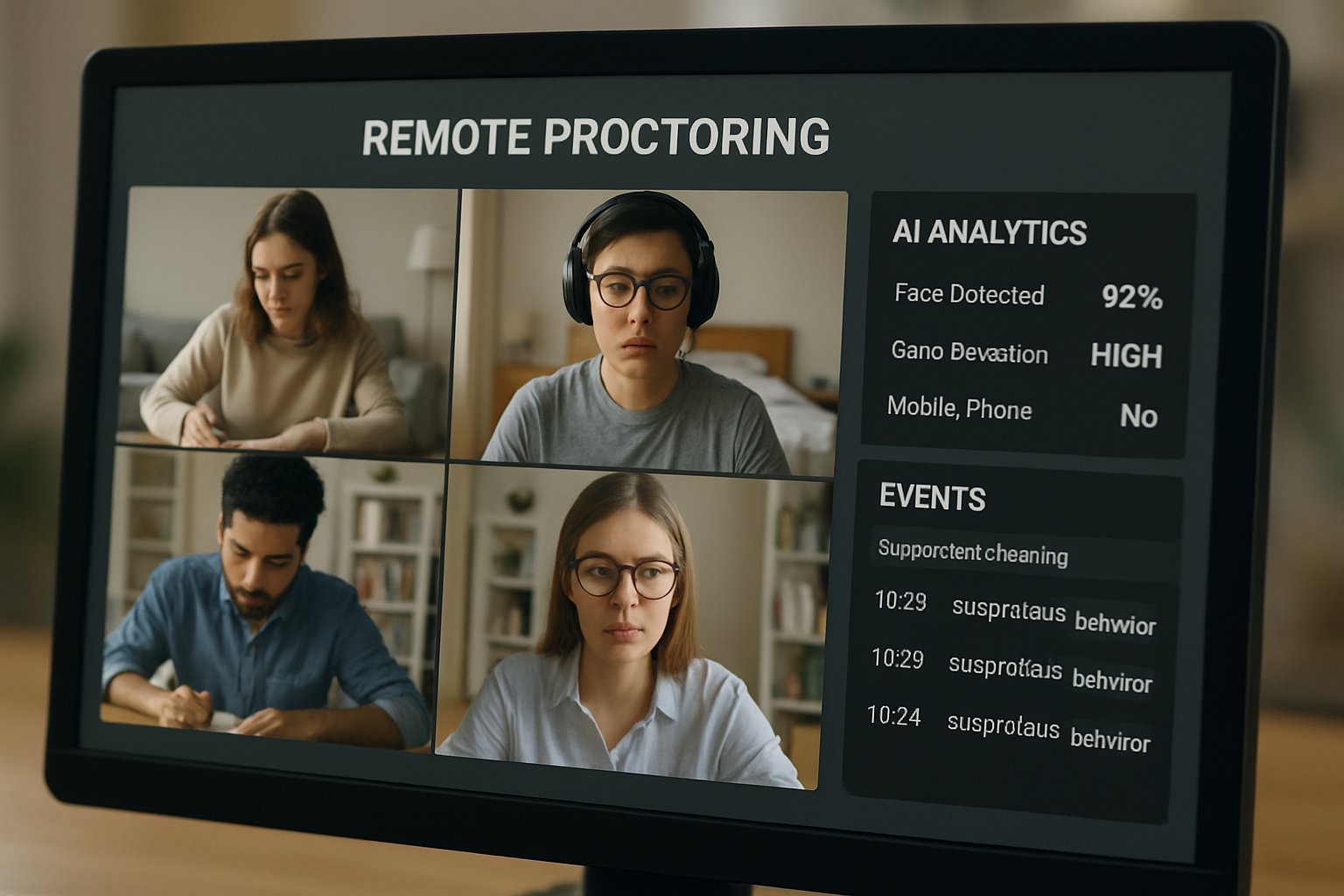
Remote exam proctoring dashboard interface with verification and security features.
A remote proctoring dashboard ensures exam integrity and candidate verification.

Market analysts estimate the global segment at several billion dollars, although figures vary. Nevertheless, adoption trends prove clear: remote proctored exams now dominate high-stakes distance assessments across North America and beyond.

Key takeaway: Integrity risks rise online; therefore, oversight tools become essential. The next section explains the available models.

Key Proctoring Models Explained

Organizations can choose from four primary approaches.

Live human monitoring. A proctor watches each candidate through webcam and audio. This option suits critical certifications but costs more.

Record and review. Sessions get captured, then checked later. Consequently, staff can audit incidents on their own schedule.

Automated AI flagging. Algorithms scan eye movement, background sounds, or extra faces. However, bias and false positives require careful human confirmation.

Hybrid workflows. Many platforms combine AI with human eyes, balancing scale and accuracy.

Key takeaway: Each model trades cost for immediacy and human judgment. Next, we examine the underlying technologies.

Core Proctoring Technology Stack

Identity Verification Methods Explained

First, systems verify who is testing. Common methods include photo ID matching, facial recognition, and biometric authentication for exams. Moreover, some vendors add voice or typing patterns to strengthen confidence.

Secure Browser Control Features

Second, secure browsers restrict system functions. They block new tabs, screen captures, and printing. Additionally, they log every keystroke and click for later review.

Other components include:

  • 360° room scans to detect hidden materials.
  • Screen recording and watermarking for fraud prevention in online exams.
  • Live chat support for technical rescue.

Key takeaway: Layered controls build a defensible audit trail. The coming section weighs the pros and cons.

Benefits And Drawbacks Compared

Top Reported Benefits Today

Remote exam proctoring deters casual misconduct. Furthermore, it supports anytime testing, which improves candidate convenience. Scalable AI tools also reduce staffing hours. Finally, rich footage helps investigators decide disputed grades.

Major Reported Concerns Raised

However, privacy advocates warn about intrusive surveillance. Automated bias can unfairly target darker skin tones. In contrast, students without stable broadband struggle to comply. Technical outages may void completed attempts, adding stress.

Key takeaway: Benefits exist, yet ethical and legal duties remain heavy. Next, beginners learn practical setup steps.

Beginner Setup Checklist Steps

Follow these actions before any remote proctored exams:

  1. Read the test rules thoroughly. Print allowed resource lists.
  2. Run hardware checks 48 hours ahead. Use wired internet when possible.
  3. Position lighting so facial features remain clear. Meanwhile, remove reflective objects.
  4. Prepare official ID and practice the verification flow on your chosen Remote Exam Proctoring Software.
  5. Alert roommates about quiet periods. Additionally, plan restroom breaks under policy limits.

If a failure occurs, capture screenshots, contact vendor chat, and inform the instructor. Consequently, evidence speeds any appeals.

Key takeaway: Preparation reduces stress and false flags. The final section guides institutional decision makers.

Institutional Action Guide Forward

Decision teams should apply a necessity test. Reserve surveillance for assessments where cheating risk outweighs privacy costs. Moreover, request bias audit reports from any shortlisted proctoring software.

Next, mandate data retention limits and deletion rights. Consequently, legal exposure drops. Provide alternative formats for students lacking hardware or those needing accommodations. Additionally, pilot small cohorts first, then track appeal rates.

Key takeaway: Careful governance protects both integrity and student trust. We now conclude with strategic recommendations.

Conclusion

Effective remote exam proctoring balances deterrence, ethics, and accessibility. Institutions should blend secure browsers, identity checks, and human review while limiting data use. They must also revise assessments and invest in cheating prevention software that respects diverse users.

Why Proctor365? Proctor365 delivers AI-powered remote exam proctoring, advanced biometric verification, and elastic cloud scaling. Trusted by global exam bodies, our platform blocks leaks, supports hybrid oversight, and simplifies compliance. Discover how Proctor365 strengthens exam integrity today.

Frequently Asked Questions

  1. How does remote exam proctoring ensure exam integrity?
    Remote exam proctoring uses live monitoring, AI flagging, and post-exam review to deter cheating, support accreditation, and maintain exam integrity by blending automated processes with human oversight.
  2. What are the core technologies behind efficient proctoring?
    Core proctoring technologies include secure browsers, biometric identity verification, AI monitoring, and 360° room scans that work together to block unauthorized actions and protect against fraud.
  3. How does Proctor365 enhance online exam security?
    Proctor365 employs advanced AI-powered monitoring, biometric verification, and elastic cloud scaling to detect cheating and ensure robust exam integrity by combining technology with human expertise.
  4. What should candidates do to prepare for remote proctored exams?
    Candidates should review exam rules, perform hardware and identity verification checks, and set up a secure testing environment to minimize technical issues and reduce false flags.

Building 99% Remote Exam Software Integrity in 2025

Cheating surged when education moved online. Consequently, leaders now chase the elusive 99 percent benchmark for remote exam software integrity. Universities, certification bodies, and corporate academies demand verifiable numbers, minimal bias, and strong privacy safeguards.

This article unpacks real vendor claims, academic findings, and operational playbooks. Moreover, it explains how forward-thinking teams combine technology, process, and design to hit near-perfect integrity while protecting learners.

IT team supervising live exams with remote exam software integrity dashboard.
Technical staff supervise online exam integrity in real time using advanced software controls.

Remote Exam Software Integrity

Marketing pages trumpet 99 percent accuracy. However, those figures usually count AI flags confirmed later by humans. Peer-reviewed work paints a nuanced picture. One 2024 meta-analysis found self-admitted online cheating approaching 45 percent. Institutions therefore deploy layered exam integrity solutions to reduce that baseline risk.

Independent benchmarks remain scarce. Therefore, smart buyers ask vendors for data sets, bias reports, and live pilots. In contrast, institutions that skip validation often face higher appeal rates and reputational damage.

Key takeaway: The metric is attainable, yet evidence must be transparent. Meanwhile, buyers should define success criteria early.

Market Forces And Claims

Analysts value the proctoring sector at up to $2 billion. Moreover, 2025 saw a flood of hybrid launches promising 99 percent results. Reuters reported the opposite when a bar exam collapsed under load, proving that numbers mean little without operational muscle.

Vendors compete on three axes: detection accuracy, privacy posture, and cost. Consequently, decision makers weigh a secure remote exam platform against live invigilation budgets. Institutions also compare each secure online examination system for dispute resolution speed.

Key takeaway: Bold claims drive adoption, yet litigation shows that due diligence remains vital. Next, examine the technical stack.

Layered Exam Security Stack

High-integrity programs start with prevention. Lockdown browsers, IP filters, and randomized items close obvious loopholes. Additionally, continuous webcam, screen, and audio capture feed detection models.

Many teams embed biometrics for identity checks. Face match, voice ID, and keystroke patterns thwart impersonation, though each carries bias risks. Therefore, strong privacy and retention policies are mandatory.

Below is a snapshot of common controls:

  • Lockdown browser with copy-paste block.
  • Webcam object and gaze detection.
  • Audio analysis for whispered cues.
  • System process scanning for virtual machines.
  • Biometric face-liveness verification.

Each layer adds friction for cheaters. Together, they underpin leading AI-based exam proctoring software.

Key takeaway: Prevention plus detection forms the foundation. Next, humans refine accuracy.

Hybrid AI Human Oversight

Pure automation mislabels noise as misconduct. Consequently, most vendors now route AI flags to trained reviewers. This hybrid flow underpins the headline 99 percent remote exam software integrity figure.

Proctortrack’s 2025 release claims 99.5 percent accuracy after human QA. Similarly, other platforms tout near-perfect scores. However, those metrics reflect internal sampling, not third-party audits.

Institutions should demand reviewer training records, service-level agreements, and appeal statistics. Additionally, they can calibrate AI thresholds to balance sensitivity and false positives.

Key takeaway: Human QA boosts trust, yet governance controls must verify results. The next section covers policy essentials.

Policy And Process Framework

Technology alone cannot prevent cheating in online exams. Robust bylaws, clear rubrics, and fast appeals close the loop. Moreover, transparency lowers student anxiety and reduces complaints.

Philip Newton argues that unenforced rules erode legitimacy. Therefore, committees should publish violation categories, sanction tiers, and evidence standards. Institutions should also log false positives and track demographics to avoid bias.

Key takeaway: Written policy converts detection data into fair outcomes. Operational readiness follows.

Operational Lessons Learned

Scale exposes fragile systems. The California bar collapse showed that outages can derail careers. Consequently, institutions now stress-test every remote exam software deployment before launch.

Best practice includes redundancy, sandbox drills, and real-time dashboards. Furthermore, regular audits verify the secure remote exam platform against evolving threats.

Finally, privacy regulations tighten each year. Europe’s GDPR and California statutes demand data minimization, short retention windows, and accessible opt-outs.

Key takeaway: Engineering rigor and legal compliance sustain trust. To implement quickly, follow the checklist below.

Checklist For Exam Bodies

Balancing Key Privacy Concerns

The following seven steps guide teams toward repeatable success:

  1. Define measurable integrity KPIs before procurement.
  2. Use layered prevention and detection in tandem.
  3. Select hybrid AI-human review for high stakes.
  4. Request independent validation and bias reports.
  5. Load-test platforms under peak concurrency.
  6. Offer accommodations and transparent appeals.
  7. Audit outcomes and publish summary statistics.

Adopting this framework drives both compliance and near-perfect remote exam software integrity.

Key takeaway: A disciplined checklist accelerates rollout and guards reputation. We now close with strategic advice.

Achieving 99 Percent Integrity

Institutions reaching 99 percent rely on technology, design, and governance. They integrate exam integrity solutions, practice continuous improvement, and engage stakeholders. Additionally, they track metrics and refine processes each term.

Moreover, teams invest in AI-based exam proctoring software that scales globally without sacrificing privacy. They also redesign assessments to be authentic, open-book, or oral, which further deters misconduct.

Key takeaway: Consistency, transparency, and agility convert targets into sustainable results. Let’s review why Proctor365 leads the field.

Conclusion

Technology, human expertise, and strong policy help institutions lock in 99 percent remote exam software integrity. Layered security, hybrid oversight, and transparent processes minimize cheating, bias, and downtime.

Why Proctor365? Our AI-powered proctoring unites computer-vision detection and expert reviewers. Advanced identity verification blocks impostors, while scalable exam monitoring supports global cohorts. Consequently, leading universities and exam bodies trust Proctor365 to uplift integrity.

Experience a secure online examination system that excels. Visit Proctor365 today and strengthen your assessment landscape.

Frequently Asked Questions

  1. How do layered exam security measures enhance remote exam software integrity?
    Layered security measures, including lockdown browsers, IP filters, continuous webcam monitoring, and biometric verification, help reduce cheating risk. This approach strengthens exam software integrity and ensures reliable identity verification.
  2. How does Proctor365 use hybrid AI-human oversight to ensure exam integrity?
    Proctor365 integrates a hybrid model where AI flags are reviewed by trained experts. This combination minimizes false positives and enhances accuracy, supporting trusted remote exam software integrity and effective fraud prevention.
  3. What anti-cheating technologies are integrated into the Proctor365 secure online examination system?
    The Proctor365 system leverages advanced computer-vision detection, audio analysis, and biometric checks. These technologies work together with continuous monitoring to deliver robust fraud prevention and maintain exam integrity.
  4. How does Proctor365 address privacy concerns while verifying exam takers’ identity?
    Proctor365 employs strict data minimization and retention policies alongside identity verification methods such as face match and voice ID. This combination ensures secure exam monitoring while safeguarding examinee privacy.

How Browser Lockdown Prevents Cheating in Remote Exams

Online assessment volumes now dwarf pre-pandemic figures. Universities, certification bodies, and corporates need airtight defenses against digital misconduct. Consequently, many have turned to browser lockdown solutions that clamp the test-taker’s device. This article explains how browser lockdown prevents cheating while addressing benefits, evidence, and pitfalls.

A lockdown browser for online exams differs from a regular browser because it launches in a sealed, full screen. Vendors position this secure exam browser as the first line of defense alongside AI monitoring. However, decision-makers still ask whether these restrictions truly reduce cheating or merely shift it elsewhere.

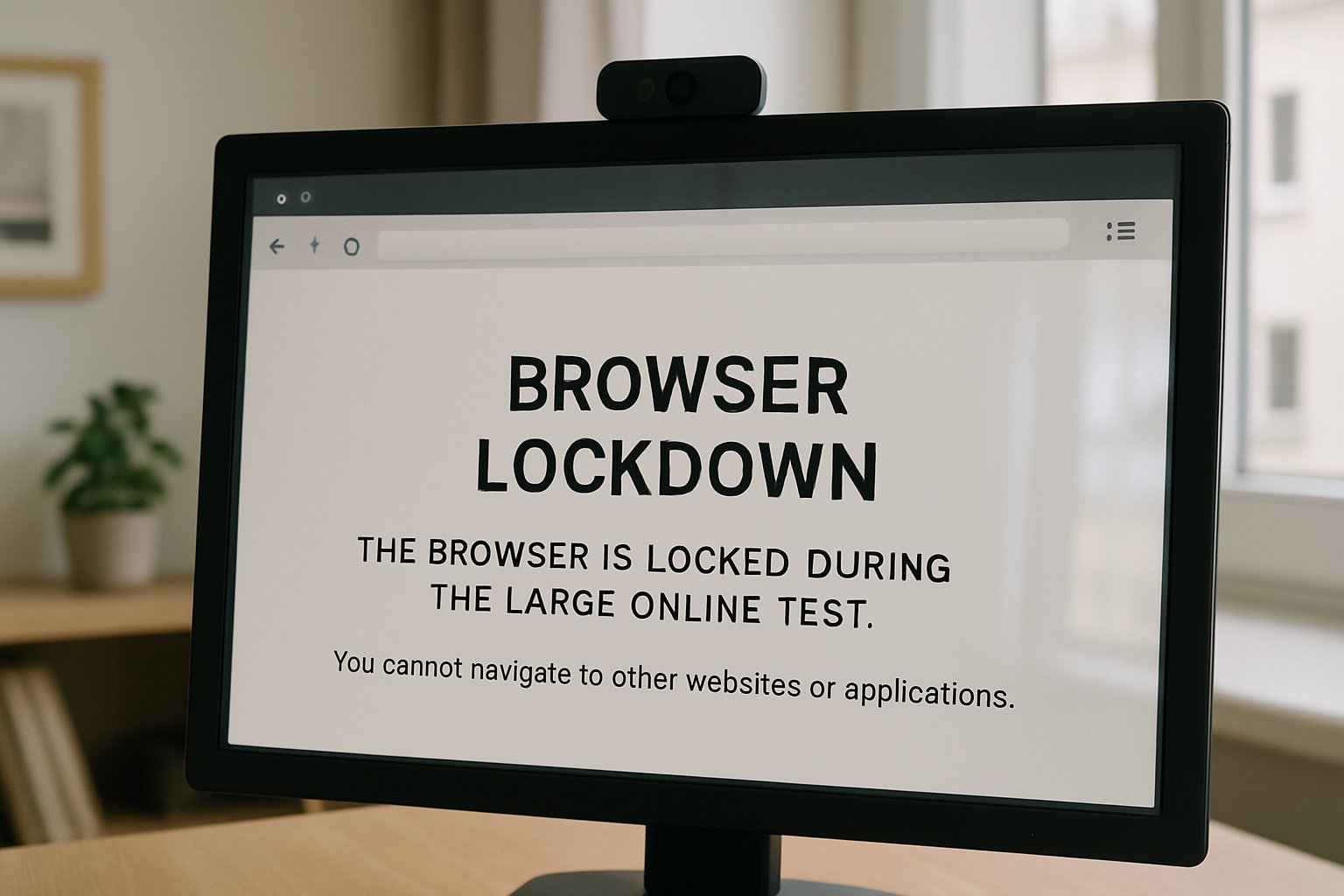
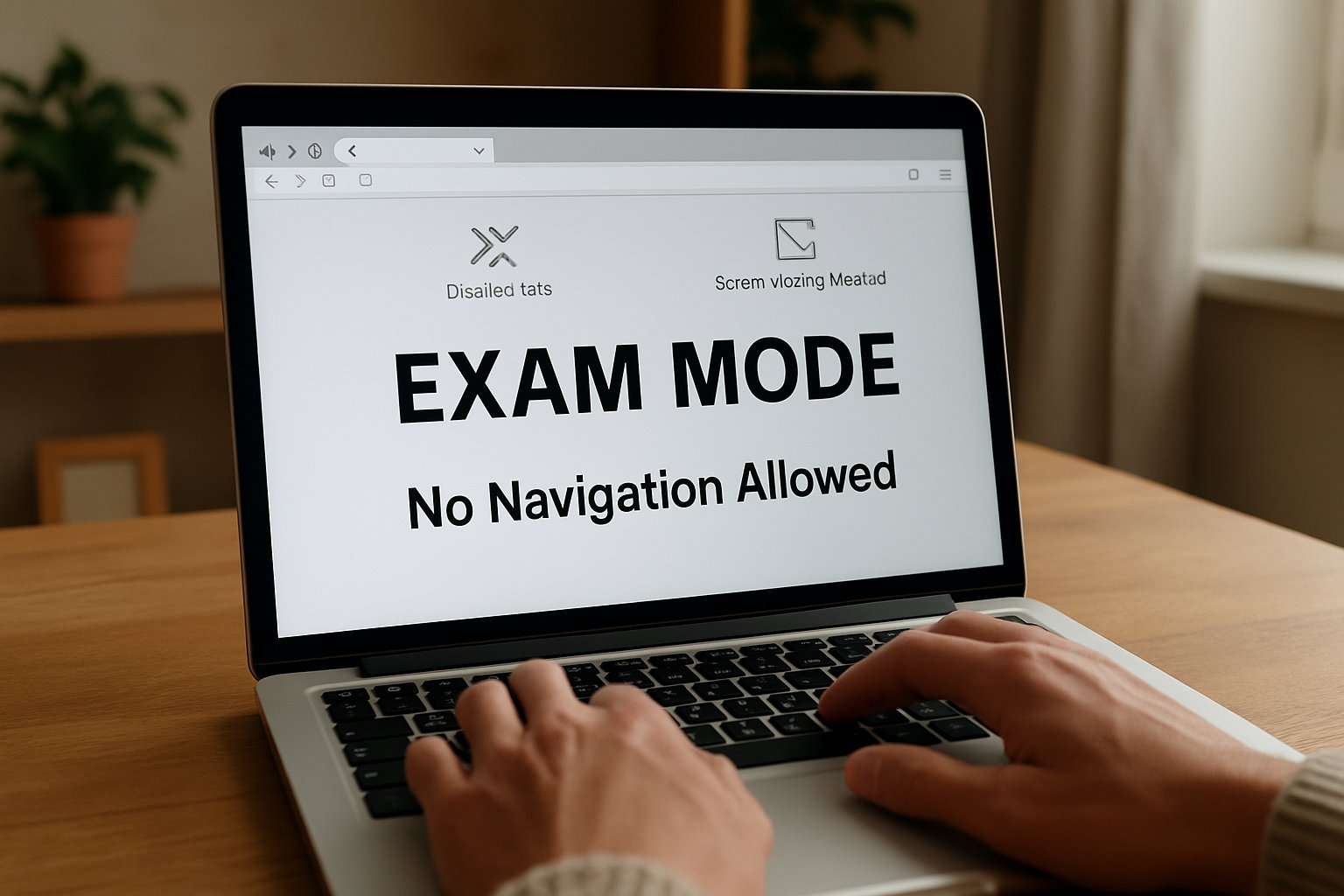
Laptop browser lockdown prevents cheating during online exam with disabled navigation features.
Browser lockdown restricts navigation to prevent online exam cheating.

We draw on recent research, market data, and legal cases to give a balanced, practical review. Read on to learn implementation tips that safeguard academic integrity without sacrificing accessibility or privacy. Throughout, we show where browser lockdown prevents cheating and where complementary controls remain essential.

Browser Lockdown Prevents Cheating

At its core, the technology forces the exam session into a full-screen exam lockdown with no escape controls. Consequently, tab switching, address bar navigation, and new windows are impossible. The design assumes that closing easy shortcuts removes temptation and lowers cheating incidents.

When institutions couple the lockdown with webcam or human proctoring, they cover both digital and physical vectors. Therefore, browser lockdown software sits at the center of most remote integrity frameworks.

In short, the mechanism narrows available cheating paths to a tiny surface. The next section explores the specific threats that push educators toward these controls.

Threats Facing Online Exams

Cheating methods evolve as quickly as assessment platforms. Moreover, AI assistants and overlay tools now feed real-time answers, hiding from basic screen capture streams. Meanwhile, second devices give candidates complete internet access while their main screen shows compliance.

  • Quick web searches or attempts to block Google during exams using voice assistants.
  • Remote desktop sessions that bypass a basic secure exam browser.
  • Copying questions then sharing them on forums within seconds.
  • Running local PDF notes that appear as innocent system processes.

Researchers recorded a surge in overlay tools like Cluely during 2025, challenging lockdown browser for online exams deployments. Therefore, security teams must block applications during exams that expose answers or relay screen data.

These diverse threats show why a multilayer defense, beginning with lockdown technology, remains urgent. Next, we detail how the secure shell operates under the hood.

How Lockdown Browsers Work

A secure exam browser launches from the LMS through a signed configuration file. Subsequently, it verifies the operating system and halts if virtual machines or remote desktops appear. Once checks pass, the client forces a full-screen exam lockdown and removes the task bar. In essence, browser lockdown prevents cheating by sealing the digital perimeter before questions appear.

Keyboard hooks disable copy paste in online exams, print, and screen-capture shortcuts. Similarly, process watchers block applications during exams, including popular collaboration and AI chat tools. If a candidate tries to open a browser tab, the attempt simply fails.

Many vendors embed browser lockdown software with AI that flags suspicious gaze, voice, or keyboard anomalies. Consequently, human reviewers receive concise clips rather than hours of raw footage. Institutions often disable copy paste in online exams even at the operating system level. Safe Exam Browser remains the best-known secure exam browser in open-source circles.

Together these controls erect a fortified sandbox around every online test. The following data shows whether that sandbox actually cuts misconduct.

Evidence And Market Data

Empirical research on how browser lockdown prevents cheating remains limited but informative. A recent systematic review found lower self-reported web-search cheating when a lockdown environment was active. However, authors urged caution because study designs varied greatly.

A randomized field experiment across microeconomics courses showed webcam monitoring reduced wrong-doing and shifted grade distributions. Furthermore, vendor adoption statistics reveal scale. Respondus claims more than 2,000 institutions use its lockdown browser for online exams each semester. Market analysts place the remote proctoring segment at about $1 billion in 2025 with double-digit growth.

  • Respondus LockDown Browser: deployed at over 2,000 higher-education institutions.
  • Proctorio: tens of millions of proctored exams since launch.
  • Global market value: USD 650M-1.4B depending on report.

Evidence indicates browser lockdown prevents cheating most convincingly on un-proctored, knowledge-recall tasks. These studies confirm that layered controls help prevent cheating in online exams while preserving result validity.

Data suggests the approach scales and influences behavior, yet questions linger. To understand those questions, we must explore the critiques.

Key Challenges And Critiques

Despite clear gains, privacy advocates highlight intrusive webcam scans and biometric storage. In 2024 a US court ruled compulsory room scans unreasonable under the Fourth Amendment. Consequently, institutions now review legal guidance before mandating such steps.

Accessibility remains another hurdle. Algorithms misclassify students with eye disorders, dark backgrounds, or assistive technology. Moreover, false positives can erode trust faster than they prevent cheating in online exams.

Reliability also matters. The 2025 California bar exam outage stranded thousands and sparked lawsuits against Meazure Learning. Therefore, scalability tests and redundancies are critical before any full-screen exam lockdown is enforced at scale.

Finally, an arms race continues. Developers release overlay tools promising to block Google during exams and fool basic webcams. Vendors now add anti-overlay detectors, but no black-box model is flawless.

These critiques remind decision-makers that technology alone cannot guarantee honesty. Implementing layered policies addresses many gaps, as the next section explains.

Implementation Best Practice Tips

Plan policies before rolling out browser lockdown software. First, define acceptable identification and privacy standards in collaboration with legal counsel. Then, engage disability services early to shape accommodation workflows.

Next, pilot the lockdown browser for online exams with a low-stakes quiz. Collect feedback on latency, compatibility, and user experience. Consequently, you avoid large-scale surprises on certification day.

  1. Whitelist essential assistive tools after security review.
  2. Block applications during exams through both OS policies and vendor settings.
  3. Disable copy paste in online exams but allow in formative activities to reduce frustration.

Meanwhile, schedule periodic threat hunts to spot new cheatware that may block Google during exams. Finally, always communicate expectations transparently so students understand why the system exists to prevent cheating in online exams.

Following these steps balances security, fairness, and student experience. Looking ahead, exam technology will integrate even deeper AI layers.

Future Of Exam Security

AI language models now draft code explanations within seconds, challenging static question banks. Therefore, lockdown vendors invest in real-time content analysis and multi-camera identity verification. Some platforms already scan network traffic to detect side-channel devices during a full-screen exam lockdown session.

Meanwhile regulators push for transparency audits to show whether browser lockdown prevents cheating across diverse demographics. We expect standards similar to SOC-2 or ISO emerge for automated proctoring in 2026. Educators will also redesign tasks, reducing reliance on lockdown browser for online exams for every assessment.

The landscape will stay dynamic, but layered strategies remain key. The conclusion now recaps major insights and presents a proven partner.

Conclusion

Browser lockdown prevents cheating by sealing the device, blocking risky apps, and feeding AI proctors reliable data. Yet, success demands privacy safeguards, accessibility plans, and strong support processes.

Why Proctor365? Proctor365 pairs deep AI-powered proctoring with advanced identity verification and scalable exam monitoring. Trusted by global exam bodies, the platform tightens every security layer while keeping user friction low. Visit Proctor365 to see how our solution elevates integrity and makes browser lockdown prevents cheating efforts truly comprehensive.

Frequently Asked Questions

  1. How does browser lockdown prevent cheating during online exams?
    Browser lockdown enforces a sealed, full-screen environment by disabling shortcuts, stopping tab switching, and blocking risky applications. Combined with AI proctoring, it secures exam integrity against digital misconduct.
  2. What role does AI proctoring play in exam security?
    AI proctoring monitors biometric cues like gaze and voice, flagging anomalies in real time. Integrated with browser lockdown and identity verification, it ensures robust fraud prevention and enhanced exam security.
  3. How does Proctor365 enhance online exam integrity?
    Proctor365 combines deep AI-driven proctoring with advanced identity verification and scalable exam monitoring. Its layered defenses secure the exam environment and deliver comprehensive fraud prevention.

Remote Exam Proctoring Software vs Human Proctoring: 2025 Guide

Institutions now face a critical decision: remote exam proctoring software vs human proctoring.

Higher-education leaders, certification bodies, and corporate L&D teams must select methods that protect integrity without harming candidates. Consequently, every choice carries financial, legal, and reputational stakes.

remote exam proctoring software vs human proctoring dashboard with live analytics
An authentic dashboard compares AI proctoring data with human oversight during exams.

This guide compares live remote proctors and AI remote exam proctoring. It also explains how automated exam proctoring software, automated cheating detection, and hybrid proctoring model options shape 2025 strategy.

Remote Exam Proctoring Software vs Human Proctoring

The market conversation still starts with the phrase remote exam proctoring software vs human proctoring. Decision-makers weigh privacy, cost, and cultural acceptance when they evaluate both approaches.

Global adoption of AI remote exam proctoring surged during the pandemic. However, recent lawsuits over biometric data and bias keep human oversight relevant.

Meanwhile, students demand fair, low-stress testing. Therefore, institutions increasingly test a hybrid proctoring model that combines automated cheating detection with real-time intervention by live remote proctors.

Key takeaway: neither model stands alone. Transitional planning remains essential.

Market Shift Drivers Today

Research firm MRFR estimates the remote proctoring market could reach USD 8.2 billion by 2035. Rapid growth stems from online program expansion and corporate reskilling mandates.

AI remote exam proctoring appeals because it scales. Automated exam proctoring software can monitor thousands simultaneously, cutting per-exam costs to mere dollars.

Furthermore, hybrid proctoring model offerings reduce manual labor while preserving human judgment for flagged cases. Vendors promote automated cheating detection accuracy claims above 95%, yet few peer-reviewed audits confirm such numbers.

Nevertheless, several universities report comparable scores between remote and in-person testing, reinforcing confidence in AI exam monitoring.

Key takeaway: scale and flexibility drive adoption. Yet verification of vendor claims remains vital.

Transition: Next, examine direct cost comparisons.

Costs And Scalability Factors

Price differentials remain stark. Automated exam proctoring software averages USD 0.50–5.00 per session. Live remote proctors cost USD 8–30 per candidate hour.

Consequently, large open-enrollment courses favor AI exam monitoring. In contrast, specialty licensure boards sometimes retain campus staff because error tolerance is low.

Hybrid proctoring model agreements often deliver middle-ground pricing, blending automated cheating detection with short expert reviews. Institutions negotiate volume discounts and multi-year clauses for stability.

Moreover, scalability involves more than dollars. Automated tools need bandwidth, device compatibility, and quick help desks. Live remote proctors require careful scheduling across time zones.

Key takeaway: cost gaps favor automation, but hidden technical costs can erode savings.

Transition: Cost is only one piece. Fairness and trust decide long-term success.

Integrity And Fairness Debates

Critics argue AI remote exam proctoring flags neurodivergent or dark-skinned students more often. Studies in the International Journal for Educational Integrity confirm heightened anxiety under webcam surveillance.

Furthermore, advocacy groups highlight retention of biometric data without clear consent. Regulators in Ontario and several U.S. states have opened investigations.

Key Live Proctoring Strengths

Live remote proctors read context, support accommodations quickly, and calm anxious testers. Therefore, high-stakes exams still rely on human eyes despite higher costs.

Automated Proctoring Limitations Today

Automated cheating detection struggles with lighting, facial coverings, and cultural communication differences. Moreover, AI exam monitoring can miss sophisticated collusion that occurs off-camera.

Key takeaway: ethical and technical gaps persist. Transparent review workflows and hybrid proctoring model designs mitigate risk.

Transition: Accuracy questions deserve a deeper look.

Technology Accuracy Questions Raised

Vendors tout advanced computer-vision pipelines and behavioral analytics. However, an arXiv 2022 study found evasion tactics fooled several systems within minutes.

Additionally, a 27,115-candidate medical study showed score parity, yet detection accuracy was not disclosed. That gap worries compliance officers.

AI remote exam proctoring improves yearly through model retraining, but bias audits remain rare. Automated exam proctoring software needs diverse training data to lower false positives in gaze or face detection.

Meanwhile, live remote proctors can also err due to fatigue. Therefore, instituting layered safeguards—such as automated cheating detection followed by rapid human confirmation—boosts confidence.

Key takeaway: accuracy claims require independent validation before procurement.

Transition: How should leaders choose the best solution?

Choosing Best Proctoring Approach

Successful institutions follow a structured checklist before signing contracts:

  • Align assessment stakes with monitoring depth and live remote proctors availability.
  • Audit vendor data retention, AI exam monitoring bias reports, and security certifications.
  • Pilot automated exam proctoring software with diverse participant groups to gauge false-flag rates.
  • Budget for support teams, hybrid proctoring model infrastructure, and accommodation workflows.
  • Establish transparent appeals and clear student communication to reduce stress.

Moreover, many universities now maintain internal steering committees that compare remote exam proctoring software vs human proctoring performance metrics each semester.

Consequently, policies evolve as technology matures and regulations tighten.

Key takeaway: data-driven, inclusive pilots clarify the right blend of automation and live remote proctors.

Transition: The final section summarizes lessons and presents a trusted partner.

Conclusion And Next Steps

The debate around remote exam proctoring software vs human proctoring remains nuanced. Leaders must balance cost, scale, accuracy, and candidate wellbeing. AI remote exam proctoring, automated exam proctoring software, and hybrid proctoring model solutions now dominate large programs, while live remote proctors still secure the highest-stakes tests.

Why Proctor365? Our platform merges AI exam monitoring with experienced live remote proctors, delivering automated cheating detection, advanced identity verification, and global scalability. Trusted by exam bodies worldwide, Proctor365 ensures integrity without compromising fairness. Explore how remote exam proctoring software vs human proctoring becomes seamless synergy at Proctor365.ai.

Frequently Asked Questions

  1. What distinguishes remote exam proctoring software from human proctoring?
    Remote exam proctoring uses AI and automated cheating detection to monitor many candidates, while human proctors provide contextual support. Hybrid models combine both to ensure robust fraud prevention and identity verification.
  2. How does hybrid proctoring enhance exam security and fairness?
    Hybrid proctoring blends automated exam monitoring with live proctor oversight, reducing false flags while ensuring prompt human intervention. This integrated approach supports effective fraud prevention, accurate identity verification, and fair candidate accommodations.
  3. How does Proctor365 ensure exam integrity and candidate fairness?
    Proctor365 merges advanced AI exam monitoring with experienced live remote proctors, delivering automated cheating detection and robust identity verification. This blend secures exam integrity, prevents fraud, and maintains a fair testing environment.
  4. What are the cost benefits of AI proctoring compared to traditional human proctors?
    AI remote exam proctoring scales efficiently at a lower per-exam cost. When complemented with human oversight, it offers a cost-effective solution that balances affordability with the thorough fraud prevention and identity verification needed for high-stakes exams.

Is browser lockdown for certification exams enough?

High-stakes credentials drive careers and regulate industries. Yet remote delivery can invite sophisticated fraud. Consequently, program managers debate whether browser lockdown for certification exams is a complete answer.

Moreover, rapid growth in remote testing pushes institutions to search for scalable safeguards. Market forecasts predict online proctoring revenues near two billion dollars by 2029. However, revenue alone does not guarantee integrity.

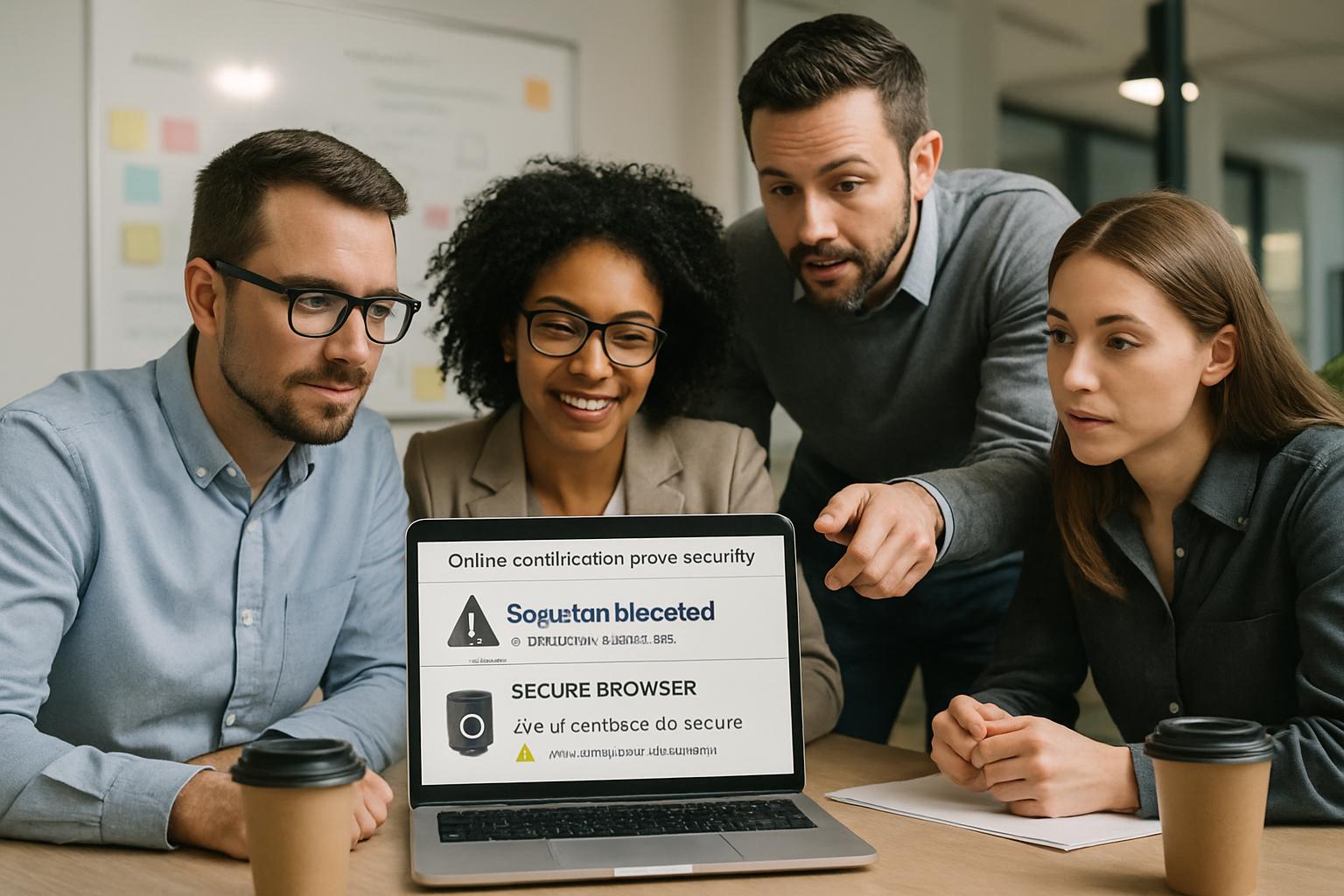
Team discusses browser lockdown for certification exams on laptop in office.
Experts collaborate to enhance browser lockdown for certification exams.

Vendors market lockdown browser for online exams as an easy fix. Administrators like the promise of blocking copy, paste, and tab surfing. Nevertheless, recent lawsuits and privacy audits highlight deeper weaknesses.

This article evaluates browser lockdown software, compares alternatives, and offers a checklist for secure deployment. By blending industry data, legal insights, and field experience, we target universities, certification providers, and corporate L&D teams. Readers will leave with a clear decision path.

Browser Lockdown For Certification Exams

At its core, a browser lock clamps the candidate’s device into a single test workspace. The secure exam browser blocks new tabs, screen captures, printing, and external applications. Therefore, on-device resource sharing becomes difficult.

However, browser lockdown for certification exams alone misses critical controls. Identity spoofing and second-device collusion remain possible. Consequently, high-stakes sponsors still demand layered oversight.

Industry leaders like Pearson VUE combine browser lockdown software with live proctor greeting, photo ID matching, and continuous recording. Similarly, Respondus pairs LockDown Browser with Respondus Monitor to extend coverage beyond the screen. Nonetheless, critics challenge webcam surveillance for privacy reasons.

In short, the tool seals the device but not the environment. Programs must weigh benefits against uncovered attack vectors.

Next, we explore the market.

Lockdown Browser Basics Explained

Several products fit the secure exam browser category. Respondus LockDown Browser, Safe Exam Browser, and Pearson Browser Lock hold significant shares. Additionally, ExamSoft’s Examplify supports offline lockdown for licensing boards.

All options disable printing, clipboard, virtualization, and task switching. Most integrate directly with the learning management system, easing setup for academic staff. Consequently, configuration can happen within minutes.

Yet each lockdown browser for online exams requires local installation. System compatibility issues, bandwidth constraints, and antivirus conflicts can disrupt candidates. Therefore, administrators should mandate pre-exam practice checks.

Meanwhile, open-source Safe Exam Browser attracts privacy-focused universities. They value local control over logs and source code audits. However, support resources may lag behind commercial vendors.

To recap, feature sets look similar, yet deployment realities diverge. Every team must test in their real candidate footprint.

Now, let us examine market forces shaping adoption.

Current Market Landscape Today

The online proctoring market exploded during pandemic campus closures. Research & Markets reports annual revenue near 836 million dollars in 2023. Moreover, projections show almost tripled volumes by 2029.

Vendors update secure exam browser capabilities regularly. Respondus recently added Excel support and refined AI flagging reports. Meanwhile, Pearson VUE improved Browser Lock performance on macOS Sonoma.

Nevertheless, institutional pushback also grows. McMaster University removed Respondus Monitor after an internal privacy review though it retained lockdown browser for online exams. Similarly, California colleges shifted toward less intrusive solutions.

Litigation further pressures providers. Recent BIPA settlements against Respondus underscore biometric compliance risks. Consequently, product roadmaps now emphasize data minimization and transparent privacy dashboards.

Consequently, interest in browser lockdown for certification exams continues despite rising privacy concerns.

In summary, the market advances but faces legal headwinds. Understanding limitations becomes critical before procurement.

Accordingly, we turn to those limitations.

Core Security Limitations Exposed

First, browser lockdown software cannot prove candidate identity. A determined imposter can still sit behind the keyboard. Additionally, nothing stops a silent helper feeding answers via phone.

Second, item harvesting remains a threat. Attackers may photograph the display with an external camera. Even the most secure exam browser fails to detect such actions.

Third, false positives burden review teams. Automated flags often mislabel eye movement, lighting changes, or accessibility devices. Consequently, human adjudication time rises, increasing operational costs.

Fourth, accessibility exceptions complicate enforcement. Screen readers and alternative input devices sometimes conflict with lockdown browser for online exams. Programs must balance inclusivity with security.

Overall, these gaps show why browser lockdown for certification exams needs supporting layers. Device control alone cannot deliver defensible outcomes.

Key takeaway: lock the screen, but watch the room. The following checklist tackles remaining legal and equity issues.

Layered Defense Strategies Needed

Effective online certification exams security relies on multiple overlapping safeguards. Combining technology with policy produces resilient defense-in-depth.

Yet browser lockdown for certification exams still forms the first barrier in many blueprints.

Consider the following critical layers:

  • Verified identity: government ID capture, facial match, and second-factor checks.
  • Live or recorded human proctors watching for second-device use.
  • Adaptive test design with randomization and application scenarios.
  • Secure data logs supporting post-exam investigations.
  • Clear sanctions deterring online exam cheating prevention policy violations.

Furthermore, accessible accommodations and practice tests reduce technical failure rates. Documented incident workflows ensure fair candidate treatment.

When these layers operate together, programs significantly prevent cheating in certification exams. Evidence from CompTIA and NICET audits supports this holistic model.

Consequently, the secure exam browser becomes a valuable but non-exclusive component.

Layered security raises integrity while calming privacy critics. The following checklist tackles remaining legal and equity issues.

Privacy Legal Equity Concerns

Privacy law compliance now ranks alongside technical reliability. Illinois BIPA penalties show real financial exposure for biometric misuse. Moreover, European regulators demand clear GDPR consent and minimal data retention.

Programs using browser lockdown for certification exams must publish transparent biometric notices.

Accessibility matters equally. Department of Justice guidance insists online certification exams security extends to candidates with disabilities. Therefore, alternative formats and human proctors must always be available.

Equity challenges also surface. Bandwidth gaps, outdated hardware, and unsupported operating systems can derail remote sessions. Consequently, many sponsors maintain physical test center options.

Programs that ignore these dimensions risk reputational damage and lawsuits, undermining online exam cheating prevention goals.

Legal, privacy, and equity pillars shape the acceptable use of browser lockdown software. Address them before rollout.

Finally, we decide suitability.

Final Suitability Decision Guide

Decision makers should map their threat model against available controls. The checklist below streamlines evaluation.

  1. Define cheating vectors and rank risk severity.
  2. Select tools that collectively prevent cheating in certification exams.
  3. Validate identity proofing through live greeters or biometrics.
  4. Run pilots capturing false positive and technical failure metrics.
  5. Document privacy notices and data destruction schedules.

Additionally, measure candidate satisfaction and accessibility success rates. High satisfaction often correlates with lower support costs.

Many certification sponsors decide that browser lockdown for certification exams plus proctoring meets psychometric standards. However, the same sponsors impose permanent bans on cheaters and regularly audit sessions.

Meanwhile, some universities operate only a lockdown browser for online exams with no webcam recording for low-stakes quizzes. This tiered approach reserves deeper monitoring for summative assessments.

If identity spoofing sits high on your risk list, choose additional controls. Conversely, if the program values candidate privacy more, redesign items to decrease answer sharing value.

Robust online certification exams security also depends on continuous analytics. Dashboards revealing unusual response patterns support timely investigation.

Furthermore, proactive education on honor codes helps prevent cheating in certification exams by shaping candidate mindset.

Consistent messaging, quick technical support, and fair appeal pathways strengthen online exam cheating prevention efforts across demographics.

When evaluating browser lockdown software, request vendor privacy impact assessments and independent penetration test summaries.

Selecting browser lockdown for certification exams without considering human factors invites avoidable disputes.

Ultimately, no single tool guarantees integrity. The decision guide ensures deliberate, documented choices.

We now conclude with key points and next steps.

Certification leaders need multilayer strategies. Lock the screen, verify identity, and support fair accommodations. Consequently, integrity remains intact even under remote conditions. Yet technology alone cannot close every gap.

Why Proctor365? Our AI-powered platform pairs browser lockdown for certification exams with advanced facial recognition, behavioral analytics, and real-time alerts. Moreover, scalable cloud architecture monitors thousands of candidates concurrently while safeguarding data. Global exam bodies trust our proven workflows and audit trails.

Discover how Proctor365 elevates exam integrity today. Schedule a demo and secure your next testing window.

Frequently Asked Questions

  1. What is the purpose of browser lockdown software for certification exams?
    Browser lockdown software secures candidate devices by restricting functions like screen capture and tab switching. However, layered controls such as identity verification and live proctoring are essential for comprehensive exam integrity.
  2. How does Proctor365 enhance the security of online certification exams?
    Proctor365 integrates AI proctoring with browser lockdown technology, advanced facial recognition, and real-time alerts. This layered approach effectively prevents cheating and enhances overall exam integrity while supporting privacy compliance.
  3. What layered defense strategies are recommended for secure online exams?
    Effective online exam security requires multiple safeguards: verified identity with photo ID, continuous human or AI proctoring, robust fraud prevention measures, and clear audit trails to ensure compliance and reduce cheating risks.
  4. How do privacy and accessibility considerations influence remote proctoring?
    Privacy compliance and accessibility are crucial in remote proctoring. Transparent data policies, GDPR adherence, and accommodations for disabilities ensure fair testing conditions while maintaining robust security and identity control.

Building a GDPR and FERPA Compliant Lockdown Browser

Online testing is booming, yet privacy rules tighten daily. Institutions now ask a tough question: can a GDPR and FERPA compliant lockdown browser truly exist? Students demand fairness, regulators demand safeguards, and cheating still threatens outcomes. Consequently, universities, ed-tech firms, and certification bodies must balance integrity, usability, and strict law.

However, the answer is nuanced, not binary. Recent rulings from the Spanish AEPD and reminders from the U.S. Department of Education show that webcam monitoring and biometric scanning raise heavy risks. Meanwhile, vendors respond with EU hosting, stronger contracts, and less intrusive features.

compliance team reviewing GDPR and FERPA compliant lockdown browser requirements
Compliance professionals verifying lockdown browser features for GDPR and FERPA standards.

This guide unpacks the practical steps, from legal foundations to technical design, that transform any lockdown setup into a defensible privacy posture. We ground each recommendation in real enforcement examples and contract language. By the end, you will know exactly which questions to ask, which clauses to negotiate, and how to prove compliance in audits.

GDPR and FERPA compliant lockdown-browser

At first glance, a lockdown browser seems simple. It blocks tabs, disables copy-paste, and locks screen sharing. Yet, beneath that surface sits a complex data pipeline filled with live video, keystrokes, and system calls. Each item may link to an identifiable student, so both GDPR and FERPA apply immediately.

Therefore, calling a tool a GDPR and FERPA compliant lockdown browser requires more than marketing words. It demands evidence of data minimization, lawful basis, and airtight contracts that place the institution firmly in control.

Moreover, compliance is never static. Regulators continue to challenge continuous facial recognition, long retention periods, and overseas transfers lacking safeguards. Institutions must, consequently, adopt adaptive governance frameworks that evolve with rulings.

In short, compliance depends on technology, contracts, and governance working together. Next, we examine the laws driving those requirements.

Key Legal Pillars Explained

GDPR treats biometric data as a special category. Consequently, any face-matching module triggers a Data Protection Impact Assessment and strict safeguards. Consent alone rarely suffices because students usually lack real choice.

Hence, many universities now favor GDPR compliant exam software that avoids continuous biometrics and keeps retention short. The lawful basis usually shifts to legitimate interest supported by strong proportionality analysis.

In contrast, FERPA focuses on educational records. The law allows disclosure to vendors acting as “school officials” only when written agreements restrict use. Therefore, institutions must set access controls and deletion schedules in every agreement with FERPA compliant proctoring software.

Both regimes share core principles: transparency, data minimization, and enforceable student rights. However, the enforcement paths differ. GDPR fines vendors and controllers, while FERPA threatens federal funding.

The legal pillars create non-negotiable boundaries for design and contracts. With those boundaries set, we move to technical architecture.

Essential Technical Design Choices

First, institutions aiming for a GDPR and FERPA compliant lockdown browser must decide whether the exam needs live video at all. Many high-stakes tests succeed with a lockdown browser alone, coupled with randomized questions. Removing webcams slashes privacy risk and simplifies lockdown browser privacy compliance.

If webcams remain necessary, limit capture strictly to the exam window. Moreover, stream footage to encrypted exam data storage within the same region. This approach meets both GDPR transfer rules and institutional security policies.

Next, disable continuous facial recognition unless national law expressly authorizes it. Instead, one-time photo ID checks reduce biometric scope while still deterring impersonation.

Furthermore, use AI scene analysis only for obvious anomalies. Excessive AI flagging creates unnecessary records and undermines webcam monitoring privacy compliance objectives.

Every feature should face a data minimization online exams test: is each collected element essential, proportionate, and time-bound?

Vendors marketing GDPR compliant exam software often offer modular toggles. Institutions should activate only the modules supporting their risk assessment.

Thoughtful design choices slash risk before lawyers even draft clauses. Consequently, attention now shifts to those clauses.

Critical Contractual Safeguards Requirements

Contracts make or break compliance. Start with a robust Data Processing Agreement that clearly names the institution as Controller and the vendor as Processor. The DPA must list all subprocessors, retention periods, and breach notification timelines.

Additionally, specify that exam recordings remain encrypted exam data storage managed by the institution. Vendors may retain only minimal logs for troubleshooting and must delete them after defined days.

Include appendices covering FERPA clauses. They should mirror Department of Education guidance, restricting vendor use to exam delivery and review only. Such wording turns ordinary software into FERPA compliant proctoring software.

Only then can the institution confidently market the service as a GDPR and FERPA compliant lockdown browser to stakeholders.

For cross-border transfers, vendors should certify under the EU-U.S. Data Privacy Framework or offer EU-only data residency. Both routes strengthen lockdown browser privacy compliance positions during audits.

A tight contract channels technology into lawful boundaries. Next, we spotlight common missteps that still derail projects.

Common High-Risk Red Flags

Continuous facial recognition without alternatives tops the regulator watchlist. The Spanish AEPD has already issued fines for this practice.

Long retention of raw video is another warning sign. Consequently, always align retention with academic appeal periods, not semesters.

Third, vague language allowing vendors to train AI on student videos undermines data protection for online exams. Delete such clauses immediately.

Fourth, unsecured backups spoil encrypted exam data storage guarantees. Ensure encryption at rest and in transit across primary and backup services.

Fifth, missing opt-out provisions breach both GDPR and FERPA, especially for students with disabilities.

Spotting red flags early prevents expensive retrofits. With pitfalls clear, institutions can apply a structured checklist.

Practical Compliance Evaluation Checklist

The following quick-fire list helps teams validate any claimed GDPR and FERPA compliant lockdown browser within one meeting.

  • Confirm a documented DPIA covers data minimization online exams criteria.
  • Review the DPA for explicit FERPA language and vendor Processor status.
  • Verify encrypted exam data storage with regionally bound servers.
  • Check webcam monitoring privacy compliance by sampling access logs.
  • Ensure students receive plain-language notices and non-biometric alternatives.

Moreover, benchmark the solution against peer institutions using GDPR compliant exam software. Shared metrics accelerate negotiation.

Each checklist item supports data protection for online exams demanded by auditors.

Completing this checklist arms decision makers with evidence for both auditors and anxious students. Finally, we consider market dynamics.

Market Pressure And Trends

The global online proctoring market nears USD 2 billion and continues growing. However, regulatory pressure forces vendors to adapt quickly.

Respondus, Proctorio, and others now pitch EU hosting and data minimization online exams features to win European deals.

Meanwhile, student surveys reveal anxiety regarding webcam monitoring privacy compliance. Institutions offering alternative assessment formats report higher satisfaction scores.

Consequently, buyers now favor any GDPR and FERPA compliant lockdown browser that demonstrates third-party audits and transparent pricing.

North American campuses increasingly shortlist FERPA compliant proctoring software with SOC-2 attestations.

Market forces and regulation now push in the same direction: less intrusive, contractually controlled proctoring. Therefore, choosing the right partner becomes strategic.

Conclusion

Achieving a GDPR and FERPA compliant lockdown browser is possible, yet it requires disciplined design, firm contracts, and constant review. Institutions must minimize data, encrypt every byte, and publish clear student notices. When those pillars align, online exams stay fair, secure, and defensible.

Why Proctor365? Our AI-powered platform delivers real-time anomaly detection, advanced identity verification, and scalable monitoring trusted by global exam bodies. Consequently, we provide the fastest route to a GDPR and FERPA compliant lockdown browser strategy without costly re-engineering. Protect your reputation and future-proof your assessments by visiting Proctor365 today.

Frequently Asked Questions

  1. How can institutions ensure a GDPR and FERPA compliant lockdown browser?
    Institutions should enforce data minimization, secure encryption, and robust DPAs. Proctor365 offers AI proctoring and adaptive monitoring, aligning with GDPR and FERPA requirements for exam integrity and privacy.
  2. What key technical design choices support compliant online exams?
    Essential choices include opting for minimal webcam use, one-time ID checks, and encrypted data storage. Proctor365 implements AI scene analysis and secure monitoring to meet data protection and compliance needs.
  3. How does Proctor365 enhance exam integrity while protecting privacy?
    Proctor365 uses advanced AI proctoring and identity verification, ensuring real-time anomaly detection and strict data security. This aligns with GDPR and FERPA standards, safeguarding exam integrity and student privacy.
  4. What contractual safeguards are critical for reliable proctoring solutions?
    Key safeguards include a detailed Data Processing Agreement, explicit FERPA clauses, and defined retention schedules. Proctor365’s contracts enforce strict controls and transparency to protect institutions during audits and assessments.

Mastering Hybrid Exam Online Monitoring Software Strategies

Hybrid learning is now standard across universities, certification bodies, and corporate programs. Consequently, delivering secure exams to both on-campus and remote candidates has become mission-critical. Institutions increasingly rely on hybrid exam online monitoring software to keep integrity intact without sacrificing flexibility. This article provides a step-by-step guide, grounded in 2025 research and policy, for teams planning or refining hybrid assessments.

Readers will learn current market trends, legal constraints, design strategies, and an operational checklist tested by leading campuses. Moreover, we show how analytics and continuous improvement close the loop. By the end, your team will be ready to launch fair, compliant, and scalable hybrid exams.

college student with hybrid exam online monitoring software displayed on laptop
A student completes an assessment using secure hybrid exam online monitoring.

Emerging hybrid classrooms blur lines between physical and digital spaces. Therefore, technology decisions now shape student satisfaction as much as curriculum quality. Selecting the right stack early saves future migration headaches.

Hybrid Exam Online Monitoring Software

Hybrid exam online monitoring software combines AI, secure browsers, and human review in a single platform. The system verifies identity, watches for suspicious behavior, and produces evidence packages. Furthermore, it integrates with common LMS tools, allowing consistent settings across remote and in-class computers.

Unlike traditional test centers, online exam monitoring software scales instantly to thousands of candidates without added rooms. Live online proctoring can supplement AI flags where stakes are high. Consequently, faculty gain flexibility while maintaining deterrence.

Standard feature sets include secure browser lockdown, ID verification with face recognition, secondary camera support, and encrypted recordings. Some vendors offer keystroke analytics or immutable audit logs. Institutions should map features to exam stakes, avoiding unnecessary data collection.

To summarize, hybrid platforms merge automation and human judgment for balanced oversight. Next, we examine why the market is expanding rapidly.

Market Growth And Drivers

Demand for hybrid exam online monitoring software soared after campuses reopened but kept remote options. A 2025 ResearchAndMarkets report valued the global proctoring market at US$0.84 billion in 2023, projecting near-tripling by 2029.

Several factors fuel this rise. Firstly, ed-tech platforms embed online proctoring software directly in learning flows. Secondly, corporate L&D teams seek audit trails for professional credentials. Moreover, student demand for flexible scheduling pushes institutions toward always-on solutions.

  • Higher Ed Dive survey: 78% of chief online officers expect hybrid assessment growth by 2025.
  • Up to 50% of students express webcam privacy concerns, urging balanced modes.
  • AI reduces proctor staffing costs by as much as 60% in large courses.

Investors also see upside. Many ed-tech suppliers report double-digit renewal rates after deploying online exam monitoring software and related bundles. Furthermore, institutions reduce per-seat cost compared with physical test centers, freeing funds for instructional design.

Clearly, market momentum and user preferences align in favor of adaptive models. However, growth brings policy scrutiny, which we discuss next.

Policy And Legal Shifts

Regulators, courts, and privacy advocates have intensified examination of online exam monitoring software practices. The Ogletree v. Cleveland State ruling warned that forced room scans can infringe Fourth Amendment rights.

Consequently, many universities now disable mandatory scans or provide on-campus alternatives when using hybrid exam online monitoring software. EDUCAUSE panels also recommend transparent data policies, short retention periods, and clear appeals processes.

Institutions still need vigilance. AI proctoring for exams can misclassify darker skin tones or neurodivergent behavior if unchecked. Therefore, procurement teams should demand vendor bias audits and accessibility certifications.

Outside the United States, data protectors impose similar rules. The European Data Protection Board urges purpose limitation, while Australia’s Privacy Act review recommends explicit consent for biometric collection. Consequently, support teams must map data flows and publish storage locales.

Alternatives to surveillance exist. Open-book assessments, oral defenses, and project portfolios reduce cheating incentives altogether. However, they demand more grading time and rubric clarity.

In short, compliance now hinges on thoughtful policy design and student choice. The next section explores assessment design techniques that lower monitoring pressure.

Designing Fair Hybrid Assessments

Assessment structure influences how much online proctoring software you actually need. Open-book, application-focused questions lessen cheating incentives and reduce intrusive surveillance.

Additionally, randomised pools and timed short answers make AI proctoring for exams more efficient, because fewer false flags appear. Moreover, faculty can blend practical projects with quizzes, creating authentic demonstrations of competence.

When stakes demand close oversight, live online proctoring can still watch critical sessions. Yet scheduling should allow global time zones and disability accommodations.

Students value transparency as much as fairness. Provide detailed rubrics, sample questions, and practice environments. When learners know expectations, incidents drop and trust rises.

Thoughtful design shrinks risk before software activates. Next, we walk through the operational checklist that brings theory into practice.

Operational Checklist Key Steps

The following blueprint helps teams deploy hybrid exam online monitoring software with minimal friction.

  1. Weeks before: assemble legal, privacy, and disability stakeholders; define acceptable proctoring modes.
  2. Contracting: require SOC 2 reports, algorithmic fairness audits, and LMS single sign-on integration.
  3. Design: select question types that discourage simple lookup answers and document permitted aids.
  4. Student prep: publish plain-language notices, provide practice runs, and collect consent.
  5. Day-of: verify identity, monitor in real time or in review mode, and escalate only confirmed events.
  6. Post-exam: human reviewers check AI flags, issue reports, and handle appeals within set timelines.

Online exam monitoring software should automate much of this workflow yet allow manual overrides. Consequently, academic integrity committees receive consistent evidence while maintaining due process.

Change management cannot be ignored. Assign a single owner for user communications, technical upgrades, and incident reporting. Moreover, schedule regular drills that simulate camera failure or proctor escalation, ensuring staff readiness.

Following these steps creates clear guardrails for all parties. Next, we address how to mitigate residual risks.

Mitigating Risk And Bias

AI proctoring for exams needs continuous tuning. Institutions should request vendor model cards and demographic performance metrics every semester.

Meanwhile, live online proctoring teams require de-escalation training and disability awareness. Moreover, limit recording resolution to what reviewers genuinely need, protecting privacy.

Most online proctoring software allows configurable data retention. Therefore, such deployments can meet strict privacy laws while lowering storage costs.

Bias mitigation also requires diverse sampling during algorithm updates. Include varied lighting, devices, and cultural contexts. AI proctoring for exams performs best when training data reflects real user environments. Regular audits of online proctoring software configuration flags also prevent over-sensitivity.

Effective mitigations preserve trust among students, faculty, and regulators. Finally, we explore metrics that guarantee continuous improvement.

Metrics And Continuous Improvement

Online exam monitoring software produces rich logs for dashboards. Track flag rates, false positives, review turnaround, and support tickets.

When hybrid exam online monitoring software shows rising false positives, calibrate sensitivity or revise question design. Additionally, publish aggregate outcomes to stakeholders each term.

Because online proctoring software spans multiple courses, central analytics reveal systemic gaps faster than isolated instructor reports. Consequently, resources target the real bottlenecks.

Dashboards should surface longitudinal trends rather than single exam snapshots. For example, weekly charts show whether live online proctoring incidents decrease after a policy change. Educators can then confirm the efficacy of interventions.

Continuous improvement also boosts staff morale. When faculty see declining incident rates, confidence in online methods rises. Consequently, adoption barriers fade.

Sustained measurement closes the loop between policy and performance. We now conclude with key takeaways and next steps.

Conclusion And Next Steps

Hybrid exams demand a blend of sound pedagogy, clear policy, and robust technology. Following the steps above, institutions can balance flexibility, compliance, and student trust. Market data and court rulings highlight why vigilance must continue.

Why Proctor365? Our hybrid exam online monitoring software delivers AI-powered proctoring, advanced identity verification, and truly scalable oversight. Trusted by universities, certification bodies, and global corporations, Proctor365 safeguards exam integrity without compromising user experience. Schedule a quick consultation to explore integration timelines and pilot options. Visit Proctor365 to start your journey toward uncompromised assessment security.

Frequently Asked Questions

  1. What is hybrid exam online monitoring software?
    Hybrid exam online monitoring software uses AI proctoring, secure browsers, and human review to verify identity, detect suspicious activity, and integrate with LMS tools. It ensures exam integrity and flexibility for both remote and on-campus candidates.
  2. How does Proctor365 enhance exam security with AI proctoring?
    Proctor365 combines AI proctoring with advanced identity verification and secure browser lockdown features. This dynamic approach prevents fraud, reduces staffing costs, and offers scalable oversight for both hybrid and high-stakes examinations.
  3. How are privacy and legal compliance handled during online proctoring?
    Proctor365 adheres to strict privacy policies, ensuring transparent data collection and short retention periods. Our system meets legal standards by incorporating consent mechanisms, bias audits, and clear appeals processes for enhanced exam fairness.
  4. What benefits do institutions gain from using Proctor365?
    Institutions benefit from scalable hybrid exam monitoring that reduces fraud and streamlines operations. Proctor365’s AI proctoring, identity verification, and data analytics foster improved trust, compliance, and reduced testing costs.

Continue Reading

For more insights and related articles, check out:

Read more →

Browser Lockdown Security Risks Solved: 7 Critical Threats

Online assessments exploded after 2020, yet exam integrity still faces constant pressure. Institutions now examine browser lockdown security risks as closely as learning outcomes. A single exploit can undermine credibility, accreditation, and student trust.

Consequently, administrators seek tools that block shortcuts, stop leaks, and scale across thousands. Browser lockdown software for online exams delivers that first defensive layer. However, not every stakeholder grasps the specific threats it neutralizes. This article breaks down seven concrete attacks and how a secure exam browser mitigates each. We also address privacy debates and operational best practices driving responsible adoption.

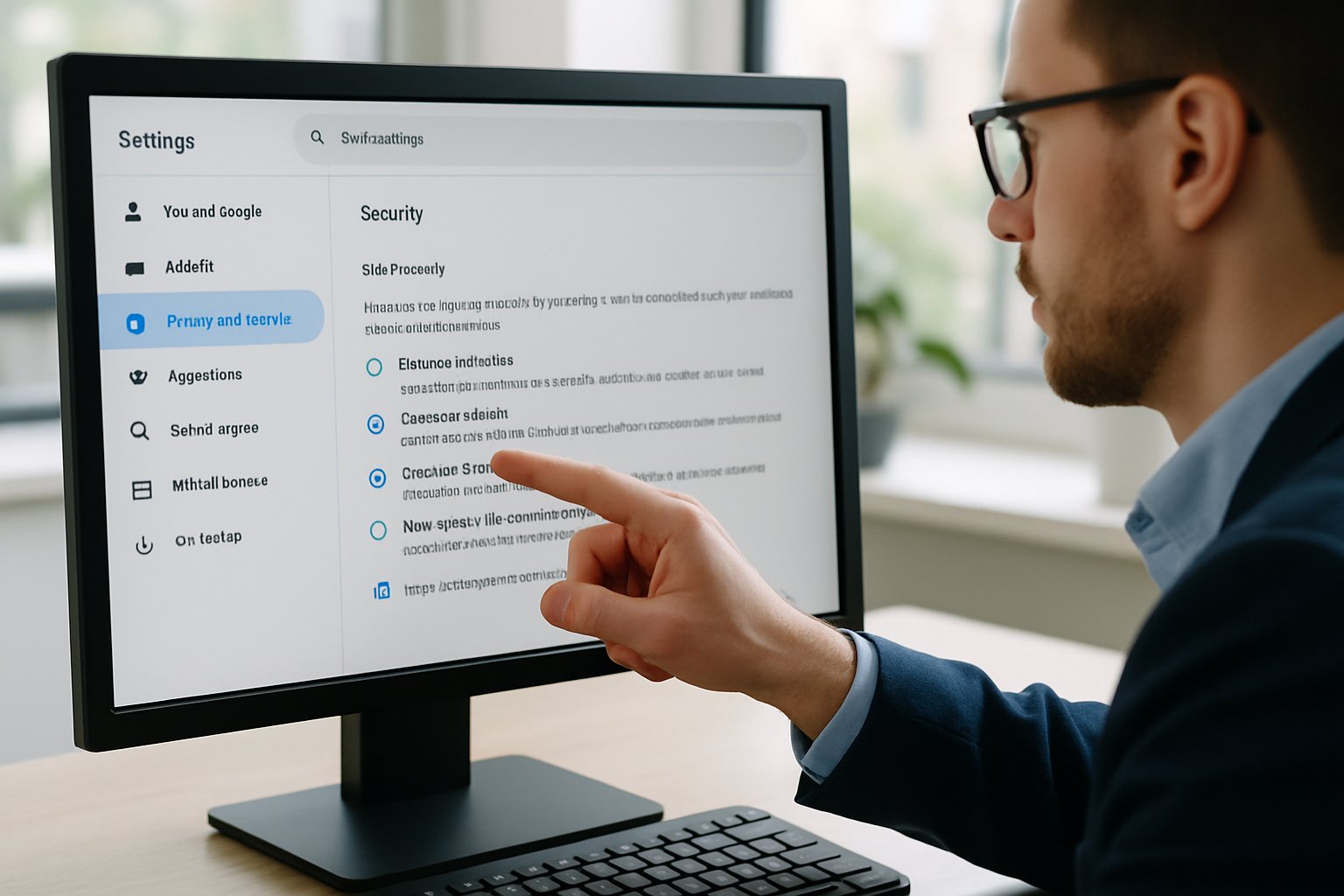
IT administrator configuring computer to address browser lockdown security risks in assessment settings.
An IT expert adjusts browser settings to mitigate security risks.

Market analysts project the online proctoring sector will nearly triple by 2029, signaling continued demand. Therefore, understanding defensive capabilities helps leaders invest confidently while respecting student rights. Let’s examine the technical facts, legal context, and strategic lessons.

Understanding Lockdown Browser Basics

A lockdown browser replaces standard browsers during an assessment. It forces kiosk mode, disables task switching, and blocks external processes. Additionally, clipboard, print, and developer tools vanish while the exam runs.

Most browser lockdown software for online exams integrates directly with major LMS platforms. Consequently, instructors launch secure sessions without complex configuration. The secure exam browser also checks for virtual machines and second monitors before starting.

Vendors like Respondus and Safe Exam Browser illustrate two models—commercial SaaS and open source. Both share one goal: eliminate rapid, low-effort cheating opportunities on the candidate device. However, they differ in privacy posture and customization depth.

Lockdown technology only guards the local device, yet that scope still blocks many high-frequency attacks. These features directly tackle browser lockdown security risks highlighted by auditors and IT teams.

Seven Key Exam Threats

Below are seven frequent threats observed across universities and certification testing. Each threat carries clear technical symptoms and remediation steps. Moreover, pairing a secure exam browser with policy enforcement drastically reduces incident volume.

  • Web searching during tests: Lockdown blocks navigation bars, addresses, and alternative browsers.
  • Copy, paste, and screenshots: Clipboard, print, and capture APIs stay disabled, preserving item banks.
  • Task switching to chat apps: Alt-Tab shortcuts and unauthorized processes terminate instantly.
  • Remote desktop or screen share: Lockdown detects and closes conferencing or remote control tools.
  • Multiple monitor exploits: The exam will not start until extra screens disconnect.
  • Developer tools inspection: Source code, HTML storage, and cached files remain inaccessible.
  • Impersonation and environment fakery: Combined identity verification workflows confirm faces and room scans.

These countermeasures cover a vast share of browser lockdown security risks flagged in support tickets. Nevertheless, attackers sometimes pivot to phones or clandestine collaboration. Therefore, administrators still monitor, educate, and update settings continuously. We next explore effective deployment practices that prevent cheating in online exams with minimal friction.

Lockdown Implementation Best Practices

Solid planning amplifies the protective effect of browser lockdown software for online exams. Start with a pilot in low-stakes quizzes to surface compatibility issues. Subsequently, survey students about usability and privacy concerns.

Create clear communication packs that outline steps to install the secure exam browser and test connections. Add screenshots and deadlines to reduce panic minutes before high-stakes sittings.

Mandate updated operating systems because outdated patches undermine kernel-level protections. Furthermore, disable conflicting accessibility tools only when necessary, and provide alternatives on request. Manage exam windows using LMS conditional release to prevent early leaks.

An incident response plan should list contact channels, documentation steps, and escalation timelines. Consequently, faculty can handle technical glitches swiftly without derailing schedules. These practices prevent student collaboration online exams by closing logistical gaps. Aligning the rollout precisely diminishes browser lockdown security risks stemming from misconfiguration. Group messaging exploits vanish because configurations actively prevent student collaboration online exams.

Balancing Privacy And Oversight

Lockdown technology shines, yet camera and biometric layers spark heated debate. Student petitions cite intrusive scans and algorithmic bias. Regulators responded; McMaster will cease webcam monitoring by 2025 after review.

Nevertheless, institutions can uphold privacy while still addressing browser lockdown security risks. First, collect only essential data and publish retention timelines. Second, offer no-camera alternatives like on-campus pods or live proctor options.

Third, perform vendor audits against provincial and federal privacy statutes. Moreover, run bias checks on automated flagging models using diverse sample recordings.

Transparent governance boosts trust and lowers student pushback. This balance keeps adoption sustainable as demand grows. Subsequently, we explore emerging trends that will shape next-generation safeguards. Privacy alignment also helps prevent cheating in online exams without compromising dignity.

Future Lockdown Security Outlook

Technology never rests, and attacker creativity keeps pace. Consequently, vendors are adding AI-driven anomaly detection inside the secure exam browser. Upcoming releases will recognize unauthorized Bluetooth device spikes and abrupt network handoffs.

Meanwhile, zero-trust device attestation may verify firmware integrity before each exam launch. Integration with identity wallets can further prevent student collaboration online exams at scale. Open-source projects like SEB 3.9.0 encourage community audits, raising overall assurance.

However, institutions must still train staff to configure policies and analyze flagged sessions. Automated tools reduce workload yet never replace informed human judgment.

Regular updates to browser lockdown software for online exams will patch emerging exploits before exams begin. Looking ahead, adaptive timing and dynamic question pools will also prevent cheating in online exams. These layered defenses, combined with responsive governance, minimize residual browser lockdown security risks.

Conclusion And Next Steps

Browser lockdown security risks remain real, yet they are manageable with disciplined execution. A secure exam browser, reinforced policies, and clear communication collectively block seven high-impact threats. Universities, certification bodies, and corporate trainers can deploy these layers quickly and measure integrity gains.

Why Proctor365? Proctor365 couples AI-powered proctoring, advanced identity verification, and scalable monitoring within one cloud platform. Consequently, global exam bodies trust our technology to safeguard thousands of sessions daily. Our lockdown module neutralizes browser lockdown security risks, while algorithms flag suspicious patterns instantly. Schedule a demo today and see how Proctor365 can improve integrity and candidate confidence. Visit Proctor365.ai to get started.

Frequently Asked Questions

  1. How does a secure exam browser enhance exam integrity?
    A secure exam browser enforces kiosk mode, disables shortcuts, and blocks external processes to protect exam integrity. It integrates with LMS platforms and utilizes AI proctoring and identity verification to prevent cheating and fraud.
  2. What exam threats are mitigated by browser lockdown software?
    Lockdown browsers deter threats such as unauthorized web searches, copy-paste actions, multi-monitor exploits, and impersonation. These measures, combined with AI-driven alerts, significantly reduce fraud risks during online assessments.
  3. How do institutions balance privacy and security during online exams?
    Institutions balance privacy and security by collecting minimal data, offering no-camera alternatives, and enforcing strict vendor audits. Proctor365 enhances this balance with advanced identity verification and AI proctoring to secure exam environments.
  4. Why choose Proctor365 for online proctoring?
    Proctor365 offers AI-powered proctoring, robust identity verification, and scalable monitoring, ensuring exam integrity. Its secure exam browser and fraud prevention strategies make it a trusted solution for maintaining reliable and compliant online assessments.

Mastering browser lockdown for university online exams

Online assessment is now routine across higher education. Yet, academic integrity risks climb whenever unsupervised devices connect to the internet. Consequently, many IT teams deploy browser lockdown for university online exams to restrict on-screen activity and deter resource switching.

However, lockdown technology alone never solves all cheating problems. Universities must pair technical controls with fair policy, robust pedagogy, and clear student communication. This article explains current lockdown practices, market dynamics, benefits, and emerging challenges.

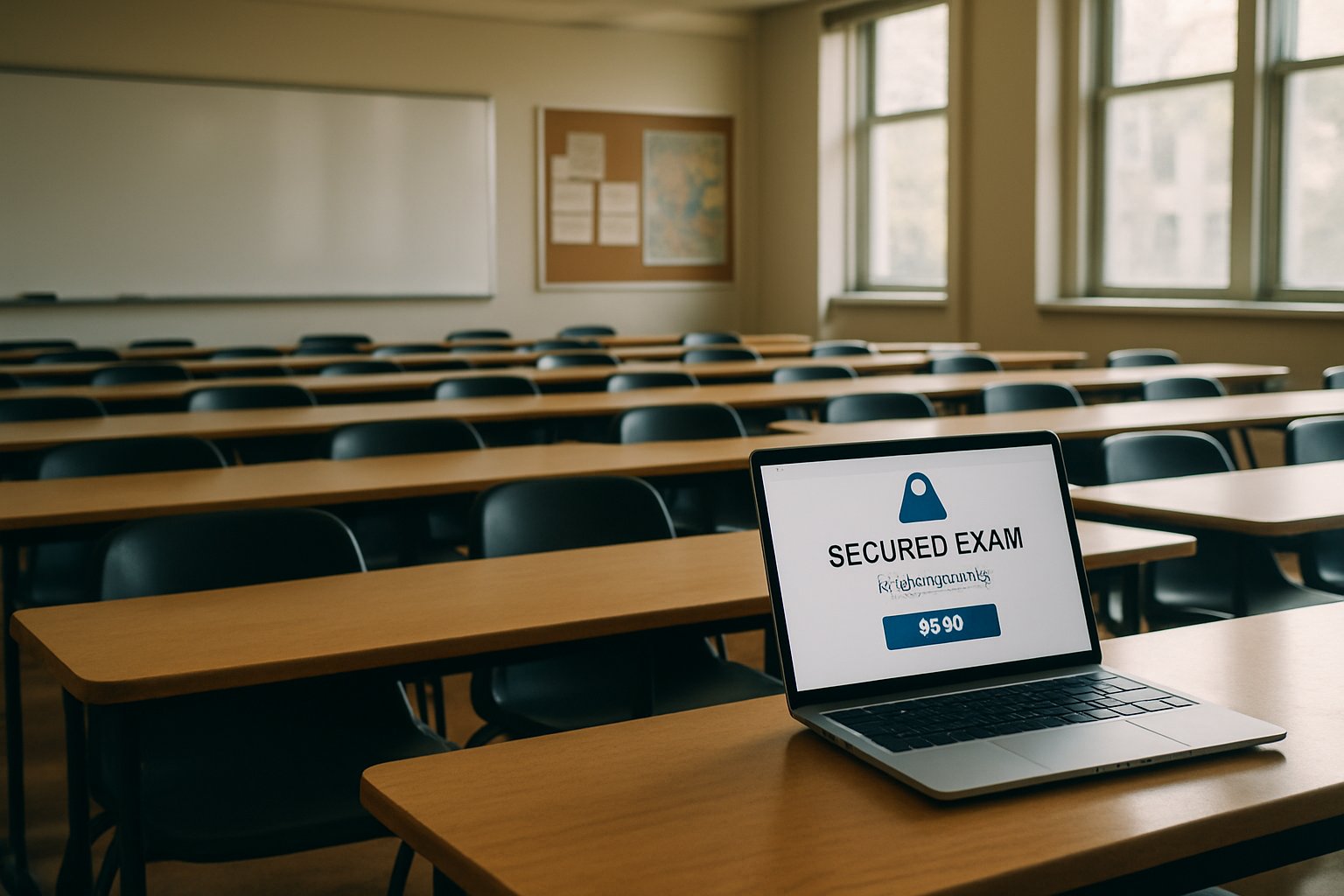
Empty classroom scene highlighting browser lockdown for university online exams
A university classroom prepares for browser lockdown for university online exams.

How Lockdown Browsers Work

Lockdown tools create a dedicated, full-screen environment. The software blocks new tabs, disallows copy-paste, disables screen capture, and stops background apps. Vendors brand these clients as a secure exam browser or integrated extension.

The typical workflow begins in the LMS. Instructors enable settings, then students download the client or extension. Some institutions also require webcam monitoring. Together, these layers strengthen browser lockdown for university online exams.

Respondus LockDown Browser dominates adoption, yet Honorlock, YuJa, and Proctorio compete aggressively. Additionally, several platforms bundle an agent that extends blocking beyond the browser window. Many faculty still prefer a classic lockdown browser for universities because it integrates smoothly with Canvas, Blackboard, or Moodle.

Two quick facts show scale:

  • Vendor claims exceed 2,000 campuses using Respondus globally.
  • Market reports estimate online proctoring revenue near USD 0.85–2.4 billion in 2025.

In summary, lockdown browsers run at kernel or browser-extension level to seal the exam screen. Therefore, device-level cheating becomes harder.

The next section explores common deployment patterns.

Common University Deployment Models

Universities rarely adopt a single model. Instead, they combine tools for flexibility. One frequent scenario links a secure exam browser with automated AI proctoring. Respondus Monitor is an example.

Another pattern pairs a testing center with exam lockdown software. Students sit in-person while the proctor types a password to launch the exam. Meanwhile, remote learners might connect through Zoom while using a lockdown browser for universities.

Ohio State now offers Honorlock App for advanced blocking. CUNY recently contracted YuJa for similar capabilities. Both cases underline shifting vendor ecosystems and the ongoing need for browser lockdown for university online exams.

Key takeaways: campuses mix modalities to match risk profiles and student circumstances. Moreover, flexibility eases accommodation requests.

Next, we examine why market forces accelerate adoption.

Market Forces Shaping Adoption

Several drivers push growth. First, remote enrollment continues to expand worldwide. Consequently, demand for scalable exam lockdown software rises. Second, budget constraints favor automation over live proctors.

Market research forecasts compound growth above 15% annually for proctoring platforms. Automated AI services remain the fastest-growing segment. Therefore, vendors continuously promote a secure exam browser with integrated analytics.

However, legal pressure shapes the market too. The 2023 Cleveland State ruling on room scans forced policy reviews. Vendors updated privacy terms in response. Despite controversy, colleges still rely on browser lockdown for university online exams because alternative assessments take time to redesign.

In short, financial, legal, and pedagogical trends collectively influence procurement decisions. The following section highlights the practical advantages institutions cite.

Benefits For Academic Integrity

When implemented thoughtfully, lockdown technology deters many low-effort cheating tactics. Students cannot switch tabs, launch notes, or print exam files. Therefore, instructors gain confidence.

Furthermore, AI analytics flag suspicious behavior for human review. That workflow scales across thousands of LMS-based online exams.

Institutions also appreciate seamless reporting dashboards. Faculty review session flags directly inside the LMS. Additionally, practice quizzes let students troubleshoot installation issues early.

Summarizing, universities employ browser lockdown for university online exams because it offers:

  • Immediate deterrence against window switching.
  • Cost-effective coverage for large cohorts.
  • Straightforward LMS integration.

Yet, every benefit carries trade-offs, which we address next.

Risks And Key Mitigations

Privacy tops the concern list. Webcam recordings and biometric matching raise legal questions. Moreover, the secure exam browser may access deep system functions, alarming security teams.

Equity challenges follow. Surveys of 16,000 learners show stress spikes among international and female students. Bandwidth limits, small living spaces, or caregiving duties worsen the experience. Automated flags sometimes mislabel normal gaze movements, creating false accusations.

Technical fragility matters too. Device incompatibility or dropped connections can lock students out. Therefore, universities publish extensive support guides for LMS-based online exams. They also offer in-person alternatives.

Mitigation strategies include:

  1. Advance notice in the syllabus.
  2. Opt-in practice assessments.
  3. Room-scan alternatives when legally risky.
  4. Short retention windows for recordings.

Overall, balancing benefits with risks preserves trust while still enabling browser lockdown for university online exams.

We now look forward to upcoming policy trends.

Future Policy Considerations Ahead

Regulators continue examining surveillance technology. State laws, like California’s privacy statutes, restrict certain biometric uses. Meanwhile, university senates push for authentic assessments that reduce reliance on exam lockdown software.

Vendors respond with modular products. For instance, Honorlock’s extension plus app model lets instructors toggle specific controls. Similarly, emerging open-source projects aim to deliver a lightweight secure exam browser without intrusive permissions.

Looking forward, procurement committees will demand transparent algorithms and clearer data contracts. Nevertheless, many campuses will still adopt browser lockdown for university online exams for high-stakes tests.

In conclusion, continual dialogue among faculty, students, technologists, and legal experts will steer policy evolution. The next section wraps up the discussion.

Summarizing Key Insights

Lockdown browsers restrict device actions, safeguarding integrity.

Market growth persists despite privacy debates.

Balanced policy and pedagogy remain essential.

Conclusion And Next Steps

Browser lockdown for university online exams continues to evolve alongside market forces, legal rulings, and pedagogical innovation. Institutions adopt layered strategies that blend a lockdown browser for universities, AI analytics, and clear student support. Benefits include strong deterrence, seamless LMS workflows, and scalable oversight for countless LMS-based online exams. Yet equity, privacy, and technical reliability demand continuous attention.

Why Proctor365? Proctor365 delivers AI-powered proctoring, advanced identity verification, and flexible exam lockdown software in one platform. Our solution scales effortlessly from small classes to global certification programs. Trusted by universities, corporations, and testing bodies, Proctor365 strengthens browser lockdown for university online exams without compromising user experience. Explore how our secure exam browser and end-to-end monitoring improve integrity today by visiting Proctor365.ai.

Frequently Asked Questions

  1. What is a secure exam browser and how does it work?
    A secure exam browser creates a full-screen, controlled environment that blocks tab switching, copy-paste, and external apps, protecting exam integrity by reducing cheating risks, much like the solutions offered by Proctor365.
  2. How do AI proctoring and identity verification enhance online exam security?
    AI proctoring monitors behavior and flags suspicious activity while identity verification ensures the right candidate is taking the exam, both integral features of Proctor365 that bolster exam integrity and fraud prevention.
  3. What are the common challenges with online exam proctoring?
    Common challenges include privacy concerns, technical glitches, and equity issues among students. Institutions mitigate these risks with clear policies, support guides, and flexible exam environments as seen in advanced platforms like Proctor365.
  4. Why should universities choose Proctor365 for online exam monitoring?
    Proctor365 combines AI-powered proctoring, robust identity verification, and flexible exam lockdown solutions to secure online exams efficiently, ensuring seamless integration with LMS systems and strong academic integrity.

Browser Lockdown Reliability For Large Exams: Fact Check

Online test volumes exploded after 2020. Institutions now run millions of timed assessments each semester. Consequently, attention has turned to browser lockdown reliability for large exams.

Vendors promise airtight protection. However, independent researchers expose frequent bypasses. Decision-makers must weigh facts before trusting any lockdown browser for large-scale exams.

Realistic home office with computer showing browser lockdown reliability for large exams.
A home-based test-taker experiences browser lockdown, demonstrating a reliable security method.

This article unpacks the technology, benefits, risks, and best practices. Readers gain clear guidance on building scalable exam security solutions without compromising fairness.

Scope Of The Challenge

Remote exams often involve thousands of candidates across continents. Network latency, device diversity, and accessibility needs complicate control. Moreover, skilled students share circumvention guides on social forums.

Universities need security that scales yet respects privacy rules. They also face public scrutiny over algorithmic bias. Therefore, leaders seek balanced, evidence-based strategies.

Key takeaway: scale magnifies every weakness. Robust planning must start early. Next, we explore how lockdown technology works.

Core Lockdown Browser Mechanics

A lockdown browser launches in kiosk mode. It blocks task switching, copy-paste, screen grabs, and printer access. Some vendors pair it with AI monitoring for extra oversight.

Popular platforms include Respondus, ExamSoft, and the open-source Safe Exam Browser. Each counts on in-device cheating prevention to stop low-effort misconduct.

Additionally, browser lockdown software integrates with LMS systems. That seamless workflow reduces instructor friction.

Summary: the technology guards the exam device. However, it cannot watch the entire environment. The next section reviews its large-scale advantages.

Benefits At Massive Scale

Despite limitations, lockdown browser for large-scale exams delivers measurable gains.

  • Blocks quick web searches and local file access.
  • Automates flagging, cutting human proctor hours.
  • Generates audit trails for post-exam reviews.
  • Fits into existing LMS and SSO stacks.

Market studies predict multi-billion growth for scalable exam security solutions. Consequently, universities adopt these tools to prevent cheating in online exams while containing costs.

Takeaway: low-effort cheating drops sharply when the device is sealed. Yet reliability hinges on deeper factors, explored next.

Browser Lockdown Reliability For Large Exams

Independent audits show mixed results. The USENIX “Watching the Watchers” paper demonstrated multiple bypasses. Testers used virtual machines and external devices, defeating in-device cheating prevention within minutes.

Furthermore, a 2023 Journal of Academic Ethics review found limited high-quality evidence. Only a few studies compared proctored and unproctored cohorts at scale.

Still, self-reported web searching fell in locked environments. Therefore, browser lockdown reliability for large exams reduces opportunistic misconduct but fails against determined attackers.

Key point: reliability exists on a spectrum. Stakeholders must layer defenses. We now examine weaknesses in detail.

Known Weakness And Risks

Technical gaps remain persistent.

  • Second devices nullify browser lockdown software controls.
  • Virtual machines spoof clean desktops.
  • OS updates sometimes break security hooks.
  • AI classifiers trigger biased false flags.

Additionally, privacy advocates challenge data collection. EPIC’s complaint highlights biometric overreach. Litigation creates reputational risk.

Consequently, institutions deploying a lockdown browser for large-scale exams must craft transparent policies. They must also maintain rapid patch cycles.

Summary: weaknesses are real but manageable with layered strategy. Next, we review fresh empirical evidence.

Evidence From Recent Studies

Respondus claims adoption in over 2,000 institutions. ExamSoft dominates professional testing niches. However, vendor reports lack independent validation.

Meanwhile, researchers call for randomized trials. Few measure how scalable exam security solutions affect grade distributions or long-term learning.

Reuters documented facial recognition failures that blocked access. Such incidents erode trust and undermine attempts to prevent cheating in online exams.

Takeaway: evidence is evolving. Decision makers should demand transparent metrics and third-party audits. Practical guidance follows.

Best Practice Defense Layers

Experts recommend a multilayer model.

First, redesign assessments. Open-book, higher-order questions reduce answer-key leaks. Next, deploy browser lockdown software to curb device switching.

Additionally, live or on-demand human review addresses nuanced behaviors. Clear appeal processes limit harm from false positives.

Finally, publish retention policies and perform accessibility testing. These steps reinforce browser lockdown reliability for large exams and support inclusivity.

Section summary: combine technology, pedagogy, and policy. Now, the final verdict.

Final Verdict And Solution

Browser lockdown reliability for large exams offers real, though limited, protection. It stops casual cheats and supplies evidence. However, it cannot alone guarantee integrity. Institutions need lockdown browser for large-scale exams, human oversight, and smart design to prevent cheating in online exams while meeting privacy expectations.

Why Proctor365? Proctor365 delivers AI-powered proctoring, advanced identity verification, and truly scalable exam security solutions. Its multi-layered platform combines in-device cheating prevention with live monitoring trusted by global exam bodies. Therefore, browser lockdown reliability for large exams improves dramatically when paired with Proctor365’s analytics engine. Visit Proctor365 to safeguard your next assessment.

Frequently Asked Questions

  1. What is browser lockdown reliability for large exams?
    Browser lockdown reliability limits casual cheating by sealing the exam device. However, determined exam-takers may bypass these controls, which is why integrating AI proctoring from providers like Proctor365 is essential.
  2. What are common weaknesses of lockdown browsers in online exams?
    Lockdown browsers can be bypassed using second devices, virtual machines, or OS updates. Proctor365 addresses these vulnerabilities with advanced fraud prevention, AI monitoring, and robust identity verification.
  3. How does Proctor365 enhance online exam security?
    Proctor365 boosts exam security with AI-powered proctoring, live monitoring, and advanced identity verification, ensuring scalable and reliable exam integrity beyond basic browser lockdown measures.
  4. Why is a layered approach important in preventing online exam cheating?
    A layered strategy combining secure browser lockdown, AI proctoring, and live human oversight minimizes cheating risks, ensuring robust exam integrity that aligns with Proctor365’s comprehensive exam security solutions.