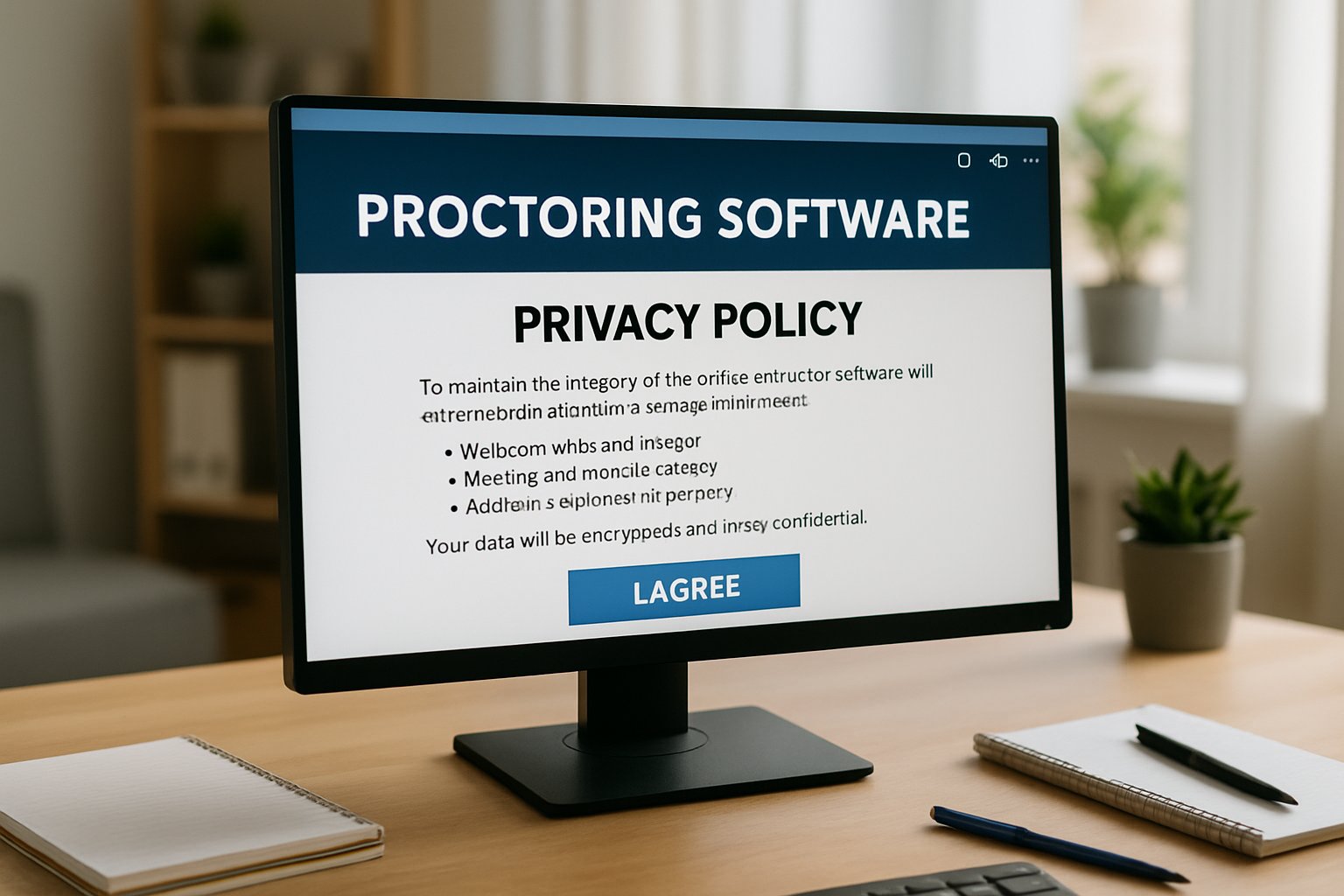
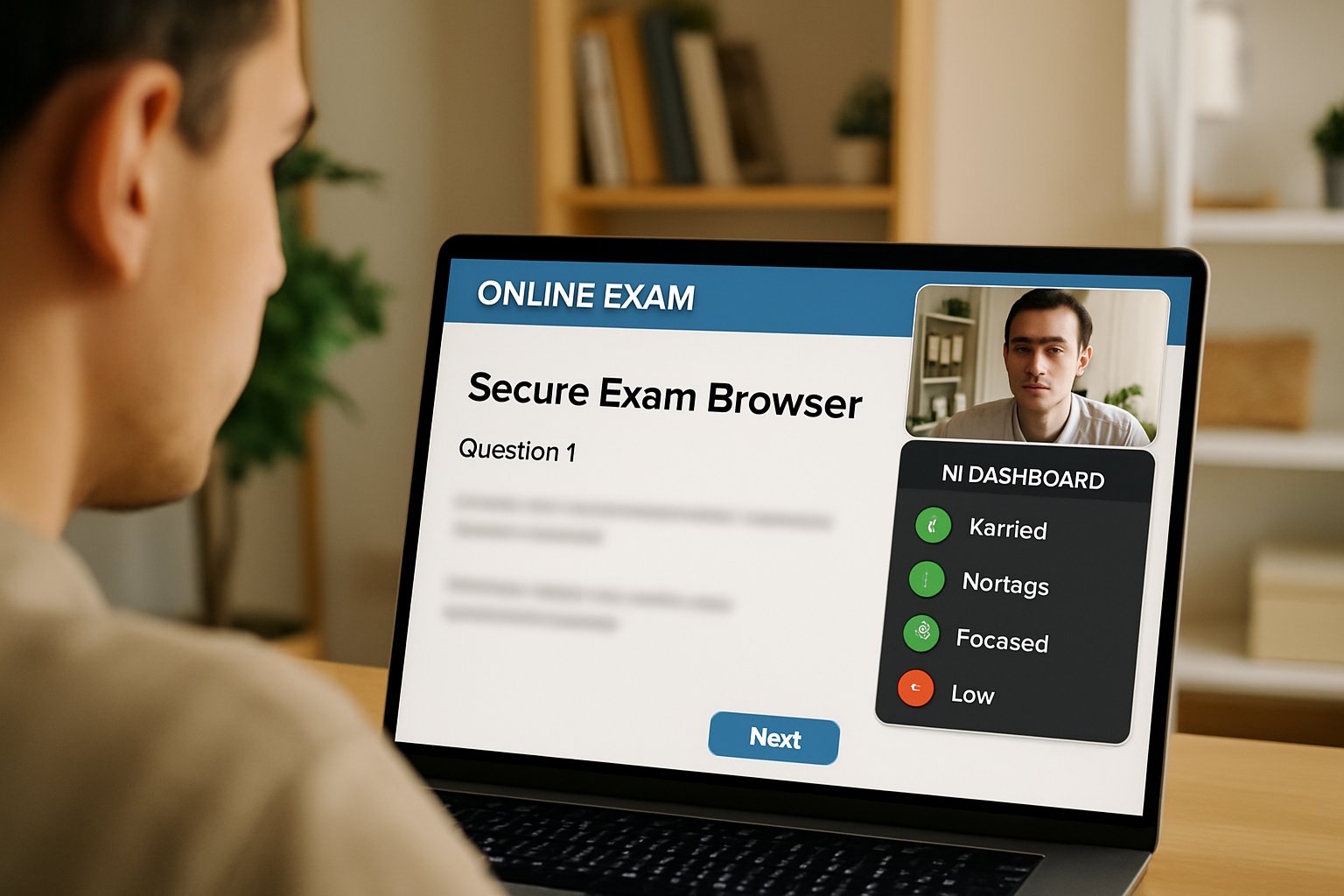
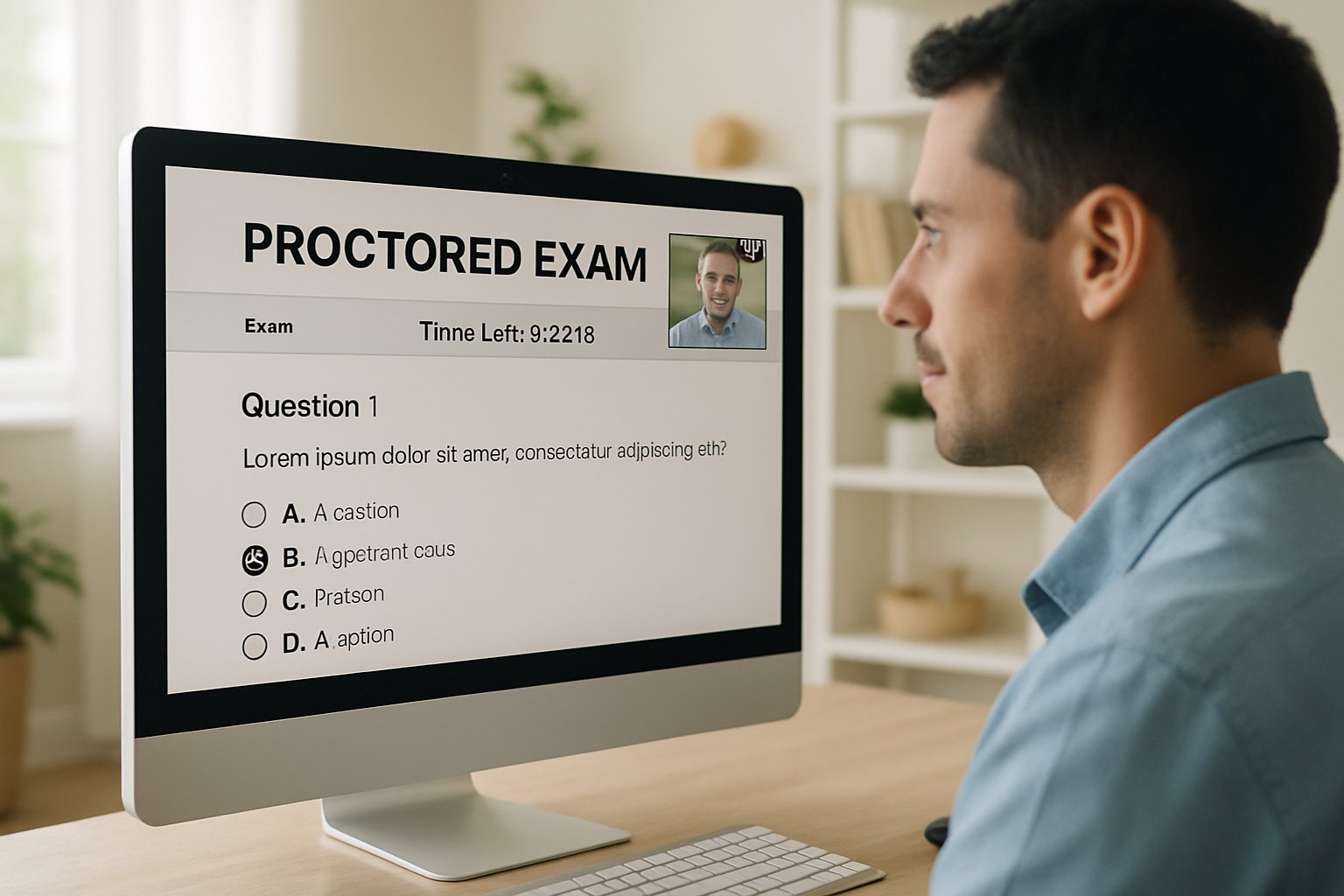
What Behaviors Trigger Flags in a Proctored Online Test?

Exam delivery moved online at record speed. However, security concerns grew just as fast. Institutions now rely on proctoring platforms to keep assessments credible. Yet many educators still ask one basic question: what actions actually trigger system flags during a proctored online test? Understanding the answer helps teams design fair, defensible policies.

Consequently, this article distills recent vendor documents, legal updates, and university guidelines. We explore why flags occur, which behaviors matter most, and how human reviewers decide outcomes. Moreover, we outline steps that reduce false positives while respecting privacy. The insights serve universities, ed-tech platforms, certification bodies, and corporate L&D leaders alike. Online exam proctoring remains a mainstay despite vocal criticism.
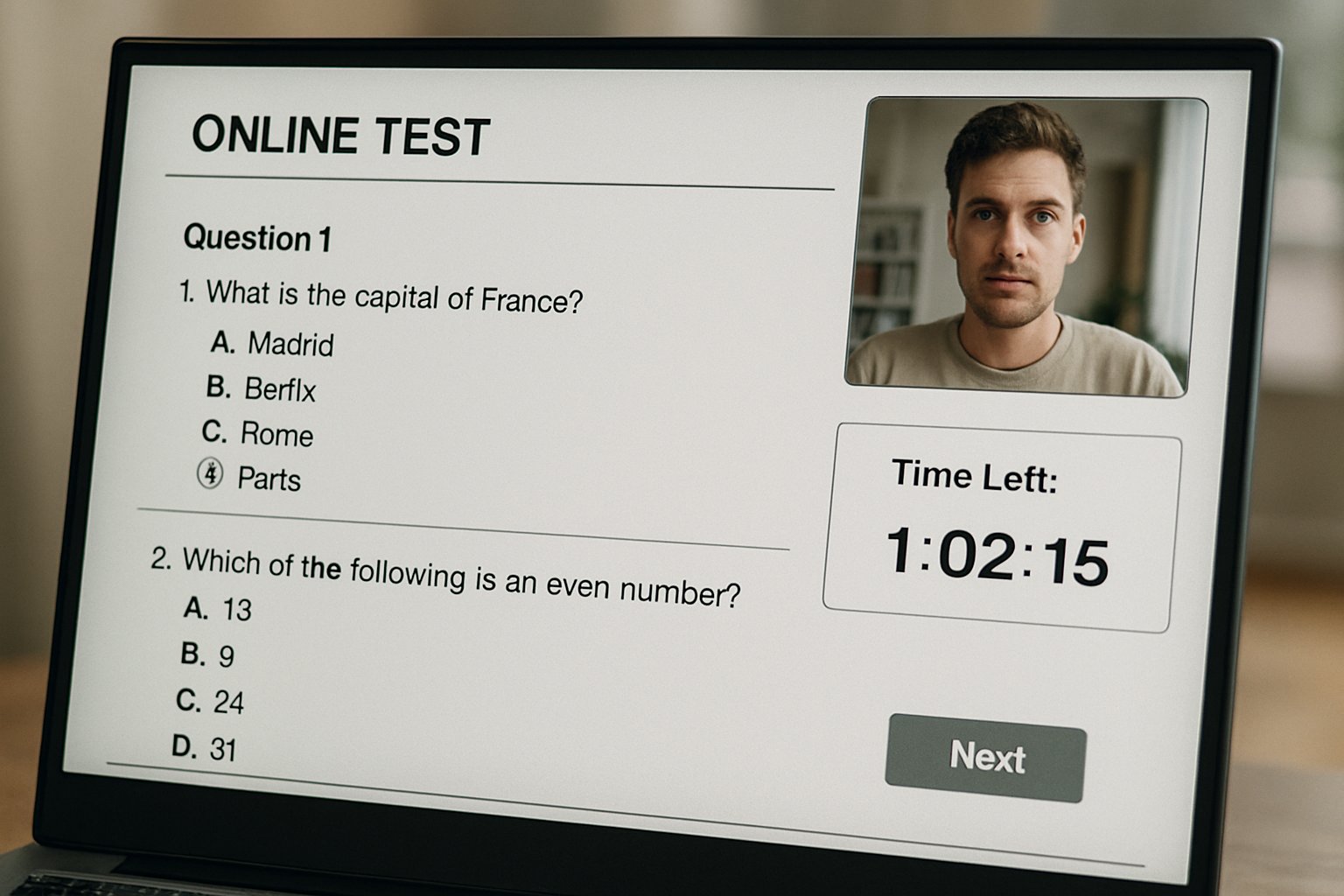
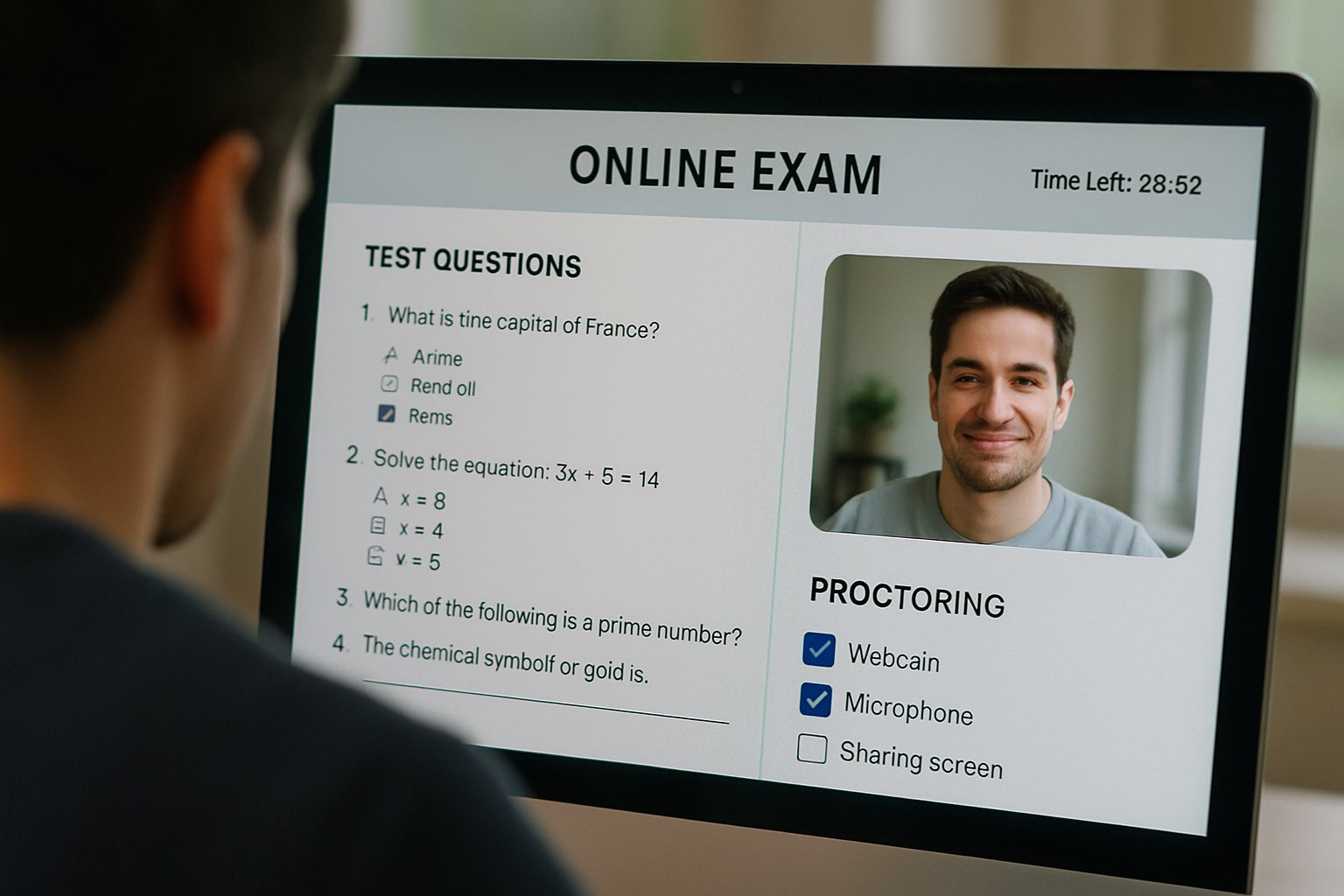
Live proctored online test session interface with video monitoring student.
A proctored online test interface monitoring a student in real time.

Why Exam Flags Occur

Automated and human proctoring systems scan webcam feeds, audio streams, and system events in real time. Additionally, administrators set thresholds that control when the software raises an alert.

Therefore, a flag is simply a timestamped marker, not an automatic verdict. Humans usually investigate the flagged clip and decide whether misconduct occurred.

In short, flags support triage, not punishment. Next, we review the most common triggers.

Secure Proctored Online Test

Delivering a secure proctored online test starts with strong identity checks. Candidates show government ID, then complete biometric face matching before the exam window opens. Meanwhile, a lockdown browser restricts tabs, printing, screen sharing, and remote-desktop software.

Moreover, many platforms demand a 360-degree room scan to confirm no unauthorized materials sit nearby. These preparatory steps often prevent later flag events.

Early vigilance strengthens integrity. Now, let us inspect typical flag categories.

Typical Flagged Exam Behaviors

Most incidents involve predictable patterns, documented across Proctorio, Respondus, and Inspera guides. Furthermore, universities can enable or disable each trigger.

  • No face detected for several seconds.
  • Multiple faces appear within the webcam frame.
  • Window focus shifts or tab switching occurs.
  • Phones, notes, or extra screens enter view.
  • Loud voices or unusual background noises emerge.

Consequently, candidates who repeatedly look away or disconnect their camera also raise attention. However, a flag never equals guilt; context always matters.

The list above covers the biggest risk areas. Next, we contrast machine and human judgment.

Human Versus AI Review

AI detects anomalies within milliseconds; humans interpret intent. ProctorU data showed only eleven percent of AI-flagged sessions received instructor review. Consequently, the vendor now mandates human verification before escalation.

Moreover, research indicates algorithmic bias can inflate alerts for darker skin tones, echoing NIST findings. A balanced workflow combines rapid AI scanning with nuanced human oversight during a proctored online test. Online exam proctoring thus shifts from pure automation toward a hybrid norm.

Hybrid review lowers false penalties. Therefore, policy clarity becomes essential.

Policy And Legal Trends

Regulators are responding to privacy and equity concerns. California’s SB1172 limits biometric storage, while ACCA is phasing out remote tokens by 2026. Meanwhile, press coverage notes that seventy-eight percent of UK universities still employ online exam proctoring.

Institutions therefore must align policies, vendor contracts, and student communications. Explicitly stating how a proctored online test flag is reviewed reduces disputes.

Transparent rules build trust. Next, we examine steps that shrink error rates.

Reducing Exam False Positives

Design decisions influence flag volume. Effective online exam proctoring starts with clear instructions and robust practice tests. Moreover, pre-exam tutorials teach candidates where to place cameras and how to light rooms. Lockdown browser checks should run minutes before start time, giving users space to fix issues.

Additionally, administrators can lower sensitivity for short off-screen glances and allow scheduled breaks. Data from Respondus shows lighting prompts already cut camera flags significantly.

Small tweaks deliver big reductions. Finally, we outline administrator guidance.

Guidance For Administrators

Start by collecting three key metrics: flag rate, review rate, and sanction rate. Consequently, you can target interventions where most value exists. Moreover, publish these metrics each semester to prove fairness.

When configuring an upcoming proctored online test, document every enabled trigger and its threshold. In contrast, disable features that invade privacy without adding deterrence.

Clear data and transparent settings calm stakeholder concerns. Next, we wrap up with main takeaways.

Key Takeaways And Action

Every flag is a prompt for review, not an automatic violation. However, repeated off-screen gazes, extra faces, or device changes will attract scrutiny. Consequently, proactive design and measured human oversight safeguard integrity while protecting student rights. Summarized simply, a well-managed proctored online test balances security, transparency, and empathy.

Why Proctor365? Our AI-powered proctoring combines real-time face, audio, and screen analytics with advanced identity verification. Moreover, scalable cloud architecture lets you monitor thousands of exams without performance dips. Consequently, global exam bodies trust us to deliver consistent outcomes. In turn, you gain reliable online exam proctoring without sacrificing learner comfort. Ready to offer a seamless proctored online test experience and elevate exam integrity? Visit Proctor365 and schedule your demo today.

Frequently Asked Questions

  1. What common behaviors trigger flags during online proctored exams?
    Flags can be triggered by behaviors such as missing a face on camera, unexpected window focus shifts, or unauthorized objects in view. These markers assist in identifying potential integrity concerns without confirming misconduct.
  2. How does hybrid review improve exam integrity?
    Hybrid review combines rapid AI detection with careful human oversight, ensuring that potential flags are contextually evaluated. This balanced approach maintains exam integrity while minimizing false positives.
  3. How does Proctor365 protect exam security while ensuring user privacy?
    Proctor365 uses advanced AI proctoring alongside robust identity verification and lockdown browser features. This integrated system helps prevent fraud and maintains exam security without compromising candidate privacy.
  4. How can false positives be reduced during proctored online tests?
    False positives can be minimized by using pre-exam tutorials, practice tests, and adjusting sensitivity settings. These measures, paired with Proctor365’s scalable cloud architecture, help ensure fair and accurate flagging.

Asynchronous vs Synchronous Online Exam Proctoring Guide

Digital assessments exploded during the pandemic and never slowed. Consequently, institutions now face tough choices about surveillance, equity, and cost. The debate centers on online exam proctoring and whether to watch students live or later.

Recent pilots at Stanford and other campuses show measured, multi-year exploration rather than blanket adoption. Meanwhile, California’s new privacy law restricts unnecessary data grabs like mandatory room scans. Moreover, market analysts still expect revenue to reach USD 1.4 billion by 2032. Those numbers confirm sustained demand across universities, ed-tech firms, and corporate training.

Live monitoring station for online exam proctoring with professionals observing exam sessions.
Synchronous online exam proctoring offers real-time supervision for higher integrity.

However, privacy groups warn that continuous video monitoring could normalize biometric surveillance. Therefore, leaders must weigh risk, benefit, and student experience before selecting any proctored online test solution. This guide delivers clear comparisons, fresh statistics, and an actionable checklist. Consequently, you can align assessment strategy with pedagogy, budget, and compliance.

Online Exam Proctoring Overview

Online exam proctoring comes in two primary flavors: synchronous and asynchronous. Synchronous mode places a human proctor onscreen throughout the exam. Asynchronous mode records sessions and flags anomalies for later review.

Furthermore, hybrid workflows now combine fast AI detection with selective human escalation. Vendors claim this mix reduces false positives while maintaining deterrence. Nevertheless, program directors must grasp underlying trade-offs before signing contracts.

In short, each mode addresses distinct stakes, budgets, and learner circumstances. Both can succeed when aligned with sound assessment design. Next, we explore real-time proctoring benefits.

Synchronous Model Core Benefits

Live supervision within online exam proctoring deters misconduct because students know someone is watching immediately. Consequently, incident ambiguity drops; the proctor can pause or terminate a suspicious attempt. Licensure boards often prefer this certainty for high-stakes credentials.

  • Immediate identity confirmation through secure ID checks.
  • Real-time chat support for technical issues.
  • Lower dispute rates thanks to live observations.

These strengths explain why certification bodies still fund costly live sessions. However, benefits arrive alongside notable drawbacks. The following section outlines those pain points.

Synchronous Model Key Drawbacks

Costs escalate quickly because each session consumes human labor hours. Moreover, global cohorts struggle with time-zone clashes and rigid scheduling. Student anxiety spikes when a stranger watches their private environment for a proctored online test.

Legal risk also rises; recent U.S. rulings criticized mandatory room scans within online exam proctoring as over-intrusive. Consequently, universities must budget for accommodations and alternative assessment paths.

High quality comes at high financial and emotional price. Therefore, many programs investigate asynchronous recording options. Let’s study those advantages next.

Asynchronous Proctoring Main Advantages

Recorded sessions allow students to test anytime, lowering logistical friction. Consequently, large courses can scale supervision without lining up hundreds of live proctors. Per-exam costs often fall below USD 5, freeing scarce budget for teaching support.

Furthermore, AI models flag only unusual segments, so reviewers focus attention efficiently. Flexibility suits corporate up-skilling where staff must complete a proctored online test after work hours. Major vendors market online exam proctoring bundles that plug into popular LMS platforms.

In brief, asynchronous delivery reduces cost and stress for many stakeholders. Nevertheless, it also introduces fresh risks. We examine those challenges now.

Asynchronous Proctoring Core Challenges

Online exam proctoring algorithms sometimes misinterpret lighting, accents, or neurodiverse behaviors, creating false positives. Moreover, delayed review means students wait days for resolution, prolonging uncertainty. Privacy advocates argue storage of full session video for each proctored online test magnifies breach consequences.

In addition, sophisticated AI tools let cheaters outsource answers in real time, bypassing detection. Therefore, instructors must redesign assessments, not just buy technology.

These gaps show asynchronous monitoring cannot work alone for every program. Consequently, leaders need a structured selection framework. The next section provides that structure.

Selecting Best Proctoring Modality

Effective selection starts with defining exam stakes, regulatory obligations, and student context. Therefore, high-stakes licenses may require live online exam proctoring despite higher fees. Meanwhile, large formative quizzes usually thrive under asynchronous plans for each proctored online test.

Moreover, budgets differ; automated reviews can cost one-fifth of live supervision. Data protection teams must verify retention limits, encryption, and vendor subprocessors.

Matching risk, scale, and law protects both credentials and learners. Consequently, a simple checklist aids final approval. That checklist follows below.

Practical Decision Checklist Guide

  • Clarify exam stakes and regulatory mandates.
  • Redesign assessments before adding surveillance.
  • Select synchronous or asynchronous based on immediacy needs.
  • Disable intrusive room scans by default.
  • Pilot small groups and gather feedback.
  • Negotiate retention, pricing, and service-level guarantees.

Following these steps keeps integrity high and surprises low. Therefore, you are ready to act confidently. The conclusion below recaps key insights and presents a trusted solution.

Conclusion

As shown, synchronous offers immediacy, while asynchronous delivers scale and flexibility. However, success depends on aligning stakes, budget, privacy law, and pedagogy. Use the checklist to pick the right online exam proctoring method for every assessment.

Why Proctor365? Our AI-powered platform merges adaptive identity verification, behavioral analytics, and secure cloud architecture. Moreover, scalable exam monitoring handles thousands of sessions without sacrificing rigor. Consequently, global universities and certification bodies trust Proctor365 to protect credential value. Visit Proctor365 to strengthen every proctored online test today.

Frequently Asked Questions

  1. What are the benefits of synchronous online exam proctoring?
    Synchronous proctoring offers real-time monitoring with immediate identity verification and support, deterring misconduct and ensuring exam integrity. This approach is ideal for high-stakes environments and aligns with Proctor365’s secure practices.
  2. How does asynchronous proctoring reduce costs and improve scalability?
    Asynchronous proctoring records test sessions and leverages AI to flag suspicious behavior, reducing live proctor costs and allowing flexible scheduling. This approach supports exam integrity and efficient fraud prevention.
  3. How does Proctor365 ensure exam security and integrity?
    Proctor365 uses an AI-powered platform with adaptive identity verification, behavioral analytics, and secure cloud architecture. These features work together for robust fraud prevention and scalable, reliable online exam monitoring.
  4. What factors should institutions consider when selecting a proctoring solution?
    Institutions should evaluate exam stakes, regulatory mandates, privacy concerns, and costs. Balancing live and AI-driven asynchronous proctoring options ensures secure, compliant assessments with strong fraud prevention and identity verification.

360° Cameras and Proctoring Software for Online Exam Needs

You have probably seen exam forums buzzing about 360-degree webcams. Many candidates wonder if a dedicated gadget is mandatory. The short answer is no. Most platforms using proctoring software for online exam sessions accept a laptop webcam or a phone. However, the vendor will still require a full room scan. Consequently, test-takers must plan how to show every wall and desk corner. Recent court rulings, privacy campaigns, and equity concerns keep the issue in the spotlight. Meanwhile, vendors push multi-camera upgrades to impress certification bodies. Understanding what is truly required versus what is merely marketed saves money and stress. This article explains the technical rules, legal context, and practical tips for any ai proctor exam scenario.

360 Camera Debate Today

Marketing brochures highlight sleek 360° headsets that claim to seal every blind spot. Vendors such as Proctor360 showcase total-view hardware as the next integrity frontier. However, mainstream ai proctor exam workflows rarely demand those devices. Instead, candidates perform a slow panoramic sweep with existing cameras. Therefore, spending on an extra gadget offers marginal benefit for most assessments.

Proctoring software for online exam interface on laptop monitor.
Monitor displaying an intuitive proctoring interface for secure online exams.

In short, a simple webcam usually passes the technical check. The debate focuses on coverage, not hardware.

Next, we examine the official requirements.

proctoring software for online exam

Official documentation from PSI, Respondus, and ProctorU converges on one fact. The platform inspects your environment before the timer starts. The proctoring software for online exam sessions prompts you to rotate your laptop or place a phone behind you. Moreover, PSI states, “Your camera must be capable of a 360-degree scan of the test room.” Similarly, NCSBN’s remote NCLEX option provides a phone app that streams an auxiliary view. Consequently, institutions achieve near test-center coverage without special cameras.

  • PSI: laptop webcam or phone satisfy 360° scan.
  • NCSBN: free phone app supplies secondary angle.
  • Respondus: proctoring software for online exam integrates with LMS.
  • Proctortrack: optional dual-camera upgrade, not mandatory.

The common thread is flexibility with devices you already own. Now, consider why some voices still object.

Legal And Privacy Pushback

Privacy advocates argue that room scans intrude on the sanctity of the home. In 2022, a federal judge ruled the Ogletree room scan unconstitutional at a public university. Consequently, several campuses disabled the feature or offered in-person alternatives. Nevertheless, other institutions keep scans active, asserting significant integrity gains.

False positives and data retention add further worries. Automated flags can misinterpret lighting changes as misconduct. Furthermore, prolonged video storage raises data-breach risks. These concerns fuel the call for transparent policies and opt-out paths.

Legal uncertainty urges institutions to balance security with rights. The next section explores equity challenges.

Equity And Access Challenges

Not every learner owns a swiveling webcam, private room, or stable internet. Low-income students and shared-housing residents face hurdles. Additionally, disabled candidates may lack physical ability to rotate equipment. Requiring complex setups could widen achievement gaps.

Universities now provide hardware loans, test-center seats, or alternate assessments. Moreover, clear accommodation channels help mitigate disadvantage. Proactive communication remains essential for any ai proctor exam policy. Institutions selecting proctoring software for online exam delivery must weigh accessibility budgets.

Inclusive design protects fairness without lowering security. Let us shift to practical preparation tips.

Practical Setup Tips Guide

Follow these steps to avoid last-minute surprises:

  1. Read the exam vendor checklist at least one week early.
  2. Test your webcam resolution and microphone through the vendor tool.
  3. Practice a slow 360° sweep using your phone as a secondary camera.
  4. Secure lighting and remove prohibited materials from all surfaces.
  5. Contact support if privacy or accessibility concerns arise.

Always download the vendor’s proctoring software for online exam at least a day before. Additionally, run a system health check on the same network you will use. Minor configuration changes can trigger automated flags. Consequently, small rehearsals dramatically lower stress on exam day.

Preparation keeps technical issues minimal. Finally, we look at market trends.

Key Market Outlook Trends

Market analysts project the remote proctoring sector to reach up to USD 2.1 billion in 2025. Moreover, forecasts suggest double-digit growth through 2030 as corporate L&D adopts scalable solutions. Demand for robust proctoring software for online exam workflows fuels that growth. Consequently, new entrants will compete by refining AI models, multi-camera workflows, and privacy controls.

Academic evidence also shapes demand. A 2023 randomized study found monitored students scored lower than un-proctored peers, implying reduced cheating. Therefore, decision makers perceive measurable value in supervision, even as they refine policies.

The market momentum remains strong but nuanced. We can now conclude with actionable insights.

Conclusion And Next Steps

Remote testing policies are evolving fast. Most exam bodies accept a simple webcam or phone for the mandatory room sweep. Dedicated 360° cameras remain optional, niche upgrades. Confirm vendor instructions early and rehearse the scan. Request accommodations when needed so candidates and institutions safeguard integrity without overspending.

Why Proctor365? Proctor365 delivers AI-powered proctoring, advanced identity verification, and scalable exam monitoring trusted by global exam bodies. Our proctoring software for online exam delivery combines multi-camera flexibility with privacy-by-design controls. Consequently, you gain reliable integrity without burdensome hardware demands. Explore how Proctor365 can elevate your next ai proctor exam by visiting Proctor365.ai today.

Frequently Asked Questions

  1. Do I need a dedicated 360-degree camera for online exams?
    No, a dedicated 360° camera is not required. You can use a laptop webcam or phone to perform a full room scan, meeting proctoring software requirements and maintaining exam integrity.
  2. How does Proctor365 ensure exam integrity?
    Proctor365 uses advanced AI proctoring, multi-camera flexibility, and strict identity verification to prevent fraud, offering secure and reliable online exam monitoring that meets official requirements.
  3. What privacy measures are in place during room scans?
    Proctor365 addresses privacy concerns with privacy-by-design controls and transparent policies. Room scans are managed securely to balance efficient identity verification with protecting personal privacy.
  4. What steps should I take to prepare for an online exam?
    Ensure you read the exam vendor checklist in advance, test your laptop or phone camera, rehearse a full room scan, secure proper lighting, and remove prohibited materials to optimize exam performance.

Can You Take an AI Proctor Exam on Mobile?

Remote assessments keep growing, yet many students still ask one big question. Can I take an ai proctor exam on my tablet or phone? The short answer—usually not. However, policies change fast, and a few platforms now test limited tablet modes. This article explains the reality, market trends, and smart preparation steps.

AI Proctor Exam Reality

Most vendors still require Windows, macOS, or Chromebooks. iPads work only when an institution enables special settings. Phones remain off-limits for every high-stakes ai proctor exam today. Consequently, instructors continue advising laptops for reliable monitoring.

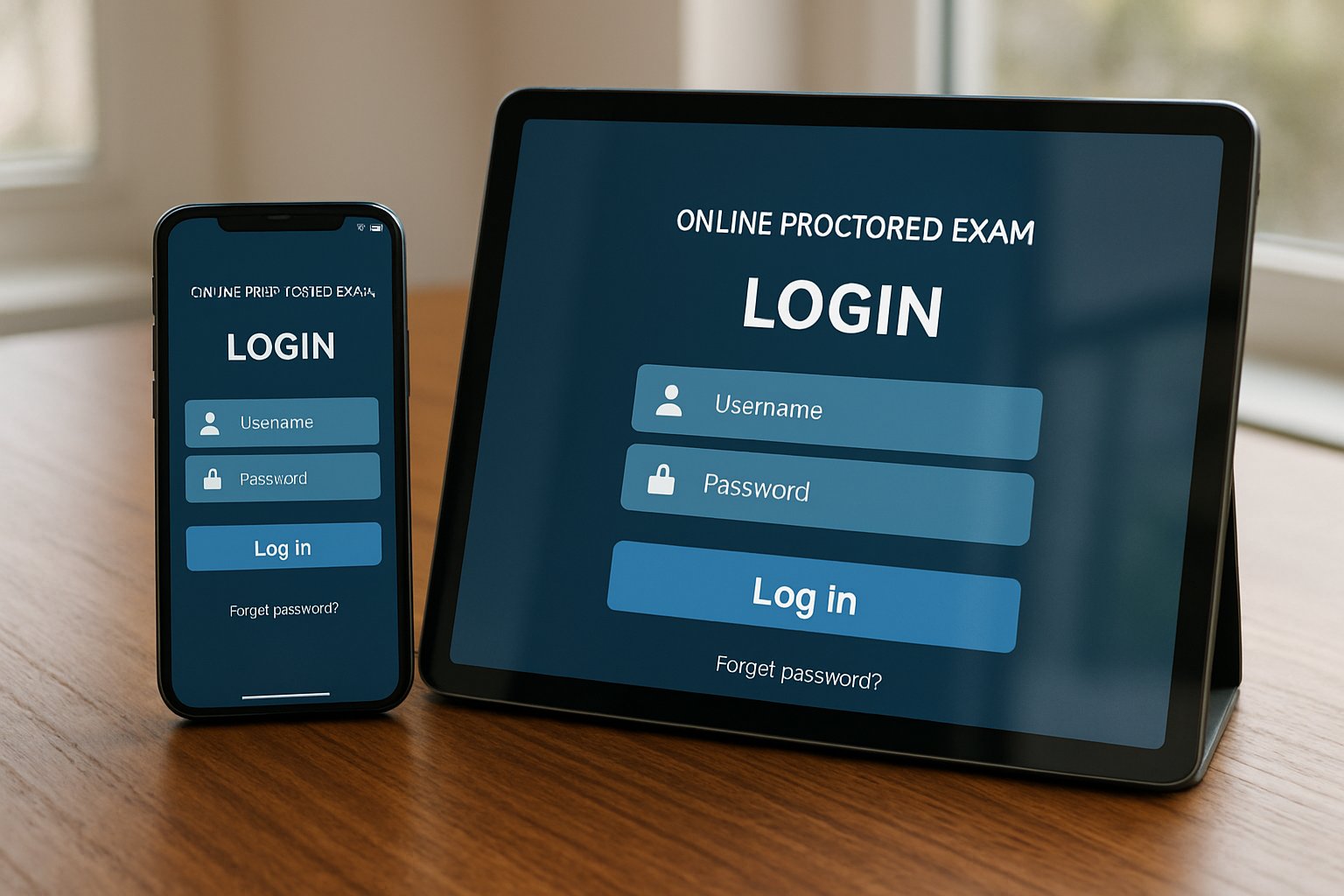
ai proctor exam login screen on smartphone and tablet devices
Accessing ai proctor exam portals from both smartphone and tablet.

Ohio State’s 2024 tool shake-up proves choices stay fluid. Moreover, privacy groups like EPIC keep pushing scrutiny. Vendors respond by hardening security and clarifying device rules.

Device Support Landscape

Tablet support varies by vendor. Respondus offers an iPad edition of LockDown Browser when the instructor activates it. ExamSoft’s Examplify also runs on selected iPads. Conversely, Examity, Honorlock, and Proctorio refuse tablets outright.

  • Desktop/Laptop: Supported by all mainstream systems.
  • Chromebook: Supported by many Chrome-extension tools.
  • iPad: Allowed only in niche workflows.
  • Android tablets: Rarely accepted.
  • Mobile phones: Almost never permitted.

Because support stays uneven, always read the vendor system page before scheduling any ai proctor exam. That habit prevents last-minute surprises. Therefore, institutions protect exam integrity and minimize technical stress.

Why Tablets Often Limited

Multiple technical gaps block universal tablet use. First, lockdown browsers rely on desktop extensions to capture screens and block apps. Second, iPadOS restricts simultaneous webcam and screen recording. Third, LMS mobile apps seldom integrate with proctoring software for online exam security layers.

Moreover, smaller screens raise fairness issues when students must navigate complex question sets. Consequently, universities prefer the controlled desktop experience. That stance reduces false flags and support tickets.

Equity And Accessibility

Device restrictions create equity headaches. Some learners own only tablets or phones. Many campuses counter this gap with laptop-loan programs or on-site testing rooms.

Students needing accommodations should contact disability services early. Most offices arrange extended time, alternate rooms, or human supervision rather than force risky tablet attempts. Therefore, proactive communication safeguards accessibility while maintaining proctoring software for online exam standards.

Student Preparation Checklist

Follow this quick list at least one week before any ai proctor exam:

  1. Read course and vendor device policies.
  2. Run the vendor system check tool.
  3. Request a loaner laptop if required.
  4. Install the lockdown browser and perform a mock quiz.
  5. Secure a quiet space with strong Wi-Fi.

These steps cut emergency emails on test day. Furthermore, instructors gain confidence that technology will not derail grading timelines.

Vendor Market Trends

The online proctoring market now ranges between USD 0.8 and 2.2 billion. Forecasts project double-digit growth this decade. Automated AI monitoring and proctoring software for online exam packages already support millions of sessions yearly.

Nevertheless, privacy concerns guide purchasing. Institutions like Ohio State continue rotating vendors to balance risk, cost, and usability. Vendors that expand secure tablet support may capture new segments of the ai proctor exam market.

Final Thoughts And CTA

Tablets can handle some low-stakes quizzes, yet a secure ai proctor exam still demands a laptop for full monitoring. Check requirements early, practice with approved hardware, and leverage campus resources when needed. By staying proactive, candidates avoid avoidable stress.

Why Proctor365? Proctor365 delivers AI-powered proctoring, advanced identity verification, and scalable monitoring trusted by global exam bodies. Our proctoring software for online exam workflows support fair, reliable testing across thousands of candidates. Ready to protect your next ai proctor exam? Visit Proctor365 to see how we elevate exam integrity today.

Frequently Asked Questions

  1. Can I take an AI proctor exam on my tablet or phone?
    Generally, no. Most AI proctor exams require laptops or desktops due to technical and security limitations, ensuring reliable monitoring and exam integrity with advanced systems like Proctor365.
  2. What devices are supported for AI proctor exams?
    AI proctor exams are usually supported on desktops, laptops, or select Chromebooks, while tablets and phones have limited compatibility, which helps maintain a secure testing environment.
  3. Why are tablets often restricted for secure AI proctoring?
    Tablets face technical challenges like limited screen capture and webcam use. Using dedicated hardware minimizes fraud risks, enhancing exam integrity through reliable AI proctoring and identity verification.
  4. How does Proctor365 ensure exam integrity?
    Proctor365 uses AI-powered proctoring, robust identity verification, and scalable monitoring, all designed to minimize fraud and maintain fairness in high-stakes exams.


Optimizing Internet Stability for AI Proctor Exam Success

A dropped connection can ruin any ai proctor exam. Universities and certifiers report that network faults remain the top cause of aborted sessions. However, careful preparation eliminates most risks. This article explains how to harden your connection, satisfy vendor checks, and safeguard candidate equity. Consequently, your institution can deliver seamless, compliant assessments at scale. Leading proctoring software for online exam workflows still demands stable bandwidth despite modest published minimums. Moreover, 2025 cloud outages proved that even short regional incidents can lock thousands of learners out. Therefore, adopting the strategies below will shield both candidates and reputations.

AI Proctor Exam Stability

Live video, screen streaming, and identity checks all ride on your last-mile link. If that link stalls, the proctor flags irregular behavior or ends the session. Consequently, stability weighs more than raw speed.

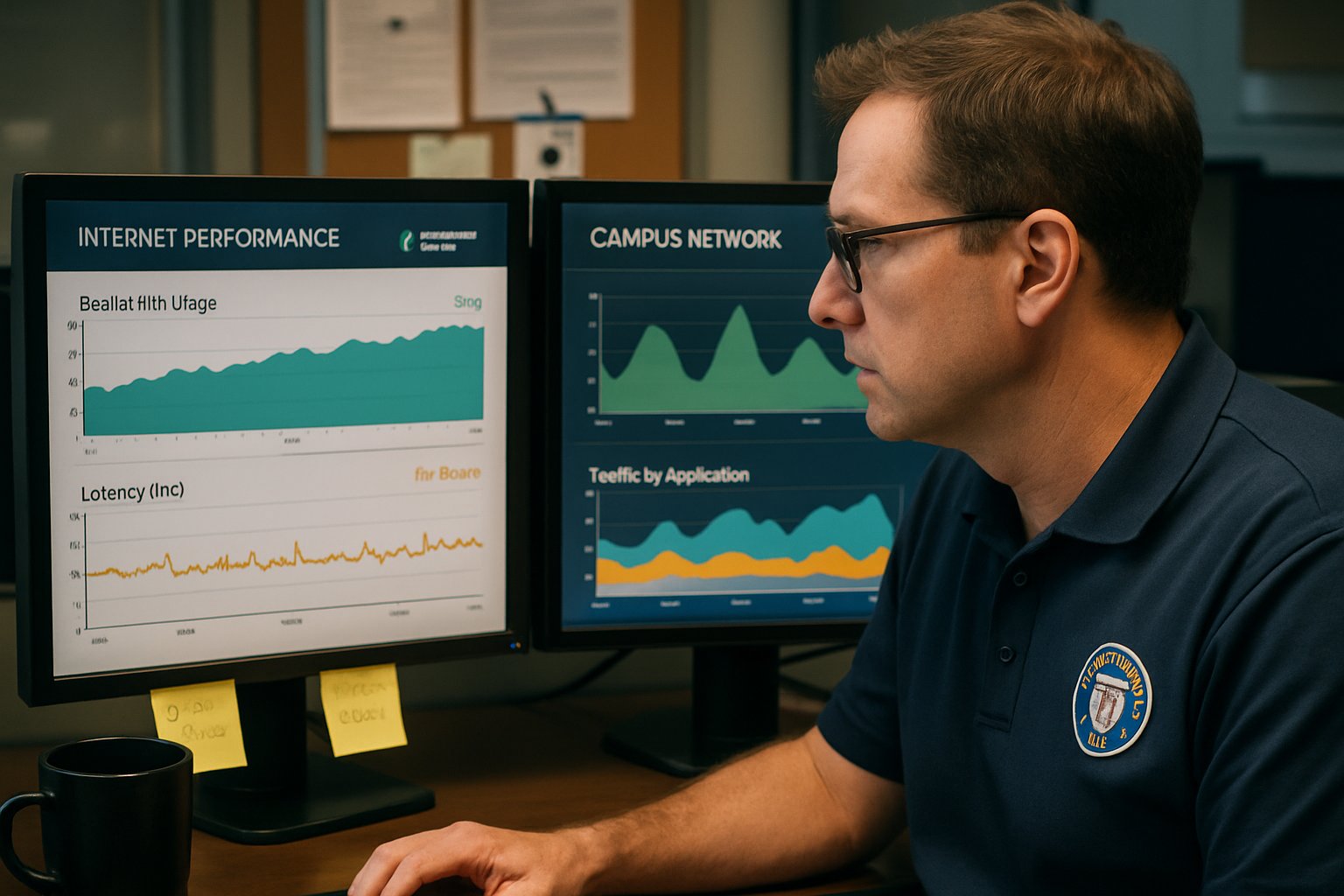
IT staff monitoring network for ai proctor exam stability and performance.
University IT teams ensure network reliability for widespread ai proctor exam sessions.

Vendor data show most failures arise from high latency, jitter spikes, or packet loss bursts. These impair audio, freeze webcams, and cause authentication timeouts. Hence, the ai proctor exam platform cannot validate integrity and must cancel.

Stable networks, not headline bandwidth, decide success. Institutions must prioritize quality metrics before exam day. Consequently, we now unpack those metrics.

Understanding Network Stability Basics

Bandwidth measures raw capacity in megabits per second. However, latency records the round-trip delay and must stay under 150 ms for smooth video. Jitter shows how much that delay varies, while packet loss counts dropped data. Moreover, many home routers suffer high jitter under concurrent Netflix streams.

Cloudflare tests report both loaded latency and packet loss, offering a clearer picture than simple speed tests. Therefore, run such diagnostics 48 hours before each ai proctor exam trial.

Latency, jitter, and loss expose hidden weaknesses. Regular diagnostics surface those issues early. Next, we map numerical targets.

Meeting Critical Bandwidth Benchmarks

Vendors publish different minimums, yet all recommend higher speeds for comfort. Pearson OnVUE suggests 3 Mbps down and 2 Mbps up, while ProctorU asks for similar figures. Examity even labels 10 Mbps ideal for video stability.

However, published numbers ignore household congestion. Therefore, double the recommendation and use wired Ethernet whenever possible. Doing so gives proctoring software for online exam events sufficient headroom. Additionally, avoid mobile hotspots unless the sponsor expressly approves them.

Exceeding vendor minimums cushions against spikes. Wired connections further cut jitter and loss. The next metrics explain why.

Latency Jitter Packet Loss

Cloud outages grab headlines, yet most disruptions start at home. For example, 2% packet loss can freeze video despite 50 Mbps throughput. Meanwhile, 300 ms latency can break the secure tunnel that validates identity.

Consequently, ai proctor exam vendors now integrate real-time latency monitors. If thresholds trip, the human proctor escalates quickly. Therefore, candidates must manage household traffic and disable heavy cloud backups.

Tiny packet losses cause major flags. Monitoring them prevents sudden disconnections. Next comes an actionable checklist.

Complete Pre-Exam Readiness Checklist

Follow this streamlined sequence 48 hours before launch.

  1. Run the vendor system check on the exact device for the ai proctor exam.
  2. Connect through Ethernet; if impossible, sit next to the router.
  3. Double recommended bandwidth and verify latency using the Cloudflare test.
  4. Disable VPNs, firewalls, and heavy sync clients before starting the session.
  5. Prepare a policy-approved backup link; consult proctoring software for online exam documentation.

These five steps remove 90% of preventable technical issues. Practicing them trains candidates to react calmly under stress. Institutions also carry responsibilities.

Robust Institutional Mitigation Strategies

University IT teams should publish clear disconnection policies and appeal paths. Moreover, offering on-campus labs with wired fiber helps students lacking stable homes. Loaner laptops pre-loaded with proctoring software for online exam delivery close further gaps.

Additionally, scheduling staggered start times reduces load when cloud regions wobble. Vendors like Honorlock now design multi-cloud backends to resist outages. Nevertheless, institutions should demand uptime SLAs and failover testing reports.

Shared responsibility ensures equitable, resilient delivery. Clear policies and backups minimize panic during disruptions. Advanced router tuning further improves margins.

Advanced Home Router Tuning

Admins controlling domestic routers can enable Quality of Service for WebRTC ports. Furthermore, disabling bufferbloat features lowers loaded latency dramatically. Cisco guides explain simple priority rules that keep the ai proctor exam video smooth.

Smart home tuning protects candidates sharing bandwidth. Even basic QoS can reduce jitter by 30%. We now wrap up key insights.

Stable wired networks, generous bandwidth, and proactive latency checks guard every ai proctor exam against avoidable failure. Meanwhile, structured checklists and institutional safety nets protect access and fairness. Consequently, candidates focus on knowledge rather than troubleshooting. The platform integrates smoothly with leading proctoring software for online exam scenarios to create unified dashboards.

Why Proctor365? Proctor365 delivers AI-powered proctoring, advanced identity verification, and scalable monitoring trusted by global exam bodies. Therefore, institutions choosing Proctor365 gain resilient infrastructure designed for high-stake events. Visit Proctor365.ai to raise exam integrity and schedule a personalized demo.

Frequently Asked Questions

  1. How can candidates ensure a stable connection for AI proctor exams?
    Candidates should run vendor system checks, use wired Ethernet, and verify latency using Cloudflare tests. These steps help maintain network stability and prevent disruptions during AI proctor exams.
  2. What network metrics are key to preventing exam disruptions?
    Focus on latency, jitter, and packet loss. Maintaining low latency and minimal jitter ensures smooth live video and identity checks, essential for AI proctor exam integrity.
  3. How does Proctor365 enhance exam integrity?
    Proctor365 delivers AI-powered proctoring with advanced identity verification and fraud prevention. This ensures secure, compliant, and resilient exam sessions, reinforcing overall exam integrity.
  4. What institutional strategies can mitigate AI proctor exam disruptions?
    Institutions can implement clear disconnection policies, offer on-campus labs with wired networks, and schedule staggered start times to reduce load and improve AI proctor exam stability.

AI Proctor Exam Strategies for Low-Connectivity Testing Success

Rural campuses still battle patchy bandwidth. Consequently, exam integrity feels impossible when webcams freeze and uploads fail. An ai proctor exam strategy that survives offline realities now matters more than ever.

Universities, certification bodies, and corporate L&D teams demand equity without sacrificing rigor. However, traditional proctoring software for online exam delivery assumes steady 3–6 Mbps connections. Large swaths of the world remain below that line. Therefore, leaders must blend offline tools, smart design, and clear operations to secure assessments.

Student at home attempting online ai proctor exam on laptop.
Taking an AI proctor exam from a comfortable and secure home setup.

This article outlines practical pathways for maintaining credibility when the Internet disappears. We draw on fresh vendor features, policy guidance, and field lessons. Read on for concise tactics and an actionable roadmap. Meanwhile, every recommendation prioritizes student privacy and logistical realism. Consequently, decision makers can act with confidence even in bandwidth deserts.

Connectivity Gap Reality Check

Current data from the ITU show 26% of the planet still offline. In rural areas, only 48% enjoy any access. Furthermore, many live with unstable cellular links that drop under 1 Mbps. Consequently, video-heavy proctoring fails before the exam even starts.

  • Average remote proctoring requires 2–6 Mbps down and 1–3 Mbps up.
  • Urban internet use: 83%; rural use: 48% (2024).
  • Global offline population: 2 billion people.

These numbers highlight why proctoring software for online exam platforms must offer offline modes. The section below explains how.

Key takeaway: bandwidth gaps remain stubborn. Therefore, institutions must design for failure, not hope for perfect links.

AI Proctor Exam Solutions

Vendors now embed offline workflows directly into the ai proctor exam client. Inspera lets answers cache locally, then encrypts them for later invigilator upload. Safe Exam Browser locks devices while operating without internet for the entire sitting. Moreover, several platforms throttle video or capture periodic photos to cut bandwidth. Such proctoring software for online exam scenarios balances evidence and connectivity realities.

Offline ready features preserve digital grading advantages. Consequently, equity improves without sacrificing control. Next, consider physical centers where bandwidth is guaranteed.

Test Center Based Strategies

High-stakes exams still thrive in controlled LAN environments. Pearson and PSI centers host local servers, eliminating public internet risk. Institutions replicate this model with school labs or pop-up community sites. Generators, redundant links, and trained staff create a resilient perimeter. Additionally, an ai proctor exam session can still run inside the lockdown browser for uniformity. However, travel costs and scheduling remain barriers. Offering both centers and proctoring software for online exam delivery ensures inclusive options.

Centers give unmatched stability and auditability. Meanwhile, blended offerings keep access flexible. Where centers are impossible, portable kits fill the gap.

Portable USB Exam Approach

Red Hat and others ship live-USB images that boot a secure OS. Candidates download or receive the stick, then take the test offline. Afterward, encrypted results move physically or sync later. This approach leverages ai proctor exam telemetry logs stored locally for chain-of-custody checks. Moreover, the stick bypasses admin rights and unstable operating systems. It still pairs with proctoring software for online exam logging when connectivity resumes.

USB delivery minimizes bandwidth yet maintains environment control. Consequently, it suits remote regions without centers. Even so, assessment style still influences integrity.

Assessment Design Cheating Shift

Technology alone cannot block every cheat attempt. Therefore, redesigning tasks lowers the temptation and value of misconduct. Timed open-book problems, oral defenses, and portfolio projects frustrate answer sharing. Research shows misconduct drops when questions demand applied reasoning. Furthermore, integrating an ai proctor exam overlay adds deterrence without overreach. Even limited connectivity supports proctoring software for online exam timestamp logs and window focus records.

Redesign Driven Integrity Techniques

Keep recall items minimal. Randomize datasets and require step-by-step work shown on screen. Subsequently, request a short viva via phone or low-bandwidth video.

Well crafted assessments depend less on surveillance. Consequently, integrity stands even when cameras fail. Institutions now need a structured rollout plan.

Implementation Roadmap Action Plan

Successful programs follow a repeatable checklist.

  1. Run pilots on worst-case hardware and bandwidth.
  2. Publish privacy notices and opt-out pathways.
  3. Train invigilators on offline file exports.
  4. Secure chain-of-custody logs and signatures.
  5. Provide at least one center or paper alternative.

Throughout each phase, capture incident metrics and iterate quickly. Moreover, schedule post-mortems within 48 hours of every ai proctor exam cohort. Continual improvement tightens security and boosts candidate trust. Aligned tooling and proctoring software for online exam delivery scale globally without connectivity surprises.

A disciplined plan converts theory into daily practice. Therefore, exam integrity matures with each cycle.

Conclusion

Bandwidth gaps no longer justify academic compromise. Connectivity data, offline tools, center models, portable USB kits, and smart assessment design now form a cohesive shield. When each element aligns, an ai proctor exam holds firm even in bandwidth deserts. Consequently, institutions can serve rural learners while maintaining rigorous standards.

Proctor365 pairs AI-powered proctoring, advanced identity verification, and scalable monitoring in one trusted platform. Global exam bodies rely on our solution to protect millions of credentials every year. Explore how our platform integrates offline caching and low-bandwidth modes for unmatched resilience. Visit Proctor365.ai and schedule a demo today.

Frequently Asked Questions

  1. How do offline features in AI proctoring systems address connectivity issues?
    Offline exam proctoring systems cache responses locally and encrypt data for later upload, ensuring exam integrity despite poor connectivity. Proctor365 supports these features, making exams secure in rural and low-bandwidth areas.
  2. How does AI proctor exam software secure exam integrity in low-bandwidth regions?
    AI proctor exam software uses low-bandwidth solutions like periodic snapshots and telemetry logs, combined with robust identity verification and fraud prevention, to maintain exam integrity even in unstable or rural internet conditions.
  3. What benefits do test center and portable USB exam solutions offer?
    Test centers and USB exam solutions create controlled environments with guaranteed connectivity. They ensure robust security and auditability, delivering equitable access while complementing AI proctoring with offline and on-site fraud prevention measures.
  4. How can assessment design contribute to preventing cheating?
    Redesigning assessments with open-book formats, randomized datasets, and step-by-step responses minimizes cheating. Combined with AI proctor exam overlays and low-bandwidth logs, these strategies reinforce exam integrity and fraud prevention.

How proctoring software for online exam catches hidden phones

Mobile phones have become the cheapest cheating partner in high-stakes assessments.

Consequently, universities and certification providers now demand airtight surveillance during remote tests.

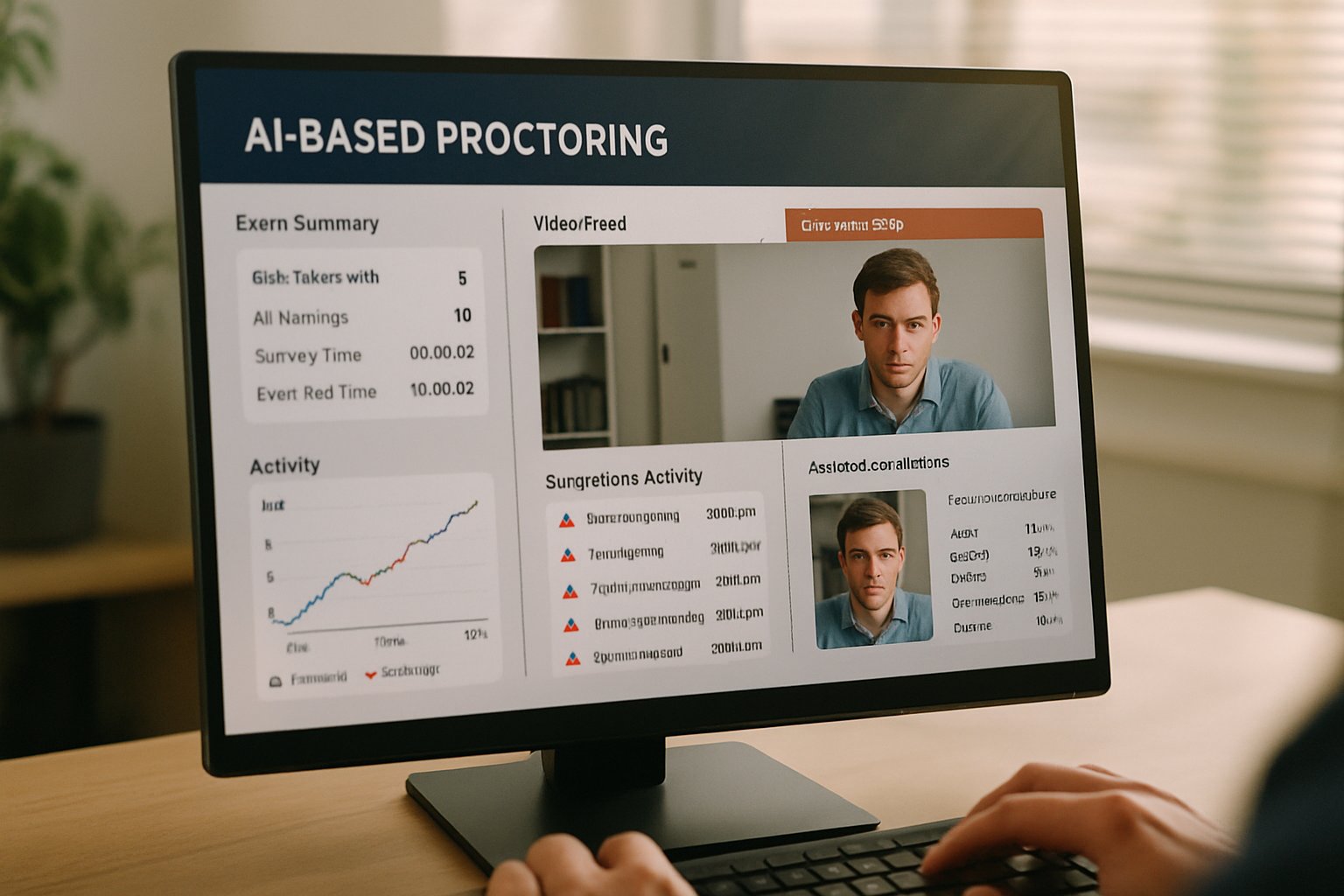
AI dashboard in proctoring software for online exam analyzing activity for hidden phones.
Proctoring software analyzes online exam sessions for hidden device usage.

Advanced proctoring software for online exam delivery answers that demand with layered, AI-driven monitoring.

However, students still attempt to hide a second device just outside the webcam frame.

This article unpacks how modern systems detect those covert phones without breaching acceptable privacy limits.

Moreover, we highlight real-world strengths, gaps, and practical steps for safer deployment.

Educators, ed-tech leaders, and corporate L&D managers will gain actionable insights.

We also review recent market trends and ongoing legal debates shaping proctoring policy.

Finally, we explain why adopting the right solution matters for reputation and learner trust.

Let us examine the fast-evolving playbook used to spot secondary mobile devices.

Cutting-edge ai proctor exam solutions now form a billion-dollar sub-sector within ed-tech.

Proctoring Software For Online Exam

At its core, proctoring platforms integrate webcam feeds, audio streams, browser lockdown, and real-time analytics.

These unified modules allow one console to flag suspicious behavior within seconds.

Furthermore, vendors increasingly market specialised modules that target hidden smartphones, tablets, and smartwatches.

Because cheaters evolve quickly, providers update detection engines every release cycle.

Consequently, stakeholders must understand each layer to evaluate risk, budget, and student experience.

Key takeaway: integrated suites unify multiple detection streams.

Second takeaway: hidden phones sit at the center of vendor roadmaps.

Next, we explore why that threat keeps rising.

Rising Mobile Cheating Threats

COVID-era remote testing normalised unsupervised bedrooms as exam halls.

Meanwhile, low-cost 5G phones enabled instant search and chat with outsiders.

Because 71% of violations reportedly involve phones, proctoring software for online exam administrators focuses on mobile misuse.

  • Honorlock marketing claims 71% of recorded violations involve secondary devices.
  • A 2024 investigative piece documented 26,000 honeypot pages targeting phone searches.
  • Market analysts forecast double-digit CAGR for remote proctoring through 2029.

Moreover, investigative stings have proven that organised cheating rings still exploit system blind spots.

Summary: smartphones present the most common and scalable risk vector.

Institutions therefore prioritise mobile-specific countermeasures.

The next section breaks down those layered defences.

Layered Device Detection Methods

Effective countermeasures stack independent signals so one failure cannot doom integrity.

Consequently, systems marry browser telemetry, computer vision, audio analysis, and network breadcrumbs.

For example, extensions log tab switches while webcam models spot phone silhouettes.

Additionally, honeypots record off-screen searches, and BLE sniffing hints at nearby iPhones.

This layered design lets proctoring software for online exam sessions raise confidence without intrusive scanning.

Audio And BLE Signals

Microphone streams flag notification pings and assistant keywords.

Meanwhile, BLE proximity data hints at nearby Apple devices via Continuity signals.

These ancillary cues often corroborate visual or honeypot evidence.

Takeaway: minor signals fill gaps left by cameras and browsers.

Now, we zoom into the camera-based layer.

Takeaway: redundancy limits false negatives and strengthens evidence chains.

However, each layer still suffers inherent error rates.

Next, we zoom into the camera-based layer.

Computer Vision Watchdogs Rise

Camera feeds stream to AI models derived from YOLO or R-CNN architectures.

Moreover, these models classify hands, phones, extra screens, and reflective glow with millisecond latency.

Some vendors request a second phone as an auxiliary camera, creating a 360° view.

Consequently, a device repurposed as a camera cannot double as a cheating assistant.

Several ai proctor exam vendors report 90% object-detection precision under controlled lighting.

Summary: vision models detect physical phones in many configurations.

Yet they struggle with pocket-hidden devices or poor lighting.

Therefore, systems augment vision with network intelligence.

Honeypots Trap Exam Searches

Honeypot pages mimic answer sites and carry watermarked exam questions.

When a hidden phone googles text, the decoy silently logs IP, timestamp, and fingerprints.

Subsequently, servers cross-reference that hit against the active test session.

If the match aligns, instructors receive high-priority alerts.

This technique helps proctoring software for online exam environments catch stealth queries that evade ai proctor exam vision.

Summary: honeypots expose digital footprints left by secondary devices.

Limit: the device must actually visit the decoy page.

Let us examine overall reliability and open gaps.

Reliability And Current Limitations

Field data show layered ai proctor exam systems reduce casual cheating but remain imperfect.

False positives arise when students look away to think or when ambient noises resemble alerts.

Meanwhile, professional cheating services still bypass controls using remote desktops or sophisticated screen overlays.

Cleveland State’s 2022 ruling also warned against overbroad room scans, underscoring legal headwinds.

Consequently, institutions using proctoring software for online exam delivery must balance deterrence, privacy, and due process.

Key point: technology deters but never eliminates misconduct.

Secondary point: legal and ethical frameworks must evolve alongside software.

The following best practices help strike that balance.

Practical Implementation Best Practices

Plan deployments early with clear academic-integrity policies and transparent student communication.

Furthermore, pilot tests let teams calibrate sensitivity thresholds before high-stakes rollout.

  1. Run accessibility and bandwidth checks for all candidates.
  2. Enable multi-factor identity verification at login.
  3. Set secondary-camera workflows for high-risk exams.
  4. Define human review procedures for every AI flag.

Institutions pairing these controls with proctoring software for online exam sessions report smoother audits and fewer disputes.

Best practice summary: policies, pilots, and human oversight protect fairness.

Next, we conclude with strategic considerations and a trusted platform recommendation.

Conclusion And Next Steps

AI has armed exam administrators with robust shields against hidden phones.

Layered computer vision, audio cues, honeypot analytics, and BLE signals raise the bar.

Nevertheless, no stack is infallible; continuous review and transparent policy remain essential.

For institutions seeking dependable proctoring software for online exam integrity, Proctor365 delivers unmatched advantages.

Proctor365 unites AI proctoring, biometric verification, and global-scale monitoring within one secure cloud platform.

We are trusted by universities, certification bodies, and enterprise L&D teams worldwide.

Choose Proctor365 to:

  • Stop mobile and browser-based cheating with multilayer AI.
  • Verify every test-taker’s identity in seconds.
  • Scale to thousands of concurrent sessions effortlessly.

Visit Proctor365.ai today and safeguard your next ai proctor exam journey.

Frequently Asked Questions

  1. How does Proctor365 detect hidden mobile devices during online exams?
    Proctor365 uses layered detection methods combining computer vision, audio cues, BLE signals, and honeypot analytics to spot hidden devices and prevent cheating efficiently.
  2. What are the benefits of AI proctoring for online exams?
    AI proctoring offers real-time analytics, rapid identity verification, and multifaceted fraud prevention, thereby ensuring exam integrity and creating a secure testing environment.
  3. How does Proctor365 prevent cheating and maintain exam integrity?
    Proctor365 integrates advanced AI detection, biometric verification, and multi-layer monitoring to flag suspicious behavior and prevent fraud, ensuring reliable exam integrity.
  4. What best practices should institutions follow when deploying online proctoring?
    Institutions should conduct pilot tests, establish clear academic policies, perform bandwidth checks, and set up human review workflows alongside Proctor365’s advanced proctoring system.

Addressing Bias in Proctoring Software for Online Exam Security

Students trust technology most when it treats everyone fairly. Yet recent studies reveal stubborn bias in proctoring software for online exam monitoring. Facial detection often falters on darker skin, triggering unfair flags and stressful appeals. Consequently, universities, regulators, and vendors scramble to fix algorithmic imbalance before reputational damage grows. Moreover, the EU AI Act now labels remote proctoring as high-risk, demanding audits and oversight. Meanwhile, U.S. guidance from NIST urges lifecycle risk management and subgroup performance reporting. This article examines the risk landscape, evidence, regulation, and practical steps toward equitable, trustworthy proctoring. Industry leaders can reduce bias, strengthen integrity, and preserve learner confidence with thoughtful design and governance. Importantly, we spotlight how Proctor365 addresses these challenges with transparent AI and robust human oversight. Furthermore, we detail concrete vendor actions that lower bias rates immediately. Finally, we reveal why proactive investment pays dividends during future audits.

Current Bias Risk Landscape

Independent research places bias at the center of remote assessment debates. Frontiers data found face detection accuracy dropped to 78% for darker skin tones. In contrast, lighter tones enjoyed 92% detection, producing far fewer behaviour flags. Consequently, affected students saw average flag counts five times higher than their peers. Many campuses adopted proctoring software for online exam delivery during pandemic expansions.

Proctoring software for online exam interface on a student laptop in a home setting.
Using proctoring software for online exams from home highlights privacy considerations.

False flags create workload for instructors and anxiety for candidates. Moreover, public lawsuits and media coverage intensify reputational risks for institutions that ignore disparity. Stakeholders therefore need clear evidence and proactive plans. Bias hurts both learners and institutional credibility.

Proctoring Software For Online Exam

True fairness begins with transparent design choices. Developers must diversify training data, balance thresholds, and publish subgroup metrics. Additionally, continuous field testing under real lighting and hardware conditions reduces surprise failures. Some vendors, like Proctor365, combine multi-modal inputs and explainable evidence snippets to lower false positives.

Human review remains essential for flagged events. Therefore, platforms should route automated alerts to trained reviewers with clear rubrics. This hybrid approach protects honest students while still deterring misconduct. Transparent pipelines and human checks transform proctoring software for online exam fairness. With principles defined, regulation now accelerates change.

Latest Regulatory Pressure Drivers

The EU AI Act sets the strictest bar to date. It classifies educational monitoring tools as high-risk, requiring conformity assessments and bias audits. Moreover, institutions must offer human oversight and impact assessments before deployment.

In the United States, NIST’s AI Risk Management Framework guides voluntary governance. However, state privacy laws and civil rights suits add legal urgency. Governance expectations now cover every proctoring software for online exam, regardless of vendor branding. Compliance now demands evidence, documentation, and strong human controls. Consequently, procurement teams face new due-diligence checklists. Evidence shows why those checklists matter.

Evidence Of System Disparities

Beyond peer-reviewed studies, independent journalists ran open datasets through vendor pipelines. One FairFace test reported 57% failure on Black faces versus 40% on white. Vendors disputed methodology, yet public skepticism intensified.

Key disparity numbers appear below.

  • Average flags for darker skin: 6.07 versus 1.19 for lighter tones.
  • Mean flagged time: 7.64% darkest group versus 1.56% lightest group.
  • Darker students twice as likely to receive high-priority review.

Educators cite these figures when challenging renewal of biased tools. Data therefore underpins the business case for change. Next, we outline concrete institutional actions.

Mitigation Steps For Institutions

First, embed bias criteria in every request for proposal. Require vendors to disclose training datasets, subgroup metrics, and audit histories. Additionally, demand contractual rights for ongoing third-party testing throughout deployment.

Second, offer opt-out pathways and accessible alternatives for disabled or low-bandwidth learners. Moreover, schedule low-stakes practice sessions to surface hardware issues early. Provide clear appeals processes and timely resolutions.

Third, monitor live performance dashboards segmented by demographic indicators. Consequently, instructors can detect drift and intervene before harm escalates. Selecting proctoring software for online exam solutions that publish subgroup metrics simplifies due-diligence.

Institutional governance turns principles into everyday safeguards. Vendors must also uphold their side.

Vendor Improvement Action Checklist

Vendors should follow a concise roadmap. These core actions include:

  • Curate diverse, balanced image and behaviour datasets.
  • Test with representative cameras, lighting, and network conditions.
  • Publish false-positive and false-negative rates by subgroup quarterly.
  • Earn relevant ISO or AI management certifications.
  • Integrate real-time explainability and human-in-the-loop workflows.

Furthermore, vendors should adopt NIST SP 1270 bias controls across the lifecycle. Open collaboration with client institutions builds trust rapidly. Shared accountability strengthens the entire ai proctor exam ecosystem. Policy trends now shape that ecosystem’s future.

Policy And Outlook Ahead

Market analysts project double-digit growth despite controversy. However, buyers increasingly favor solutions that evidence fairness and transparency. Consequently, non-compliant tools risk contract loss, as Ohio State’s recent vendor change shows.

Civil-liberties groups will keep pressing for opt-out rights and strict data minimization. Meanwhile, ai proctor exam providers gain competitive edge by embracing rigorous governance early. Policy momentum signals a fairness-first era. Institutions should prepare accordingly. The final section explains practical benefits of acting now.

Conclusion

Algorithmic bias threatens trust, compliance, and student success. However, robust governance, diverse data, and human oversight can transform outcomes. Proctor365 delivers AI-powered proctoring capabilities backed by advanced identity verification and scalable exam monitoring. Our platform embeds human review and transparent metrics, ensuring proctoring software for online exam fairness you can prove. Global exam bodies already trust Proctor365 to secure high-stakes credentials without compromising equity. Book a demo and discover how Proctor365 raises integrity across every ai proctor exam today. Start here: www.proctor365.ai.

Frequently Asked Questions

  1. How does bias in proctoring software affect exam integrity?
    Bias in proctoring software can lead to false flags and unfair scrutiny, undermining exam integrity. Inaccurate facial detection for darker skin tones increases stress and compromises the fairness and reliability of AI proctoring systems.
  2. How does Proctor365 ensure fairness in online exam monitoring?
    Proctor365 leverages transparent AI, advanced identity verification, and human oversight to reduce bias. Its system combines multi-modal inputs and explainable evidence to maintain equity and integrity in online exam proctoring.
  3. What mitigation steps are institutions taking to reduce algorithmic bias?
    Institutions require vendors to share diverse training data, subgroup metrics, and audit histories. They also implement live performance dashboards and human reviews, ensuring robust fraud prevention and fairness in their proctoring software.
  4. How do regulatory changes shape the future of remote proctoring?
    Regulatory pressure from measures like the EU AI Act and NIST guidelines is driving transparent, bias-aware practices. These changes emphasize accountability in AI proctoring, ensuring comprehensive fraud prevention and improved exam integrity.

Best Proctoring Software for Online Exam: Hybrid Human+AI Guide

Introduction

Universities now rely on proctoring software for online exam integrity as enrollment shifts digital. However, sole automation raises fairness, privacy, and cost concerns. Consequently, hybrid models mixing AI vigilance and human judgment dominate current adoption. This article explores best practices, regulatory triggers, and strategic tips for decision makers. Furthermore, we highlight how proctoring software for online exam ecosystems can scale without sacrificing equity. Readers will leave with actionable checklists and data backed by global policy moves. Exam bodies, ed-tech platforms, and L&D teams all face similar scaling pressure. Meanwhile, student advocates demand transparency and accommodation. The hybrid answer appears simple yet requires disciplined execution. This guide compresses recent research, policy guidance, and market data into practical takeaways.

Home test environment using proctoring software for online exam.
Proctoring software enables secure online exams from any location.

Hybrid Proctoring Model Defined

Hybrid proctoring pairs algorithmic surveillance and real-time or post-exam human review. AI engines flag suspicious actions like gaze drift, second screens, or background voices. Meanwhile, trained proctors validate each alert, decide on interventions, and document rationale for appeals. Consequently, the workflow cuts staffing hours while preserving nuanced judgment. Institutions deploying proctoring software for online exam sessions often start with recorded review, then add live pop-in support.

Key takeaway: Hybrid proctoring merges scale and empathy.

Next, we examine the laws shaping that choice.

Current Regulatory Landscape Trends

Regulators increasingly demand human oversight within any ai proctor exam workflow. For instance, Spain’s AEPD fined a university for mandatory facial recognition without alternatives. Similarly, Ofqual warns that algorithms alone cannot invigilate high-stakes qualifications. Meanwhile, the U.S. DOE toolkit flags proctoring as a high-risk civil-rights use case. Therefore, proctoring software for online exam programs must incorporate audits, transparent policies, and appeal mechanisms.

Regulators speak with one voice: keep humans involved and document impacts.

The next section explores why institutions agree.

Key Benefits At Scale

Hybrid models deliver three headline gains.

  • Scalability: AI reviews thousands; humans review 3-5% flagged clips.
  • Fairness: human context halves false positives reported by a 2022 study.
  • Cost: Market reports show hybrid reduces proctor payroll by up to 60%.

Moreover, ai proctor exam analytics create searchable audit trails supporting accreditation and student appeals. Students also appreciate faster dispute resolution when people, not algorithms, make final decisions. Clearly, benefits extend beyond budgets.

Benefits compound when policy, process, and technology align.

Yet, every advantage carries linked risks, discussed next.

Operational Risks And Mitigations

Privacy remains the loudest concern. Spain’s sanction proves biometric misuse can trigger million-euro fines. Additionally, a Frontiers study noted higher error rates for darker skin tones. To counter, institutions embed bias audits and diverse test datasets in each ai proctor exam rollout. Moreover, contracts must cap data retention and guarantee breach notifications within 72 hours. Finally, avoid sole automated decisions when using proctoring software for online exam sanctioning.

Mitigation demands governance plus technical safeguards.

With risks addressed, leaders can focus on execution specifics.

Implementation Best Practice Checklist

Successful deployments follow a disciplined sequence.

  1. Map exam stakes and choose modality accordingly.
  2. Run DPIA and AIA before vendor selection.
  3. Demand model cards and subgroup accuracy metrics.
  4. Pilot with diverse participants and unstable bandwidth.
  5. Train proctors in bias, accessibility, and de-escalation.
  6. Publish appeal timelines and decision logs.

Furthermore, integrate ai proctor exam metrics into annual quality reviews. Institutions using proctoring software for online exam scenarios should schedule quarterly fairness audits.

Process discipline turns policy into everyday practice.

Now, let’s examine market momentum supporting investment.

Market Outlook And Metrics

Analysts predict double-digit growth through 2030. Reports place the 2024 market between USD 780M and 2.1B. Consequently, vendors consolidate; Meazure acquired Scantron’s licensure business, expanding hybrid capacity. Universities choose proctoring software for online exam scale because staffing budgets remain flat. Therefore, solutions matching AI efficiency with human oversight attract procurement teams worldwide.

Market signals affirm hybrid’s staying power.

We conclude with actionable steps and a trusted partner.

Conclusion

Hybrid proctoring succeeds because it balances scale, fairness, and compliance. Institutions that audit bias, train reviewers, and publish metrics build community trust. Regulators will keep pressuring programs to maintain human control over algorithms. Therefore, leaders should embed the best practices outlined here.

Proctor365 delivers proctoring software for online exam needs with AI-powered monitoring, advanced identity checks, and on-demand human reviewers. Our scalable platform supports universities, certifiers, and corporate teams in 70+ countries. Trusted exam bodies value our transparent reports and rapid appeal workflows. Visit Proctor365 now to protect integrity, cut costs, and give every candidate a fair test.

Frequently Asked Questions

  1. What is hybrid proctoring and how does it work in online exams?
    Hybrid proctoring combines AI-powered monitoring with real-time human oversight to review flagged behaviors, ensuring exam integrity through scalability, fairness, and compliance with transparent and reliable technologies.
  2. How does proctoring software like Proctor365 help prevent fraud and ensure exam fairness?
    Proctor365 integrates advanced AI proctoring with on-demand human review, reducing false positives and maintaining strict identity verification and fraud prevention while upholding equitable exam conditions.
  3. What are the key benefits of using a hybrid proctoring model for online exams?
    The hybrid model offers scalability by leveraging AI to monitor large groups while human proctors verify alerts, resulting in cost-effective solutions that enhance fairness and secure exam environments.
  4. How does Proctor365 address privacy and bias risks in online proctoring?
    Proctor365 mitigates risks through bias audits, diverse data sets, and strict data retention policies, ensuring robust privacy protection and fairness by combining AI surveillance with meticulous human oversight.

AI Proctor Exam Adoption: Workforce Certification & Compliance

Busy teams need credentials without borders. Consequently, professional bodies are replacing legacy test centers with ai proctor exam models. Candidates launch webcams, verify identity, and earn certificates from any device. However, privacy advocates, regulators, and lawyers have sharpened their scrutiny.

This article unpacks market growth, technology, benefits, risks, and proven roll-out tactics. Furthermore, we highlight new legal expectations and investor pressure for algorithmic fairness. Readers will leave with a concise compliance checklist and forward-looking insights.

User taking ai proctor exam online from home office
Remote employee uses AI proctor exam software for compliance certification.

Global remote proctoring revenue sits between USD 1 and 9 billion, depending on analyst cuts. Moreover, CompTIA and other marquee certifiers now offer permanent online options through Pearson OnVUE. Yet student coalitions and the Electronic Privacy Information Center demand stronger audits and opt-outs.

Consequently, decision makers must weigh speed and scalability against legal, ethical, and user-experience pressure. This guide targets universities, ed-tech platforms, certifiers, and corporate L&D teams navigating that balance. Read on to benchmark your roadmap against industry evidence.

Market Momentum Snapshot Now

Market analysts place 2025 remote proctoring revenue anywhere from USD 1 to 9.6 billion. Disparities arise because some reports bundle assessment services with monitoring tools. Nevertheless, adoption indicators stay strong.

Surveys suggest up to 70% of major certification programs now trust remote delivery. Meanwhile, enterprise compliance teams schedule thousands of quarterly retakes through automated dashboards. Market watchers predict accelerated ai proctor exam demand as hybrid work solidifies.

In short, remote testing has moved from experimental to expected. Next, we explore the technology powering that shift.

Core Technology Stack Explained

Modern platforms blend AI computer vision, audio analytics, and secure browser controls. Additionally, identity verification starts each session with government ID matching and biometric face checks. Once launched, algorithms flag gaze shifts, second faces, or forbidden devices in real time.

Proctor365 and peers now tout hybrid human review for every AI alert. Consequently, false positives drop and audit trails improve. For bandwidth-constrained sites, recorded sessions synchronize once networks stabilize.

Choosing proctoring software for online exam delivery therefore hinges on modular APIs and latency controls. Vendors that embed ai proctor exam logic at the SDK level integrate faster with LMS platforms. To summarize, the stack combines computer vision, secure browsers, and human QA.

With features mapped, we can assess concrete benefits and limits.

AI Proctor Exam Benefits

Key advantages include:

  • Global candidate reach without travel constraints.
  • Elastic scheduling that handles sudden enrollment spikes.
  • Rich video and log evidence for audits.
  • Performance data that guides question improvements.

Selecting proctoring software for online exam platforms also simplifies scheduling integrations. However, every upside carries offsetting tradeoffs around privacy, bias, and reliability. Consequently, leaders must balance benefits with robust controls.

The next section outlines the regulatory stakes behind those controls.

Emerging Legal Landscape Updates

Regulators now treat algorithmic test monitoring as a consequential employment selection procedure. The FTC’s 2024 Rite Aid order sets disclosure, bias testing, and data-retention baselines. Meanwhile, EEOC guidance obligates employers to prove job-related validity if adverse impact appears. Privacy activists continue filing complaints against opaque room scans.

Therefore, any ai proctor exam policy should reference EEOC, GDPR, and FTC principles. Failing to document fairness testing can trigger costly class actions. Importantly, settlements rarely absolve clients; employers remain accountable.

Legal momentum favors transparency, audits, and documented accommodation processes. Accordingly, the following checklist converts these expectations into practice.

Implementation Success Checklist Guide

Use this streamlined plan to de-risk deployment.

  1. Assess whether high-stakes security truly requires monitoring.
  2. Run pilot tests capturing false-positive rates across demographics.
  3. Demand vendor bias reports and data retention limits.
  4. Integrate human review and publish appeals workflows.
  5. Offer accessible alternatives for candidates needing accommodations.
  6. Document adverse-impact analyses and corrective actions every quarter.

Choosing proctoring software for online exam projects without an ai proctor exam framework invites headaches. Moreover, a mature checklist reassures internal counsel and investors.

With controls in place, leaders can watch future innovations confidently.

Future Directions Preview Ahead

Vendors are prioritizing transparent model cards that publish demographic accuracy splits. Furthermore, edge computing will allow offline proctoring with later synchronization, reducing bandwidth pain. Some LMS providers experiment with embeddable trust widgets showing live risk scores.

Analysts also expect more open standards, spurred by academic pressure. Consequently, future ai proctor exam deployments should become more interoperable and auditable. Expect proctoring software for online exam ecosystems to integrate real-time explainability dashboards.

Innovation appears inevitable, yet accountability will remain non-negotiable. Finally, we close with actionable takeaways and vendor selection guidance.

Conclusion And Next Steps

Remote certification has shifted from novelty to necessity. Yet success demands transparent technology, strong governance, and ongoing bias audits. Follow the checklist, consult counsel, and choose vendors committed to fairness.

When selecting an ai proctor exam partner, evaluate evidence, not hype. Why Proctor365? Our platform delivers AI-powered proctoring, advanced identity verification, and scalable monitoring trusted by global exam bodies. Therefore, secure your assessments and elevate integrity by visiting https://www.proctor365.ai/ today. Request a demo to experience frictionless setup and real-time analytics.

Frequently Asked Questions

  1. How does Proctor365’s AI proctor exam model maintain exam integrity?
    Proctor365 employs advanced AI proctoring that combines computer vision, biometric identity verification, and real-time monitoring to minimize unauthorized actions, ensuring exam integrity and compliance with security guidelines.
  2. What are the benefits of remote proctoring for global candidates?
    Remote proctoring offers global reach, elastic scheduling, and secure exam delivery. It empowers candidates to take assessments on any device while providing detailed audit trails and instant fraud detection.
  3. How does Proctor365 handle identity verification and fraud prevention?
    Proctor365 integrates biometric face checks, government ID matching, and secure browser controls to verify identities reliably. Our system swiftly detects irregular behavior, ensuring robust fraud prevention and exam integrity.
  4. What measures support legal compliance and bias prevention in AI proctoring?
    Proctor365 adheres to EEOC, GDPR, and FTC guidelines by conducting regular bias audits, utilizing transparent model cards, and offering dispute resolutions, ensuring legal compliance and fair exam monitoring.