
Universities face rising cheating pressure in online testing. Consequently, many teams now evaluate automated online exam proctoring as a safeguard. The technology promises scalable integrity without travel. However, new data shows benefits mixed with serious risk.
This guide delivers an evidence-based roadmap for selecting, deploying, and governing automated online exam proctoring effectively. We draw on market research, legal rulings, and university practice. Readers include exam bodies, ed-tech leaders, and corporate trainers. Moreover, secondary concerns like accessibility and equity receive equal attention. Meanwhile, we spotlight real policy changes such as the 2026 ACCA reversal. Therefore, decision makers gain current, practical insight.
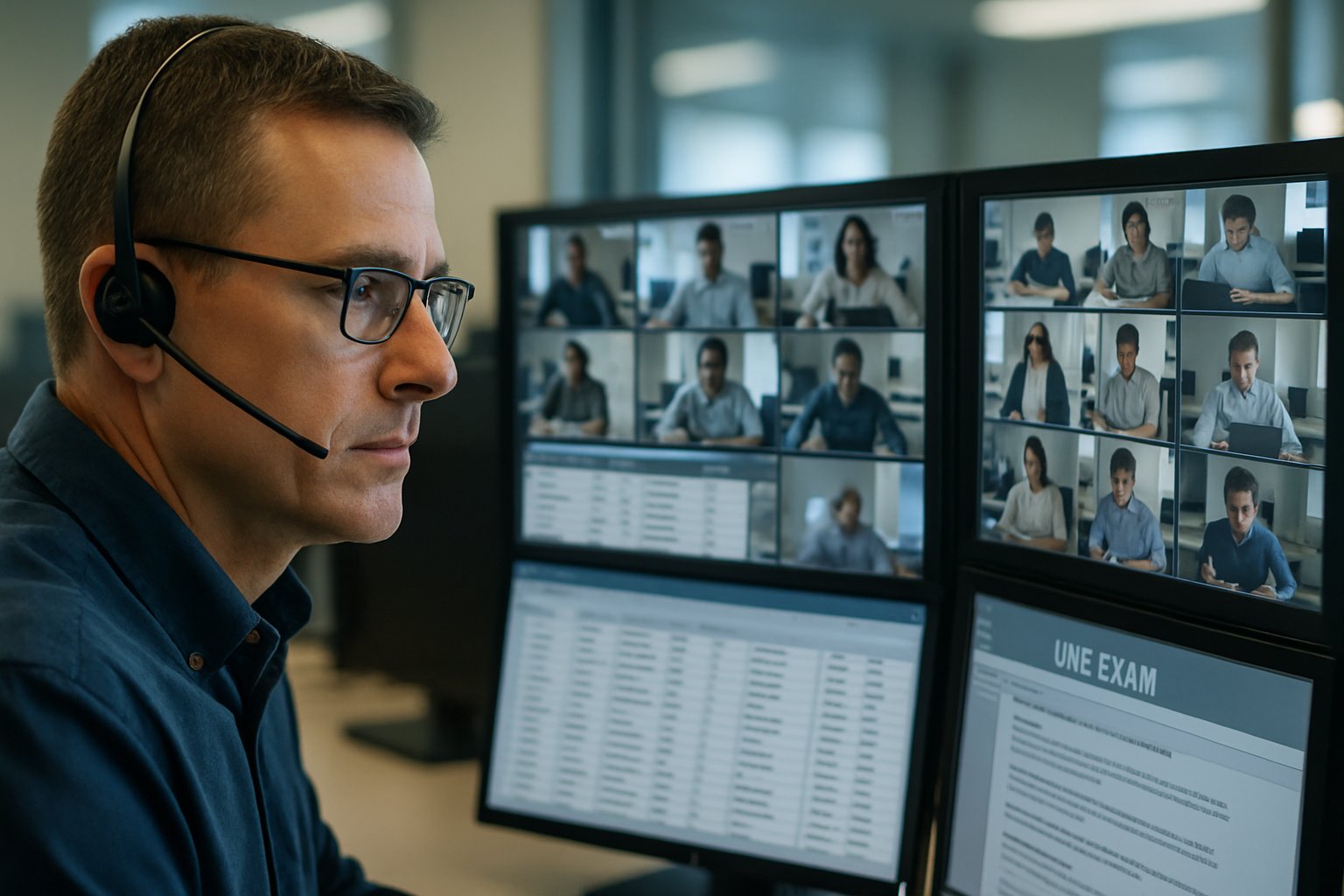
Market Momentum And Reality
Market research shows demand still climbing. Business Research Insights values 2026 revenue near USD 1.06 billion with 25 % projected CAGR. ResearchAndMarkets estimates USD 1.49 billion and predicts 10 % annual growth. Nevertheless, the narrative is not purely expansion.
- Lockdown-era adoption persists across higher-education, certification, and corporate L&D.
- Vendors promote lower per-exam cost compared with live proctors.
Many boards still perceive automated online exam proctoring as the default digital invigilation standard. ACCA will end remote delivery where centres exist, citing AI-enabled cheating threats. Student privacy campaigns and legal wins, such as Ogletree, fuel additional scrutiny. Consequently, institutions weigh reputation risk against convenience.
In summary, growth continues, yet resistance grows in parallel. Leaders must understand both trajectories before investing. Next, we unpack how the core technology functions.
Core Technology Explained Simply
Automated systems employ webcams, microphones, and browser controls to detect anomalies. Computer vision models flag multiple faces, off-screen gaze, or suspicious devices in milliseconds. Audio analytics capture whispers or device clicks.
Three dominant models exist. Live proctoring streams sessions to human agents for immediate intervention. Record-and-review stores footage, then AI triages suspicious segments for later inspection. Finally, fully automated online exam proctoring interrupts exams automatically when risk thresholds trigger.
Identity verification layers include ID scans, live face matching, and keystroke dynamics. However, browser lockdown tools often conflict with assistive technology or corporate security policies.
Understanding component options enables tailored, defensible solutions. With basics covered, we explore rising risk factors.
Emerging Risks And Bias
Peer-reviewed research reveals algorithmic bias harming darker-skinned and female candidates. Frontiers 2022 data showed higher false-flag rates among Black women by significant margins. Moreover, privacy groups criticize broad biometric collection and long retention windows.
Legal winds also shift. Ogletree ruled forced room scans unconstitutional, pushing universities to revise policies quickly. State biometric laws like Illinois BIPA heighten monetary risk for non-compliant vendors.
Equity advocates stress that an at home proctored exam demands bandwidth, quiet space, and modern hardware. Consequently, low-income or disabled learners face disproportionate hurdles.
Bias, privacy, and access risks now drive due-diligence conversations. Hence, implementation strategy must prioritize fairness protections. Our next section examines practical deployment guidance.
Implementation Best Practice Tips
Successful rollouts balance security, legality, and user experience. Begin with a pilot covering diverse demographics and disability accommodations. Collect flag rates, appeal outcomes, and student sentiment before scaling.
- Publish transparent data policies detailing collection, retention, and deletion.
- Offer live chat support during every at home proctored exam session.
- Run accessibility audits against WCAG guidelines and assistive tech.
Additionally, document system requirements for ai proctoring on enrollment pages and reminder emails. Clear requirements cut last-minute technical failures and panic. During training, demonstrate how automated online exam proctoring flags behaviors, so instructors trust the dashboard.
Thoughtful governance builds trust and reduces dispute workload. With operational tactics set, technology compatibility deserves further focus.
Preparing Your Tech Stack
Technical readiness often dictates exam day success. Therefore, map minimum and recommended device capabilities early. Most vendors publish RAM, CPU, OS, and bandwidth thresholds. List these system requirements for ai proctoring directly inside LMS dashboards.
Publish clear PDFs outlining system requirements for ai proctoring for offline reference. Include quick diagnostic tools that test webcam, microphone, and network latency. Meanwhile, institutions should whitelist vendor domains to prevent firewall clashes. Corporate learners completing an at home proctored exam may need VPN exceptions.
Compatibility checks guarantee that automated online exam proctoring modules run smoothly across diverse devices. Update help-desk scripts with clear escalation paths and impact metrics.
Precise technical preparation minimizes session terminations and support tickets. Next, we scan forthcoming regulatory and market shifts.
Future Policy Shifts Ahead
ACCA’s 2026 reversal signals that remote delivery privileges can vanish quickly. Analysts predict other professional bodies may follow, especially for high-stakes papers. Simultaneously, regulators push vendors toward independent audits and demographic accuracy reports.
Consequently, procurement contracts should require fairness metrics, breach notifications, and rapid patch timelines. Market competition will favor platforms proving automated online exam proctoring remains trustworthy despite advanced cheating.
Institutions also explore assessment redesign, embracing open-resource formats and frequent, low-stakes tasks.
Staying agile protects academic reputation and learner confidence. Finally, we recap key insights and present the Proctor365 advantage.
Conclusion And CTA
This article covered market growth, core technology, risk realities, implementation governance, technical readiness, and policy direction. Together, these insights help institutions deploy automated online exam proctoring responsibly.
Why Proctor365? Our platform delivers AI-powered proctoring, advanced identity verification, and scalable exam monitoring trusted by global exam bodies. Proctor365 ensures that automated online exam proctoring protects integrity without compromising fairness. Experience secure exams today at Proctor365.ai.
Frequently Asked Questions
- What is automated online exam proctoring and how does it work?
Automated online exam proctoring uses AI-powered tools, such as webcams, microphones, and browser lockdown, to monitor exam sessions in real-time. Proctor365 leverages these features to ensure secure exam integrity. - How does Proctor365 ensure exam integrity and prevent cheating?
Proctor365 combines AI proctoring, advanced identity verification, and fraud prevention measures to monitor exams. Our system detects suspicious behavior and verifies candidate identities, maintaining high standards of exam integrity. - What system requirements should candidates meet for AI proctoring?
Candidates must have modern hardware, a stable internet connection, and enabled webcams and microphones. Proctor365 clearly lists system requirements such as RAM, CPU, and OS compatibility for seamless exam experiences. - How does Proctor365 address privacy and equity concerns?
Proctor365 prioritizes privacy with transparent data practices and adherence to biometric regulations. Our platform incorporates bias mitigation, accessibility features, and reliable support, ensuring fair and compliant exam proctoring.






