
Online assessments exploded after 2020, yet exam integrity still faces constant pressure. Institutions now examine browser lockdown security risks as closely as learning outcomes. A single exploit can undermine credibility, accreditation, and student trust.
Consequently, administrators seek tools that block shortcuts, stop leaks, and scale across thousands. Browser lockdown software for online exams delivers that first defensive layer. However, not every stakeholder grasps the specific threats it neutralizes. This article breaks down seven concrete attacks and how a secure exam browser mitigates each. We also address privacy debates and operational best practices driving responsible adoption.
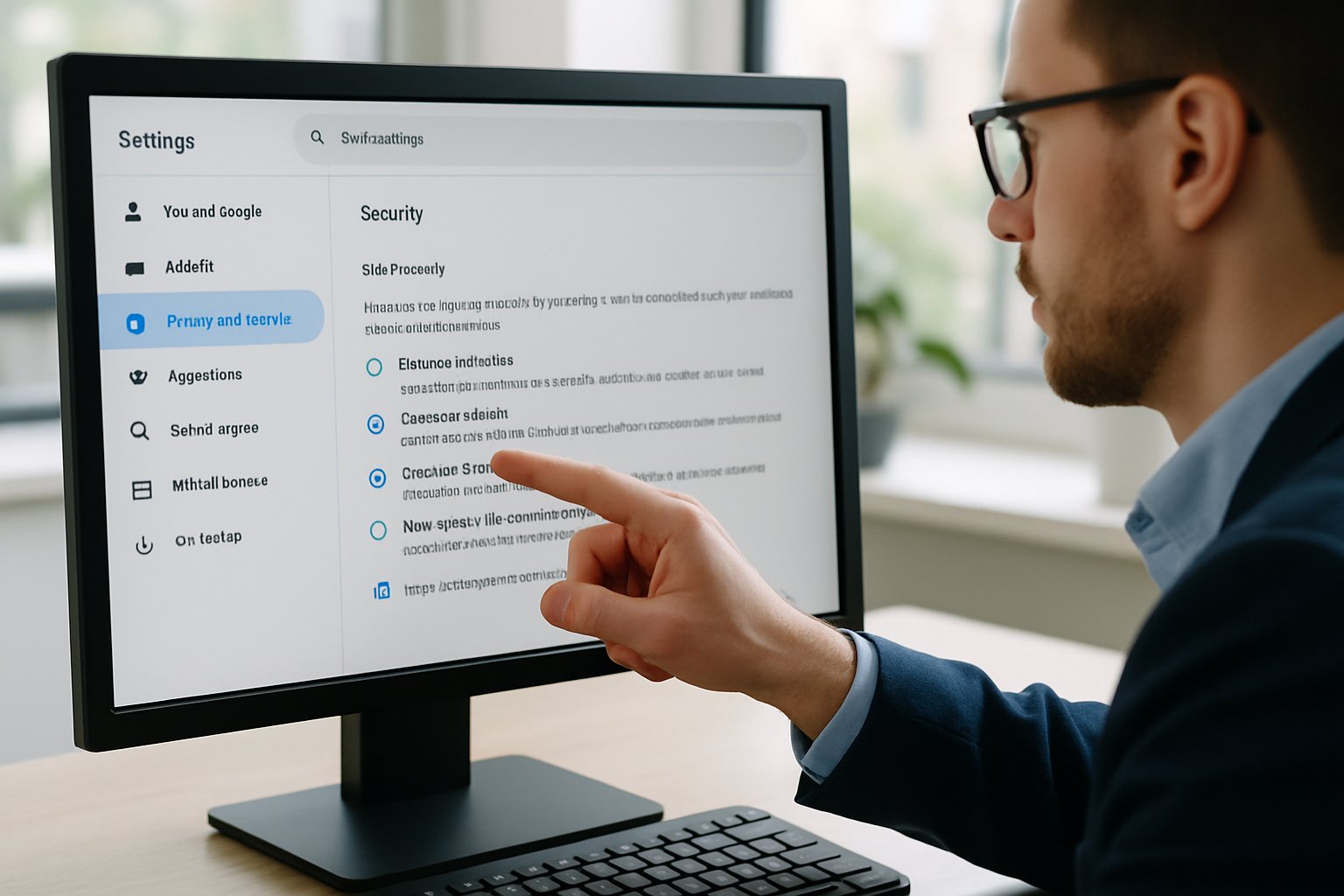
Market analysts project the online proctoring sector will nearly triple by 2029, signaling continued demand. Therefore, understanding defensive capabilities helps leaders invest confidently while respecting student rights. Let’s examine the technical facts, legal context, and strategic lessons.
Understanding Lockdown Browser Basics
A lockdown browser replaces standard browsers during an assessment. It forces kiosk mode, disables task switching, and blocks external processes. Additionally, clipboard, print, and developer tools vanish while the exam runs.
Most browser lockdown software for online exams integrates directly with major LMS platforms. Consequently, instructors launch secure sessions without complex configuration. The secure exam browser also checks for virtual machines and second monitors before starting.
Vendors like Respondus and Safe Exam Browser illustrate two models—commercial SaaS and open source. Both share one goal: eliminate rapid, low-effort cheating opportunities on the candidate device. However, they differ in privacy posture and customization depth.
Lockdown technology only guards the local device, yet that scope still blocks many high-frequency attacks. These features directly tackle browser lockdown security risks highlighted by auditors and IT teams.
Seven Key Exam Threats
Below are seven frequent threats observed across universities and certification testing. Each threat carries clear technical symptoms and remediation steps. Moreover, pairing a secure exam browser with policy enforcement drastically reduces incident volume.
- Web searching during tests: Lockdown blocks navigation bars, addresses, and alternative browsers.
- Copy, paste, and screenshots: Clipboard, print, and capture APIs stay disabled, preserving item banks.
- Task switching to chat apps: Alt-Tab shortcuts and unauthorized processes terminate instantly.
- Remote desktop or screen share: Lockdown detects and closes conferencing or remote control tools.
- Multiple monitor exploits: The exam will not start until extra screens disconnect.
- Developer tools inspection: Source code, HTML storage, and cached files remain inaccessible.
- Impersonation and environment fakery: Combined identity verification workflows confirm faces and room scans.
These countermeasures cover a vast share of browser lockdown security risks flagged in support tickets. Nevertheless, attackers sometimes pivot to phones or clandestine collaboration. Therefore, administrators still monitor, educate, and update settings continuously. We next explore effective deployment practices that prevent cheating in online exams with minimal friction.
Lockdown Implementation Best Practices
Solid planning amplifies the protective effect of browser lockdown software for online exams. Start with a pilot in low-stakes quizzes to surface compatibility issues. Subsequently, survey students about usability and privacy concerns.
Create clear communication packs that outline steps to install the secure exam browser and test connections. Add screenshots and deadlines to reduce panic minutes before high-stakes sittings.
Mandate updated operating systems because outdated patches undermine kernel-level protections. Furthermore, disable conflicting accessibility tools only when necessary, and provide alternatives on request. Manage exam windows using LMS conditional release to prevent early leaks.
An incident response plan should list contact channels, documentation steps, and escalation timelines. Consequently, faculty can handle technical glitches swiftly without derailing schedules. These practices prevent student collaboration online exams by closing logistical gaps. Aligning the rollout precisely diminishes browser lockdown security risks stemming from misconfiguration. Group messaging exploits vanish because configurations actively prevent student collaboration online exams.
Balancing Privacy And Oversight
Lockdown technology shines, yet camera and biometric layers spark heated debate. Student petitions cite intrusive scans and algorithmic bias. Regulators responded; McMaster will cease webcam monitoring by 2025 after review.
Nevertheless, institutions can uphold privacy while still addressing browser lockdown security risks. First, collect only essential data and publish retention timelines. Second, offer no-camera alternatives like on-campus pods or live proctor options.
Third, perform vendor audits against provincial and federal privacy statutes. Moreover, run bias checks on automated flagging models using diverse sample recordings.
Transparent governance boosts trust and lowers student pushback. This balance keeps adoption sustainable as demand grows. Subsequently, we explore emerging trends that will shape next-generation safeguards. Privacy alignment also helps prevent cheating in online exams without compromising dignity.
Future Lockdown Security Outlook
Technology never rests, and attacker creativity keeps pace. Consequently, vendors are adding AI-driven anomaly detection inside the secure exam browser. Upcoming releases will recognize unauthorized Bluetooth device spikes and abrupt network handoffs.
Meanwhile, zero-trust device attestation may verify firmware integrity before each exam launch. Integration with identity wallets can further prevent student collaboration online exams at scale. Open-source projects like SEB 3.9.0 encourage community audits, raising overall assurance.
However, institutions must still train staff to configure policies and analyze flagged sessions. Automated tools reduce workload yet never replace informed human judgment.
Regular updates to browser lockdown software for online exams will patch emerging exploits before exams begin. Looking ahead, adaptive timing and dynamic question pools will also prevent cheating in online exams. These layered defenses, combined with responsive governance, minimize residual browser lockdown security risks.
Conclusion And Next Steps
Browser lockdown security risks remain real, yet they are manageable with disciplined execution. A secure exam browser, reinforced policies, and clear communication collectively block seven high-impact threats. Universities, certification bodies, and corporate trainers can deploy these layers quickly and measure integrity gains.
Why Proctor365? Proctor365 couples AI-powered proctoring, advanced identity verification, and scalable monitoring within one cloud platform. Consequently, global exam bodies trust our technology to safeguard thousands of sessions daily. Our lockdown module neutralizes browser lockdown security risks, while algorithms flag suspicious patterns instantly. Schedule a demo today and see how Proctor365 can improve integrity and candidate confidence. Visit Proctor365.ai to get started.
Frequently Asked Questions
- How does a secure exam browser enhance exam integrity?
A secure exam browser enforces kiosk mode, disables shortcuts, and blocks external processes to protect exam integrity. It integrates with LMS platforms and utilizes AI proctoring and identity verification to prevent cheating and fraud. - What exam threats are mitigated by browser lockdown software?
Lockdown browsers deter threats such as unauthorized web searches, copy-paste actions, multi-monitor exploits, and impersonation. These measures, combined with AI-driven alerts, significantly reduce fraud risks during online assessments. - How do institutions balance privacy and security during online exams?
Institutions balance privacy and security by collecting minimal data, offering no-camera alternatives, and enforcing strict vendor audits. Proctor365 enhances this balance with advanced identity verification and AI proctoring to secure exam environments. - Why choose Proctor365 for online proctoring?
Proctor365 offers AI-powered proctoring, robust identity verification, and scalable monitoring, ensuring exam integrity. Its secure exam browser and fraud prevention strategies make it a trusted solution for maintaining reliable and compliant online assessments.






