
Remote assessments keep growing, yet many students still ask one big question. Can I take an ai proctor exam on my tablet or phone? The short answer—usually not. However, policies change fast, and a few platforms now test limited tablet modes. This article explains the reality, market trends, and smart preparation steps.
AI Proctor Exam Reality
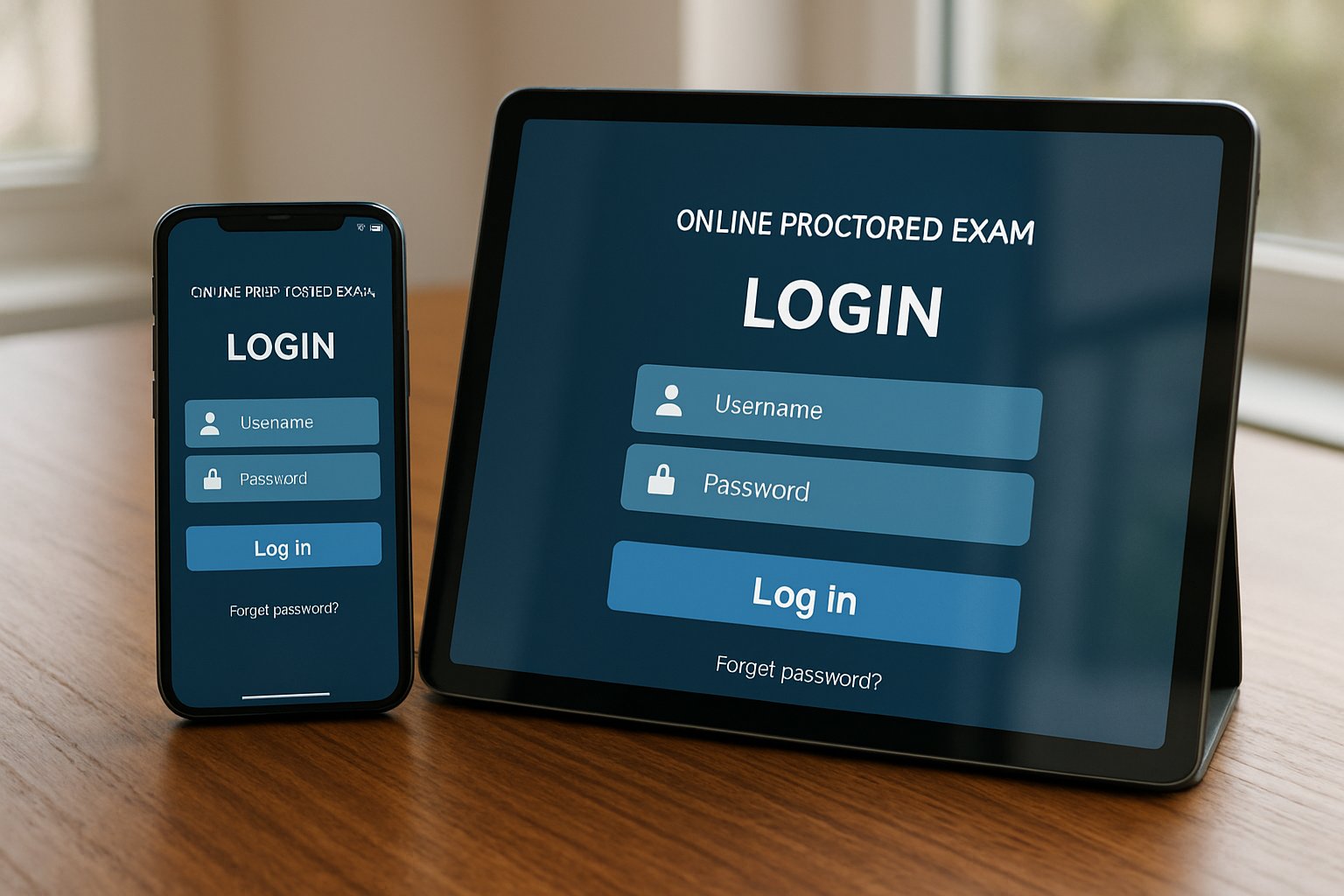
Most vendors still require Windows, macOS, or Chromebooks. iPads work only when an institution enables special settings. Phones remain off-limits for every high-stakes ai proctor exam today. Consequently, instructors continue advising laptops for reliable monitoring.
Ohio State’s 2024 tool shake-up proves choices stay fluid. Moreover, privacy groups like EPIC keep pushing scrutiny. Vendors respond by hardening security and clarifying device rules.
Device Support Landscape
Tablet support varies by vendor. Respondus offers an iPad edition of LockDown Browser when the instructor activates it. ExamSoft’s Examplify also runs on selected iPads. Conversely, Examity, Honorlock, and Proctorio refuse tablets outright.
- Desktop/Laptop: Supported by all mainstream systems.
- Chromebook: Supported by many Chrome-extension tools.
- iPad: Allowed only in niche workflows.
- Android tablets: Rarely accepted.
- Mobile phones: Almost never permitted.
Because support stays uneven, always read the vendor system page before scheduling any ai proctor exam. That habit prevents last-minute surprises. Therefore, institutions protect exam integrity and minimize technical stress.
Why Tablets Often Limited
Multiple technical gaps block universal tablet use. First, lockdown browsers rely on desktop extensions to capture screens and block apps. Second, iPadOS restricts simultaneous webcam and screen recording. Third, LMS mobile apps seldom integrate with proctoring software for online exam security layers.
Moreover, smaller screens raise fairness issues when students must navigate complex question sets. Consequently, universities prefer the controlled desktop experience. That stance reduces false flags and support tickets.
Equity And Accessibility
Device restrictions create equity headaches. Some learners own only tablets or phones. Many campuses counter this gap with laptop-loan programs or on-site testing rooms.
Students needing accommodations should contact disability services early. Most offices arrange extended time, alternate rooms, or human supervision rather than force risky tablet attempts. Therefore, proactive communication safeguards accessibility while maintaining proctoring software for online exam standards.
Student Preparation Checklist
Follow this quick list at least one week before any ai proctor exam:
- Read course and vendor device policies.
- Run the vendor system check tool.
- Request a loaner laptop if required.
- Install the lockdown browser and perform a mock quiz.
- Secure a quiet space with strong Wi-Fi.
These steps cut emergency emails on test day. Furthermore, instructors gain confidence that technology will not derail grading timelines.
Vendor Market Trends
The online proctoring market now ranges between USD 0.8 and 2.2 billion. Forecasts project double-digit growth this decade. Automated AI monitoring and proctoring software for online exam packages already support millions of sessions yearly.
Nevertheless, privacy concerns guide purchasing. Institutions like Ohio State continue rotating vendors to balance risk, cost, and usability. Vendors that expand secure tablet support may capture new segments of the ai proctor exam market.
Final Thoughts And CTA
Tablets can handle some low-stakes quizzes, yet a secure ai proctor exam still demands a laptop for full monitoring. Check requirements early, practice with approved hardware, and leverage campus resources when needed. By staying proactive, candidates avoid avoidable stress.
Why Proctor365? Proctor365 delivers AI-powered proctoring, advanced identity verification, and scalable monitoring trusted by global exam bodies. Our proctoring software for online exam workflows support fair, reliable testing across thousands of candidates. Ready to protect your next ai proctor exam? Visit Proctor365 to see how we elevate exam integrity today.
Frequently Asked Questions
- Can I take an AI proctor exam on my tablet or phone?
Generally, no. Most AI proctor exams require laptops or desktops due to technical and security limitations, ensuring reliable monitoring and exam integrity with advanced systems like Proctor365. - What devices are supported for AI proctor exams?
AI proctor exams are usually supported on desktops, laptops, or select Chromebooks, while tablets and phones have limited compatibility, which helps maintain a secure testing environment. - Why are tablets often restricted for secure AI proctoring?
Tablets face technical challenges like limited screen capture and webcam use. Using dedicated hardware minimizes fraud risks, enhancing exam integrity through reliable AI proctoring and identity verification. - How does Proctor365 ensure exam integrity?
Proctor365 uses AI-powered proctoring, robust identity verification, and scalable monitoring, all designed to minimize fraud and maintain fairness in high-stakes exams.






