
Online testing has become routine across universities, enterprises, and certification bodies. Yet maintaining integrity in unsupervised settings remains difficult. Consequently, many institutions deploy proctor exam software to watch over digital assessments. A critical layer inside those platforms is browser lockdown technology. It freezes the test environment, blocks shortcuts, and reports suspicious behaviour in real time. However, choosing, configuring, and governing a lockdown browser is not trivial. This guide unpacks current tools, recent market moves, and practical policy steps. Readers will gain evidence-based insights for safer, fairer, and scalable online assessments. Examples draw from higher-education, ed-tech, and corporate learning deployments worldwide. Let’s start by examining how proctoring stacks fit together. Throughout, we will reference market leaders like Respondus, Honorlock, and open-source Safe Exam Browser. We also note privacy rulings and student experience research shaping adoption decisions. By the end, you will know which questions to ask vendors and your legal team. Most importantly, you’ll understand when proctor exam software is worth the trade-offs. Academic integrity software now underpins credentialing at scale.
Proctor Exam Software Role
Proctor exam software orchestrates several defence layers around an online test. Identity checks confirm the candidate, while AI flags eye-gaze or extra faces. Browser lockdown tools then freeze the desktop, stop screen sharing, and prevent copy-paste. Consequently, the software delivers layered, scalable exam integrity solutions across locations and devices.
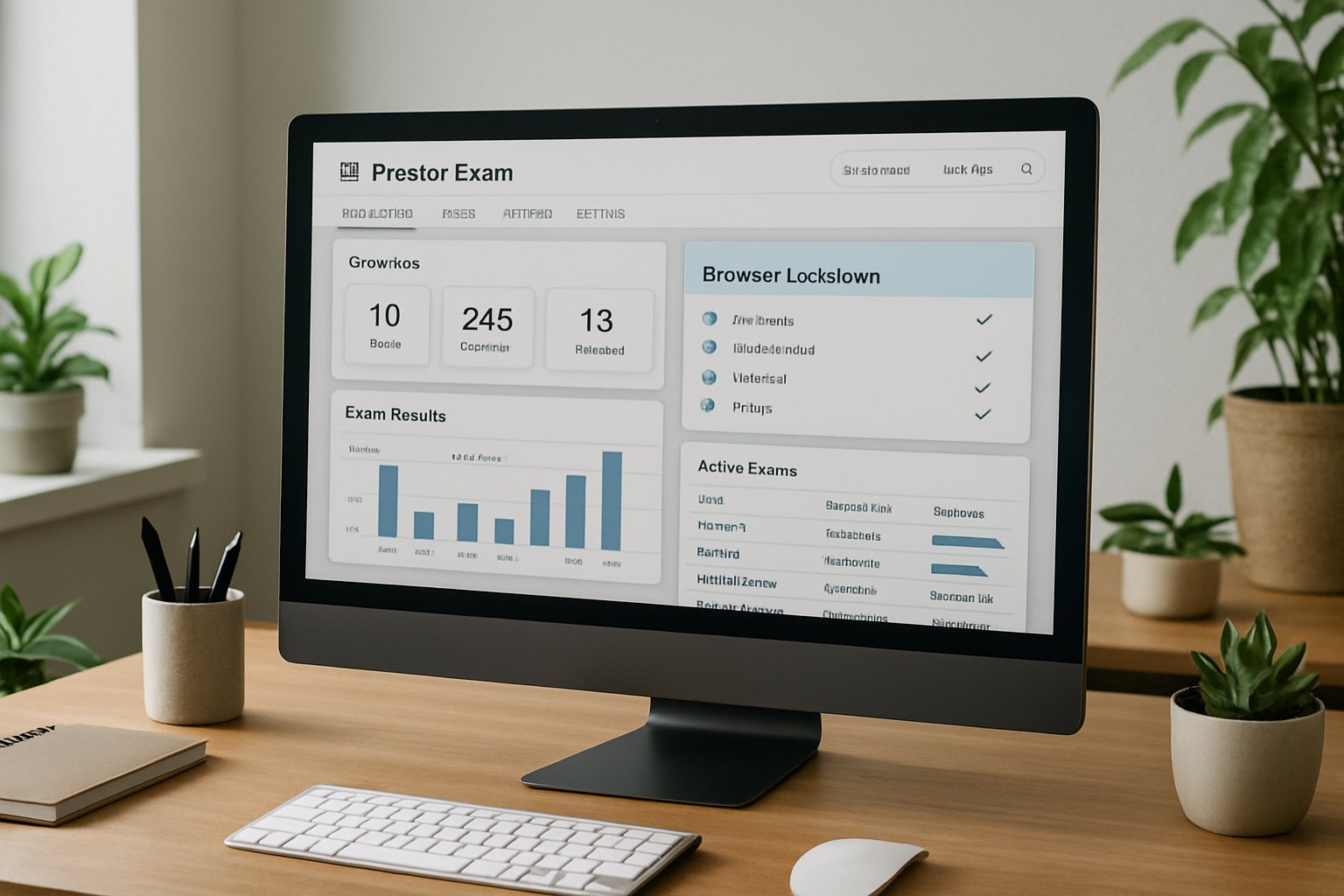
Layered defence reduces opportunistic cheating and supports mass deployment. Next, we explore how the lockdown component achieves that control.
Lockdown Browser Basics Explained
What Is Lockdown Browser
A lockdown browser is a customised client or extension that restricts operating-system and browser functions during an exam. For anyone asking what is lockdown browser during orientation, this definition provides a quick answer. Some LMS vendors embed an online exam lockdown browser directly into the quiz flow. It forces full-screen mode, disables new tabs, deactivates shortcuts, and blocks unapproved applications. Some variants run as kiosk apps, others as browser extensions within online proctoring software. Vendors embed tamper detection to flag virtual machines or screen-mirroring attempts.
In short, browser lockdown enforces a single-purpose workspace. Understanding its mechanics helps stakeholders judge security claims later.
Open Source Alternative SEB
Safe Exam Browser, the open-source option, enjoyed major releases through 2025. Institutions can self-host SEB Server, keeping sensitive recordings inside their own perimeter. Moreover, open code enables independent audits, a frequent privacy demand.
SEB proves lockdown does not require vendor lock-in. Users still need monitoring layers for robust protection, as we discuss next.
Core Exam Security Features
Beyond the locked browser, proctor exam software combines live or recorded webcam feeds and AI flagging. Audio analysis detects unexpected voices; network telemetry warns staff when connections drop. Additionally, exam lockdown software blocks screen capture utilities and terminates blacklisted processes.
- Full-screen enforcement prevents tab or window switching.
- Clipboard blocking stops copy-paste leaks.
- Process monitoring shuts down screen-sharing, VPN, or VM tools.
- Real-time alerts escalate high-risk behaviour for human review.
Together, these layers form academic integrity software that scales far beyond traditional test centres. However, security strength depends on adoption metrics, which we examine now.
Equity And Privacy Impacts
Technology brings trade-offs. Peer-reviewed studies cite higher anxiety among students forced into webcam surveillance and browser lockdown. Moreover, facial-recognition accuracy drops for darker skin tones, risking unfair flags. Disability advocates report compatibility issues between screen readers and lockdown browser interfaces. Legal pressure also mounts; US judges have limited intrusive room scans, and states pass new data laws. Consequently, institutions must offer alternatives and document transparent consent flows.
Ignoring these signals can erode trust faster than any technical failure. Next, we outline governance tactics that respect users while safeguarding exams.
Implementation Best Practice Guide
Deploying proctor exam software successfully requires planning. Effective roll-outs start with a privacy-impact assessment and legal review. Then, cross-functional teams pilot the online exam lockdown browser in a low-stakes course. Provide an FAQ that explains what is lockdown browser and how to install it. Collect student feedback, accessibility reports, and technical logs before scaling institution-wide. Additionally, publish clear accommodation pathways for those who cannot run exam lockdown software. Finally, blend design strategies like randomised questions and open-resource prompts.
- Document data retention periods and deletion triggers.
- Train graders to interpret AI flags cautiously.
- Offer on-campus test centres for opt-out cases.
- Review exam lockdown software logs after every term.
These steps balance security, fairness, and compliance. Looking ahead, market forces will refine the toolset further.
Future Outlook For Lockdown
Market forecasts place the online proctoring software sector above US$2 billion by 2031. Private-equity deals and LMS integrations continue, as seen in Respondus and Infinite Campus news. Meanwhile, open-source communities expand Safe Exam Browser capabilities each quarter. Nevertheless, advocacy groups will push for stricter transparency and algorithm audits. Proctor exam software vendors must therefore innovate while demonstrating responsible data stewardship.
Expect smarter detection, lighter installs, and richer analytics within two years. Our final section summarises action points and presents a trusted partner.
Key Takeaways And CTA
Browser lockdown can deter quick cheats but never guarantees perfection. Therefore, institutions should pair pedagogy redesign with reliable proctor exam software. Select tools that integrate AI, identity checks, and clear exam integrity solutions. Moreover, demand transparent audits and student-friendly policies.
Proctor365 delivers AI-powered proctor exam software trusted by global exam bodies. Its advanced identity verification, scalable monitoring, and smart browser lockdown keep assessments secure. Additionally, the platform offers real-time dashboards and automatic incident reports. Schedule a demo to see academic integrity software in action at Proctor365. Visit Proctor365 and upgrade your remote testing workflow today. Secure success with proctor exam software that respects privacy and scales effortlessly.
Frequently Asked Questions
- What is a lockdown browser and how does it secure online assessments?
A lockdown browser is a specialized tool that enforces full-screen mode and disables shortcuts to prevent cheating. Proctor365 integrates AI proctoring to offer robust exam security and fraud prevention. - How does AI proctoring enhance exam integrity in online assessments?
AI proctoring detects suspicious behavior like atypical eye-gaze, extra faces, and network drops. Proctor365 leverages AI and identity verification to promptly flag potential fraud, ensuring a fair testing environment. - What measures can institutions take to balance security with student privacy?
Institutions can perform privacy impact assessments, offer exam alternatives, and document consent processes. Proctor365 emphasizes secure, transparent proctor exam software that respects privacy while delivering comprehensive fraud prevention. - How does Proctor365 support scalable and secure online testing environments?
Proctor365 delivers advanced identity checks, real-time dashboards, and automated incident reporting. Its AI-powered proctor exam software combines layered security with user-friendly, privacy-sensitive browser lockdown to scale with institutional needs.






