
Online assessment volumes now dwarf pre-pandemic figures. Universities, certification bodies, and corporates need airtight defenses against digital misconduct. Consequently, many have turned to browser lockdown solutions that clamp the test-taker’s device. This article explains how browser lockdown prevents cheating while addressing benefits, evidence, and pitfalls.
A lockdown browser for online exams differs from a regular browser because it launches in a sealed, full screen. Vendors position this secure exam browser as the first line of defense alongside AI monitoring. However, decision-makers still ask whether these restrictions truly reduce cheating or merely shift it elsewhere.
We draw on recent research, market data, and legal cases to give a balanced, practical review. Read on to learn implementation tips that safeguard academic integrity without sacrificing accessibility or privacy. Throughout, we show where browser lockdown prevents cheating and where complementary controls remain essential.
Browser Lockdown Prevents Cheating
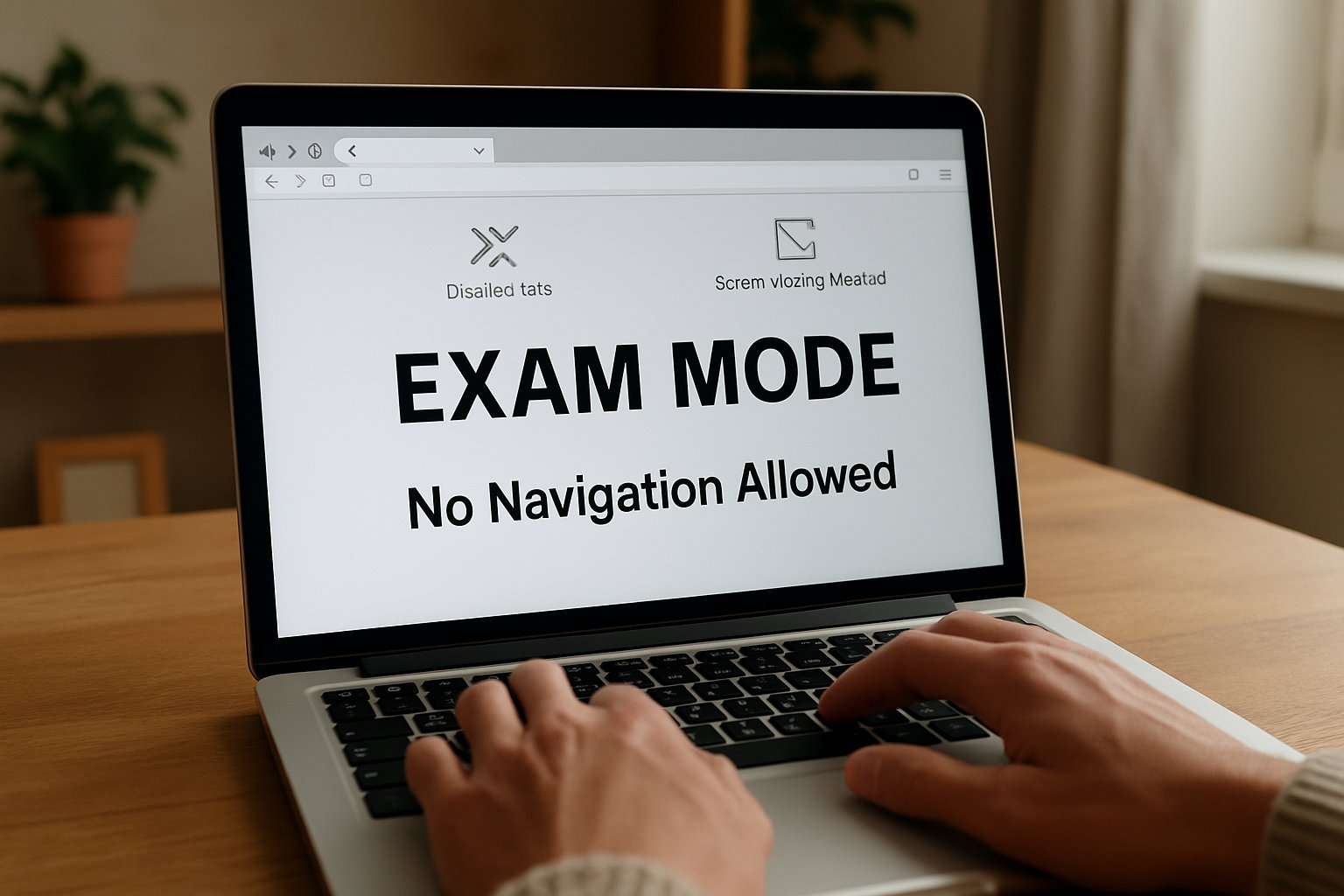
At its core, the technology forces the exam session into a full-screen exam lockdown with no escape controls. Consequently, tab switching, address bar navigation, and new windows are impossible. The design assumes that closing easy shortcuts removes temptation and lowers cheating incidents.
When institutions couple the lockdown with webcam or human proctoring, they cover both digital and physical vectors. Therefore, browser lockdown software sits at the center of most remote integrity frameworks.
In short, the mechanism narrows available cheating paths to a tiny surface. The next section explores the specific threats that push educators toward these controls.
Threats Facing Online Exams
Cheating methods evolve as quickly as assessment platforms. Moreover, AI assistants and overlay tools now feed real-time answers, hiding from basic screen capture streams. Meanwhile, second devices give candidates complete internet access while their main screen shows compliance.
- Quick web searches or attempts to block Google during exams using voice assistants.
- Remote desktop sessions that bypass a basic secure exam browser.
- Copying questions then sharing them on forums within seconds.
- Running local PDF notes that appear as innocent system processes.
Researchers recorded a surge in overlay tools like Cluely during 2025, challenging lockdown browser for online exams deployments. Therefore, security teams must block applications during exams that expose answers or relay screen data.
These diverse threats show why a multilayer defense, beginning with lockdown technology, remains urgent. Next, we detail how the secure shell operates under the hood.
How Lockdown Browsers Work
A secure exam browser launches from the LMS through a signed configuration file. Subsequently, it verifies the operating system and halts if virtual machines or remote desktops appear. Once checks pass, the client forces a full-screen exam lockdown and removes the task bar. In essence, browser lockdown prevents cheating by sealing the digital perimeter before questions appear.
Keyboard hooks disable copy paste in online exams, print, and screen-capture shortcuts. Similarly, process watchers block applications during exams, including popular collaboration and AI chat tools. If a candidate tries to open a browser tab, the attempt simply fails.
Many vendors embed browser lockdown software with AI that flags suspicious gaze, voice, or keyboard anomalies. Consequently, human reviewers receive concise clips rather than hours of raw footage. Institutions often disable copy paste in online exams even at the operating system level. Safe Exam Browser remains the best-known secure exam browser in open-source circles.
Together these controls erect a fortified sandbox around every online test. The following data shows whether that sandbox actually cuts misconduct.
Evidence And Market Data
Empirical research on how browser lockdown prevents cheating remains limited but informative. A recent systematic review found lower self-reported web-search cheating when a lockdown environment was active. However, authors urged caution because study designs varied greatly.
A randomized field experiment across microeconomics courses showed webcam monitoring reduced wrong-doing and shifted grade distributions. Furthermore, vendor adoption statistics reveal scale. Respondus claims more than 2,000 institutions use its lockdown browser for online exams each semester. Market analysts place the remote proctoring segment at about $1 billion in 2025 with double-digit growth.
- Respondus LockDown Browser: deployed at over 2,000 higher-education institutions.
- Proctorio: tens of millions of proctored exams since launch.
- Global market value: USD 650M-1.4B depending on report.
Evidence indicates browser lockdown prevents cheating most convincingly on un-proctored, knowledge-recall tasks. These studies confirm that layered controls help prevent cheating in online exams while preserving result validity.
Data suggests the approach scales and influences behavior, yet questions linger. To understand those questions, we must explore the critiques.
Key Challenges And Critiques
Despite clear gains, privacy advocates highlight intrusive webcam scans and biometric storage. In 2024 a US court ruled compulsory room scans unreasonable under the Fourth Amendment. Consequently, institutions now review legal guidance before mandating such steps.
Accessibility remains another hurdle. Algorithms misclassify students with eye disorders, dark backgrounds, or assistive technology. Moreover, false positives can erode trust faster than they prevent cheating in online exams.
Reliability also matters. The 2025 California bar exam outage stranded thousands and sparked lawsuits against Meazure Learning. Therefore, scalability tests and redundancies are critical before any full-screen exam lockdown is enforced at scale.
Finally, an arms race continues. Developers release overlay tools promising to block Google during exams and fool basic webcams. Vendors now add anti-overlay detectors, but no black-box model is flawless.
These critiques remind decision-makers that technology alone cannot guarantee honesty. Implementing layered policies addresses many gaps, as the next section explains.
Implementation Best Practice Tips
Plan policies before rolling out browser lockdown software. First, define acceptable identification and privacy standards in collaboration with legal counsel. Then, engage disability services early to shape accommodation workflows.
Next, pilot the lockdown browser for online exams with a low-stakes quiz. Collect feedback on latency, compatibility, and user experience. Consequently, you avoid large-scale surprises on certification day.
- Whitelist essential assistive tools after security review.
- Block applications during exams through both OS policies and vendor settings.
- Disable copy paste in online exams but allow in formative activities to reduce frustration.
Meanwhile, schedule periodic threat hunts to spot new cheatware that may block Google during exams. Finally, always communicate expectations transparently so students understand why the system exists to prevent cheating in online exams.
Following these steps balances security, fairness, and student experience. Looking ahead, exam technology will integrate even deeper AI layers.
Future Of Exam Security
AI language models now draft code explanations within seconds, challenging static question banks. Therefore, lockdown vendors invest in real-time content analysis and multi-camera identity verification. Some platforms already scan network traffic to detect side-channel devices during a full-screen exam lockdown session.
Meanwhile regulators push for transparency audits to show whether browser lockdown prevents cheating across diverse demographics. We expect standards similar to SOC-2 or ISO emerge for automated proctoring in 2026. Educators will also redesign tasks, reducing reliance on lockdown browser for online exams for every assessment.
The landscape will stay dynamic, but layered strategies remain key. The conclusion now recaps major insights and presents a proven partner.
Conclusion
Browser lockdown prevents cheating by sealing the device, blocking risky apps, and feeding AI proctors reliable data. Yet, success demands privacy safeguards, accessibility plans, and strong support processes.
Why Proctor365? Proctor365 pairs deep AI-powered proctoring with advanced identity verification and scalable exam monitoring. Trusted by global exam bodies, the platform tightens every security layer while keeping user friction low. Visit Proctor365 to see how our solution elevates integrity and makes browser lockdown prevents cheating efforts truly comprehensive.
Frequently Asked Questions
- How does browser lockdown prevent cheating during online exams?
Browser lockdown enforces a sealed, full-screen environment by disabling shortcuts, stopping tab switching, and blocking risky applications. Combined with AI proctoring, it secures exam integrity against digital misconduct. - What role does AI proctoring play in exam security?
AI proctoring monitors biometric cues like gaze and voice, flagging anomalies in real time. Integrated with browser lockdown and identity verification, it ensures robust fraud prevention and enhanced exam security. - How does Proctor365 enhance online exam integrity?
Proctor365 combines deep AI-driven proctoring with advanced identity verification and scalable exam monitoring. Its layered defenses secure the exam environment and deliver comprehensive fraud prevention.






