
Running a proctored online test at scale now demands tougher technical safeguards. Cheating tools, especially AI assistants, evolve weekly. Therefore, universities and certification bodies increasingly deploy lockdown browsers as a frontline defense. This article explores how those browsers work, where they help, and where gaps persist.
We draw on market data, vendor updates, and security research from 2024-2025. Consequently, readers gain a balanced view before selecting a proctored online test solution. Throughout, we will also reference online exam proctoring best practices for realistic deployments. Let’s begin with the core mechanics.
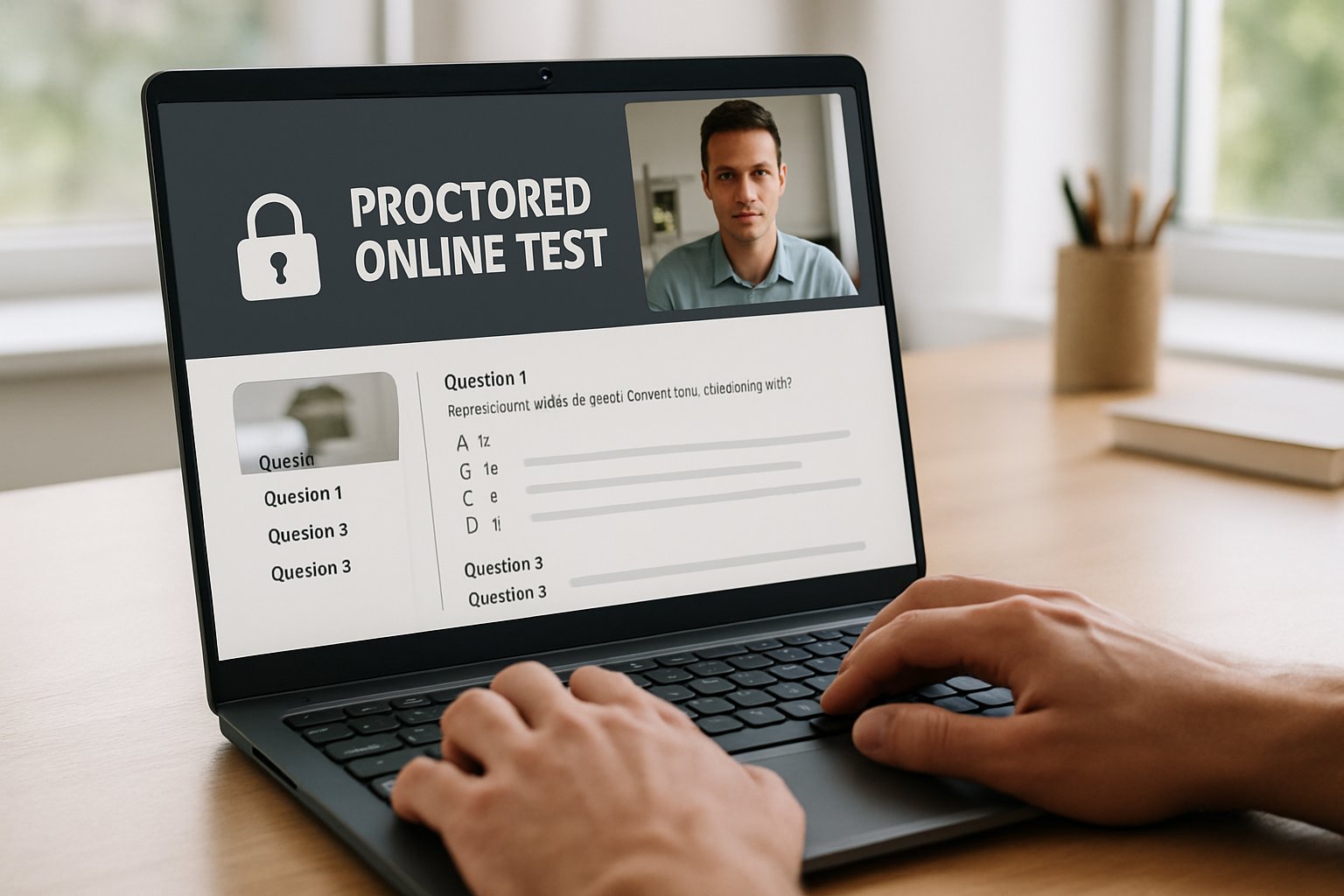
Proctored Online Test Basics
Lockdown browsers establish a restricted browser environment that prevents tab switching and URL navigation. Moreover, they force full-screen mode and strip developer tools from the interface. OS hooks block screen capture, virtualization, and remote-desktop sessions.
Additionally, clipboard and print functions are intercepted, limiting quick data exfiltration attempts. When paired with webcams, the system records video and audio for later human review. These coordinated controls raise the cheating barrier for every remote assessment.
In short, lockdown browsers lock the door before the exam begins. Consequently, students face higher friction when attempting basic exploits. Next, we examine the mechanics beneath those restrictions.
Lockdown Browser Mechanics
A lockdown browser creates a sealed workspace for any proctored online test, blocking navigation and shortcuts. The client surveys running processes, then terminates or denies suspicious applications. Meanwhile, certificate pinning and HTTPS protect server communication with the learning platform.
Respondus, SEB, and Proctorio use either native apps or browser extensions to intercept OS APIs. Consequently, virtualization, remote desktops, and screen recorders rarely stay active longer than a second. Some products even disable new AI sidebars announced in mainstream browsers. Such integration forms the technical foundation of modern online exam proctoring ecosystems.
Therefore, the browser works as an automated invigilator before any human intervention. Yet fresh threats continue to appear, as the next section shows. Let’s explore those evolving tactics.
Emerging Cheating Threats 2025
AI-powered overlays now sit inside the exam window, whispering solutions without leaving the page. Moreover, integrated browser sidebars can summarize question text through quick screenshots. Vendors responded quickly; Proctorio blocked several “Homework Helper” features last September.
Security researchers also disclosed CVE-2024-37742, which bypassed Safe Exam Browser clipboard isolation. Consequently, attackers could copy questions to external devices unnoticed. Attackers keep probing the proctored online test surface, seeking similar weaknesses.
In parallel, students still use hidden phones or second laptops outside webcam view. Multi-device detection helps, yet remains imperfect.
Overall, the threat landscape changes monthly. Therefore, continuous updates and layered policies remain essential. Still, those layers raise legitimate privacy questions.
Security And Privacy Tradeoffs
Lockdown browsers deter casual cheating, but they also collect sensitive biometric and behavioral data. Furthermore, AI gaze models can misidentify darker-skinned test-takers, pausing exams unfairly.
Civil-liberties groups argue that such surveillance erodes trust and burdens accessibility. Meanwhile, institutions cite accreditation demands that require identity verification and exam integrity.
Regulators pressured Wisconsin–Madison to disable unreliable facial recognition. Consequently, vendors now let campuses toggle risky features.
Balancing these forces demands transparent contracts, audit trails, and minimal data retention. Thus, each campus should select only the telemetry it truly needs.
Ultimately, a responsible proctored online test strategy weighs benefit against intrusion. Next, we shift to market context and practical actions. The following snapshot frames adoption trends.
Market Growth Snapshot 2024
IntelMarketResearch values the remote proctoring market at roughly USD 648 million in 2024. Other reports forecast multibillion-dollar revenues by 2030 as automation expands. Moreover, EDUCAUSE surveys show over half of universities already deploy one lockdown solution.
- USD 648M 2024 valuation (IntelMarketResearch)
- 50% higher-ed adoption in 2023 surveys (EDUCAUSE)
- CAGR projections exceeding 15% through 2032 (MarketGrowthReports)
- Leading vendors: Respondus, Proctorio, Honorlock, SEB
Therefore, institutions planning expansion join a rapidly maturing ecosystem. However, smart policies still drive success. Actionable steps appear next.
Institutional Action Steps Guide
Start with a pilot using diverse students, lighting setups, and connectivity levels. Consequently, teams identify false positives early. Require SOC-2 summaries, VPAT documents, and clear data deletion schedules from every vendor. Additionally, blend lockdown exams with question pools, oral defenses, online exam proctoring, and plagiarism detection.
These layers reduce dependence on any single tool. Therefore, security improves while privacy risks drop.
Adopt iterative reviews to adjust configurations each semester. Meanwhile, track vendor patch notes for emerging exploits. We now illustrate recent vulnerabilities.
Known Vulnerability Examples Overview
The SEB clipboard CVE-2024-37742 allowed question copying through a crafted script. Researchers published proof-of-concept code on GitHub, and vendors patched within weeks. Nevertheless, many campuses delayed updates, leaving open windows for attackers.
Similarly, overlay extensions inside Chrome escaped earlier detection models until 2025 patches. Consequently, constant monitoring of change logs is critical.
No lockdown approach remains unbreakable forever. Therefore, resilience grows only through vigilance and layered design. We close with key takeaways and the Proctor365 advantage.
Conclusion
Lockdown browsers provide an essential barricade around any proctored online test when paired with thoughtful policy. They shut obvious doors, respond to AI threats, and document behavior for later review. Yet, gaps persist, and online exam proctoring should always combine technical, pedagogical, and legal safeguards. Institutions that demand transparency, layered assessment, and rapid patching can maximize benefits while respecting student rights.
Why choose Proctor365 for your next proctored online test? Our AI-powered proctoring blocks emerging AI helpers, flags anomalies accurately, and empowers swift human intervention. Advanced identity checks confirm the right learner every time, while scalable monitoring covers classes and global cohorts. Trusted by universities and exam bodies worldwide, Proctor365 raises integrity without compromising privacy. Explore our platform now at Proctor365.ai and secure tomorrow’s assessments today.
Frequently Asked Questions
- How do lockdown browsers help maintain exam integrity?
Lockdown browsers secure exam environments by disabling tab switching, screen captures, and unauthorized applications. These measures help preserve exam integrity and prevent cheating during online assessments. - What emerging AI threats target proctored exams?
Emerging threats include AI-powered overlays and hidden browser sidebars that reveal exam content. Advanced proctoring tools like Proctor365 use AI to detect suspicious activity and block these exploits. - How does Proctor365 enhance the online proctoring experience?
Proctor365 combines AI-driven monitoring with robust identity verification and fraud prevention, ensuring swift human intervention when needed, thereby strengthening exam integrity and student security. - How can institutions balance exam security with student privacy?
Institutions can balance security and privacy by adopting layered proctoring strategies with transparent data practices. Proctor365 offers configurable, minimal data retention options alongside efficient fraud prevention.






