
Online exam proctoring only works when every pixel reaches the cloud without delay. Candidates, instructors, and IT teams therefore need crystal-clear guidance on network speed. Moreover, bandwidth planning directly affects exam integrity, candidate stress, and institutional reputation. This article translates vendor specifications into practical numbers and workflows you can deploy before the next proctored online test session.
Online Exam Proctoring Speeds
Vendors now publish stricter minima than five years ago. Pearson OnVUE states 6 Mbps down and 3 Mbps up, while Examity prefers 10 Mbps symmetrical. Consequently, a single benchmark no longer fits all scenarios. Institutions should map each proctored online test workflow to its specific network tier.
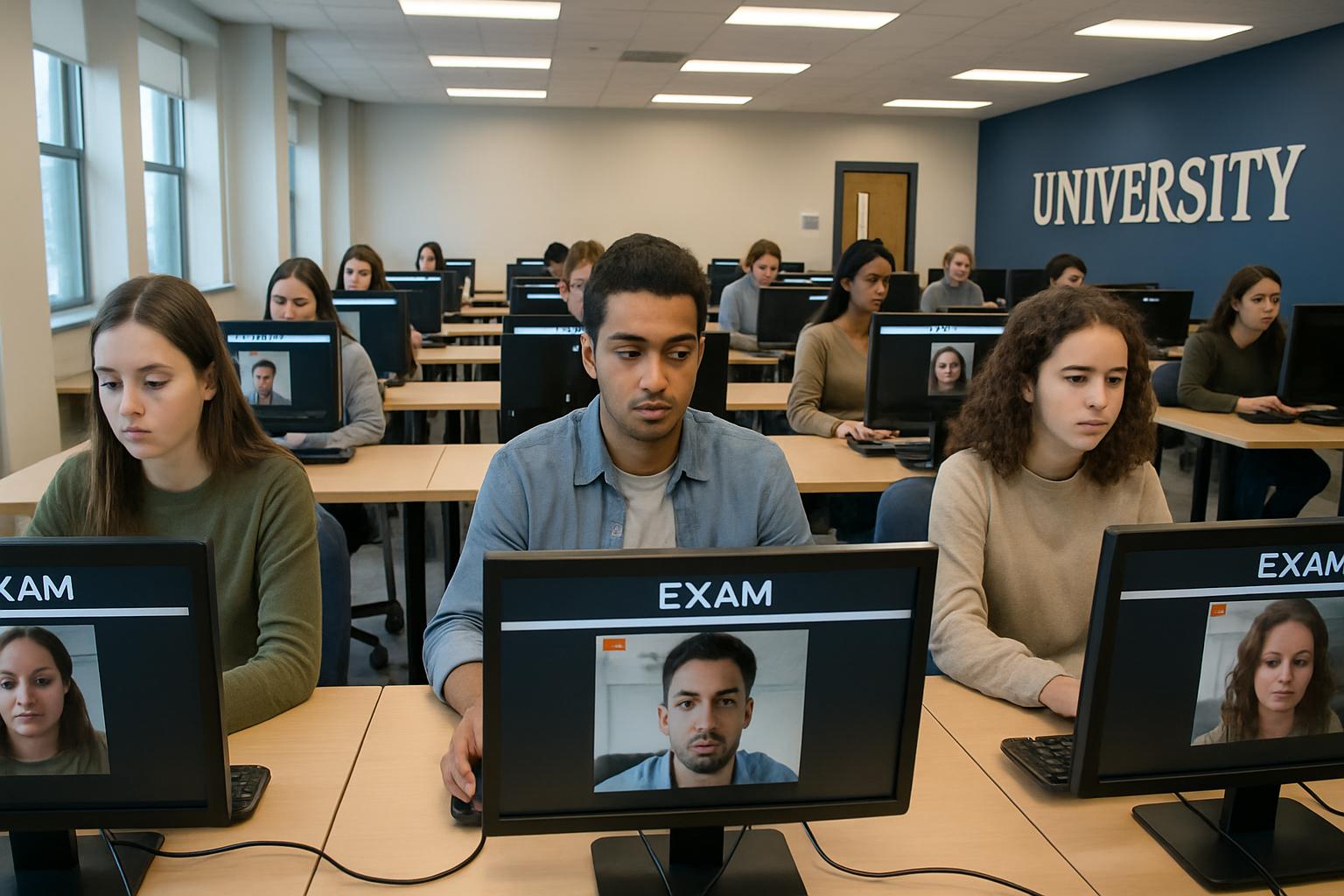
Across the industry, two tiers dominate. Automated record-and-review products normally function at 3 Mbps down and 1-3 Mbps up. Live human-proctored sessions, especially high-stakes certifications, demand 6-10 Mbps down and 2-5 Mbps up with latency below 50 ms. Those numbers form the backbone of the remaining recommendations.
Why Network Speed Matters
Upload capacity drives video clarity because the candidate pushes video frames to the server. A congested uplink produces dropped frames and false flags. Furthermore, low latency reduces reconnect times after momentary blips and decreases buffer underruns during screen sharing.
WebRTC statistics show a 720p webcam stream averages 1-3 Mbps each way. Therefore, running a second camera or full-screen share easily doubles the requirement. Summarizing, robust upload and stable ping safeguard both candidate experience and audit quality. In short, speed equals confidence.
Baseline Bandwidth Target Levels
Single User Practical Minimums
For one candidate on an automated workflow, target 3 Mbps down and 1-3 Mbps up. Additionally, insist on wired Ethernet whenever possible. Wi-Fi remains acceptable only when signal strength is excellent and household traffic stays silent during the proctored online test window.
High Stakes Exam Bandwidth
High-stakes or live sessions require more headroom. Aim for 6-10 Mbps down and 2-5 Mbps up. Moreover, test latency; anything above 100 ms increases timeout risk. Finally, schedule the exam when roommates are not streaming 4K content.
- Automated webcam only: 3 / 1 Mbps minimum.
- Automated plus screen share: 5 / 2 Mbps recommended.
- Live proctor with desktop feed: 6-10 / 2-5 Mbps strongly advised.
These targets mirror Pearson, ProctorU, and SmarterProctoring guidance. Consequently, following them minimizes last-minute surprises.
Mitigating Online Connectivity Risks
Even perfect bandwidth cannot fix careless setups. Therefore, implement a mandatory system check 24-72 hours before every proctored online test. The check confirms camera, microphone, browser, and network speeds on the exact device that will be used.
Next, instruct candidates to close cloud backups, game launchers, and video calls. Meanwhile, institutions should publish a hotline number for real-time troubleshooting. When issues still surface, quick escalation prevents abandoned sittings. Summarizing, preparation plus support equals resilience.
Institutional Action Plan Checklist
Universities and corporate L&D teams can embed the following workflow:
- Publish vendor-aligned speed tables and latency caps.
- Require automated pre-exam checks and collect screenshots as proof.
- Offer wired workstations on campus for students lacking broadband.
- Maintain an incident log and provide resit options after verified outages.
- Audit proctoring vendors for encryption, retention, and compliance.
These steps create transparency, fairness, and reliability. Consequently, stakeholder trust increases with every successful session.
Equity concerns remain. Pew data shows roughly 20% of U.S. adults still lack home broadband. Therefore, always plan alternative sittings or loaner hotspots. By doing so, programs uphold access without lowering security.
In conclusion, matching the right bandwidth tier to each exam type, enforcing system checks, and documenting clear fallback plans will keep online exam proctoring sessions smooth and defensible.
Conclusion
Reliable bandwidth, low latency, and disciplined pre-exam checks form the trio that secures every online exam proctoring session. Follow the 3 / 1 Mbps rule for automated workflows and the 6-10 / 2-5 Mbps rule for live, high-stakes sittings. Moreover, publish clear requirements, provide wired alternatives, and support candidates facing connectivity gaps.
Why Proctor365? Our AI-powered proctoring platform combines advanced identity verification, scalable monitoring, and global trust to deliver uncompromised online exam proctoring. Institutions worldwide maintain integrity while candidates test with confidence. Experience the difference today at Proctor365.
Frequently Asked Questions
- Why is network speed critical for online exam proctoring?
A fast network ensures high video clarity and low latency, which minimizes dropped frames and delays. This stability is crucial for maintaining exam integrity and providing a seamless candidate experience. - What are the bandwidth requirements for automated and live proctored sessions?
Automated proctoring typically requires around 3 Mbps down and 1–3 Mbps up, while live sessions demand 6–10 Mbps down and 2–5 Mbps up with low latency to ensure accurate video streaming and exam integrity. - How can institutions mitigate online connectivity risks during exams?
Institutions can reduce connectivity risks by conducting mandatory pre-exam system checks, enforcing wired connections, and offering real-time technical support, which together secure the proctored exam environment. - What makes Proctor365’s AI proctoring unique for online exams?
Proctor365’s AI proctoring integrates advanced identity verification, fraud prevention, and scalable monitoring, providing a robust, secure exam environment that upholds integrity and boosts candidate confidence.






