
Universities, ed-tech firms, and corporate L&D teams now rely on Remote Online Proctoring to protect high-stakes assessments. Attackers, however, still chase exam data, credentials, and devices. Choosing a secure posture means deciding between Browser Lockdown Tools and full desktop monitoring. This guide offers clear, evidence-based answers.
Evolving Web Threat Landscape
Verizon’s DBIR shows browsers remain prime entry points. Consequently, CISA urges isolation of risky sessions. Attackers exploit malvertising, phishing, and zero-days faster than teams can patch. Therefore, prevention must sit alongside rapid detection.
Isolation vendors gained momentum. Menlo Security, Cloudflare, and Palo Alto expanded services, while funding surpassed $100 million. Moreover, the browser isolation market may hit $5.3 billion by 2030. Yet researchers exposed QR-code bypass tricks, warning that no single layer suffices.
Key takeaway: Web channels still dominate breach paths. Security leaders should blend preventive and detective layers before moving on.
Remote Online Proctoring Impact
Exam workflows depend on stable browsers and clean endpoints. Remote Online Proctoring fails if malware siphons screens or keystrokes. Thus, architects weigh device lockdown vs browser lockdown to stop cheats and data theft.
Regulators also watch. Several U.S. states tightened rules on invasive monitoring, stressing notice and consent. Consequently, exam bodies seek balanced controls that satisfy privacy teams and auditors.
Key takeaway: Proctoring success needs security that respects legal boundaries. Next, explore the lockdown options.
Browser Lockdown Fundamentals
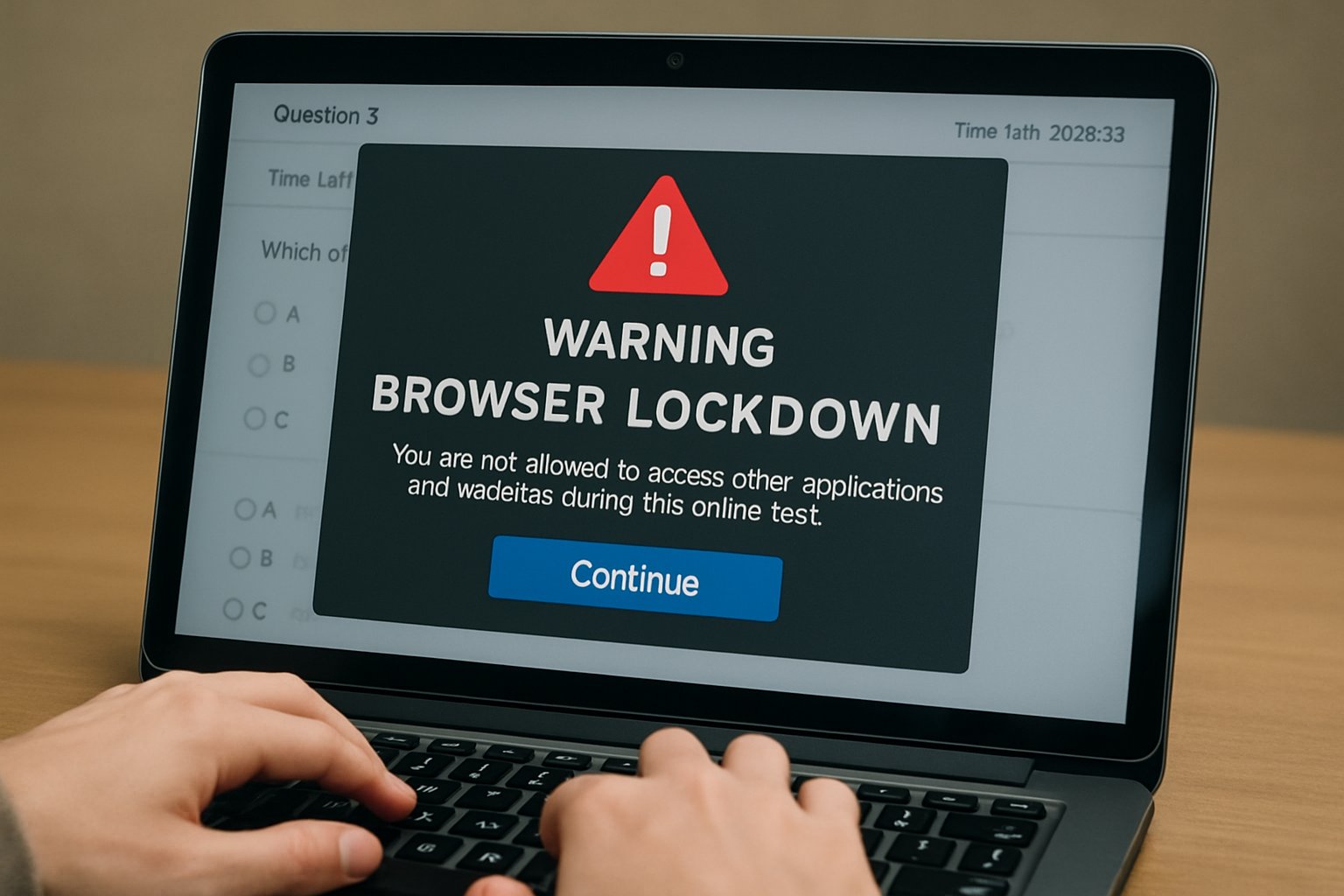
A browser lockdown solution restricts navigation to whitelisted pages, disabling prints, downloads, and tabs. Many platforms couple this with remote isolation, pushing active code to secure clouds. Implementers often deploy Browser Lockdown Tools through MDM or SASE gateways.
Because exams may run on unmanaged tablets, Android device lockdown becomes vital. Administrators convert the tablet into single-app mode, ensuring focus. Meanwhile, device lockdown software enforces passcodes and blocks USB sharing.
Pros include off-endpoint execution and consistent policy across BYOD users. However, UX latency appears when rich apps break. Additionally, device lockdown vs browser lockdown debates surface when native calculators or IDEs are required.
Key takeaway: Browser controls shine for web-only tests. Yet complexity grows when native apps enter scope. Let’s examine host monitoring.
Full Desktop Monitoring Explained
Full desktop monitoring installs an agent that records processes, network calls, and sometimes screenshots. Modern EDR engines add rollback and automated containment. Consequently, they detect attacks that skirt browser isolation.
Analyst reports expect EDR markets to grow steadily, reflecting need for deep forensics. Nevertheless, privacy groups challenge overly broad capture. Employers juggling device lockdown software and surveillance face EEOC and NLRB scrutiny.
Remember: Monitoring exposes misuse after execution, while browser lockdown solution aims to block the initial exploit. Combining both often wins.
Critical Risk Comparison Factors
- Prevention strength: Browser isolation blocks drive-by exploits early.
- Detection depth: EDR spots lateral movement and insider threats.
- User privacy: Browser Lockdown Tools record minimal data; desktop agents may collect sensitive screens.
- Compatibility: device lockdown vs browser lockdown must consider required local apps.
- Cost: RBI licenses add bandwidth; EDR adds SOC overhead.
Additionally, Android device lockdown demands rugged MDM profiles, while browser lockdown needs robust network paths. Meanwhile, choosing a device lockdown solution for Mac or Windows calls for integration with identity systems.
Summary: Each method covers different gaps. Security managers should layer both where budgets allow before advancing to decisions.
Practical Decision Checklist Steps
First, map scenarios. High-risk browsing by contractors? Deploy Browser Lockdown Tools plus remote isolation. Need deep forensics? Roll out EDR and device lockdown software.
Second, align with CISA guidance. Evaluate architecture, patch cadence, and DLP needs. Third, publish transparent policies to satisfy regulators when using device lockdown vs browser lockdown monitoring.
Finally, pilot Android device lockdown in labs, then scale. Measure latency, user feedback, and analyst workload. Adjust the browser lockdown solution based on findings.
Key takeaway: A phased checklist reduces surprises. The next section addresses long-term strategy.
Building Future Proof Strategy
Market signals favor layered defences. Vendors invest in both isolation and EDR, while standards bodies push Zero Trust adoption. Therefore, combine browser lockdown, device lockdown solution agents, and cloud SWG filters.
Moreover, budget holders can justify spend by citing reduced incident response hours. Menlo notes customers cut ransomware exposure even while QR-code bypass research continues.
Meanwhile, Android device lockdown ensures exam tablets remain single-purpose. Pair that with Browser Lockdown Tools for SaaS tests and you gain coverage across platforms.
Takeaway: Future-proofing demands adaptable layers that scale with exam volume and threat change.
Summary: Flexible layers adapt to new exploits and privacy mandates, ensuring secure assessments.
Therefore, choose balanced controls now.
Conclusion
Browser isolation prevents many web attacks, while EDR uncovers host abuse. Layering both techniques limits blind spots, satisfies auditors, and supports Remote Online Proctoring scalability. Remember to combine Browser Lockdown Tools, an approved device lockdown solution, and Android device lockdown for cross-platform coverage.
Why Proctor365? Our AI-powered platform delivers Remote Online Proctoring with advanced identity verification, scalable exam monitoring, and analytics trusted by global exam bodies. Consequently, you gain proven integrity without intrusive surveillance. Learn more at Proctor365.ai.
Frequently Asked Questions
- What is remote online proctoring and why is it important?
Remote online proctoring employs advanced technology like AI proctoring and browser lockdown to secure exams, deter fraud, and maintain assessment integrity. It ensures reliable monitoring while protecting student privacy. - How do Browser Lockdown Tools enhance exam security?
Browser lockdown tools restrict navigation to approved pages, disable printing and downloading, and isolate exam sessions. These features, combined with AI proctoring and identity verification, create a secure, fraud-resistant exam environment. - What role does full desktop monitoring play in fraud prevention?
Full desktop monitoring installs agents to track processes and network activity, offering deep forensic capabilities. This method complements AI proctoring by detecting suspicious behavior and preventing exam misconduct. - How does Proctor365 support secure and scalable remote exams?
Proctor365 leverages AI-powered proctoring, advanced identity verification, and robust analytics to provide secure, scalable monitoring. This integrated approach prevents fraud while ensuring privacy for universities, ed-tech firms, and corporate L&D teams.






