
Online testing exploded during the pandemic. Consequently, many universities still rely on remote proctor software and related tools. Yet students continue to voice privacy, bias, and stress worries. Moreover, civil-rights cases and mixed research findings add confusion. This article separates myths from evidence, offers data, and supplies practical guidance for institutions and learners.
Remote Proctor Software Myths
Misinformation spreads fast on social media. Therefore, we debunk the most common claims.
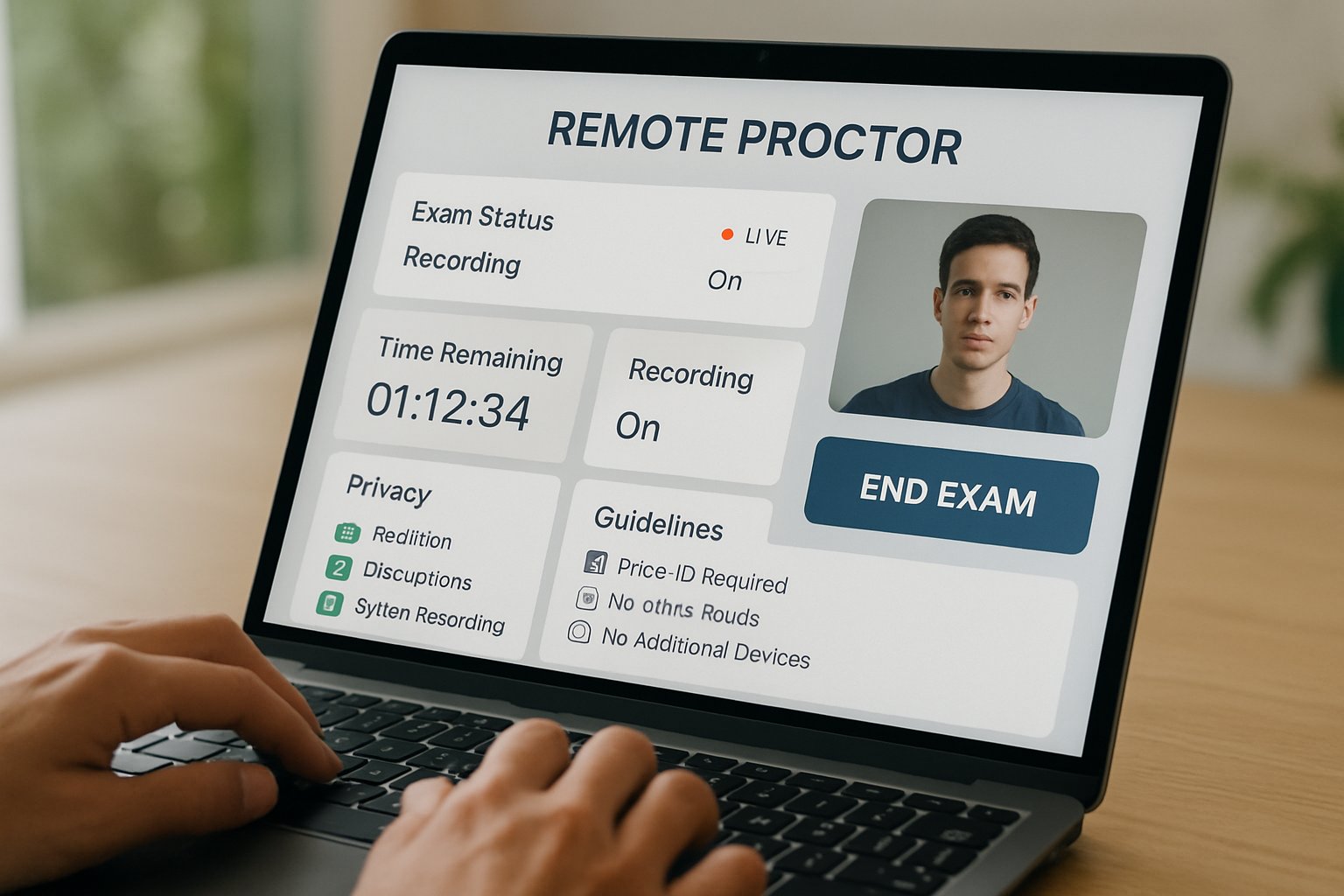
- Myth: Companies sell biometric recordings. Fact: Policies deny resale, yet retention periods vary.
- Myth: AI flags are final. Fact: Most contracts include instructor review and appeal windows.
- Myth: Tools always break privacy laws. Fact: Courts only struck down specific practices, like forced room scans.
- Myth: Only surveillance stops cheating. Fact: Research shows design changes deter misconduct, too.
These clarifications show why transparency is essential. Subsequently, institutions should publish clear proctoring FAQs.
Bias And Accuracy Gaps
NIST studies reveal demographic error gaps in facial recognition engines. However, vendor performance differs widely. One sample showed certain groups experienced higher false negatives. Automated flags inside remote proctor software can mirror these patterns. Therefore, human review and accessible appeals remain critical.
Key statistics highlight the stakes:
- 21.4% of science undergraduates reported distress during monitored exams.
- Students estimated 21.2% remote cheating versus 11.6% in person.
- NIST found measurable race and age variances in many algorithms.
Regular audits and diverse training data reduce bias. Consequently, institutions should demand evidence of updates.
Legal And Policy Landscape
Ogletree v. Cleveland State University ruled mandatory room scans unconstitutional. Meanwhile, European regulators scrutinize biometric monitoring rules. Vendors now highlight SOC-2 and ISO attestations to reassure clients. Yet every campus must map policies to local law.
When adopting any software for online exam security, privacy officers should ask:
- What data elements are collected and encrypted?
- Who reviews flagged clips, and how quickly?
- How long will recordings stay on servers?
- Which accommodations exist for disabilities or faith-based objections?
Clear answers build trust. Moreover, they limit legal exposure.
Student Mental Health Concerns
Anxiety spikes when webcams scrutinize every movement. Additionally, neurodivergent students risk false flags for normal tics. One Dutch student even needed a bright lamp so the algorithm could “find” her face. Such stories amplify opposition to remote proctor software.
Institutions can mitigate stress by:
- Offering practice sessions that mimic live settings.
- Providing written appeal instructions before each test.
- Allowing alternative locations like proctored labs.
These steps humanize technology. Consequently, student satisfaction improves.
Practical Exam Prep Strategies
Learners should prepare systematically. Firstly, read the vendor privacy notice. Secondly, test hardware one day early. Thirdly, document glitches with screenshots. Moreover, those using software for online exam security should secure a stable connection and neutral backdrop.
If flagged, students should:
- Note the exact timestamp and context.
- Contact the instructor within 24 hours.
- Request the review clip under FERPA rights.
Quick action keeps disputes objective. Therefore, outcomes tend to be fairer.
Balanced Assessment Design Alternatives
Cheating deterrence does not rely solely on surveillance. Educators now mix open-book exams, randomized question banks, and oral defenses. Moreover, many platforms embed plagiarism checkers rather than camera feeds. Integrating these designs with limited remote proctor software sessions lowers intrusion while preserving integrity.
When selecting any software for online exam protection, pair it with thoughtful pedagogy. Consequently, overall academic honesty improves.
Key takeaway: Evidence shows proctoring works best alongside strong instructional design. Institutions that balance technology, policy, and empathy earn higher trust. Therefore, continuous review remains essential.
Conclusion
Evidence debunks many fears, yet legitimate risks persist. Bias audits, clear policies, and student support safeguard fairness. Importantly, remote proctor software should complement, not replace, sound assessment strategy.
Why Proctor365? Proctor365 delivers AI-powered proctoring, advanced identity verification, and scalable monitoring trusted by global exam bodies. Consequently, institutions boost integrity without sacrificing user experience. Explore how Proctor365 can elevate your assessment security today.
Frequently Asked Questions
- How does Proctor365 ensure exam integrity during online assessments?
Proctor365 employs advanced AI proctoring, real-time monitoring, and robust identity verification to maintain exam integrity and prevent fraud. The system integrates human review for flagged incidents, ensuring secure online assessments. - What measures does Proctor365 implement to reduce bias and promote fairness?
Proctor365 regularly performs bias audits and diversifies training data, combining AI proctoring with human reviews to reduce demographic error gaps. These measures ensure fairness and maintain overall exam accuracy. - How does Proctor365 protect student privacy during online examinations?
Proctor365 prioritizes student privacy by encrypting data, adhering to strict retention policies, and meeting SOC-2 and ISO compliance standards. These practices ensure exam footage is securely managed while privacy is maintained. - What support does Proctor365 offer for exam disputes and technical issues?
Proctor365 provides clear guidelines for contesting flagged incidents, including rapid instructor review and comprehensive dispute resolution. Its dedicated support team assists with technical issues, ensuring smooth and transparent exam administration.






