
Students now sit high-stakes tests from bedrooms, campus labs, and commuter trains.
Consequently, universities and training firms rely on every remote proctored exam to certify knowledge.
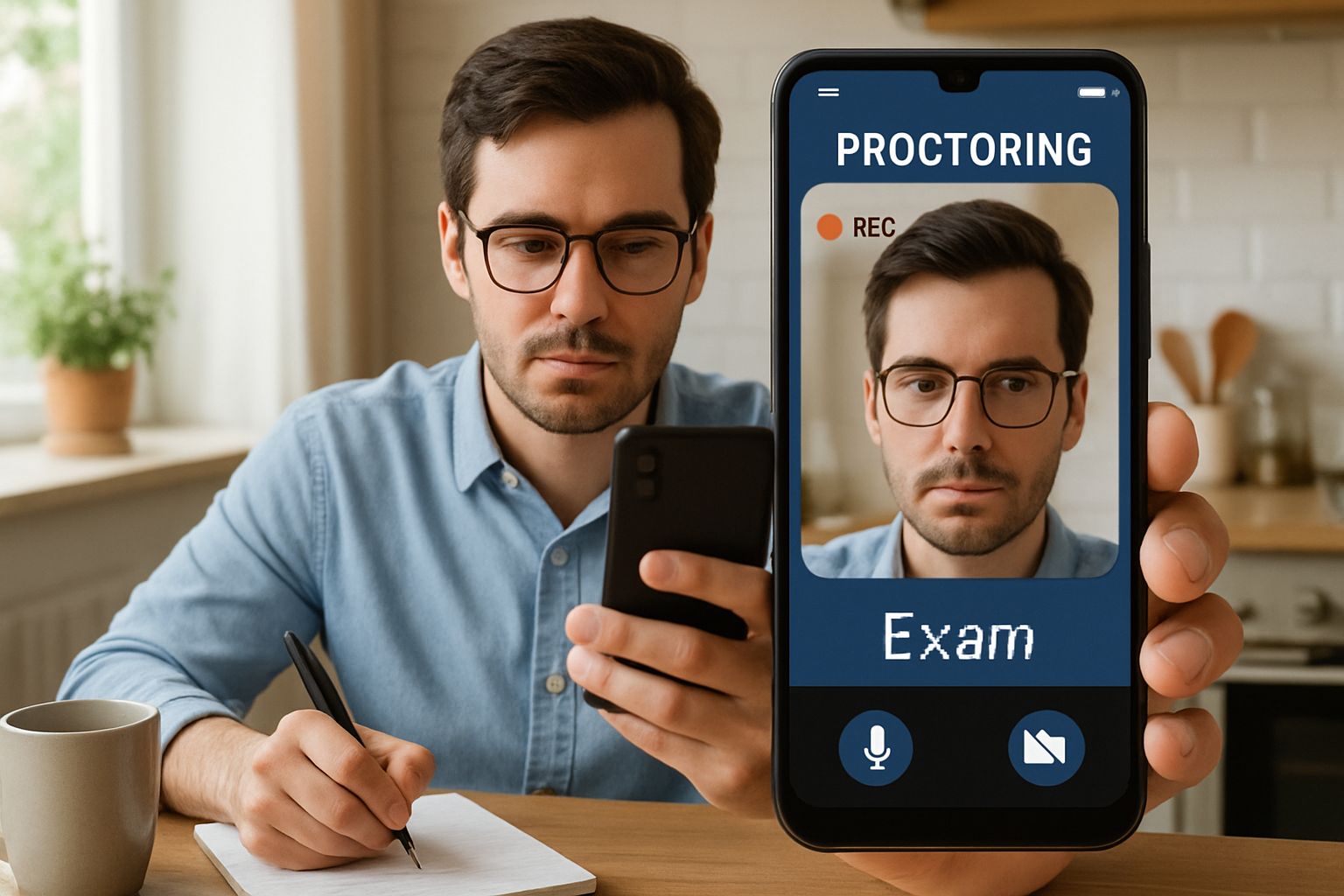
However, choosing between mobile vs desktop proctoring presents thorny security and privacy trade-offs.
This article compares risks, market shifts, and actionable safeguards.
Moreover, we outline best practices that keep mobile proctored exams fair, accessible, and legally defensible.
Read on to strengthen your assessment programs before the next testing cycle.
Global analysts predict the proctoring market could top one billion dollars within three years.
Meanwhile, regulators scrutinize data retention and algorithmic bias with new statutes like California’s Student Test Taker Privacy Act.
Therefore, decision makers must weigh convenience against exposure.
Our guide delivers that balanced analysis.
We draw on vendor claims, watchdog reports, and frontline campus experiences.
Subsequently, you will leave with a clear checklist for compliant, scalable, and resilient assessment delivery.
Security Stakes Keep Rising
Every assessment captures video, audio, and identity documents.
Consequently, a single breach exposes sensitive biometric data for years.
Consumer Reports uncovered leaked source code at one vendor, highlighting live credential storage.
Meanwhile, privacy groups accuse platforms of over-collecting beyond legitimate test surveillance.
Therefore, secure mobile exam proctoring must balance detection with least-privilege design.
The same rule applies to each remote proctored exam deployed on desktops.
Institutions adopting mobile proctored exams must enforce strong encryption keys.
Key point: security failures damage institutional trust fast.
Next, we examine the broader market landscape.
Remote Proctored Exam Landscape
Market forecasts show compound growth between eight and twelve percent annually.
Moreover, mobile vs desktop proctoring capability now appears in almost every vendor pitch.
EDUCAUSE surveys found over sixty percent of universities referencing online proctoring tools on public sites.
- Global market value: USD 1.1B forecast by 2025 (IntelMarketResearch).
- Independent accuracy studies remain limited; vendor claims exceed 95% after human review.
- California law restricts data collection to what is strictly necessary for monitoring.
- Adoption of remote proctored exams on mobile is rising, especially in corporate training.
Consequently, online proctored exams on mobile phones drive new revenue streams for vendors that refine AI analytics.
However, purchasing teams should note that AI-powered mobile proctoring still lacks independent certification.
The landscape shows brisk growth but uneven transparency.
Next, we explore mobile detection limits.
Mobile Detection Limitations Explained
Native apps tap front and back cameras, microphones, and accelerometers.
In contrast, iOS restricts screen capture APIs, hindering complete session recording.
Consequently, some test takers exploit notification overlays or quick-switch gestures during mobile exam proctoring.
Vendors respond with Bluetooth scans and voice keyword triggers like “Hey Siri”.
However, false positives rise when ambient conversations mimic forbidden phrases.
Remote proctored exams on mobile produce higher variance in detection accuracy, according to limited campus pilots.
Therefore, secure mobile exam proctoring demands rigorous permission audits and human review of AI flags.
Faculty pilots of mobile proctored exams report mixed student comfort levels.
Mobile sensors expand coverage yet introduce fresh evasion paths.
We now compare ongoing desktop challenges.
Desktop Lockdown Challenges Persist
Lockdown browsers monitor window focus, keyboard events, and screen sharing.
However, virtual machines and secondary smartphones still bypass many controls.
AI-powered mobile proctoring often supplements desktops as a 360-degree room camera.
Robust mobile exam proctoring remains essential when desktops malfunction.
This hybrid raises privacy concerns because two devices stream simultaneously.
Moreover, mobile vs desktop proctoring means different encryption models and patch cycles for IT staff.
Each remote proctored exam therefore needs layered threat modeling across operating systems.
Desktop tools remain powerful yet imperfect.
Next, we present an implementation checklist.
Practical Proctoring Implementation Checklist
Administrators can mitigate risk by following a structured procurement template.
Key Action Items List
- Demand third-party audits before approving any remote proctored exam platform.
- Limit data retention to 30 days for secure mobile exam proctoring recordings.
- Publish false-flag rates for AI-powered mobile proctoring each semester.
- Offer on-campus alternatives for online proctored exams on mobile phones.
- Train staff on emerging mobile vs desktop proctoring exploits annually.
Moreover, institutions should document appeals workflows and accessibility accommodations.
These steps build transparency and student confidence.
A precise checklist keeps projects aligned with policy.
Finally, we look ahead to resilient strategies.
Future Proofing Assessment Integrity
Assessment redesign reduces surveillance pressure while preserving rigor.
For instance, open-book tasks and oral defenses curb cheating incentives.
Nevertheless, many programs will still require at least one remote proctored exam each term.
Therefore, AI-powered mobile proctoring must evolve with transparent models and demographic performance reporting.
Vendors already pilot computer-vision updates that detect secondary screens during remote proctored exams on mobile.
Moreover, secure mobile exam proctoring will benefit from stronger OS permission granularity.
Continual testing of mobile exam proctoring heuristics will refine sensitivity thresholds.
Research labs test accessibility features for online proctored exams on mobile phones.
Future models promise better balance between fairness and deterrence.
Next, we summarize key lessons and introduce Proctor365.
Conclusion
Effective exam integrity demands nuanced choices across devices, policies, and pedagogy.
By aligning audits, data minimization, and human review, institutions can administer each remote proctored exam with confidence.
Mobile vs desktop proctoring tools must integrate transparent AI, accessible workflows, and secure storage to remain credible.
Why Proctor365? Our AI-powered platform delivers secure mobile exam proctoring and desktop oversight in one unified console.
Advanced biometric verification confirms identity before every remote proctored exam begins.
Scalable cloud monitoring flags anomalies in real time, yet human auditors validate results for fairness.
Trusted by global universities and certification bodies, Proctor365 safeguards credentials at scale.
Book a demo today at Proctor365.ai and future-proof your assessments.
Frequently Asked Questions
- How do mobile and desktop proctoring differ in maintaining exam integrity?
Mobile proctoring leverages AI and sensor data for real-time identity verification, while desktop proctoring uses lockdown browsers. Proctor365 integrates both methods to ensure robust exam integrity and fraud prevention. - What security measures support remote proctored exams on Proctor365?
Proctor365 employs advanced encryption, biometric checks, and AI-driven threat detection during remote proctoring. These layers safeguard sensitive data and secure exam sessions against breaches. - How does Proctor365 balance privacy with effective exam monitoring?
Proctor365 balances privacy and monitoring by collecting only essential data, enforcing strict encryption, and combining AI analytics with human review to ensure exam fairness and legal compliance. - What role does AI play in Proctor365’s proctoring solutions?
AI in Proctor365 streamlines identity verification and fraud detection in real time while minimizing false positives. Human auditors then validate AI flags, ensuring secure, compliant, and fair remote proctoring.






