
Universities and training teams need reliable remote proctoring software as online testing scales worldwide. However, rushed deployments often create legal, privacy, and bias problems. This guide delivers a clear, practical roadmap. Follow each phase to safeguard integrity, respect student rights, and deliver seamless experiences.
Key Current Market Drivers
Demand for remote proctoring software keeps rising. The Insight Partners projects US$2.35 billion by 2031, fueled by double-digit CAGR. Moreover, education still commands over 40% of all deals. Institutions adopt remote exam proctoring because travel costs vanish and scheduling expands worldwide.
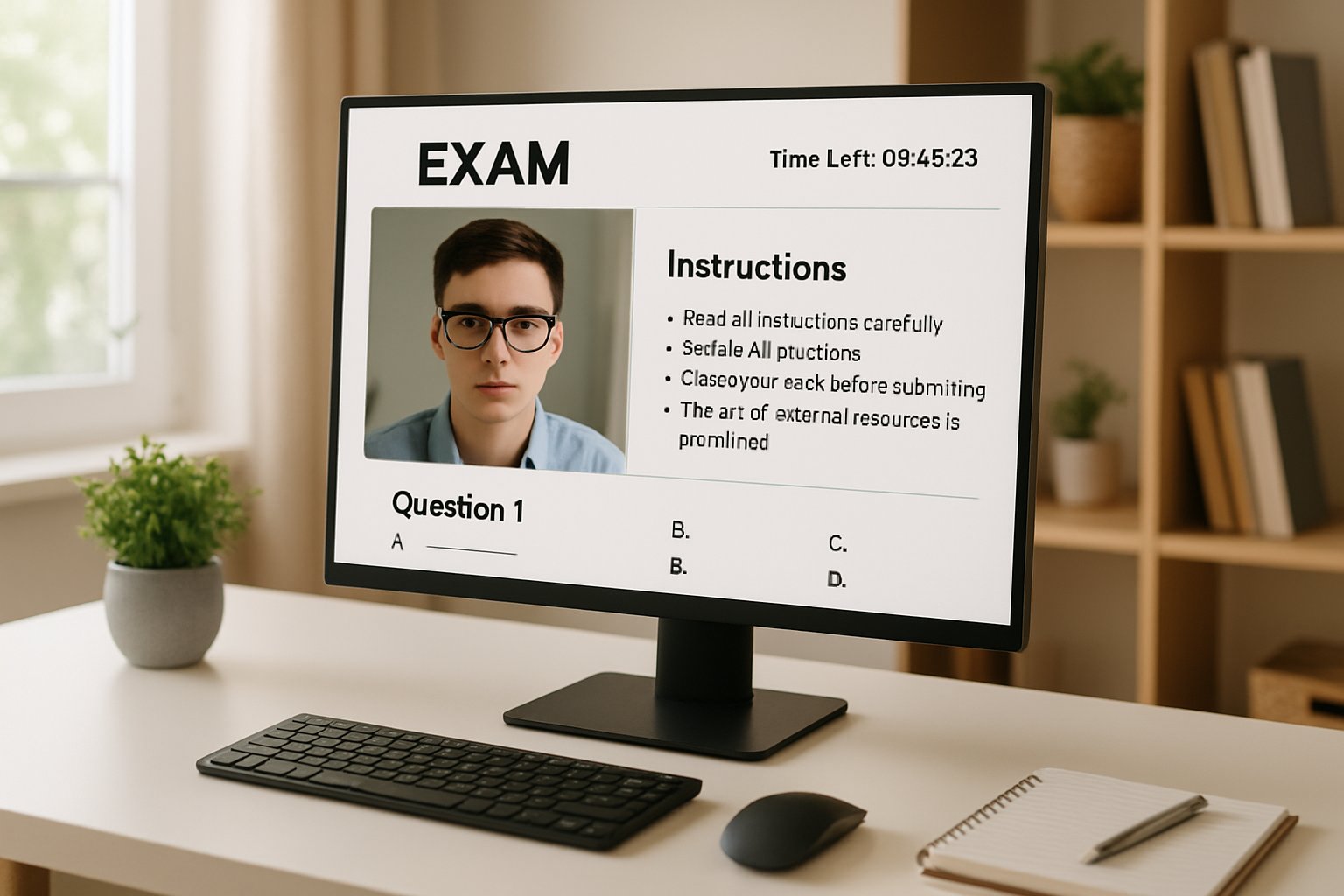
Meanwhile, legal scrutiny tightens. Ogletree v. Cleveland State ruled compulsory room scans unconstitutional, and California SB 1172 limits biometric retention. Consequently, privacy-first designs now win many bids.
AI advances also accelerate adoption. Vendors integrate multi-camera views, voice analytics, and fast ID verification for online exams. However, researchers note false-positive rates near 5% and bias toward darker skin tones. Manual review remains vital.
Key takeaway: strong growth collides with privacy and fairness concerns. Institutions must balance both. Next, we map essential governance steps.
Initial Governance Planning Steps
First, classify exam risks. High-stakes licensure needs live proctors, while low-stakes quizzes suit automated remote proctoring solution modes. Secondly, assemble stakeholders: faculty, IT, legal, disability services, and student representatives.
Next, conduct a privacy impact review. Map applicable laws, including FERPA and local data rules. Additionally, confirm if biometrics are processed. If yes, enforce strict deletion windows.
Accessibility comes next. Provide opt-outs, extra time, and interfaces compatible with assistive tech. Furthermore, announce requirements early during remote exam setup to avoid surprises.
Summary: governance work avoids costly re-engineering later. The following section tackles vendor selection.
Selecting The Right Solution
Craft an RFP that reflects technical, operational, and privacy needs. Mandate LTI 1.3, encryption at rest, and SOC2 or ISO certifications. Moreover, require clear pricing and 24/7 support to launch remote exams quickly.
During demos, test secondary keywords:
- Remote exam proctoring modes: live, recorded, AI.
- End-to-end remote proctoring solution workflow.
- Ability to deliver remote exams in 48 hours during surge periods.
- Robust ID verification for online exams with multi-factor checks.
Request external security assessments and references from similar campuses. Additionally, probe appeal processes for false flags.
Key takeaway: thorough vetting ensures technology, privacy, and support align. Integration is the next hurdle.
Integration And Security Hardening
Start with sandbox integration. Use LTI Advantage for secure token exchange. Furthermore, configure role mappings precisely to prevent privilege creep. During remote exam setup, test all common browsers and devices.
Lock down data paths. Store recordings in regionally appropriate clouds with encryption keys under institutional control. Nevertheless, keep retention minimal. Automate deletion after 30-60 days unless investigations require extension.
Moreover, adopt layered security. Pen-test the client, review third-party libraries, and audit access logs weekly. These steps help launch remote exams quickly without exposing sensitive data.
Summary: tight integration paired with strong security sustains trust. Next, we validate fairness.
Pilot Testing For Fairness
Run a controlled pilot before any wide release. Include diverse skin tones, disability accommodations, and low-bandwidth scenarios. Measure fail-to-start rates, latency, and false alerts.
Additionally, review AI flags manually. Researchers Burgess and Mukherjee both report bias risks. Therefore, human oversight limits harm. If issues emerge, refine lighting guidance or tweak gaze thresholds.
Conduct stress tests too. Simulate 500 candidates to prove remote exams in 48 hours remain stable. Moreover, gather student feedback about intrusive feelings versus benefits.
Key takeaway: pilots surface technical and ethical flaws early. The final phase addresses full production.
Launching Full Operational Excellence
Create clear candidate resources. Provide system checks, tutorials, and practice quizzes. Consequently, support tickets drop by 30% on launch day.
During live windows, monitor dashboards in real time. Furthermore, enforce a two-step review: AI flags then human confirmation. This workflow improves accuracy and fairness.
Post-exam, export incident logs to the LMS gradebook. Additionally, run quarterly audits on retention, bias metrics, and accessibility requests. Track KPIs such as:
- Technical failure rate below 2%.
- False-positive rate under 5%.
- Average resolution time under 48 hours.
Summary: disciplined operations close the loop and drive continual improvement. We finish with a recap and action plan.
Legal Privacy Considerations
The Cleveland State ruling warns institutions to avoid compulsory room scans. Nevertheless, alternative camera positions and strong ID verification for online exams can achieve similar assurance. Always offer in-person centers for students unable to comply.
End-to-end compliance reinforces trust, supports accreditation, and keeps remote exam proctoring sustainable.
Key takeaway: proactive legal alignment shields reputation. Now, see how Proctor365 accelerates success.
Conclusion And Next Steps
Effective deployment of remote proctoring software hinges on careful governance, rigorous pilots, and transparent operations. Follow the roadmap above to integrate secure remote exam proctoring, refine your remote proctoring solution, and launch remote exams quickly—even deliver remote exams in 48 hours when needed. Always maintain strong ID verification for online exams to protect integrity.
Why Proctor365? Proctor365 combines AI-powered monitoring, advanced identity verification, and elastic scaling to safeguard every assessment. Trusted by global exam bodies, our remote proctoring software delivers unmatched reliability. Experience seamless integrations and live dashboards that cut incident resolution time. Elevate exam integrity today—visit Proctor365.ai and schedule a personalized demo.
Frequently Asked Questions
- What key features make Proctor365’s remote proctoring effective?
Proctor365 leverages AI-powered monitoring, robust identity verification, and elastic scaling to secure remote exams. Our solution offers live dashboards and automated fraud prevention for fast incident resolution and improved exam integrity. - What measures ensure exam integrity and fairness with Proctor365?
Proctor365 employs multi-camera views, AI proctoring with human oversight, and strict fraud prevention to maintain exam integrity. Our system minimizes false alerts and bias while ensuring fair testing environments. - How does Proctor365 protect candidate privacy during remote exams?
Proctor365 incorporates privacy-first design by encrypting data, limiting biometric retention, and complying with FERPA and local regulations. Our secure solutions balance reliable remote proctoring with student privacy protection. - What integration and support features are offered by Proctor365?
Proctor365 ensures seamless integration with LTI protocols, comprehensive vendor support, and advanced security measures. Our solution streamlines setup and maintains operational excellence during high-stakes remote exam proctoring.






