
One minute can rescue an entire exam session. That minute is the 60-second readiness test used by modern remote exam proctoring software. Universities, ed-tech platforms, and certification bodies insist candidates run it before every high-stakes assessment. The micro checklist confirms System Requirements, camera, microphone, bandwidth, identity capture, and a quick room scan. However, recent platform meltdowns show that a short test alone cannot guarantee flawless delivery. Consequently, stakeholders now examine workflow, privacy impact, and support promises surrounding the lightning-fast diagnostic. This article dissects the 60-second readiness flow, highlights market lessons, and offers actionable implementation steps. Along the way, we reference the California bar exam outage, privacy advocacy, and industry growth statistics. Finally, we outline how to choose a resilient online proctoring solution that protects integrity without alienating students.
Importance Of Readiness Tests
System failures on exam day damage reputations and delay careers. Therefore, institutions crave early warnings. A rapid readiness check reduces help-desk load and supports secure online examinations at scale. Moreover, it exposes missing System Requirements while there is still time to fix them. Effective remote exam proctoring software relies on that lightning-fast gatekeeper.
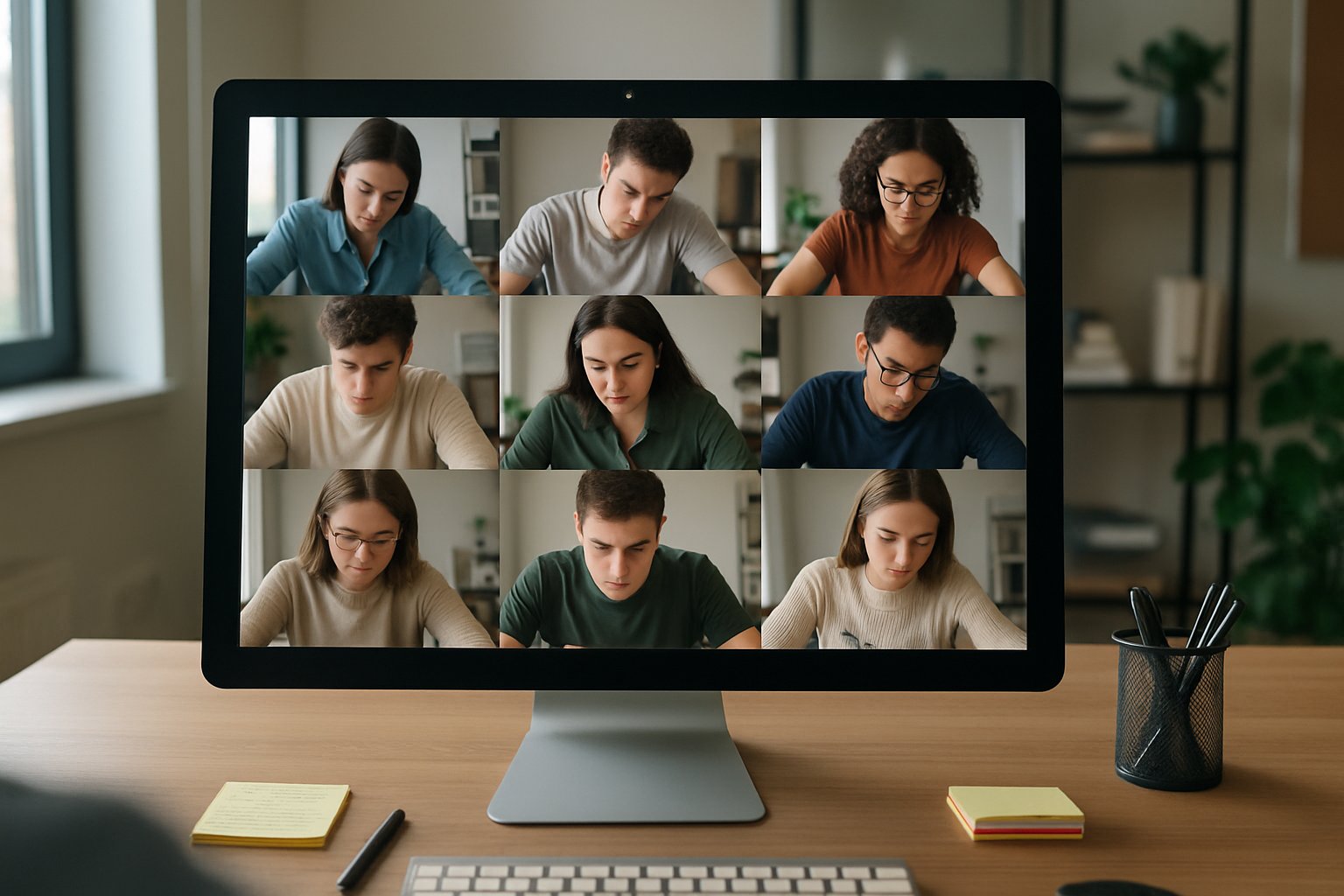
In short, readiness protects schedules, budgets, and candidate confidence. It signals that System Requirements are satisfied. Next, let’s explore the exact steps inside the 60-second checklist.
Core Sixty Second Steps
Most vendors design nearly identical flows. Candidates follow onscreen prompts that visibly tick green as each test passes.
- Webcam and microphone check
- Bandwidth and browser compatibility
- Identity snapshot for student authentication system
- Room scan for cheating prevention in online exams
- Confirmation of permitted materials
Cutting-edge remote exam proctoring software automates these checks with AI guidance. These steps take under a minute when devices meet baseline specifications. However, overlooked plugins or bandwidth drops can still derail online exam proctoring sessions. A clear pass screen reassures both student and support staff. It signals that System Requirements are satisfied. Still, the market has learned painful lessons when downstream systems collapse.
Recent Industry Wake Ups
February 2025 delivered a harsh reminder. Meazure Learning’s platform crashed during the California bar exam, despite earlier readiness passes. Consequently, litigation now questions vendor uptime promises, support tempos, and overall fraud detection in online exams. Advocates such as the EFF simultaneously push for privacy limits on invasive room scans and biometric retention.
Market failures show that a fast checklist cannot replace robust architecture. They also highlight the need for transparent Service Level Agreements. Therefore, privacy and trust concerns deserve equal attention.
Balancing Privacy And Trust
Room scans and facial analytics raise legitimate fears. Students worry about bias, surveillance creep, and data misuse. Meanwhile, institutions still need a student authentication system strong enough to block impersonation. Moreover, equity issues arise when low-income candidates lack private spaces or stable bandwidth.
Best practice pairs minimal data collection with clear consent notices. That approach sustains secure online examinations without excessive intrusion. Next, we examine concrete deployment tactics.
Implementation Success Action Plan
Stakeholders should schedule two separate checks. Run a full compatibility test 48 hours ahead, then complete the 60-second confirmation on exam day. Additionally, publish plain-language System Requirements on every registration page. Offer fallback sites or on-campus rooms for candidates with inadequate setups.
- Tie readiness logs to the student authentication system.
- Integrate fraud detection in online exams analytics dashboards.
- Escalate live chat within 30 seconds when the online proctoring solution flags issues.
Remote exam proctoring software must surface clear remediation steps when a test fails. When these steps align, cheating prevention in online exams becomes proactive rather than reactive. Institutions then deliver reliable, scalable, and secure online examinations. Yet vendor choice still determines long-term stability.
Choosing Reliable Proctoring Partners
Begin by verifying independent security audits such as SOC 2 or ISO 27001. Compare advertised uptime to documented incident logs from previous clients. Furthermore, demand clarity on data deletion timelines and AI flag review procedures.
Universities also evaluate how each online proctoring solution supports accessibility tools and diverse learning needs. Consequently, proposals blending AI efficiency with human oversight often win. Procurement teams score remote exam proctoring software with weighted rubrics covering uptime, privacy, and support.
Diligent vetting narrows risk, cost, and compliance gaps. It paves the way for sustainable online exam proctoring strategies.
Avoid Exam Day Chaos
Seamless online exam proctoring depends on stable connectivity. Therefore, continuous monitoring of readiness metrics remains critical.
Future Proof Strategies
Moreover, vendors should publish transparency reports to build trust and strengthen secure online examinations.
A 60-second readiness test sets the stage for smooth, secure online examinations. Yet it succeeds only when governance, privacy, and support frameworks reinforce the front-end ritual. Institutions uphold fairness by tracking System Requirements and using a resilient student authentication system. They also strengthen fraud detection in online exams through real-time analytics. Reliable remote exam proctoring software completes the puzzle by uniting these layers.
Why Proctor365? Our AI-powered platform delivers live and automated monitoring, advanced identity verification, and enterprise-level scalability. Trusted by global exam bodies, Proctor365 cuts support load and safeguards integrity. Visit Proctor365.ai to schedule a demo.
Frequently Asked Questions
- What is the purpose of the 60-second readiness test?
The 60-second readiness test swiftly verifies system requirements, including webcam, microphone, bandwidth, and room security, ensuring candidates are prepared while minimizing technical glitches and support load for secure, scalable online examinations. - How does AI proctoring enhance exam integrity?
AI-powered monitoring detects irregularities in candidates’ behavior and environment, enhancing exam integrity by flagging potential cheating and supporting real-time analytics for efficient, secure proctoring. - How does Proctor365 ensure fraud prevention and identity verification?
Proctor365 employs advanced identity verification and fraud prevention measures, utilizing AI-driven live monitoring and automated analytics to confirm candidate authenticity and system readiness, thereby safeguarding exam integrity. - What steps can institutions take to avoid exam day chaos?
Institutions can prevent exam day disruptions by conducting early compatibility tests, outlining clear system requirements, providing fallback options, and using live support escalation to quickly address any technical issues.






