
Online testing surged after 2020 and so did digital misconduct. Consequently, universities and certifiers now demand a browser lockdown solution for online exams that balances ironclad security with student dignity. However, recent vendor failures, lawsuits, and privacy rulings prove that checklist buying no longer works. This article unpacks the 12 features every procurement team should benchmark before signing a contract.
Evolving Exam Security Risks
Cheating tactics evolve weekly. Moreover, AI writing tools, remote desktops, and secondary screens create fresh loopholes. A secure exam browser alone cannot block every vector. Institutions therefore need layered controls that work together without hampering genuine candidates.
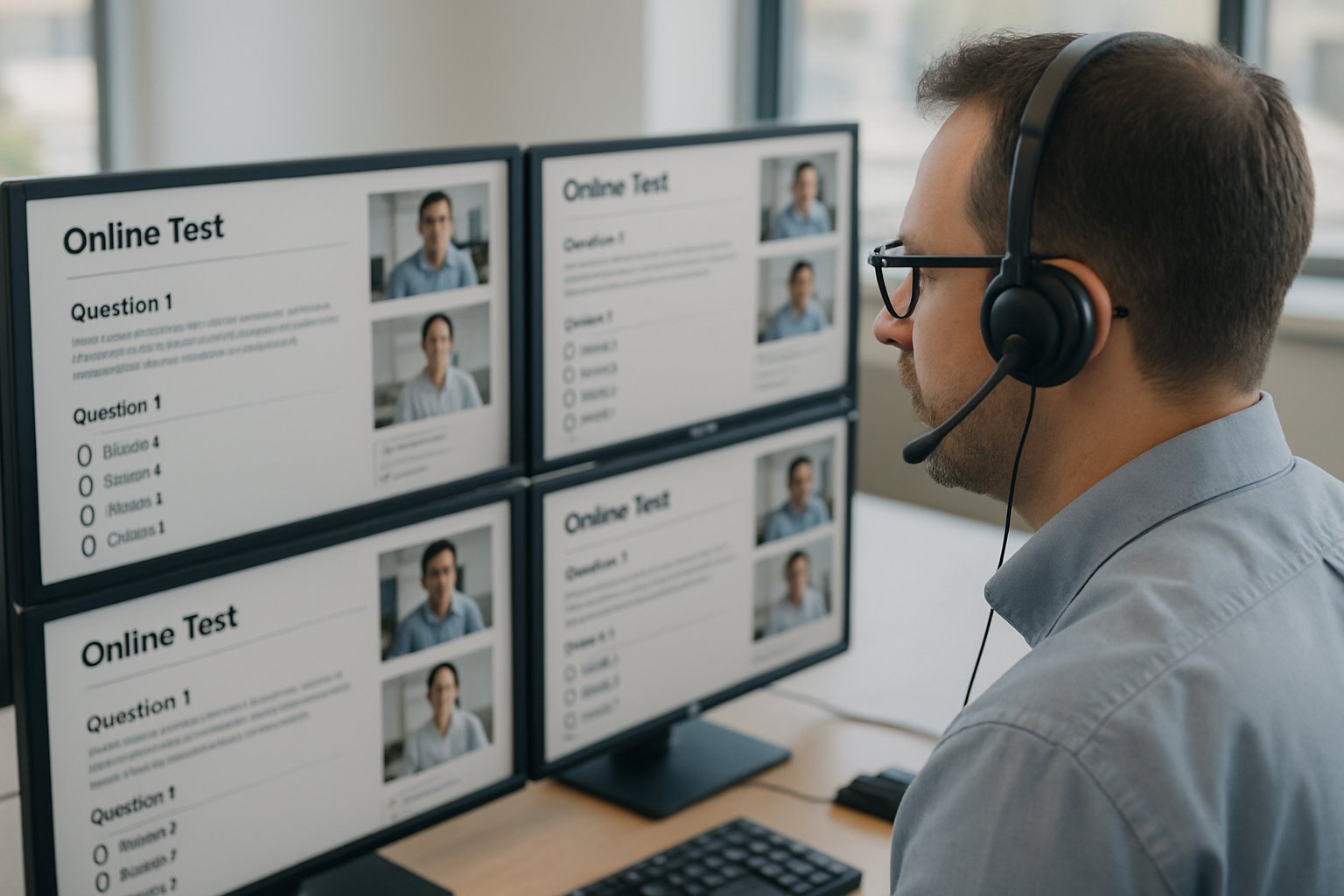
Recent headlines underscore the cost of weak controls. The California bar exam meltdown forced thousands to restart and triggered lawsuits. Meanwhile, European courts curtailed intrusive room scans. These events shifted focus from flashy detection claims to reliability, privacy, and equity.
Key takeaway: Threats are dynamic; requirements must be forward-looking. Consequently, feature depth matters more than vendor brand.
Why Features Really Matter
Feature gaps cause lost scores, false accusations, and legal exposure. Additionally, a lockdown browser for online exams that omits accessibility can violate disability law. Procurement teams thus need a structured rubric.
Peer-reviewed evidence shows proctoring reduces cheating but also raises stress. Therefore, balanced design—strong security plus humane policies—delivers better outcomes.
Key takeaway: Each feature should advance integrity and fairness. Missing features invite risk. Now, let’s examine the essentials.
Browser Lockdown Solution Essentials
The following 12 capabilities define a robust browser lockdown solution for online exams. Use them as mandatory RFP criteria.
- Strict task isolation: Blocks copy, paste, print, and other apps. This core browser lockdown software function stops quick content leaks.
- Full-screen enforcement: Detects exits or Alt-Tab events and logs them for review.
- Secure screen recording: Captures screen, webcam, and audio with tamper-evident storage.
- Identity verification: Uses photo ID, face match, or MFA with opt-outs for accommodations.
- Configurable room scans: Allows optional second-camera sweeps while respecting privacy mandates.
- Multi-monitor detection: Flags extra displays and peripherals, supporting multi-monitor detection exams policies.
- AI plus human review: Combines algorithms with trained staff to cut false positives.
- Low-bandwidth resilience: Buffers video locally and resumes uploads after outages.
- Accessibility support: Provides screen reader compatibility and extended-time settings.
- LMS integrations: Syncs with Canvas, Blackboard, or Moodle for seamless workflow.
- Privacy controls: Offers data minimization, residency options, and audited compliance (SOC2, ISO).
- Forensic reporting: Supplies searchable logs and exportable evidence bundles.
Key takeaway: These twelve pillars transform a simple secure testing browser into a comprehensive defense. Next, we explore advanced countermeasures.
Advanced Cheating Counter Measures
Modern cheaters exploit screen-sharing and virtual machines. Consequently, institutions need advanced secure exam browser defenses. Multi-factor identity checks shut out impersonators. Meanwhile, real-time gaze tracking highlights suspicious focus shifts.
However, algorithms misfire. Therefore, human reviewers must verify AI flags. This hybrid design prevents wrongful discipline and aligns with emerging legal standards.
Key takeaway: Combine smart detection with human judgment. Balanced systems outperform brute automation.
Reliability And Accessibility Essentials
High-stakes tests demand uptime. Moreover, bandwidth varies globally. A resilient exam lockdown browser buffers data locally and resumes upon reconnection. Vendors should publish SLA targets and post-mortems.
Accessibility cannot be optional. Screen reader compatibility, keyboard navigation, and color-contrast settings turn a secure testing browser into an inclusive tool. Additionally, documented accommodation workflows protect institutions from legal claims.
Key takeaway: Reliability and accessibility sustain trust. Accordingly, they deserve the same scrutiny as security.
Privacy Governance Compliance Keys
Data over-collection sparks lawsuits. Therefore, browser lockdown software must respect data minimization and retention limits. Vendors should offer EU and US data centers and deliver completed GDPR assessments.
Room scans present special risks. Courts in France and some US states ruled extensive scans disproportionate. Consequently, configurable, short scans with explicit consent are now best practice.
Key takeaway: Strong privacy controls reduce regulatory exposure and boost student acceptance. Next step—choose the right partner.
Vendor Evaluation Action Plan
Selecting a secure exam browser vendor requires disciplined testing. Begin with a pilot covering varied bandwidth, devices, and accommodations. Moreover, inspect independent security audits. Ask for SOC2 Type II and ISO-27001 certificates.
Verify cheating prevention software accuracy by requesting false-positive rates across diverse groups. Additionally, review multi-monitor detection exams logs from the pilot to confirm effectiveness.
Finally, negotiate clear data-deletion clauses. Consequently, your institution retains control even after contract termination.
Key takeaway: A structured evaluation prevents costly surprises. Actionable data beats marketing slides.
Quick Red-Flag Checklist
Watch for these warning signs:
- No human-in-the-loop review process.
- Lack of accessibility VPAT.
- Ambiguous biometric policies.
- Unverified uptime claims.
- Missing multi-monitor detection exams capability.
Address red flags early. Otherwise, hidden gaps surface during live exams.
Transitioning to our final section, let’s summarize the critical insights.
Conclusion
The right browser lockdown solution for online exams blends strict isolation, multi-monitor detection, adaptive identity verification, and audited privacy controls. Moreover, it operates reliably on low bandwidth and respects accessibility mandates. Implementing such a system deters misconduct, protects reputations, and supports honest learners.
Why Proctor365? Proctor365 delivers AI-powered proctoring, advanced identity verification, and scalable monitoring trusted by global exam bodies. Its platform embodies every feature outlined above, offering unmatched cheating prevention software and robust browser lockdown software. Elevate integrity today—visit Proctor365 and schedule a demo.
Frequently Asked Questions
- What are the essential features for a secure online exam browser?
A secure exam browser should include task isolation, full-screen enforcement, secure screen recording, identity verification, multi-monitor detection, and privacy controls. These elements work together to prevent cheating and maintain exam integrity. - How does Proctor365 maintain exam integrity while ensuring fairness?
Proctor365 combines AI-powered proctoring, advanced identity verification, and human oversight. This hybrid model minimizes false positives, ensures fairness, and delivers reliable, secure testing with robust fraud prevention measures. - What role does human oversight play in modern exam proctoring?
Human oversight validates AI flags during examinations, reducing false positives. This balance between machine learning and expert review helps uphold exam integrity while providing a fair and compassionate candidate experience. - How do modern exam browsers address accessibility and privacy concerns?
Modern exam browsers integrate accessibility features like screen reader compatibility and adjustable settings, while enforcing data minimization and clear privacy controls. These measures ensure legal compliance and an inclusive testing environment.






