
Exam delivery moved online at record speed. However, security concerns grew just as fast. Institutions now rely on proctoring platforms to keep assessments credible. Yet many educators still ask one basic question: what actions actually trigger system flags during a proctored online test? Understanding the answer helps teams design fair, defensible policies.
Consequently, this article distills recent vendor documents, legal updates, and university guidelines. We explore why flags occur, which behaviors matter most, and how human reviewers decide outcomes. Moreover, we outline steps that reduce false positives while respecting privacy. The insights serve universities, ed-tech platforms, certification bodies, and corporate L&D leaders alike. Online exam proctoring remains a mainstay despite vocal criticism.
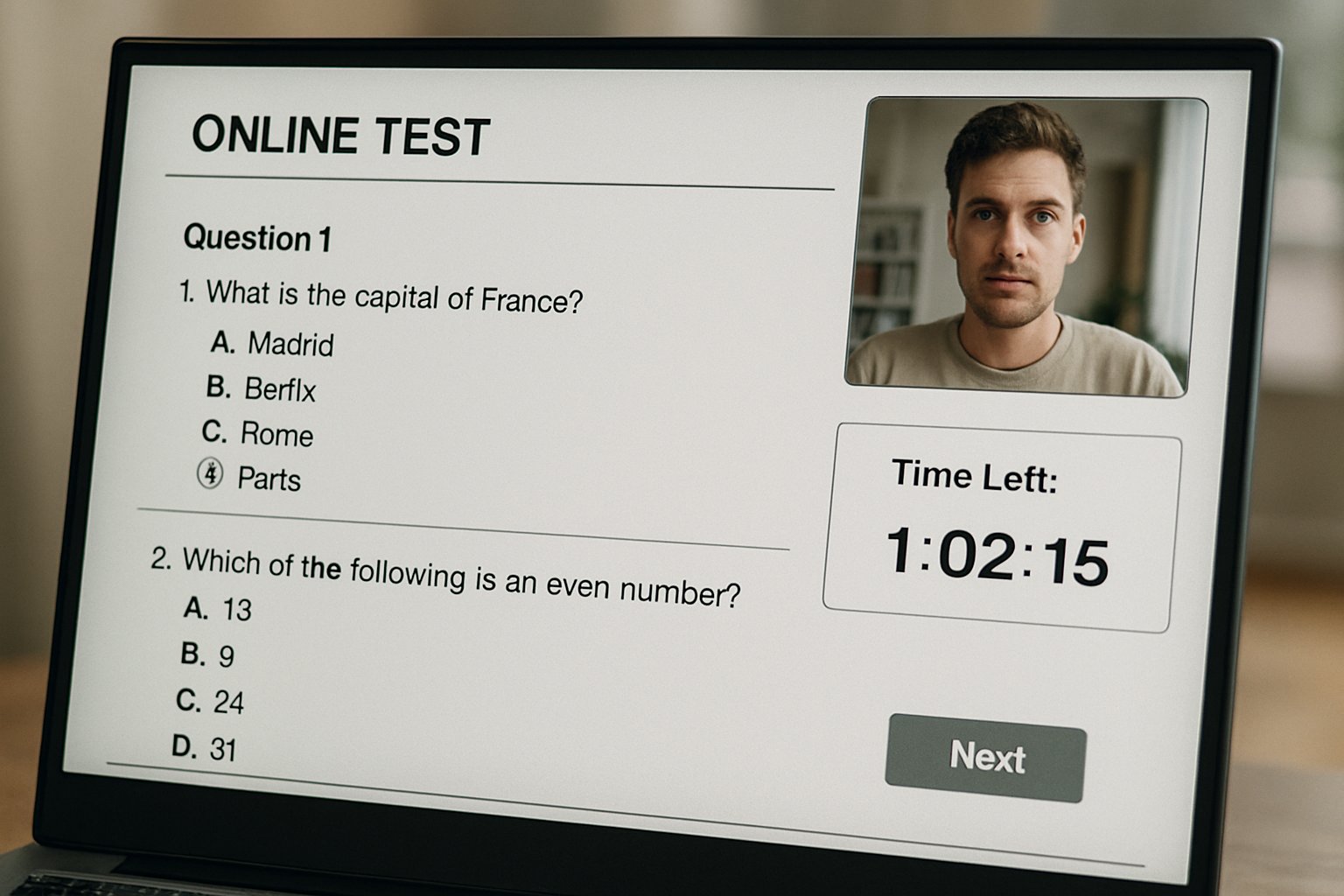
Why Exam Flags Occur
Automated and human proctoring systems scan webcam feeds, audio streams, and system events in real time. Additionally, administrators set thresholds that control when the software raises an alert.
Therefore, a flag is simply a timestamped marker, not an automatic verdict. Humans usually investigate the flagged clip and decide whether misconduct occurred.
In short, flags support triage, not punishment. Next, we review the most common triggers.
Secure Proctored Online Test
Delivering a secure proctored online test starts with strong identity checks. Candidates show government ID, then complete biometric face matching before the exam window opens. Meanwhile, a lockdown browser restricts tabs, printing, screen sharing, and remote-desktop software.
Moreover, many platforms demand a 360-degree room scan to confirm no unauthorized materials sit nearby. These preparatory steps often prevent later flag events.
Early vigilance strengthens integrity. Now, let us inspect typical flag categories.
Typical Flagged Exam Behaviors
Most incidents involve predictable patterns, documented across Proctorio, Respondus, and Inspera guides. Furthermore, universities can enable or disable each trigger.
- No face detected for several seconds.
- Multiple faces appear within the webcam frame.
- Window focus shifts or tab switching occurs.
- Phones, notes, or extra screens enter view.
- Loud voices or unusual background noises emerge.
Consequently, candidates who repeatedly look away or disconnect their camera also raise attention. However, a flag never equals guilt; context always matters.
The list above covers the biggest risk areas. Next, we contrast machine and human judgment.
Human Versus AI Review
AI detects anomalies within milliseconds; humans interpret intent. ProctorU data showed only eleven percent of AI-flagged sessions received instructor review. Consequently, the vendor now mandates human verification before escalation.
Moreover, research indicates algorithmic bias can inflate alerts for darker skin tones, echoing NIST findings. A balanced workflow combines rapid AI scanning with nuanced human oversight during a proctored online test. Online exam proctoring thus shifts from pure automation toward a hybrid norm.
Hybrid review lowers false penalties. Therefore, policy clarity becomes essential.
Policy And Legal Trends
Regulators are responding to privacy and equity concerns. California’s SB1172 limits biometric storage, while ACCA is phasing out remote tokens by 2026. Meanwhile, press coverage notes that seventy-eight percent of UK universities still employ online exam proctoring.
Institutions therefore must align policies, vendor contracts, and student communications. Explicitly stating how a proctored online test flag is reviewed reduces disputes.
Transparent rules build trust. Next, we examine steps that shrink error rates.
Reducing Exam False Positives
Design decisions influence flag volume. Effective online exam proctoring starts with clear instructions and robust practice tests. Moreover, pre-exam tutorials teach candidates where to place cameras and how to light rooms. Lockdown browser checks should run minutes before start time, giving users space to fix issues.
Additionally, administrators can lower sensitivity for short off-screen glances and allow scheduled breaks. Data from Respondus shows lighting prompts already cut camera flags significantly.
Small tweaks deliver big reductions. Finally, we outline administrator guidance.
Guidance For Administrators
Start by collecting three key metrics: flag rate, review rate, and sanction rate. Consequently, you can target interventions where most value exists. Moreover, publish these metrics each semester to prove fairness.
When configuring an upcoming proctored online test, document every enabled trigger and its threshold. In contrast, disable features that invade privacy without adding deterrence.
Clear data and transparent settings calm stakeholder concerns. Next, we wrap up with main takeaways.
Key Takeaways And Action
Every flag is a prompt for review, not an automatic violation. However, repeated off-screen gazes, extra faces, or device changes will attract scrutiny. Consequently, proactive design and measured human oversight safeguard integrity while protecting student rights. Summarized simply, a well-managed proctored online test balances security, transparency, and empathy.
Why Proctor365? Our AI-powered proctoring combines real-time face, audio, and screen analytics with advanced identity verification. Moreover, scalable cloud architecture lets you monitor thousands of exams without performance dips. Consequently, global exam bodies trust us to deliver consistent outcomes. In turn, you gain reliable online exam proctoring without sacrificing learner comfort. Ready to offer a seamless proctored online test experience and elevate exam integrity? Visit Proctor365 and schedule your demo today.
Frequently Asked Questions
- What common behaviors trigger flags during online proctored exams?
Flags can be triggered by behaviors such as missing a face on camera, unexpected window focus shifts, or unauthorized objects in view. These markers assist in identifying potential integrity concerns without confirming misconduct. - How does hybrid review improve exam integrity?
Hybrid review combines rapid AI detection with careful human oversight, ensuring that potential flags are contextually evaluated. This balanced approach maintains exam integrity while minimizing false positives. - How does Proctor365 protect exam security while ensuring user privacy?
Proctor365 uses advanced AI proctoring alongside robust identity verification and lockdown browser features. This integrated system helps prevent fraud and maintains exam security without compromising candidate privacy. - How can false positives be reduced during proctored online tests?
False positives can be minimized by using pre-exam tutorials, practice tests, and adjusting sensitivity settings. These measures, paired with Proctor365’s scalable cloud architecture, help ensure fair and accurate flagging.






