
Remote proctoring software has shifted high-stakes testing far beyond campus walls. Consequently, universities, certification bodies, and corporate L&D teams can now examine learners anytime, anywhere. However, the shift also intensifies scrutiny over privacy, bias, and accessibility. This article explores why the technology remains essential, how institutions can use it responsibly, and what comes next.
Digital Assessment Boom Today
Online learning enrollment keeps growing after the pandemic surge. Moreover, ed-tech platforms push organizations to deliver rapid, skills-based credentials. Market studies value the global online proctoring market between USD 0.8 billion and several billions, with double-digit CAGR forecasts.
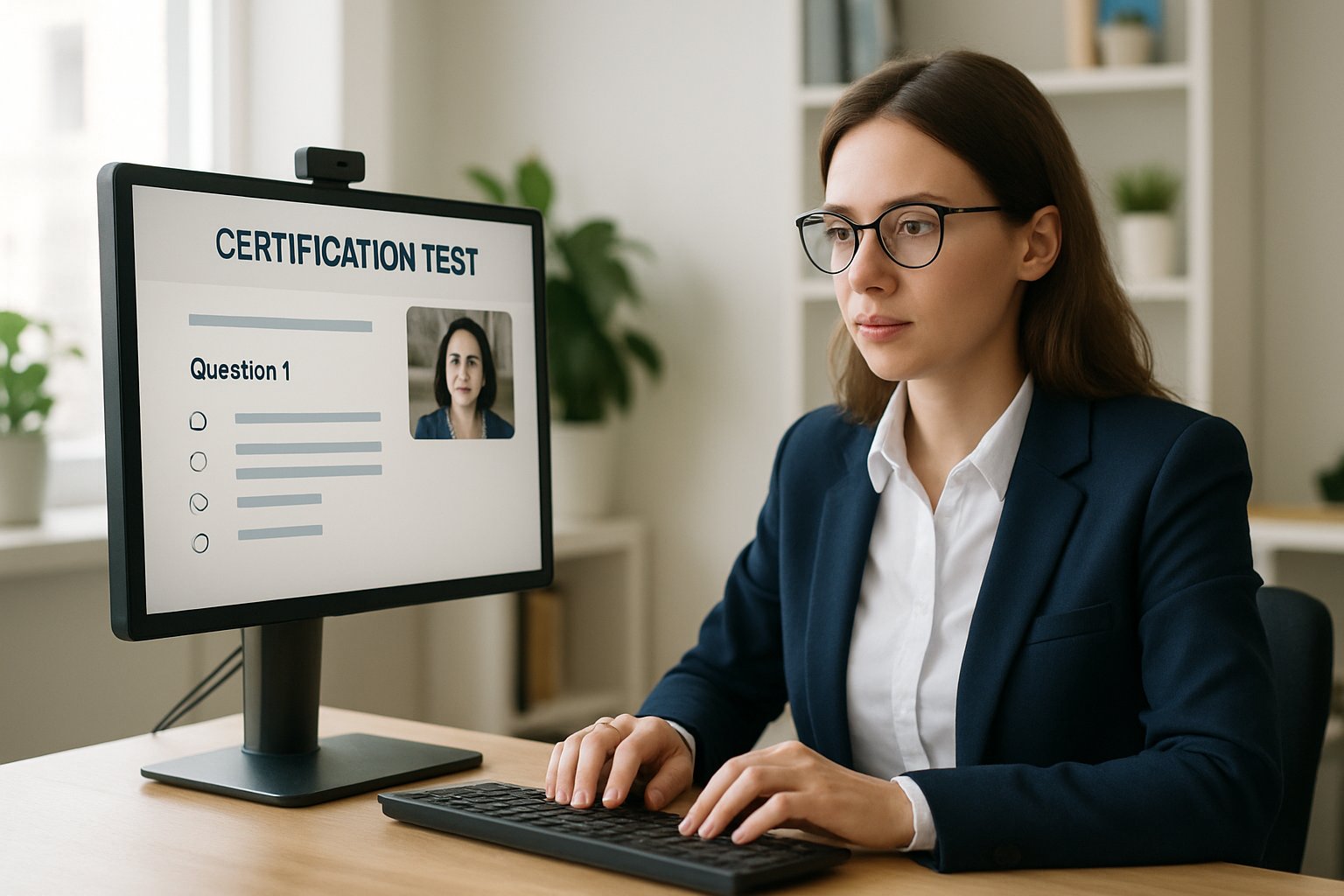
Because learners sit across time zones, online proctoring software offers scale and speed that test centers cannot match. Corporate trainers also prefer flexible scheduling to minimize operational downtime. Therefore, demand continues to rise across sectors.
Key takeaway: Remote assessment growth fuels demand for secure monitoring. Next, we examine the threats challenging exam integrity.
Integrity Risks Intensify Online
Unauthorized collaboration, contract cheating, and generative AI answer-bots threaten credential value. Consequently, institutions must strengthen defenses. Online exam proctoring software supplies deterrence through continuous video, screen, and audio surveillance. Furthermore, AI alerts for suspicious activity flag anomalies within seconds, enabling rapid intervention.
Studies in the Journal of Computing in Higher Education show webcam monitoring reduces average cheating rates. Nevertheless, risk persists when exams move unproctored. Therefore, multi-layer safeguards remain critical.
Key takeaway: Digital cheating tactics evolve quickly. Robust oversight counters these tactics. The following section explains how.
Remote Proctoring Software Role
Comprehensive platforms combine several protective layers. Live human supervisors can intervene in real time. Meanwhile, recorded sessions allow post-exam audits when alerts arise. Additionally, AI proctoring software analyzes gaze, keystrokes, and room audio.
Modern suites embed lockdown browsers, motion detection exam software, and voice detection in online exams for extra control. Furthermore, identity verification compares photo IDs with real-time facial biometrics, blocking impostors instantly.
- Live human oversight for high-stakes tests.
- Automated AI alerts for suspicious activity at scale.
- Lockdown browsers and device control.
- Detailed video and log archives for forensics.
Key takeaway: Layered features combine human judgment with automation. Next, we outline each model in detail.
Proctoring Models Explained Clearly
Institutions choose among three main approaches.
First, live online proctoring software connects test-takers to trained hosts through secure video. Consequently, interventions happen instantly, yet staffing costs remain higher.
Second, recorded online exam proctoring software captures sessions for later review. AI triage reduces human workload while preserving evidence.
Third, fully automated AI proctoring software relies on algorithms alone, cutting cost but increasing false-flag risk. Therefore, many programs blend recorded sessions with selective human audits.
Key takeaway: Each model offers trade-offs in cost, speed, and accuracy. Privacy becomes the next critical consideration.
Balancing Privacy And Equity
California’s Student Test Taker Privacy Protection Act limits data collection and mandates minimization. Consequently, vendors now disclose retention timelines and deletion workflows.
Nevertheless, critics warn that motion detection exam software may misinterpret neurodivergent behaviors. Moreover, research finds facial analysis less accurate for darker skin tones, amplifying bias concerns. To mitigate harm, institutions should:
- Conduct impact assessments before deployment.
- Offer alternative testing venues upon request.
- Publicly post model performance by demographic group.
- Enable consent-based voice detection in online exams.
Key takeaway: Transparent governance builds student trust. We now turn to selecting the right solution.
Selecting Robust Proctoring Tools
Procurement teams must align features with risk profiles. Firstly, verify that the platform integrates AI alerts for suspicious activity with clear escalation paths. Secondly, prioritize vendors audited for accessibility and security. Thirdly, ensure motion detection exam software functions under low bandwidth. Additionally, evaluate how often the system updates its voice detection in online exams module.
When piloting, gather feedback from disability services and student unions. Consequently, early adjustments prevent large-scale issues later.
Key takeaway: A rigorous, inclusive selection process safeguards reputation. Finally, we explore future developments.
Future Trends And Regulations
The next wave will emphasize privacy-preserving machine learning. Federated models will keep personal data on local devices. Furthermore, regulators worldwide consider frameworks similar to California’s statute. Therefore, compliance stakes will climb.
Simultaneously, AI proctoring software will add explainable flagging dashboards, clarifying why alerts fire. Moreover, integration with learning analytics will help educators redesign assessments that naturally deter misconduct.
Key takeaway: Innovation and regulation will advance in tandem. Institutions must stay agile.
With the landscape mapped, we conclude with action steps and the Proctor365 advantage.
Conclusion: Secure, fair, and scalable assessment now depends on thoughtful use of remote proctoring software. Institutions should match risk with monitoring depth, adopt transparent policies, and demand accountable AI. By combining human oversight, AI alerts for suspicious activity, motion detection exam software, and voice detection in online exams, they protect credential value without sacrificing student rights.
Why Proctor365? Proctor365 delivers enterprise-grade remote proctoring software powered by adaptive AI. The platform offers advanced identity verification, smart voice detection in online exams, and responsive motion detection exam software. Its AI proctoring software scales effortlessly to millions of sessions while maintaining less than 1% false-alert rates. Trusted by global exam bodies, Proctor365 lets your organization focus on learning outcomes, not logistics. Elevate exam integrity today at Proctor365.ai.
Frequently Asked Questions
- How does remote proctoring software ensure exam integrity?
Remote proctoring software safeguards exam integrity with continuous video, audio, and screen monitoring, integrated AI alerts, and robust identity verification methods. These measures deter cheating and unauthorized collaboration, ensuring valid, secure assessments. - What features distinguish Proctor365’s remote proctoring platform?
Proctor365 integrates advanced AI proctoring, smart voice detection, responsive motion detection, and real-time human oversight with secure identity verification. Its adaptive system scales to millions of sessions while minimizing false alerts and ensuring robust fraud prevention. - How does Proctor365 address privacy, bias, and accessibility in online exams?
Proctor365 adheres to stringent privacy standards and regulatory guidelines by implementing minimal data collection, transparent storage policies, and alternative testing options. Their system optimizes identity verification and AI algorithms to reduce bias, ensuring equitable online assessments. - What should institutions consider when selecting a remote proctoring tool?
Institutions should evaluate proctoring tools based on robust AI integration, fraud prevention capabilities, regulatory compliance, and adaptability to differing network conditions. User feedback, accessibility support, and transparent data practices are vital for informed decision-making.






